Samba sharing works really neatly in v1.3.2-beta2!
I’ve set up some shares, some special users and the 1st Time Machine backup is running.
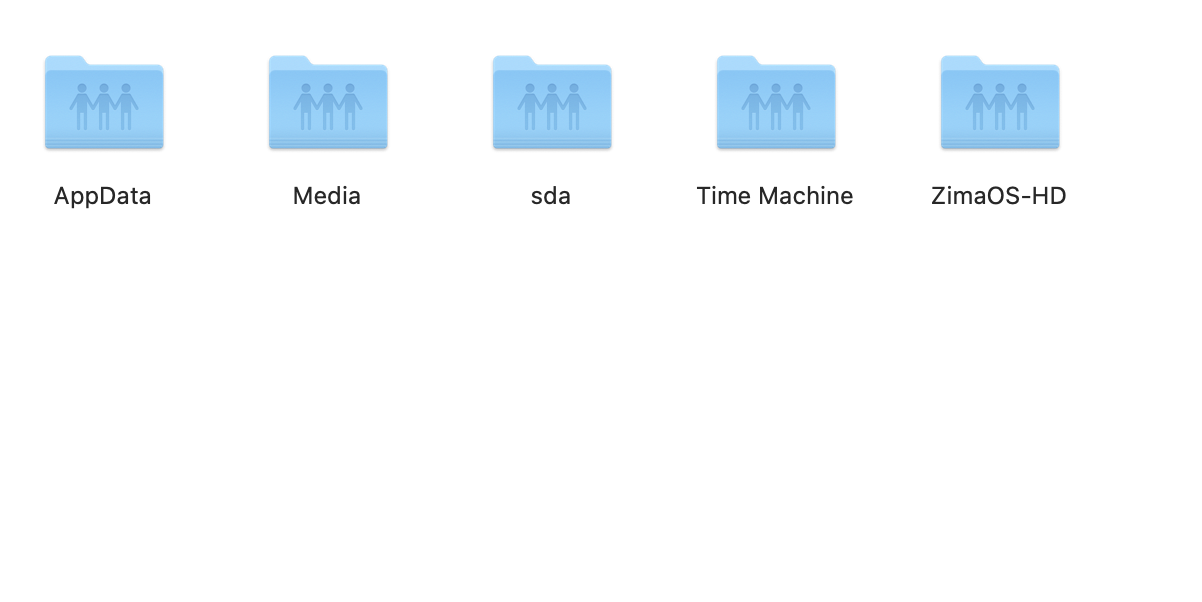
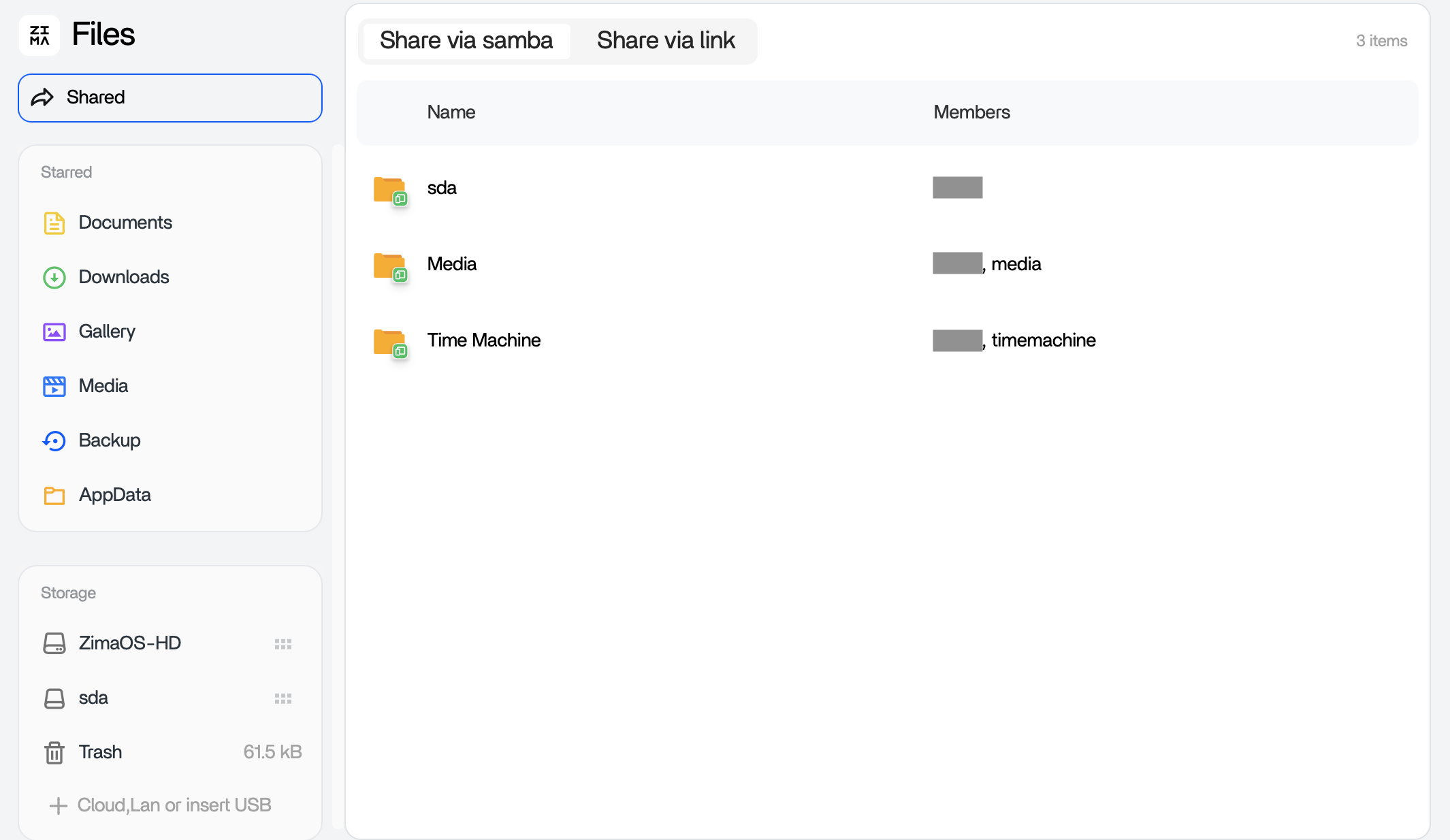
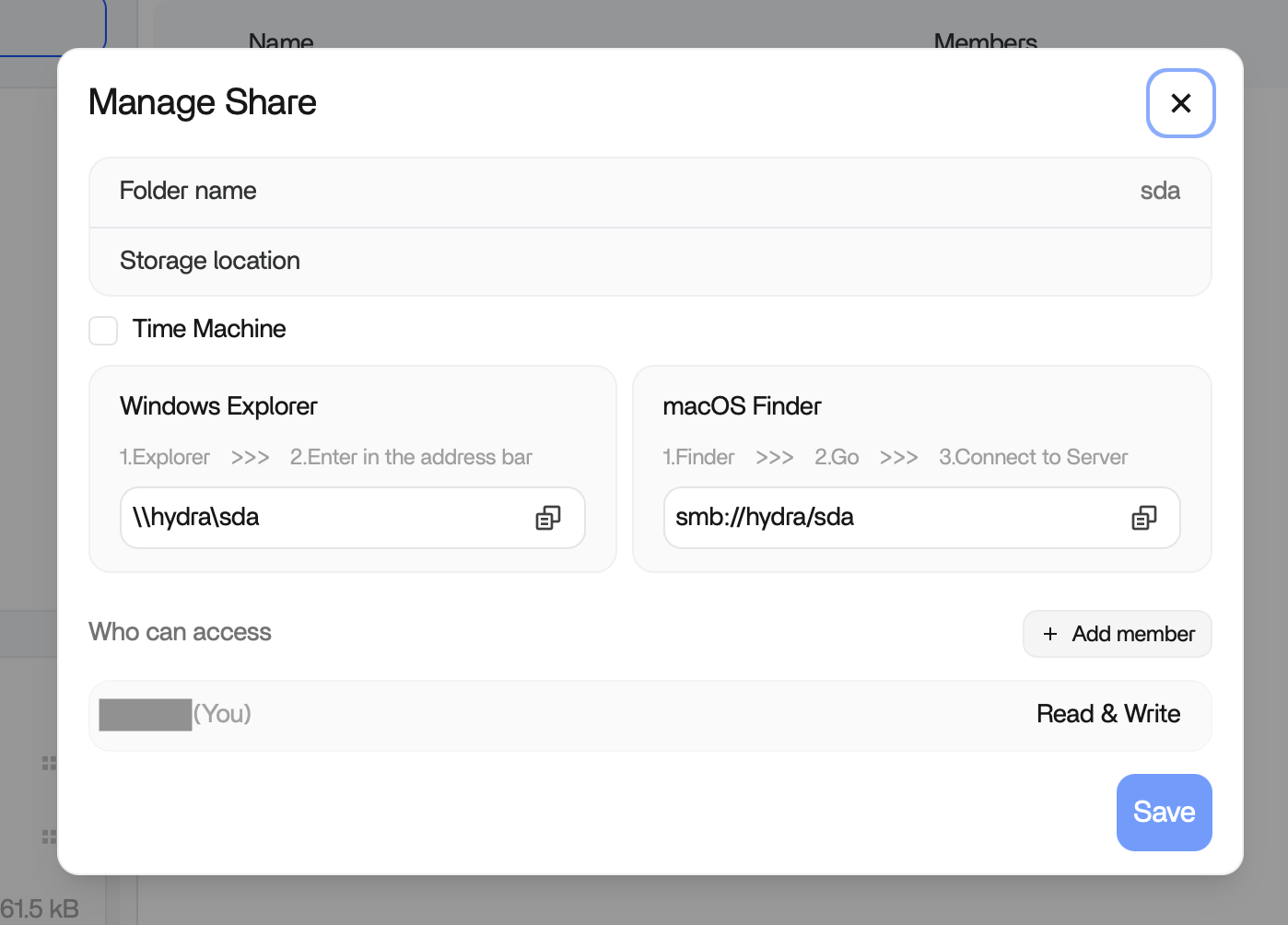
I see that Samba does share whole drives from /media by default:
ZimaOS-HD and sda are my physical drives. Or kind of, at least there are mounted under /media.
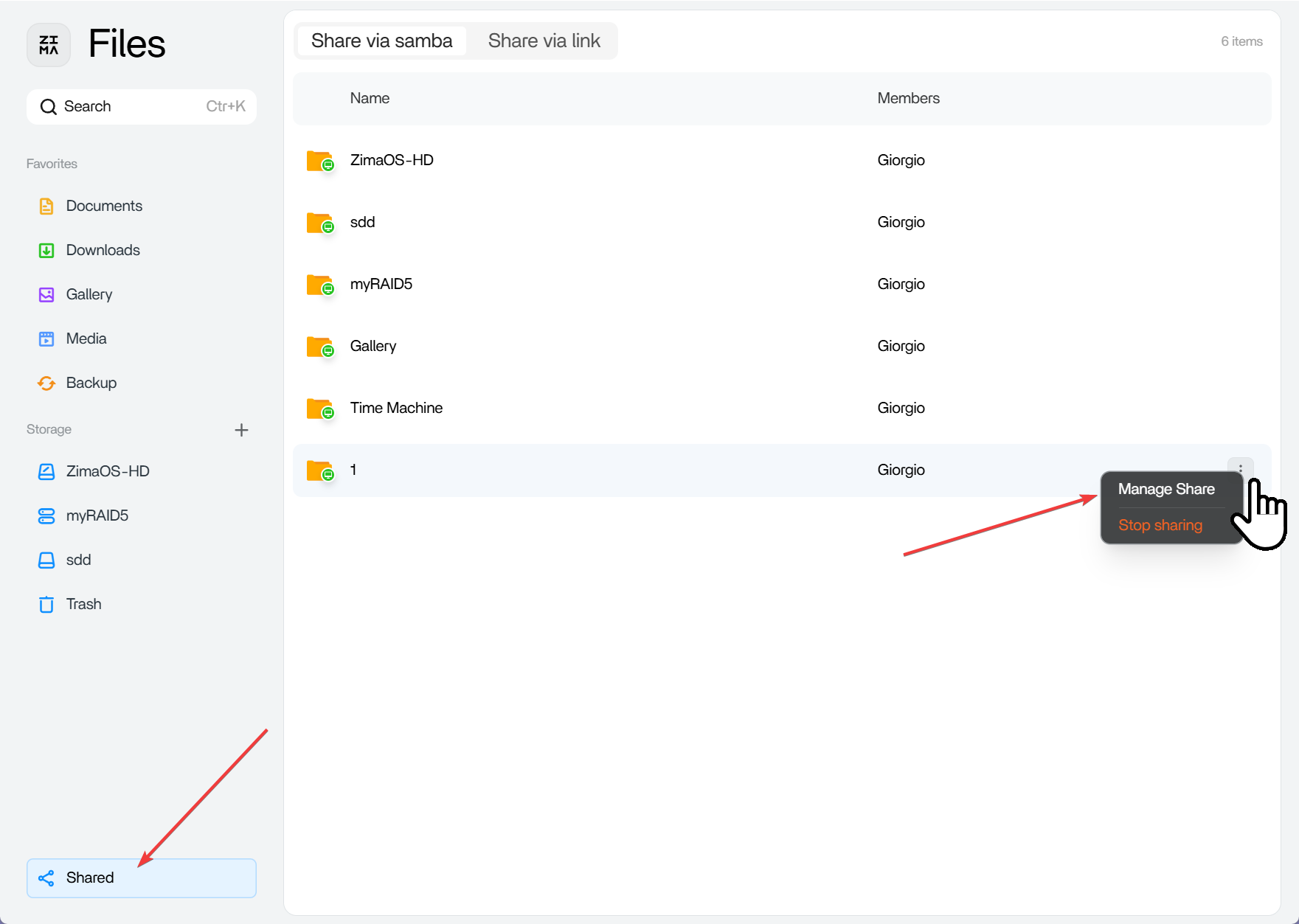
This might be OK for beginners, but I’d prefer to only share specific folders, also for my main user. So I ask you to let us to stop sharing of whole drives.
Hello, I am the product manager of ZimaOS
Receive your request and understand your concerns about Samba share whole drives
ZimaOS will make changes that allow you to turn it off @WuzzyFeasel
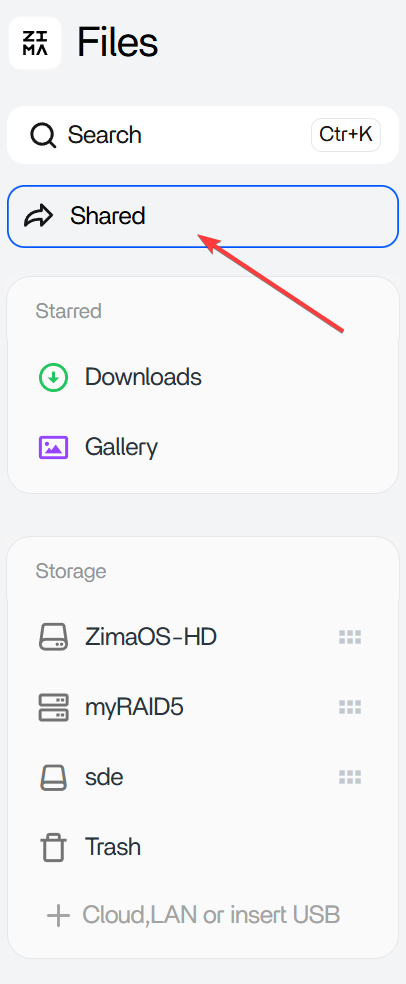
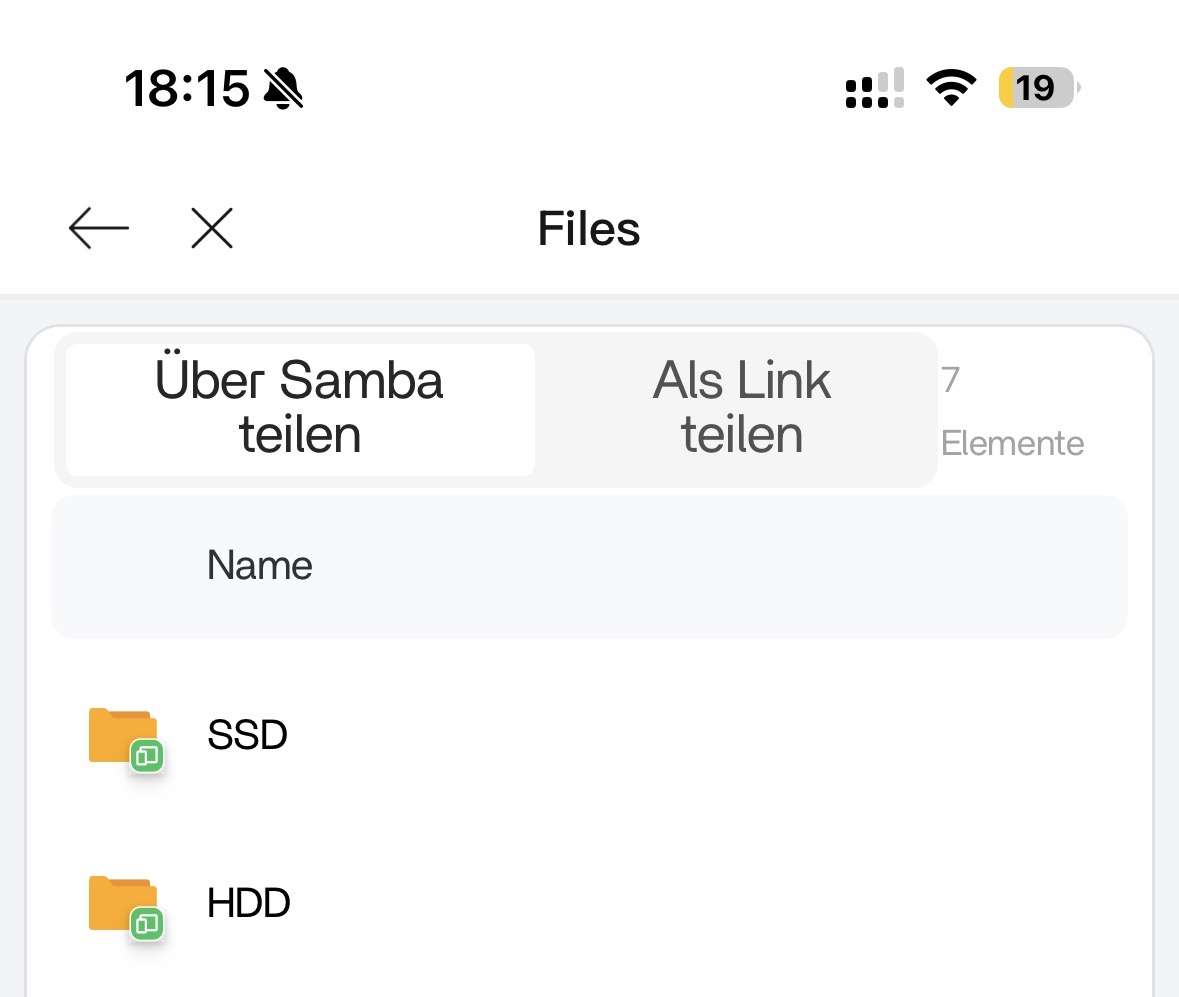
Hi Giorgio, do you mind sharing your infos on this? My drives are auto-shared as well with my standard user and there is no button to stop the sharing.
It buggs the hell out of me and I would appreciate any help here!
According to a recent case, some Windows users stored the primary account user information very early, which allowed direct access to ZimaOS shared content without entering the account password. The solution is to delete such stored authentication information in the control panel. Please see if this applies to your situation.
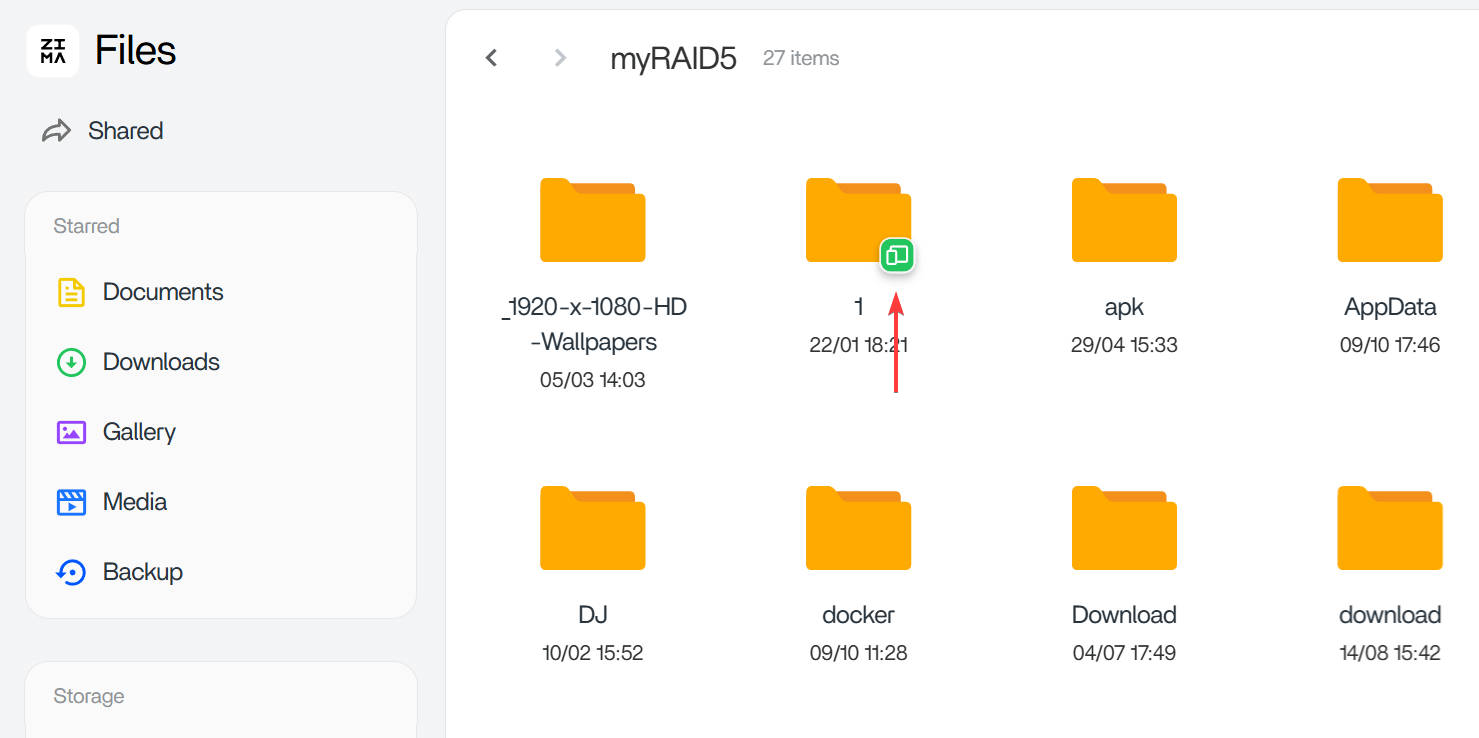
I think it’s a “visual” aspect of it. Looking quickly at it, having the icons the same, it just LOOKS like they are both shared. Even knowing you have to enter credentials to actually share the drive.
It‘s more about cosmetics and I assumed that something is wrong. I would not know if i would not have asked. Would be great to see such notice („its default“) in the documentation.
hi. I would just like to request to please consider to not “auto-share in samba” all the drives (For security purposes). i just installed zimaos in my old pc and it is wonderful. thank you very much for this OS.