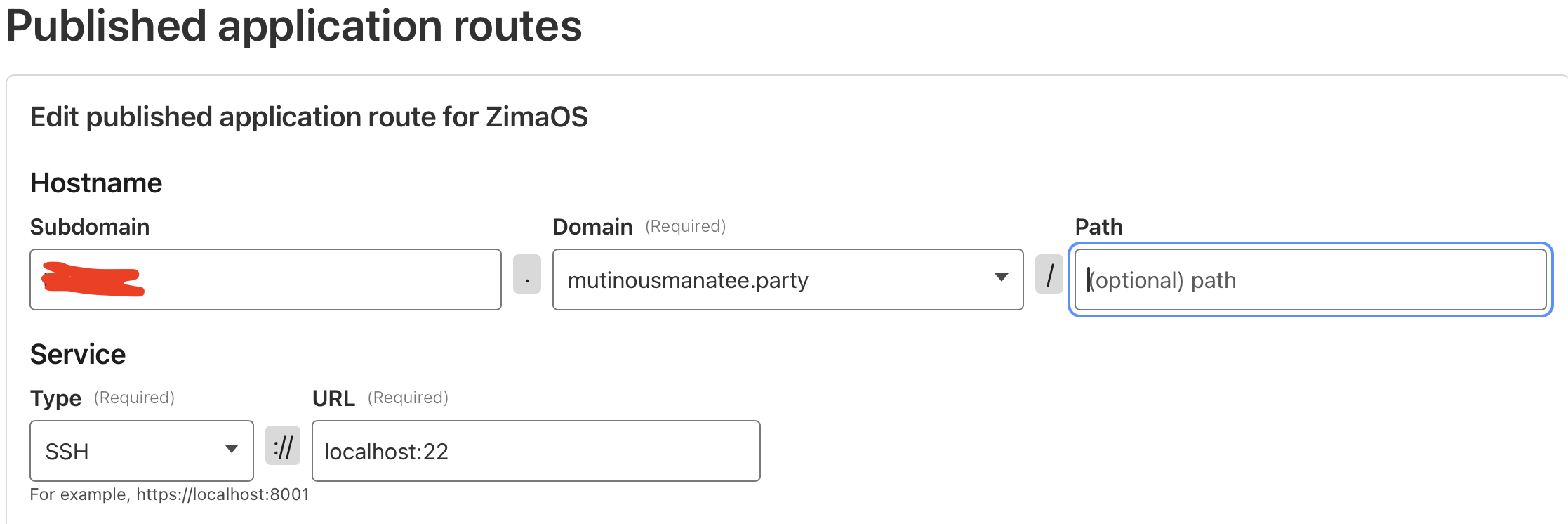
I currently have all containers configured through Cloudflare Tunnels for remote access. But I’ve not been able to get Cloudflare working to access my ZimaCube via SSH.
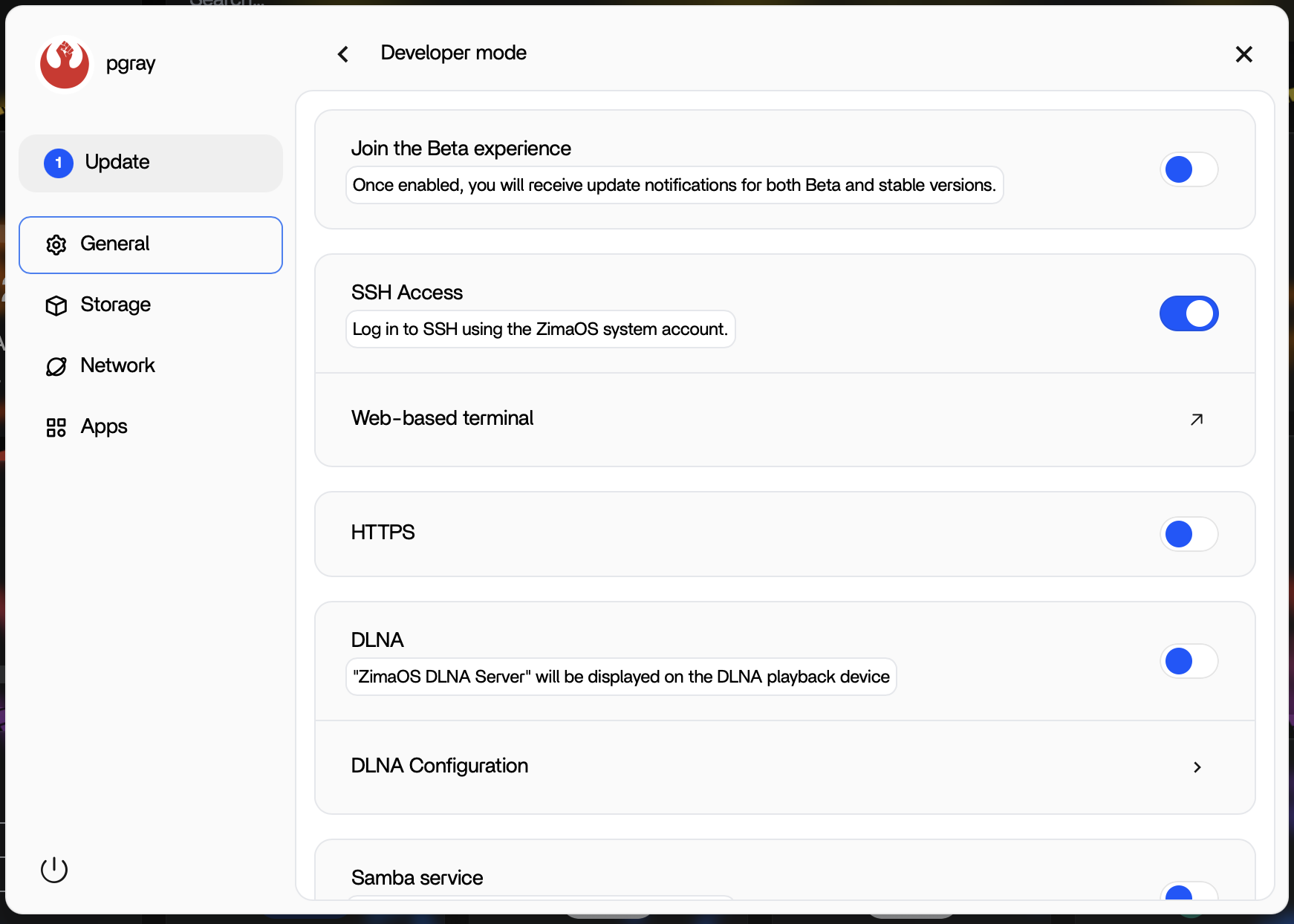
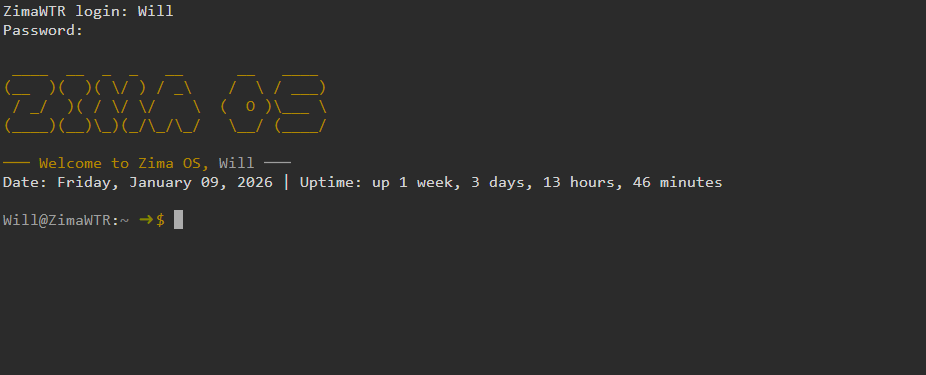
I’ve enabled remote SSH in Developer Settings in ZimaOS, am able to login on the Zima SSH web client or by connecting directly to ZimaCube’s local IP, but cannot get it to connect through Cloudflare (it eventually times out).
I have Tailscale installed as well, if someone has remote SSH working through it and has advice. Thanks!
1 Like
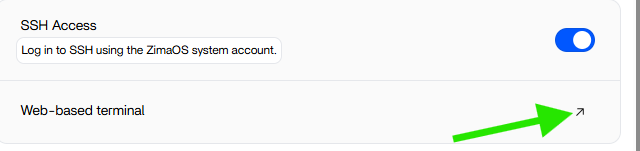
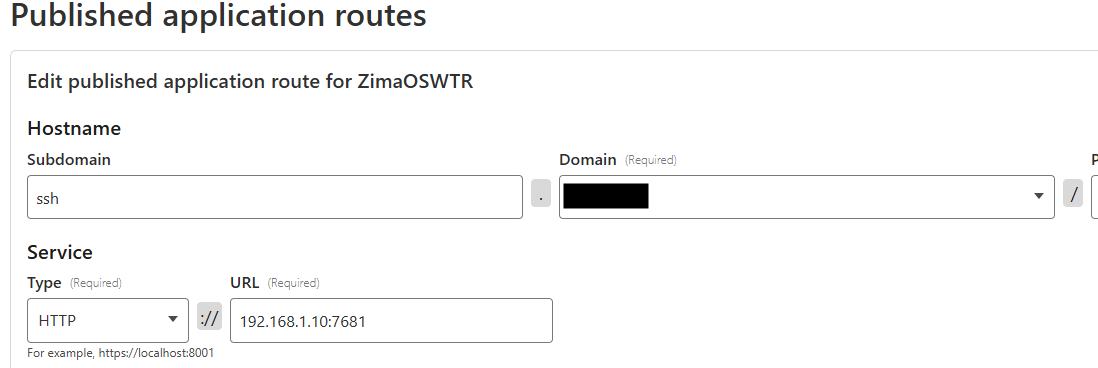
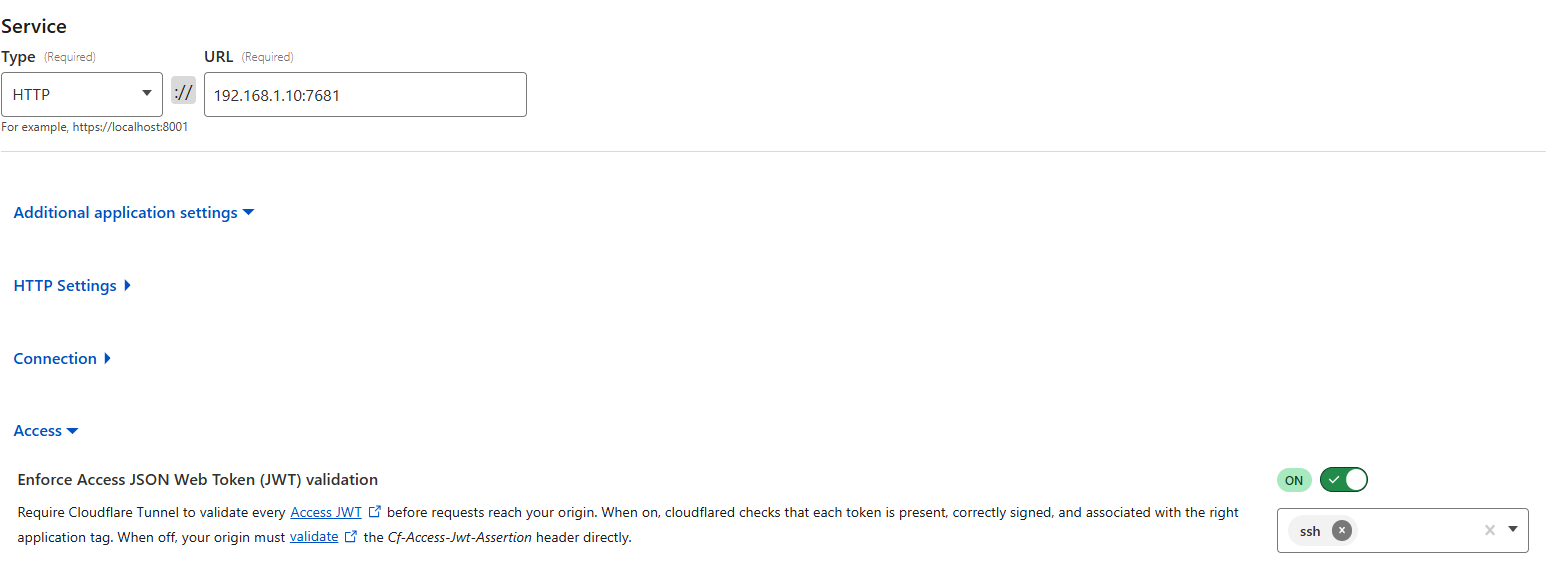
Native SSH will not work through Cloudflare without having a client on the computer you are trying to SSH from. But there is a solution. Where you enabled SSH, there is an arrow to lanch the web SSH app, This works through cloudflare. Set it up as an app route there.
It opens to http://192.168.1.10:7681 (your servers ip) Set that up in Cloudflare
If you need it bigger you can use the browser zoom function to increase it.
Another option is install Guacamole on it, and it has the ability to RDP any box on the network, VNC, and yes SSH too. It’s SSH is better than this web interface and works great too.
I use both of these methods to access SSH from off network.
Another thing I suggest is setup authentication to use Cloudflare. I have one time use email auth, and Sign in with Google working with it now even for services that require a login too. Use their quality blocking of bad actors as a first line of defense.
So, direct SSH only if you can install the Cloudflare client on the computer you are trying to access from (This is true for SSH, SMB, and RDP) That is why I ended up instaling Guacamole. Still need to find a solution for SMB without installing a client on my work workstation.
I believe this is timing out because your tunnel route is set to localhost:22.
If cloudflared is running in Docker, localhost means inside the container, not your ZimaCube host, so the tunnel can’t actually reach SSH.
I suggest either:
- run the
cloudflared container in network_mode: host, then localhost:22 works, or
- change the route target from
localhost:22 to your ZimaCube LAN IP like 192.168.x.x:22.
Also worth noting: Cloudflare SSH often requires connecting via cloudflared access ssh ....
If you already have Tailscale installed, honestly that’s the easiest solution: just ssh user@100.x.x.x (or MagicDNS hostname) and it works immediately.