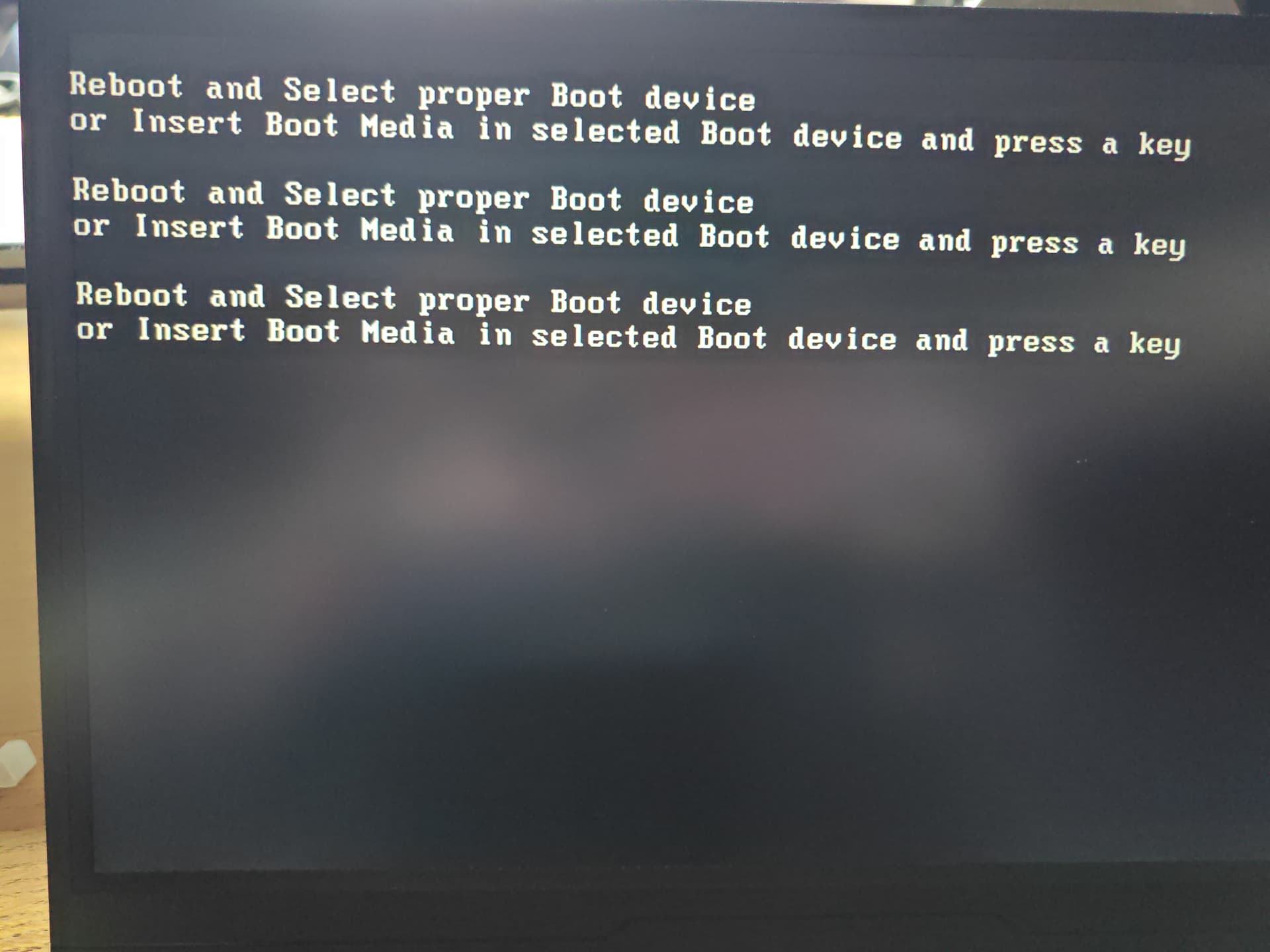
Hi all. I was in the process of actually seeing up my new Zimablade NAS kit that I bought last month. I set it up to merge the 2xSATA drives and one NVMe drive. During installing and updating Immich there was a fault which rebooted the kit.
On rebooting I got nothing, so I’ve stuck a monitor, keyboard etc on and an getting the above message, so have gone ahead and followed the instructions to reinstall CasaOS onto the inbuilt storage in the website, have even tried disconnecting the other 3 drives and am still getting this message.
Any ideas please?
Now trapped, can’t boot, can’t do much but I can still type in the Debian text side of things… But no idea what I’m doing there.
I have been noticing sometimes when I do a warm reboot, not a cold (power cycle) but a restart, the system will either drop into the bios or will rearrange the boot order for my OS. I installed Ubuntu on this hardware platform and for some reason, it keeps flip-flopping around to other boot sessions. Hope that helps.
If these 10 units I purchased are rebooted too fast (say 10 or 20 seconds) they sometimes INJECT some alternate boot entry into the UEFI table that DOES NOT BOOT and I cannnot figure out how to stop it from happening.
This happened to me after I rebooted. I had uninstalled casaos and was just using the underlying Debian 11. Maybe this changed something in the boot loader but it seems unlikely.
Anyway, the solution was to plug in a keyboard/monitor and go into the BIOS by pressing F11 or DEL at boot. Once in there I could change the boot order and boot the system.