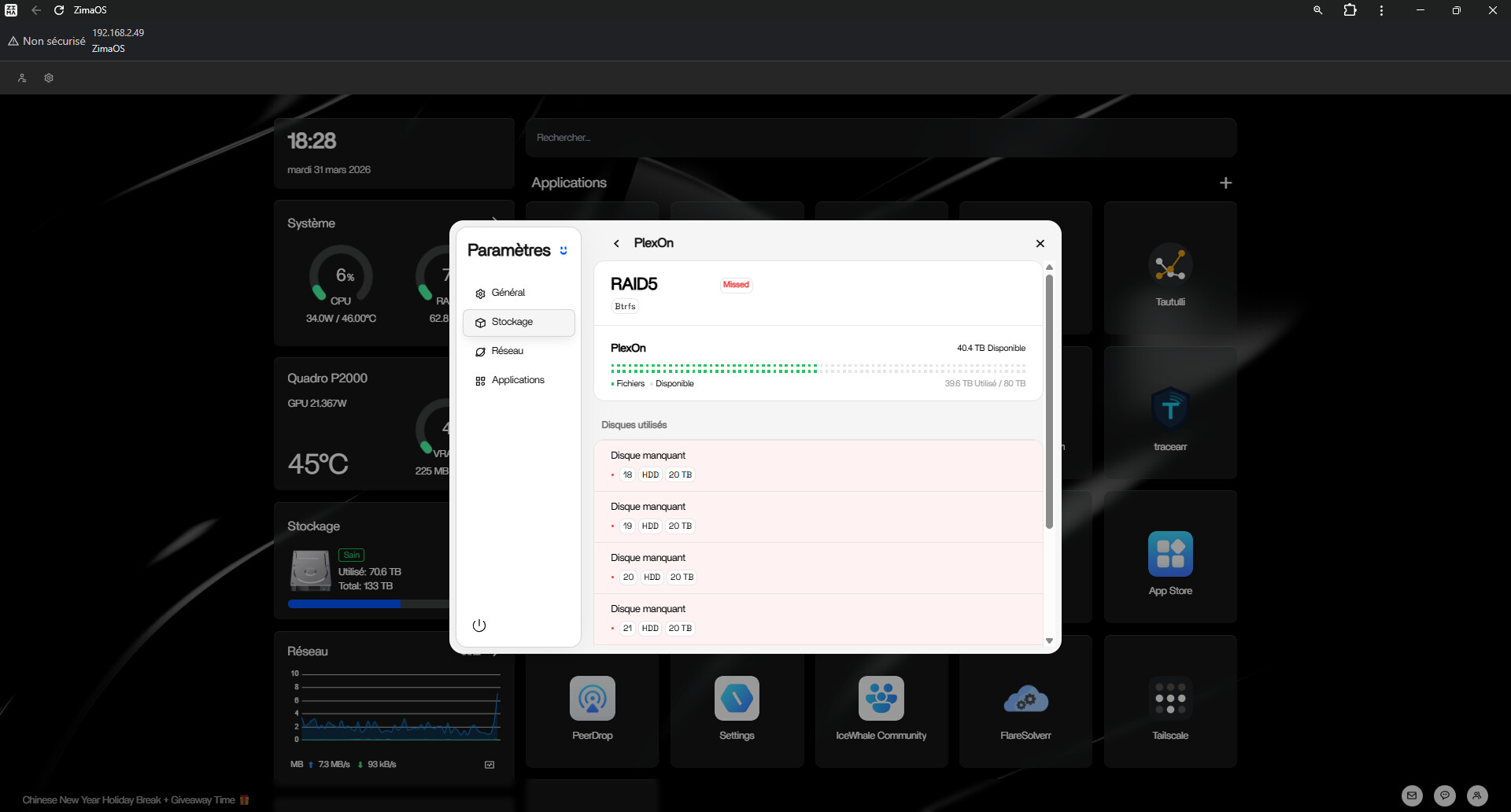
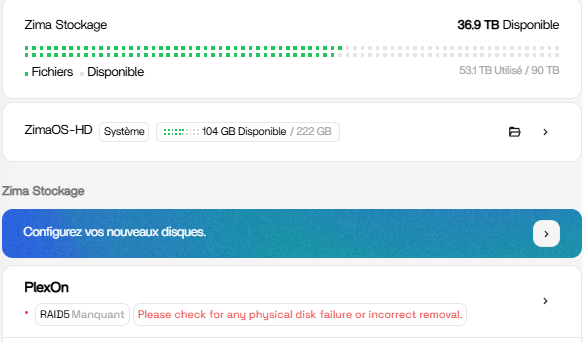
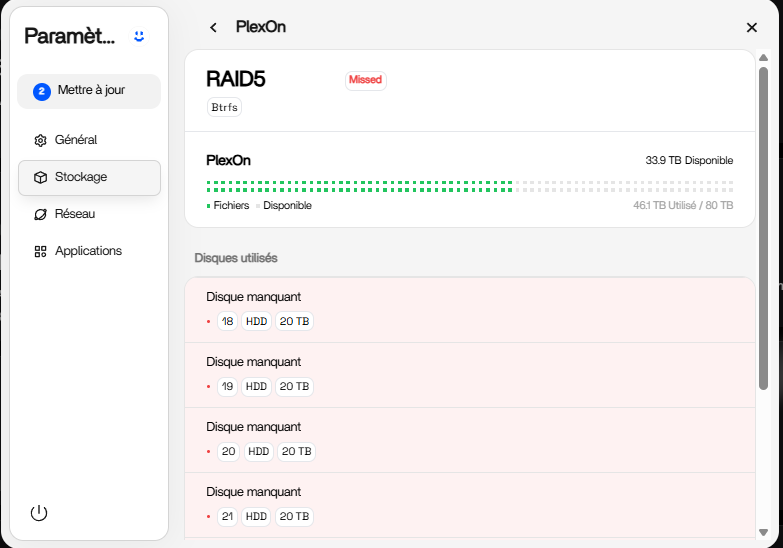
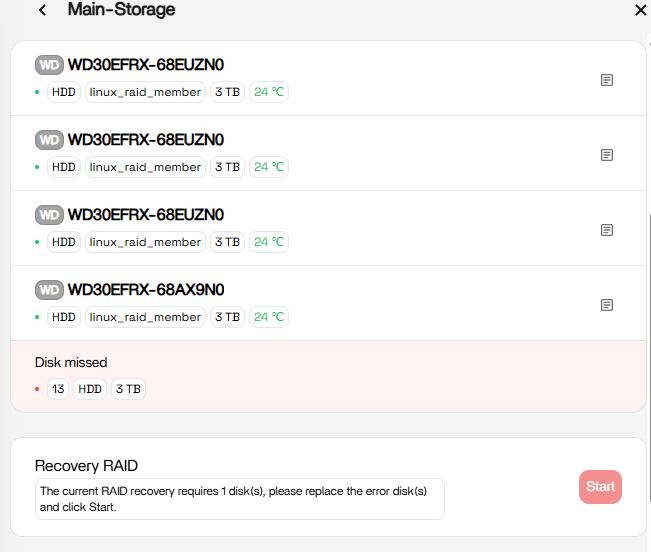
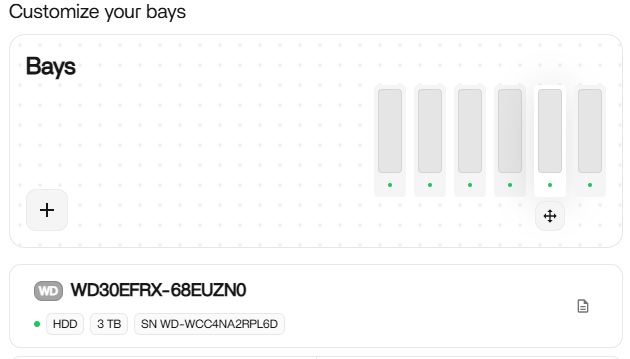
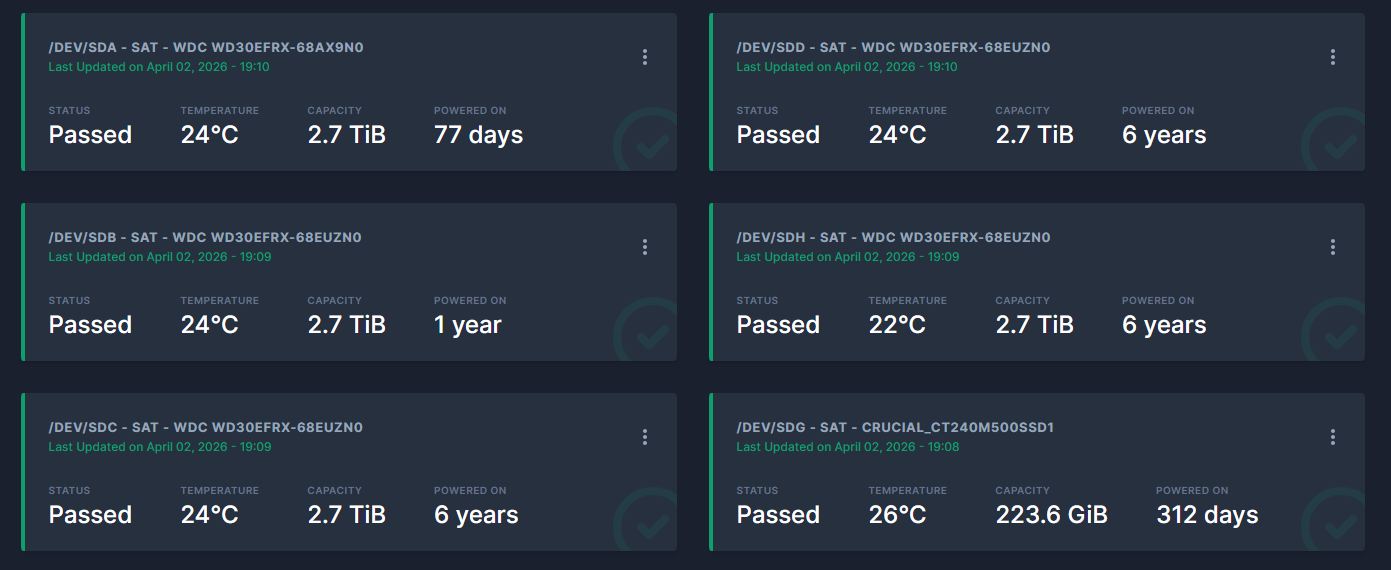
Thank you for your feedback, your phenomenon seems to be that the index of the drive letter does not match, resulting in the display disk missing, in fact, the raid is mounted normally, and the data is not lost normally.
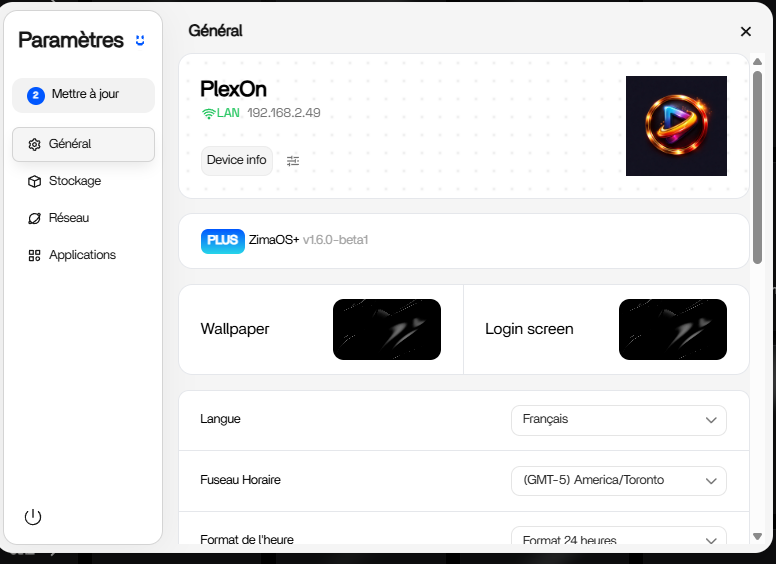
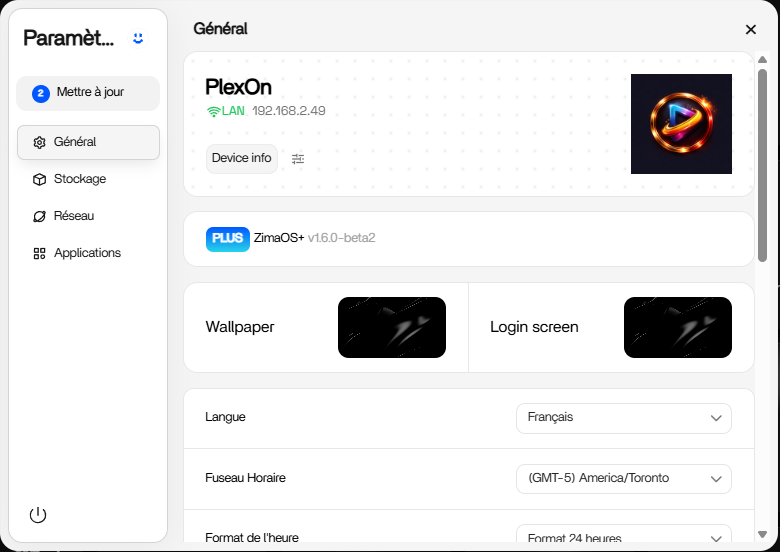
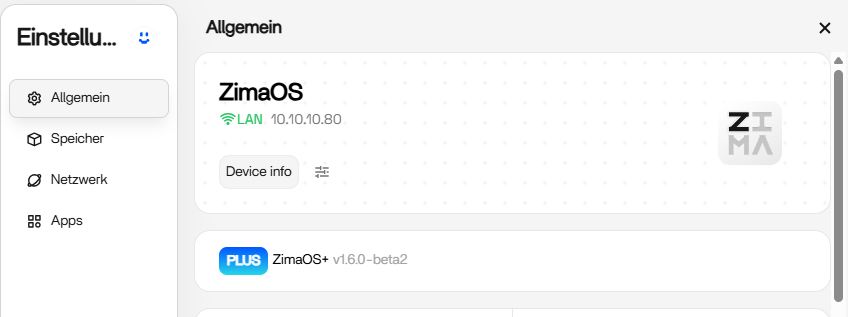
We expect to release the fix v1.6.0-beta2 today, can you help us verify that this fix is working for you?
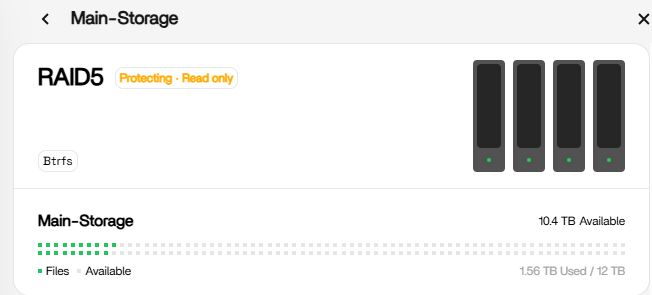
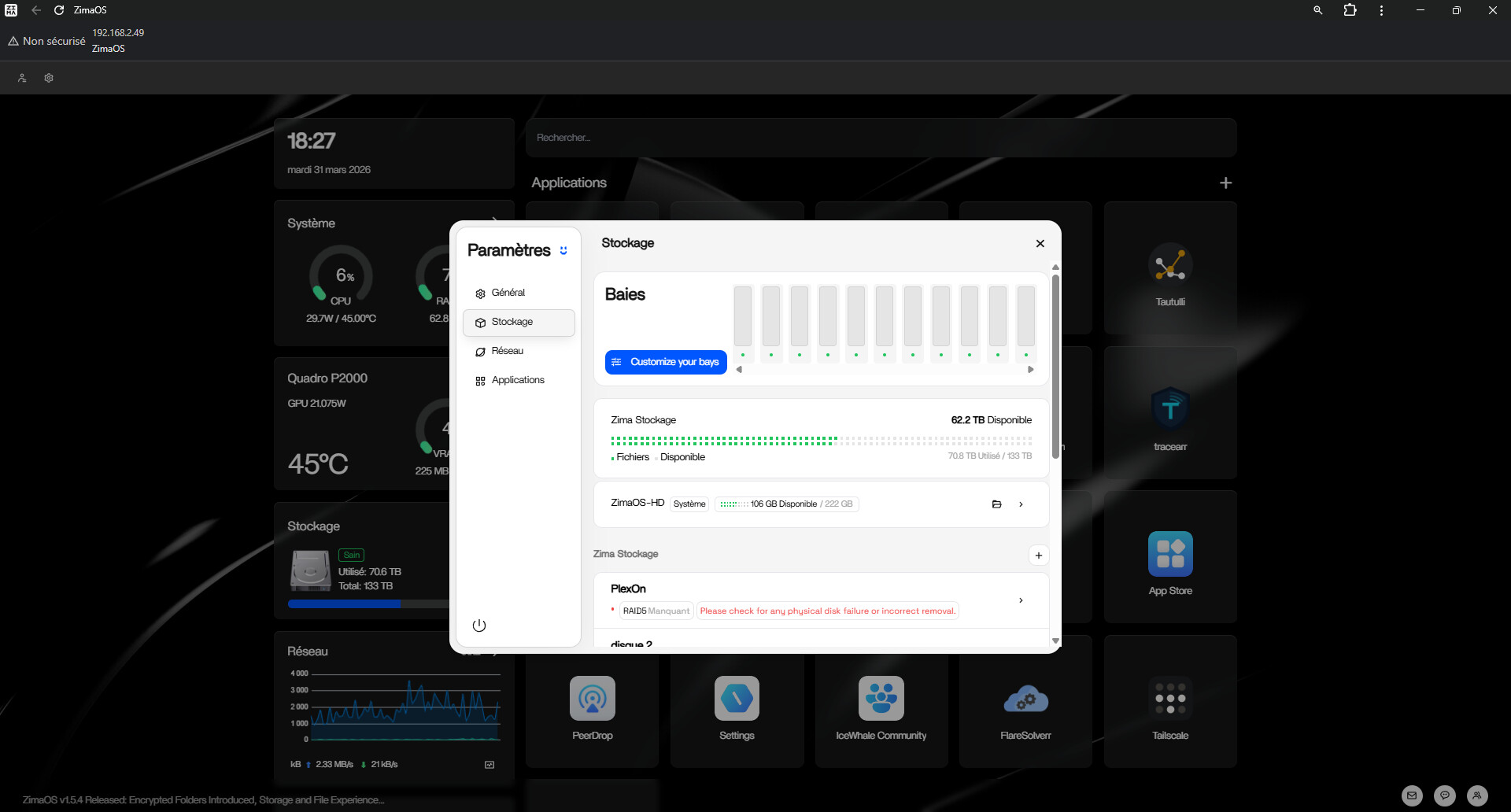
Hi, I have a similar issue here after updating to 1.6.0 Beta 2.
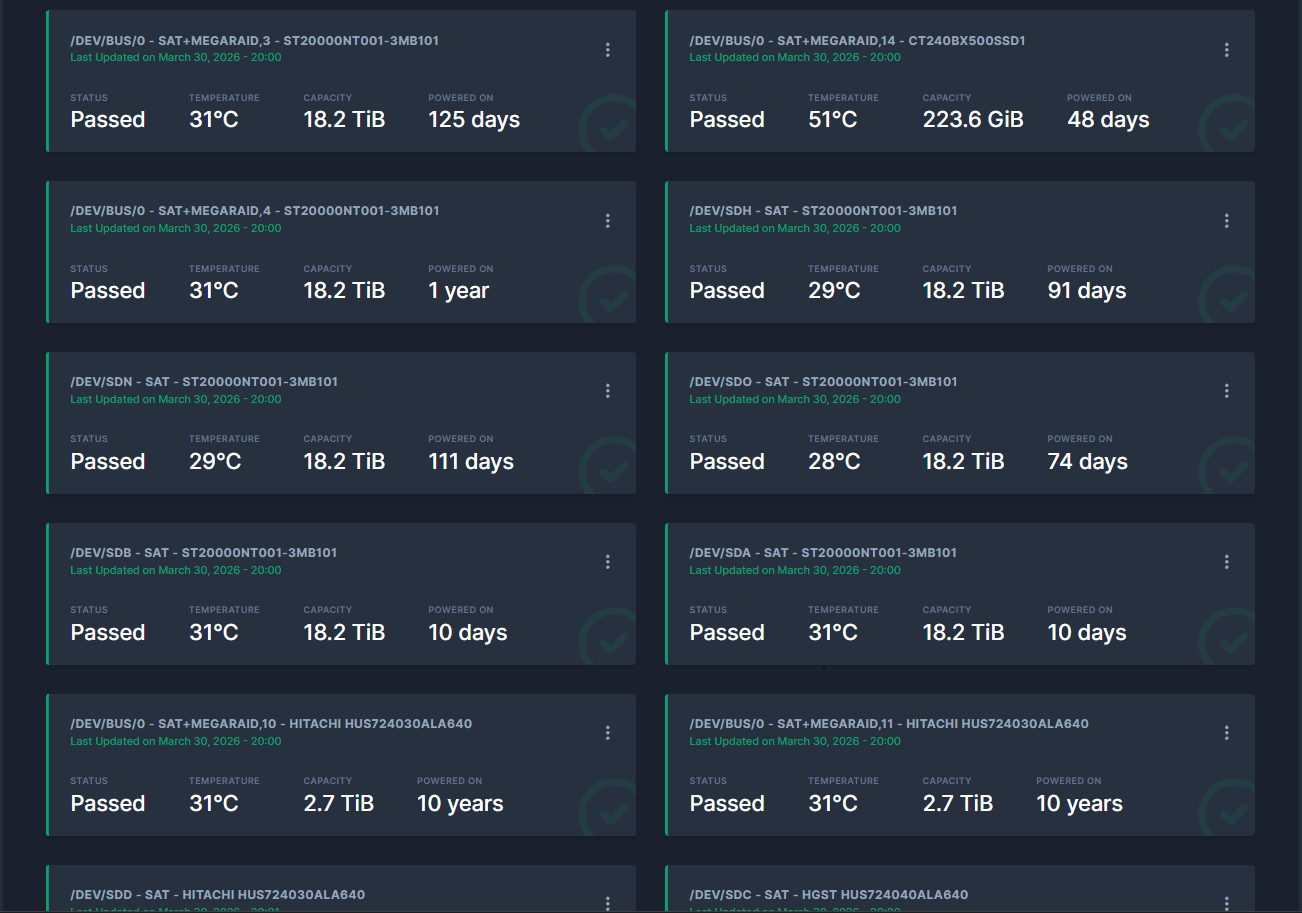
One drive is shown as missed, but all drives are looking good.
Access to the raid is Ok also, its definitely not write protected.
Please run curl -fsSL https://get.casaos.io/diskinfo.sh| sudo bash |
Then go to files, find the diskinfo.log file, and send it to us via dingwen@icewhale.org
Hi, based on our log analysis, this RAID loss is not related to the system upgrade. The main cause is abnormal health status on multiple drives in the array:
/dev/sdc has been marked as faulty by RAID, and SMART reports Current_Pending_Sector = 3005, indicating a large number of unstable sectors. This drive is no longer suitable for use as a RAID member.
/dev/sdb does not show obvious bad sectors, but its power-on time has reached 35158 hours, and Load_Cycle_Count = 1454257. This indicates an abnormally high number of head load/unload cycles and a high risk of mechanical wear.
/dev/sdj has Load_Cycle_Count = 1129542, which also indicates an abnormally high number of head load/unload cycles. Long-term use of this drive in RAID carries significant risk.
/dev/sdi has ATA Error Count = 372 in its SMART log, indicating that the drive has recorded a relatively high number of ATA errors and may also have stability risks.
We recommend that you back up important data as soon as possible and replace the drives with health risks listed above before continuing to use. We will also add a SMART health data viewing feature to the system in the future, so users can detect drive issues earlier and take action in time.