Hi,
I’ve been using the Terramaster F5-221 NAS for a couple years now and i’ve found the Original TOS clunky to say the least, so i was eager to install the latest iteration of ZimaOS and give it a go since i’ve heard great things about it.
Here’s a general overview of the hardware: Intel Celeron J3355 dual-core 2.0GHz processor (burst up to 2.5GHz), 10GB DDR3 RAM (Max capacity supported by the harwdare), and supports 4K H.265 transcoding. 2x 1GbE ports, 2x USB 3.0 ports, 1x HDMI Port, 5 disk bays with 4TB disk on each and an internal USB drive port that serves as boot drive for TOS.
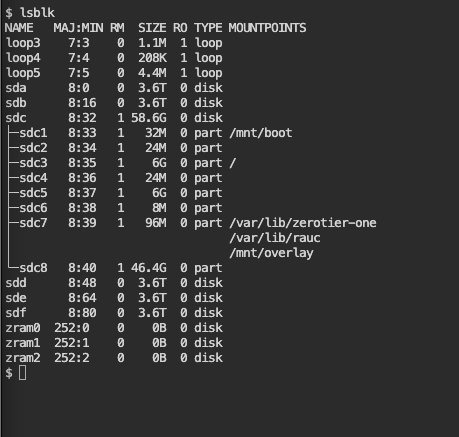
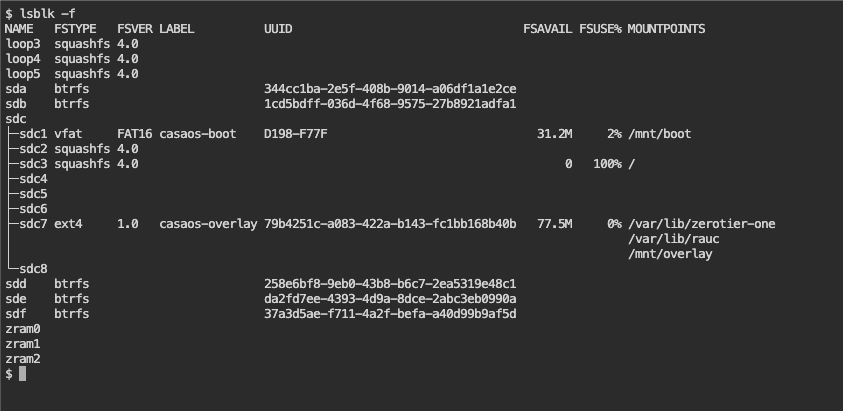
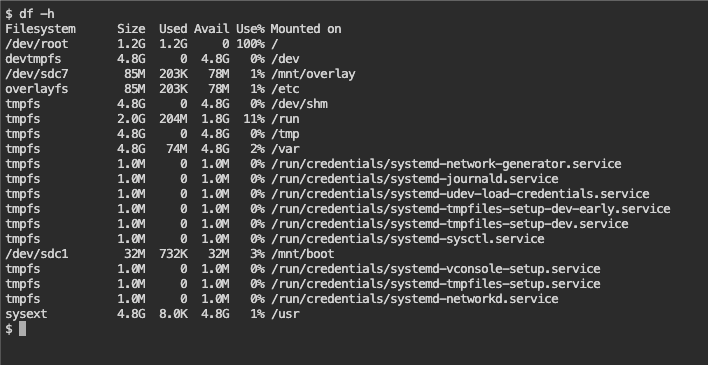
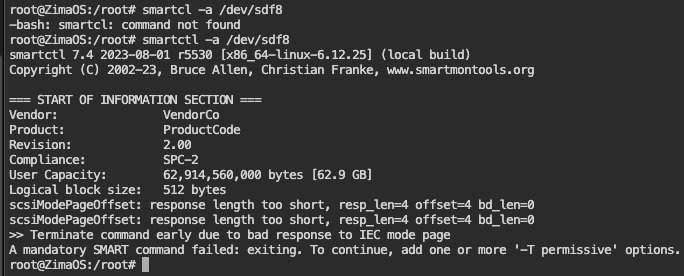
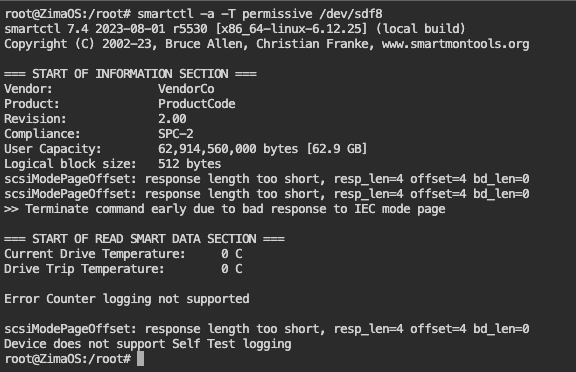
The install went well, i switched the internal USB stick that holds the original OS with a 64gb unit. so that i dont have to use any of the storage bays as a boot drive, after a couple issues the system is installed and the GUI detects the 5 drives, but the problem is that the system reports that the internal storage is full and if i try to launch the files app it tells me that there’s an error loading, and trying to create a RAID5 array it tells me that the location is not empty. i’ll try to add images to the post later when i get home. i’ve tried to restart by ssh the local storage but to no avail.
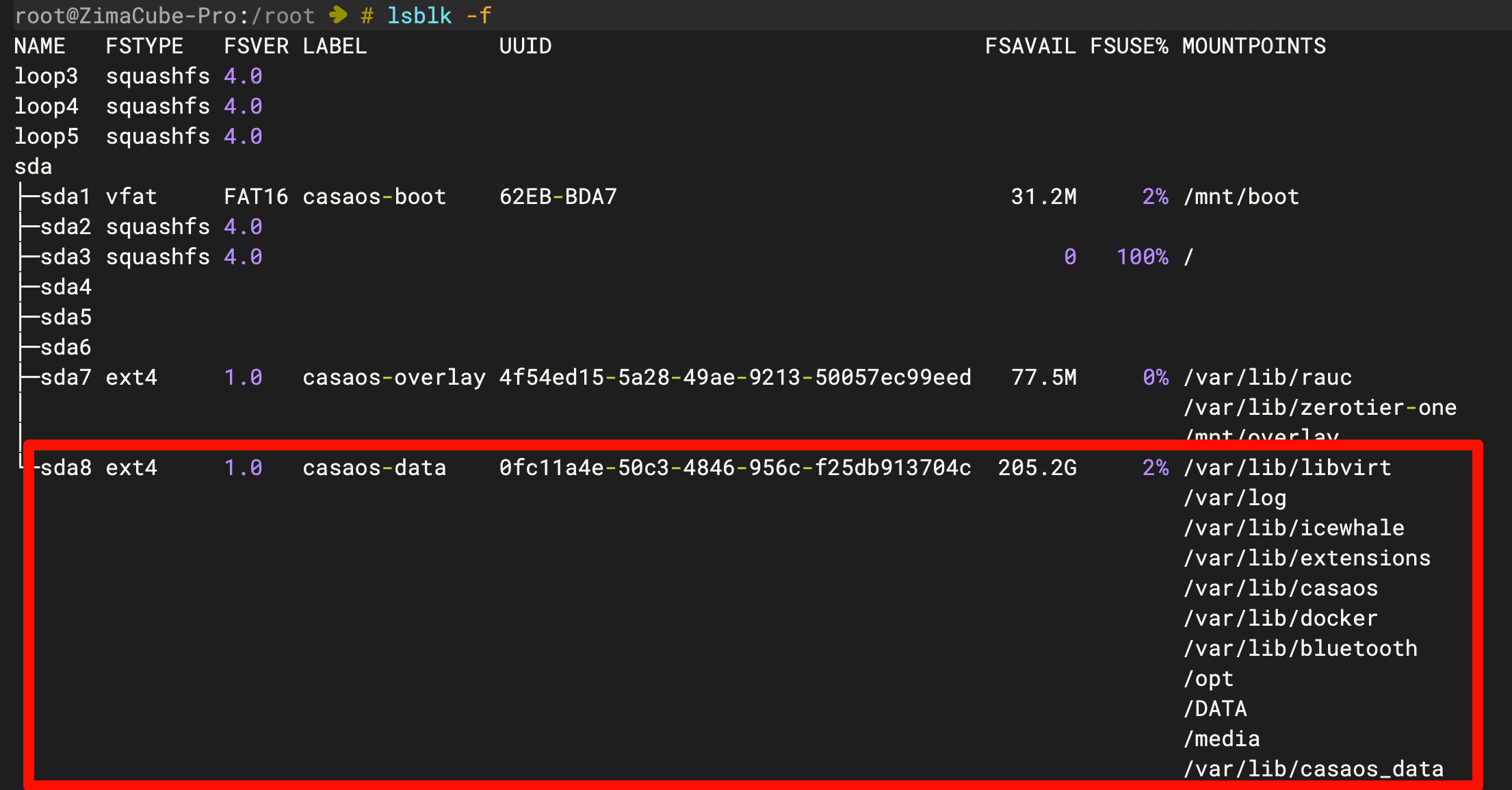
I read somewhere that maybe the installer was not allocating the full 64gb of space in the usb stick and that’s why it reported a full storage and was unable to create the required directories, so i used gparted live to check the way the drive was allocated but it registers 2 almost free partitions labeled “Casaos-overlay” and “Casaos-data” both in the ext4 format and the later with almost 46gb of free space.
any suggestion is well received.