Good questions, and yes, this behaviour fits filesystem damage after the power cut.
Can ZimaOS repair a damaged filesystem?
In practice: no, not reliably.
ZimaOS runs on an immutable / overlay filesystem. There is no supported way to run a proper fsck repair on the system disk from inside ZimaOS. If corruption happened, the system may boot but behave inconsistently, which is exactly what you are seeing.
If it could be repaired, would apps be lost?
System repair would not intentionally delete apps
But app data already damaged stays damaged
Docker containers may still fail even after a repair
So repair is not a clean reset.
What the Pi-hole screen means
“Starting, please wait” followed by “Service not available” means:
Container starts
Internal services fail (DNS, DB, web)
Usually caused by corrupted volumes or broken networking after crash
This is not a Pi-hole config mistake.
The honest solution
If power outages cause:
DNS failures
Apps stuck starting
Reinstalls not behaving cleanly
Then the only stable fix is:
Backup important data
Clean ZimaOS reinstall
Restore apps fresh
After that, use a small UPS. Without it, this will repeat.
You’re not doing anything wrong. This is a known limitation of embedded-style OSes when power is lost mid-write.
That’s a strong indicator of filesystem damage from the power outage.
2. Check Docker state consistency
Run:
docker info | grep -i error
Then:
docker ps -a
Red flags:
Containers stuck in Created or Restarting
Containers that start but immediately exit
Errors about mounts or volumes not found
This points to broken Docker metadata or volumes.
3. Check the Pi-hole volume health
Run:
ls -la /DATA/AppData/pihole
Then:
ls -la /DATA/AppData/pihole/etc
If:
Folders randomly disappear
Permissions reset themselves
Files exist but services still fail
That’s not configuration, that’s storage inconsistency.
4. Check system overlay stability
Run:
mount | grep overlay
If overlay mounts exist but apps behave inconsistently after reboots, that confirms the base system is unstable.
How to interpret the result
Any filesystem or I/O errors > disk state is compromised
Docker behaving inconsistently after reboot > metadata corruption
Apps reinstall but still fail > confirms it’s not Pi-hole
At that point, reinstalling apps will never fully fix it.
Final truth (important)
ZimaOS has no supported in-place repair after filesystem corruption. Once this starts happening, the system may limp along but will keep breaking after reboots or power loss.
Yeah, I know, that part really hurts. Unfortunately once a power cut causes filesystem or Docker metadata corruption, ZimaOS doesn’t have a clean in place repair path yet. At that stage it’s not Pi-hole anymore, it’s the underlying state.
The upside is that a fresh reinstall usually restores stability completely, especially if you add a small UPS going forward. If you want,
For what it’s worth, I’ve reinstalled ZimaOS more times than I can count while learning and testing things. I broke it plenty of times myself before understanding where its limits are, especially around power loss and Docker state.
Once you know that boundary, it becomes much more predictable and stable. I also added proper power protection on my side (UPS + surge protection), and since then I haven’t seen this kind of corruption again after outages or reboots.
That’s actually good news. A clean restart with all apps loading immediately means ZimaOS itself is healthy again. So we can rule out OS or disk issues now.
At this point the problem is isolated to Pi-hole only, most likely leftover state from before the outage.
The next step is simple and targeted, not a full reinstall:
Stop the Pi-hole container
Delete only /media/ZimaOS-HD/AppData/pihole
Start the Pi-hole container again and let it recreate everything
Do not change YAML, DNS flags, or permissions manually.
If Pi-hole works after that (especially after one more reboot), then it confirms this was just corrupted Pi-hole state, not a system issue.
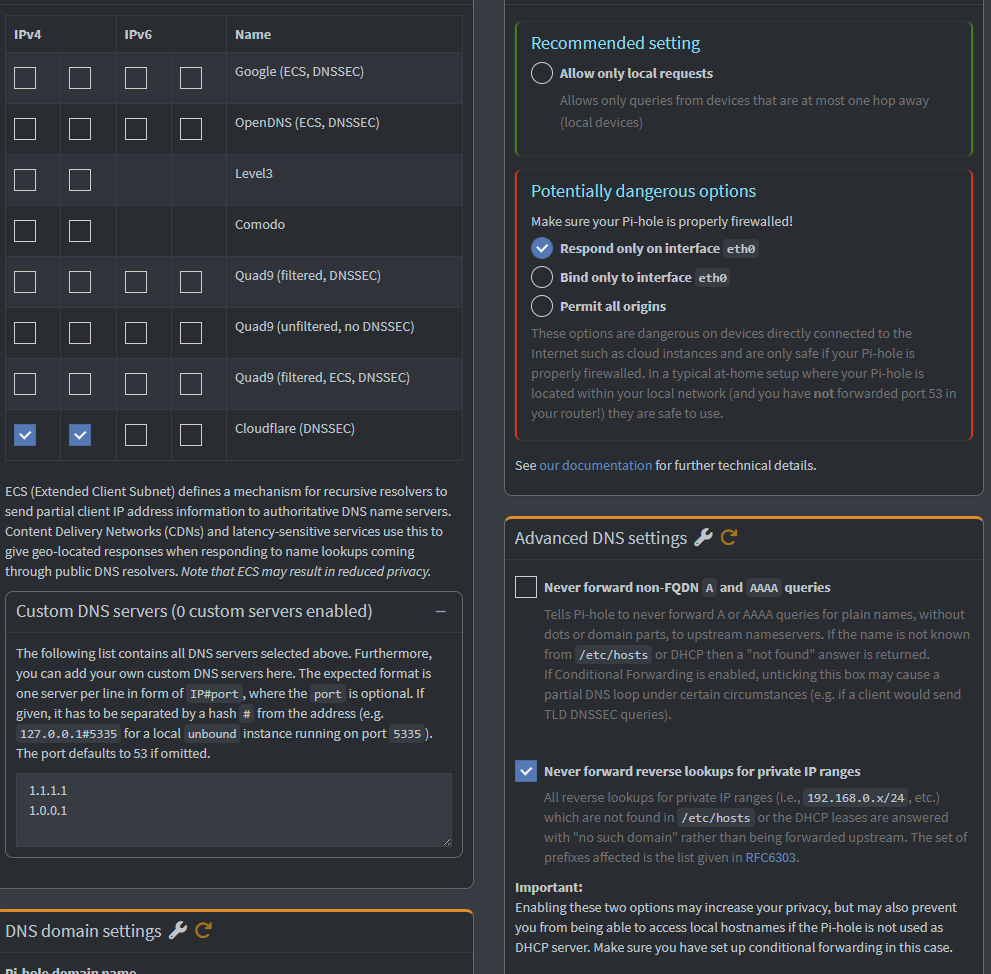
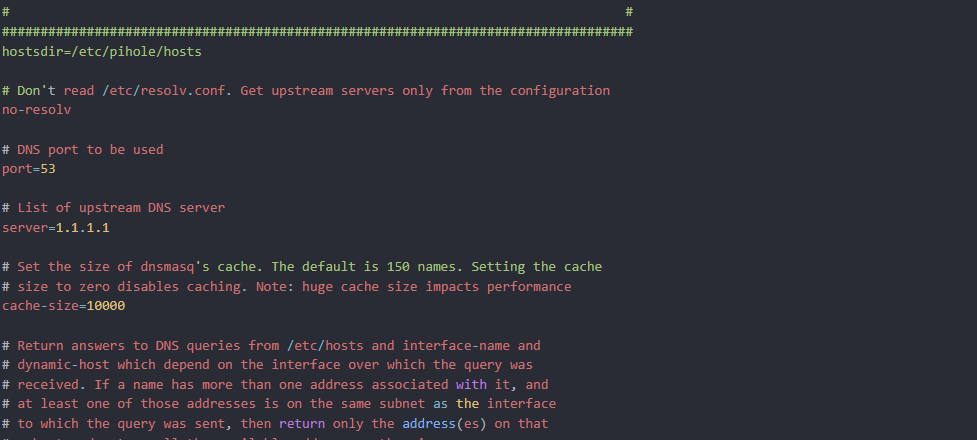
At this point Pi-hole itself is configured correctly. The DNS error is not coming from Pi-hole anymore.
After the power outage, Docker networking did not recover cleanly, so the Pi-hole container is running but cannot reach the network. That’s why changing DNS settings makes no difference.
The fix is simple and final:
Uninstall Pi-hole
Reboot ZimaOS
Reinstall Pi-hole once
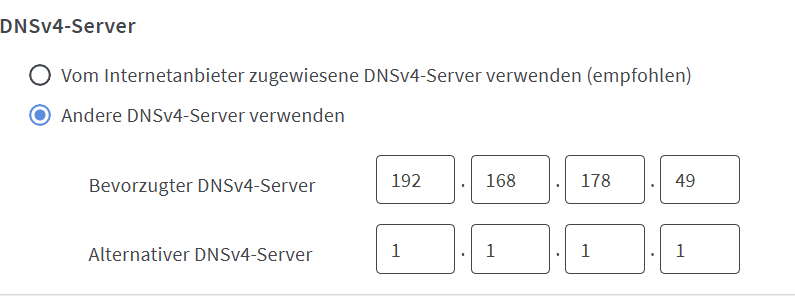
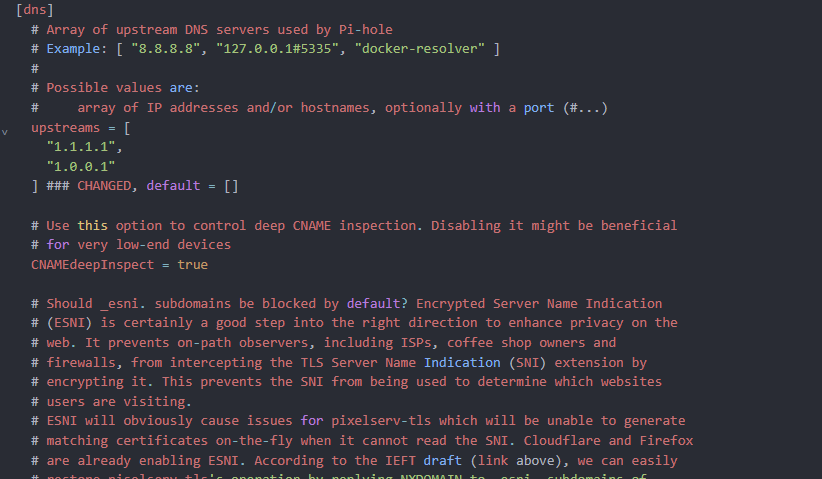
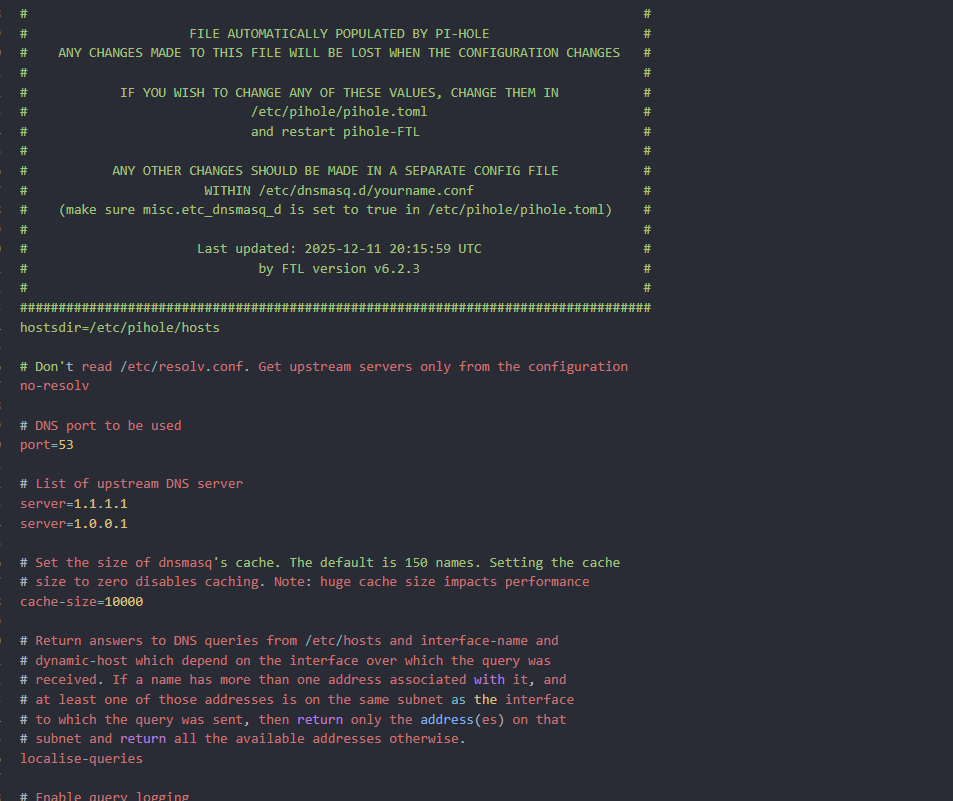
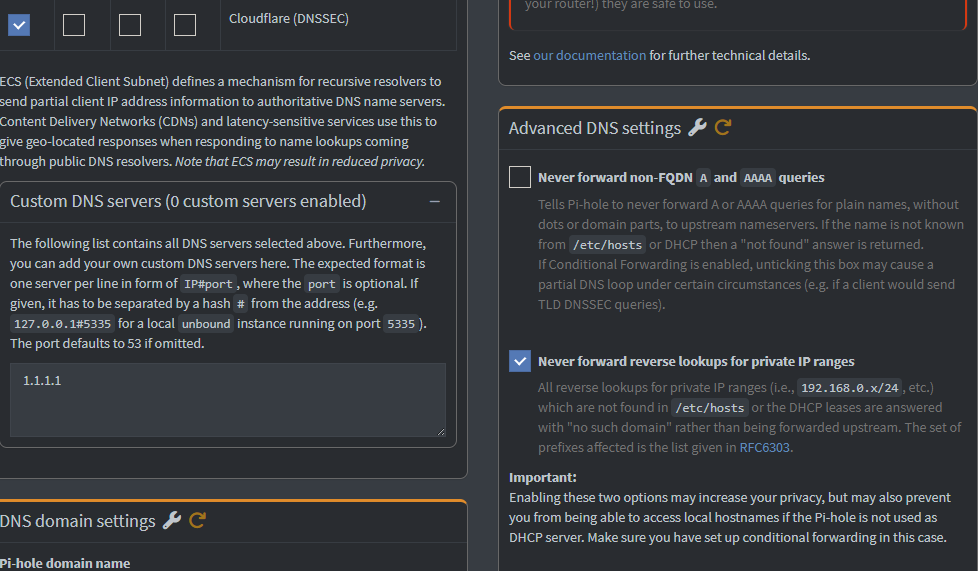
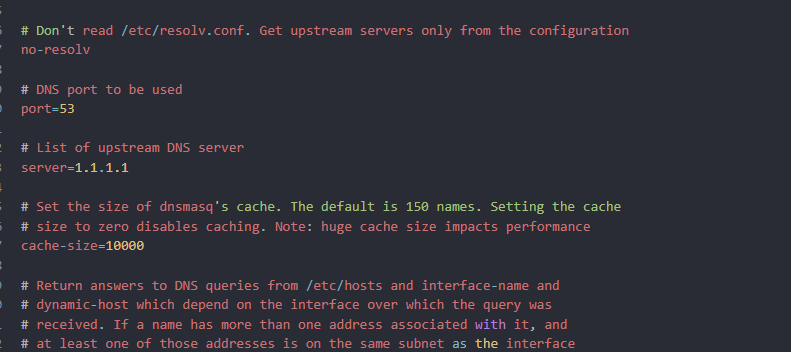
Set upstream DNS to 1.1.1.1
Do not reuse the old container state without a reboot in between.
This is a Docker-after-power-loss issue, not a Pi-hole misconfiguration.
I think we’re very close, but I’m missing one small detail to confirm the fix.
When you tried the reinstall, can you confirm exactly whether this sequence happened in this order?
Pi-hole uninstalled
ZimaOS fully rebooted
Pi-hole installed again
Tested before changing any DNS settings
The reason I ask is that after a power outage, Docker networking can stay broken until a full reboot clears it. If Pi-hole is reinstalled without that clean reset, it will look like nothing changes even though the config is correct.
If you’re open to it, we can fix this cleanly in one short pass without switching tools. Just want to make sure we’re solving the right layer.
No pressure either way, I just want to help you get a stable result.