Good. Now we see exactly what happened.
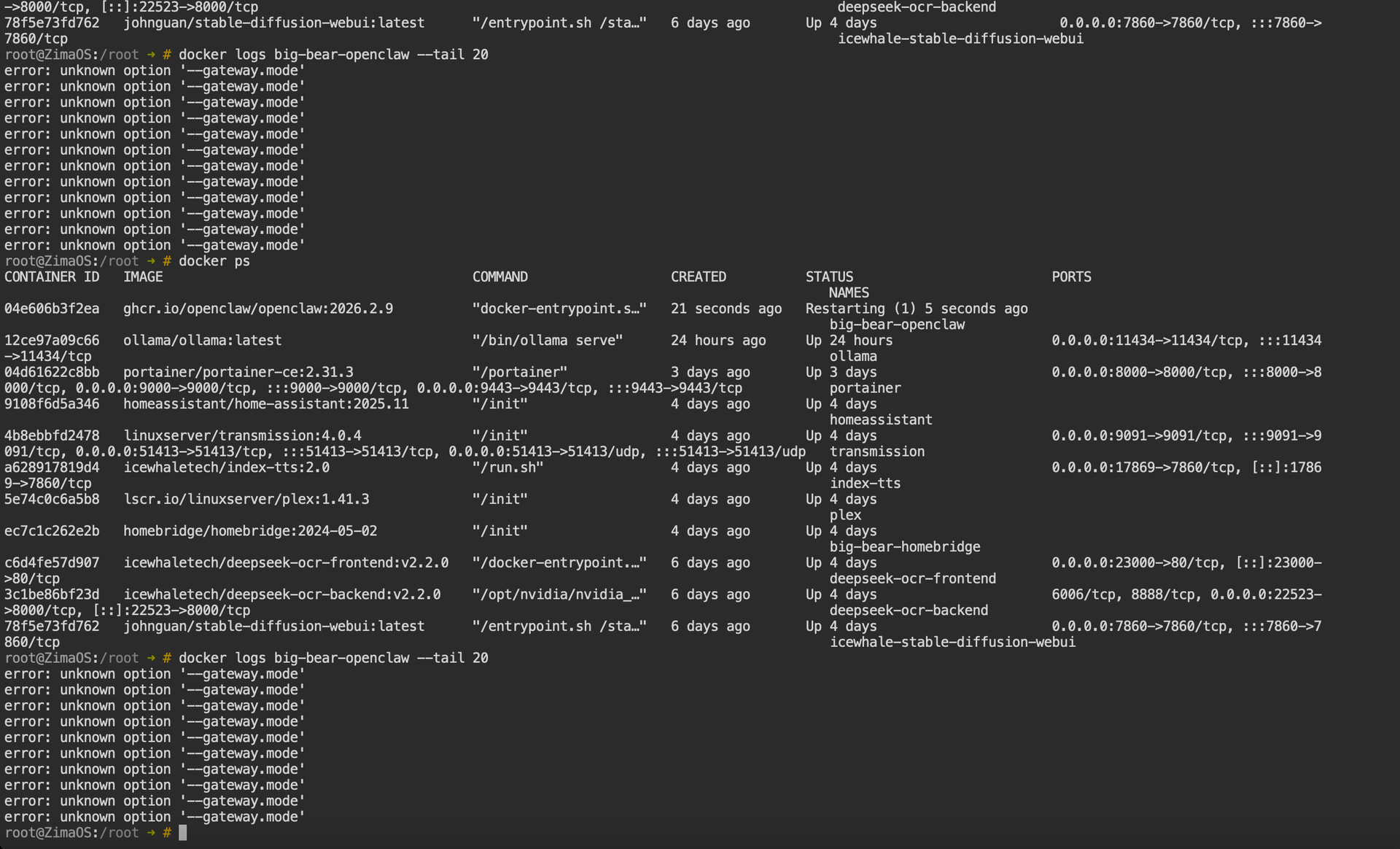
The error:
unknown option '--gateway.mode'
means the flag is being passed to the wrong binary.
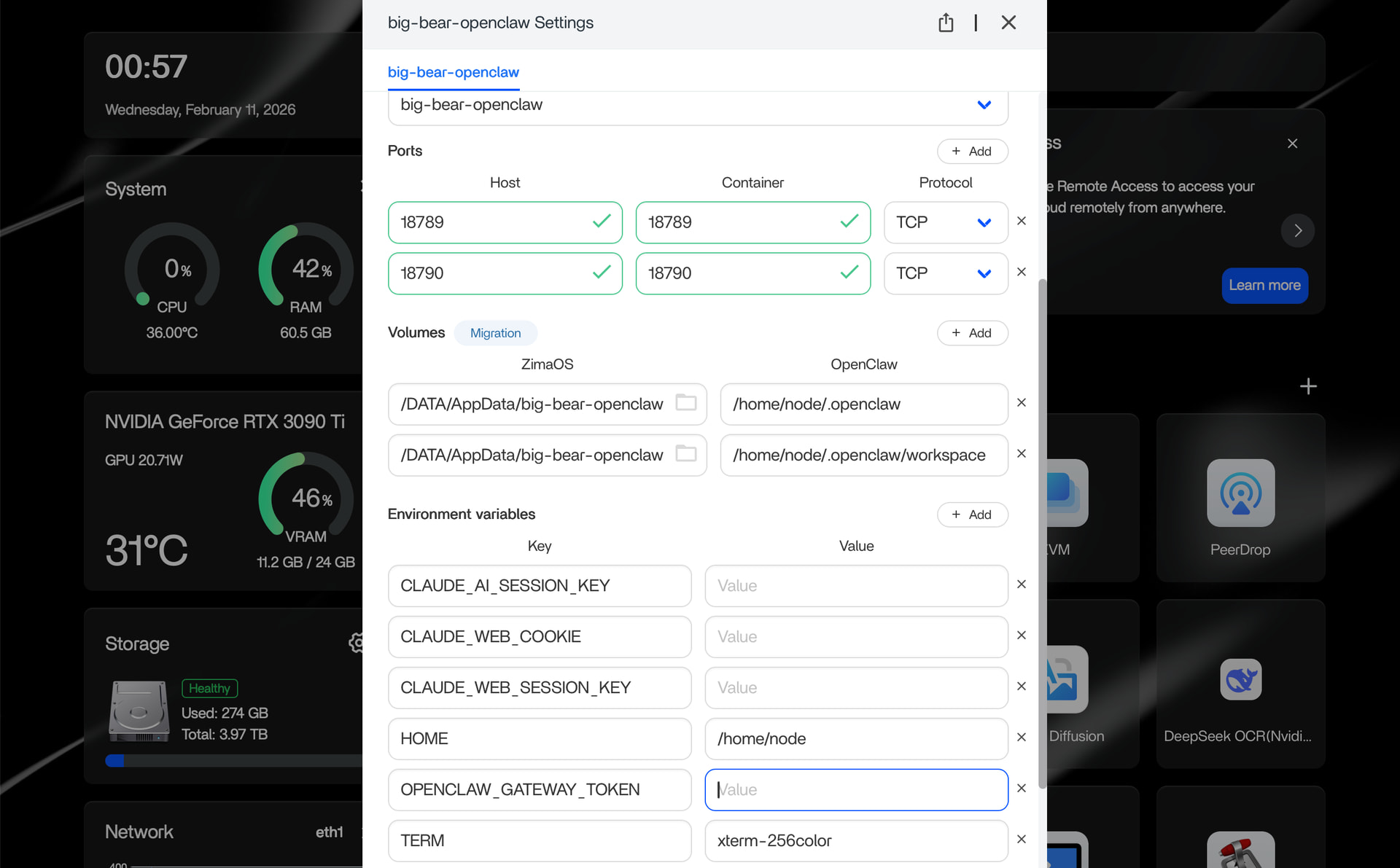
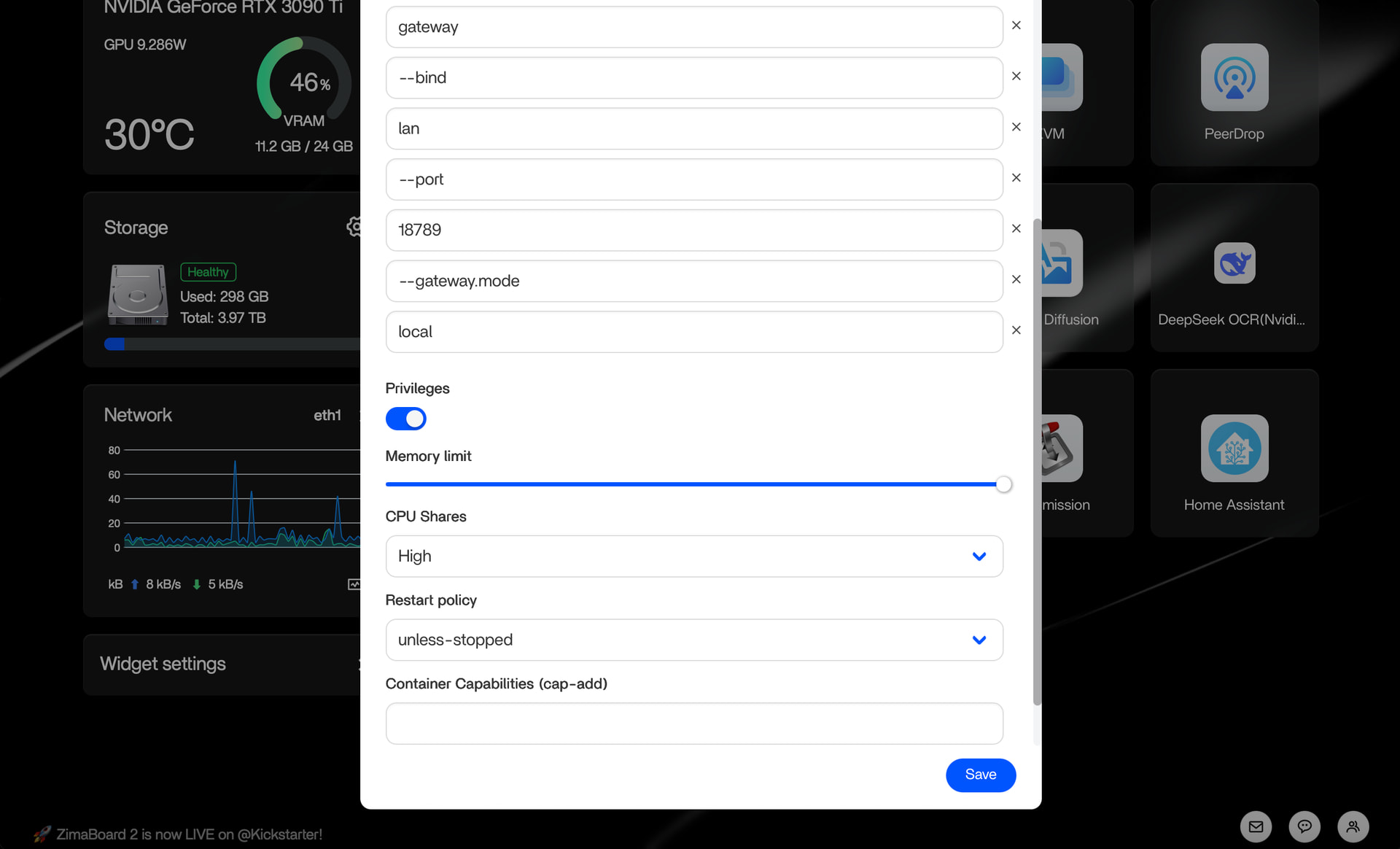
Your container command shows this structure:
gateway
--bind
lan
--port
18789
--gateway.mode
local
That tells us the entrypoint is already calling something internally, and CasaOS is appending your flags to the wrong layer.
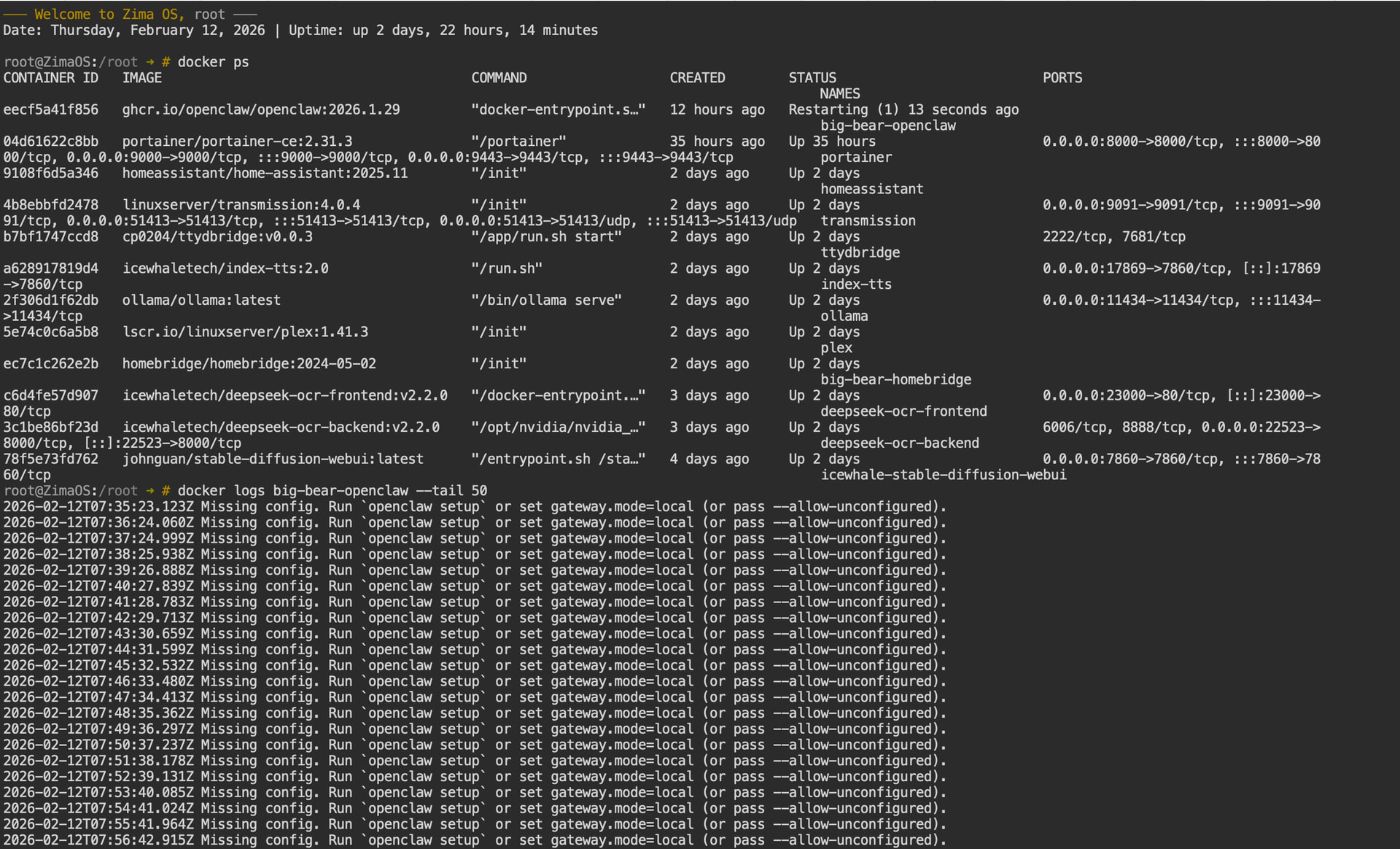
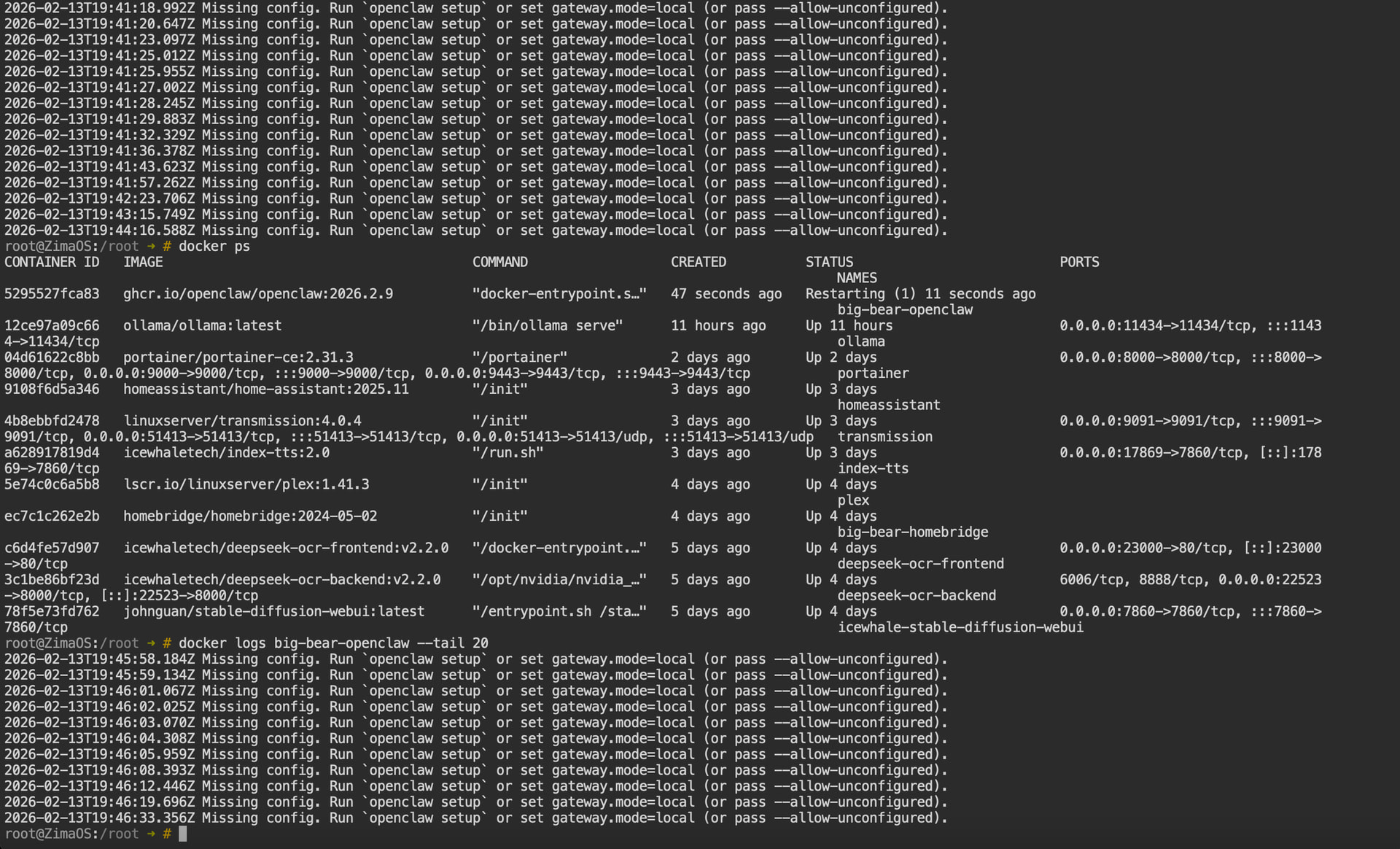
The log earlier said:
Missing config. Run `openclaw setup`
That message is not solved by CLI flags in this Big-Bear packaged image.
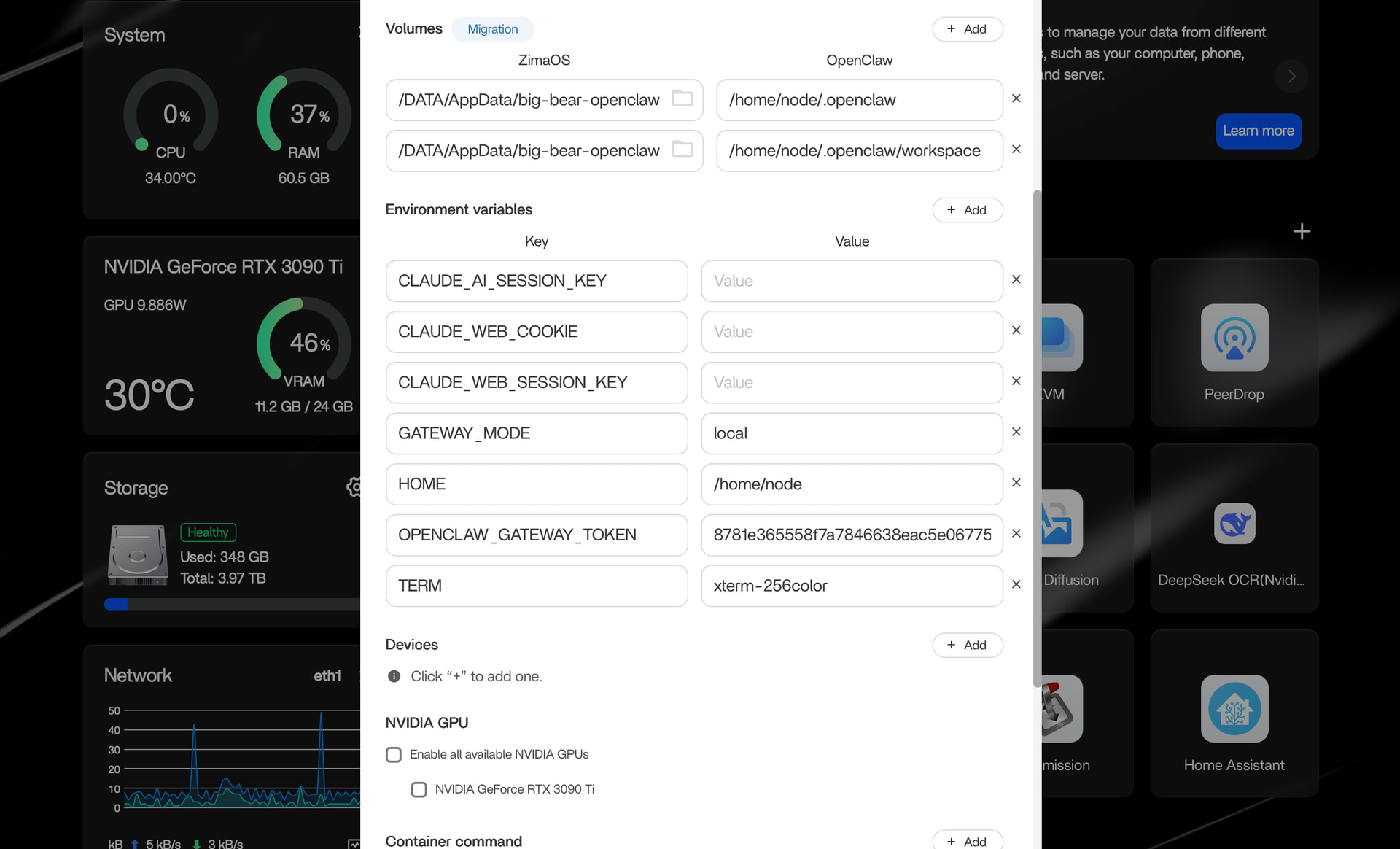
This particular image expects the config file to exist in:
/home/node/.openclaw
And you are mounting:
/DATA/AppData/big-bear-openclaw → /home/node/.openclaw
So the real issue is:
There is no initialized config directory yet.
The correct fix for this image
Run the setup once inside the container.
From root:
docker exec -it big-bear-openclaw sh
If it immediately exits because it’s restarting, stop it first:
docker stop big-bear-openclaw
docker start big-bear-openclaw
docker exec -it big-bear-openclaw sh
Inside the container, run:
openclaw setup
That will generate the config under /home/node/.openclaw.
Exit the container.
Then restart:
docker restart big-bear-openclaw
Why this works:
The image is telling you clearly:
Run openclaw setup.
It is not asking for flags.
It is asking for initial configuration generation.
Once the config exists in the mounted directory, the restart loop will stop.
Remove the --gateway.mode flags you added. They are not needed.
This is the actual final step.