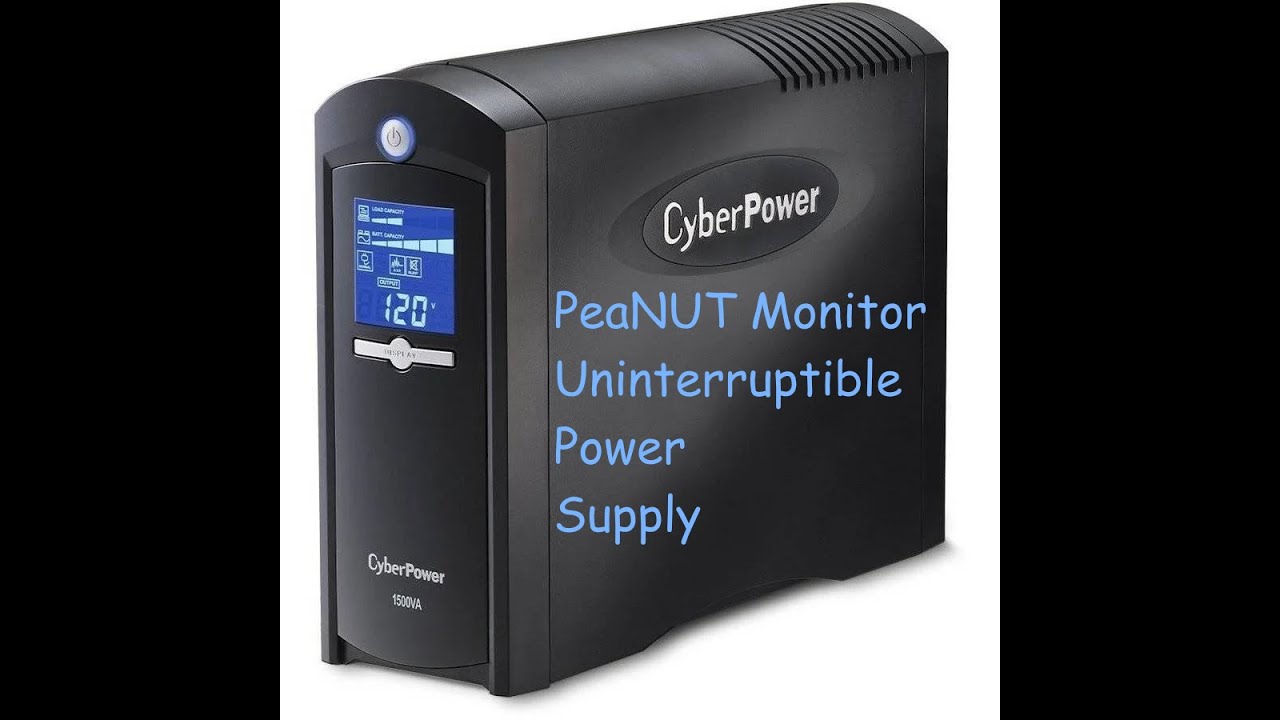
I have a Golden Mate 1000VA/ 800W UPS PRO series with USB comm port that I want to connect to a repurposed PC that is running ZimaOS 1.5.4.
I am new to UPS and NUT Tools. I have successfully installed PeaNUT as a docker container and verified via termial that the ZimaOS PC sees the UPS on the USB port.
After much research I have learned the following 
-
The Golden Mate is NOT on the ZimaOS list of suppored UPS
-
I need to install nut-server on my ZimaOS NAS device. All of my research shows that is may be possible to manually install nut-server as there is a containerized solution. nardo86/nut-server
There also seems to be some manual editing of config files and it has been many years since I have messed this deeply in linux type systems so I have not tried.
SO has anyone gotten this to work ? IF so are their any step by step instruction for doing this on Zima OS. ? I found some for linux but have not tried them
Also I have found that 1.5.x versions of ZimaOS support UPS but no details on how to configure/use it - only a short description in the release notes and a list of supported UPS
Any help would be appreciated !
You can install Peanut right from the store, I have used ZimaOS box as both a client and server.
Currently run it as a client with several other devices as client, My QNAP NAS runs nut-server because it runs 24/7.
1 Like
Keith ,
Yes - I have PeaNUT installed on my ZimaOS Box. I found it in the store
I was asking for direction on how to install nut-server on the ZimaOS
In your setup did you install either nut-client or nut-server ? IF so how ?
Did you configure your Zima OS box to shutdown if power gose out and you are on UPS for a certian amount of time ?
Thanks for replying !
Install it. The before opening click the 3 dots top right, set you settings, only thing I changed was low CPU use, and it only needs a GB or 2 of RAM, i used bridged network, then update it. then open peanut, click the top right Cog settings icon and add your servers address, name, port, etc, click apply. Most everything else I leave default. boom done.
If your running Zima as the server I suppose you just plug in USB and got to settings again and set up as a server.
1 Like
keith,
when you said - Install it . What is the “it your are talking about ?”
if it is peaNut then we are talking past one another - I already have peaNut installed -
What I am trying to figure out is how to install nut-server. Which is SEPERATE from peaNut from what I have read
thanks ,
Ken
Peanut is a Nut server, same thing. It will do client or server as does NUT.
If your using Zima machine as client:
You just have to configure it. As I stated, once Peanut is installed click the 3 dots top right and make your settings. Yours may be different, I used Bridged network, Privileges turned on, reduced RAM to 2GB and Low CPU use, everyting else was default. Click save, wait a min, after it’s done updating, click the Peanut icon and start, in theat window click the + . Set your servers IP, Port default is 3493 usually, user & password.
IF you are using Zima as the server (as in your UPS is plugged into the Zima machine, go to the System settings General tab and select power Loss Protection, turn on with the USP/UPS plugged in. It should find it.
1 Like
Ok Timeout!
First off I sort of over looked your original post.
Go here and see if your UPS is compatible with Peanut - if what you want is to run Zima as the server.
Tested UPS Devices · Brandawg93/PeaNUT Wiki · GitHub
But I would try using the System-General-Power Loss Protection , then click the link, then Check the List of supported devices. If its not there it may not work, but if pluged in and it finds it it should.
As many UPS’s use the same APC-USB access.
I don’t think you can install nut-server on the Zima, in the root.
1 Like
Keith,
hanks for the clarifications, I will try all of the things you have suggested in your prior to posts.
I was under the impression that Peanut was just a monitor.
My UPS is a new model from a company called GoldenMate its the new 1000VA/800W Pro model
I have read that some users have had success using it with nut tool .
I do appreciate your responding to this thread.
Ken
Your welcome, not sure that you even have to have Peanut installed to run the server part as it seems to be already in the General Settings page before even installing Peanut.
The question is going to be whether or not your UPS is compatible.
Still a Zima Nood here so still learning myself.
Keith,
Thanks so much the key was to Turn on and configure ZimaOS UPS Power loss protection.
When I did this it recognized my GoldenMate UPS !
I confirmed nut-tools is NOT installed with PeaNUT with Google query:
No, installing the PeaNUT dashboard does not automatically install the Network UPS Tools (NUT) core services
(like upsd or upsmon). PeaNUT is a user interface designed to display data from an existing NUT server, often requiring a separate container or installation for the backend tools.
-
PeaNUT (Dashboard): Provides a visual interface to view UPS status and power usage.
-
NUT Tools (Backend): You must install and configure the NUT server software separately to communicate with your hardware.
But ZimaOS 1.5.3 and about DOES install nut tools !
I was able to conform this by using ZimaOS terminal and running some nut-tools commands
Next step was to add my ZimaOS server to PeaNut and it was showing its status
Now I just need to figure out how to have ZimaOS Notify my old Synology NAS and Mac Mini when a power outage occurs and have them both shutdown.
Here is a indepth youtube video on Nut-tools config and Peanut that also helped me.
You could probably get that info in your Synology community. But as with most other clients at least in Linux it’s install nut-client, edit the /etc/nut.conf file MODE=netclient
Edit /etc/upsmon.conf
RUN_AS_USER root

MONITOR apc@ip.address.of.nut.server 1 UN PW slave

MINSUPPLIES 1
SHUTDOWNCMD "/sbin/shutdown -h"
NOTIFYCMD /usr/sbin/upssched
POLLFREQ 2
POLLFREQALERT 1
HOSTSYNC 15
DEADTIME 15
POWERDOWNFLAG /etc/killpower
There are many more settings in the above file by default, you just have to edit and remove #, on lines you want to be active.
By the way just curious, when you got the recognized, did it have any settings or config files to edit, like shutdown at battery % level, or wait how long to shut down, etc?
zimaOS lets you set a shutdown timer after loss of power. AND/OR it will shutdown < 15%. . This is in the settings of UPS
Synology has built in Nut support I set it up as a nut client. IT does not shutdown the NAS but puts it in standby after unmounting the drives. I have read there can be restart issues and it requires manual attention.
MacOS has built in support support for having a UPS directly connect. But for it to be on the network you have to manually install nut tools. This require a bit of terminal based work. Install BREW , then use Brew to install nut, then configure all the .conf files . I got this working setting up my mac as nut-client
For MacOS there is a freeware Gui app that has nut built in that is really promising called NUTty. There is an install issue with the recent MAcOS update 26.3 , I have contacted the developer
I have yet to test all of this But I will in the near future. I spent most of yesterday doing all if this and I need a bit of a break
Gotcha, I have 2-OMV-NAS’s, Win10, Win11, Qnap-NAS, another ZimaOS test bench all running client.
As for as apps I know of NUTty, WinNUT, Peanut, NUT-server and NUT-client=linux, don’t have any MAC except a VM.
Oh, one other note many UPS’s use the APC-HID driver
Techno Tim’s YT video is pretty good although it’s kind of spread out.
Good luck>