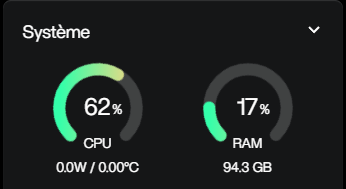
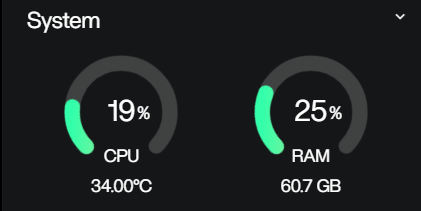
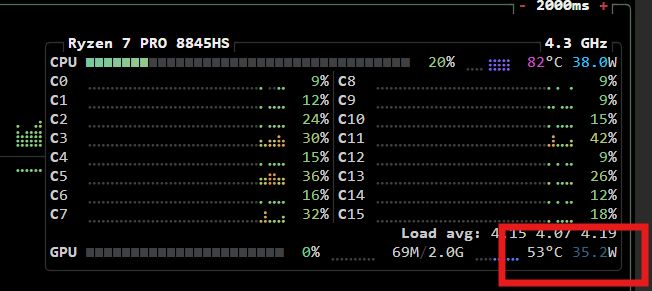
I have an issue with my dashboard, it doesnt show the cpu temp and wattage.
Any idea on how to fix that ??
Im running zimaos 1.6.2 on an MacPro 4.1 (that got the firmware upgraded to 5.1) with a dual Xeon 5000 Series and 96Gb of ddr3 ECC Ram.
Im guessing that its quite an unusual platform so it might be that.
Ah, sorry, I’ve just noticed that your screenshot shows wattage and temperature, but both are zero, so they’re not being detected. I had understood it differently, sorry.
I’m sorry, I’m an absolute beginner here. To be honest (and it’s the first time this happens to me in a forum of this kind) I’m bitterly surprised to see that there are quite a few messages, with requests for clarification and reports of serious bugs, that remain unanswered.
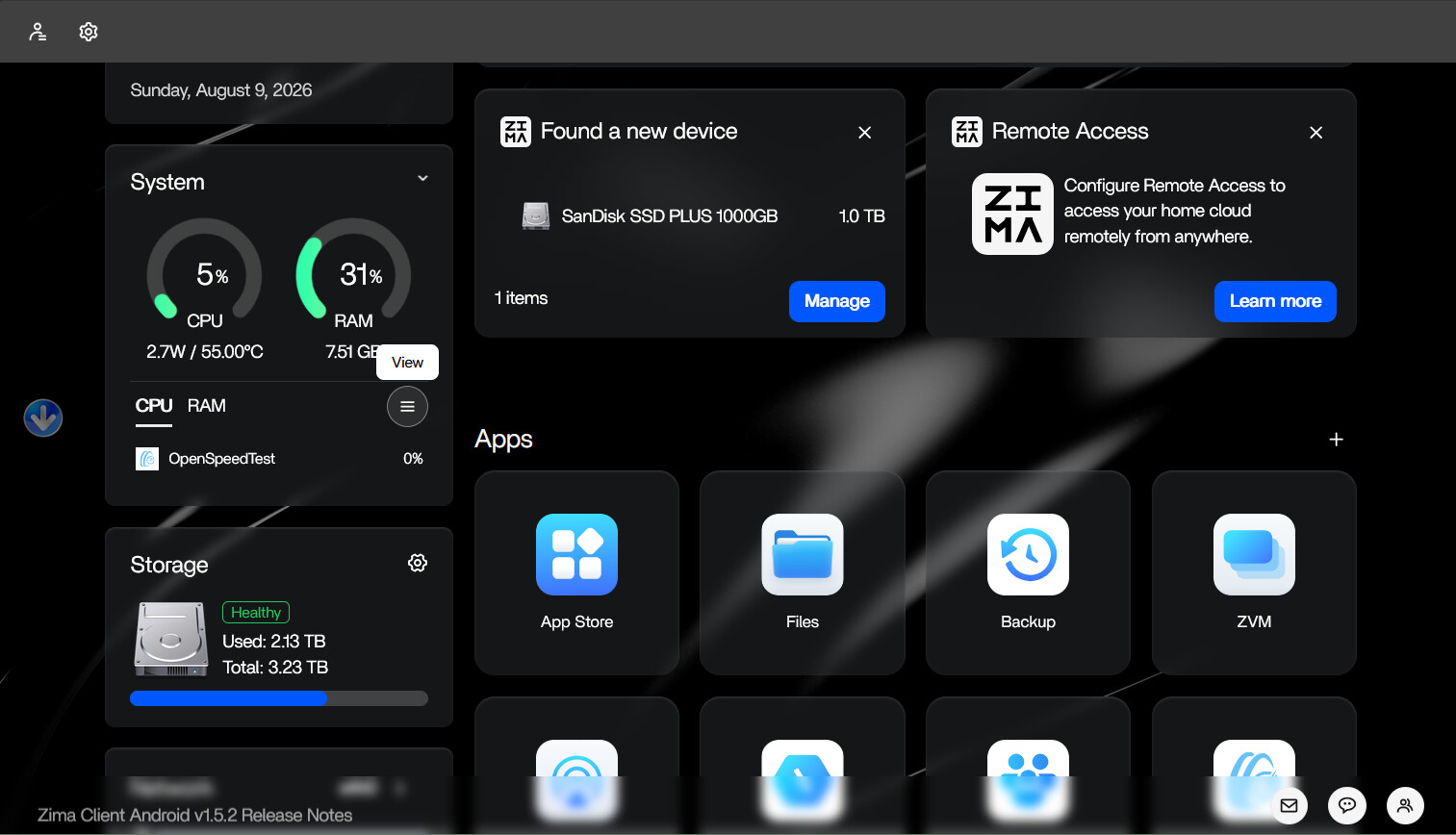
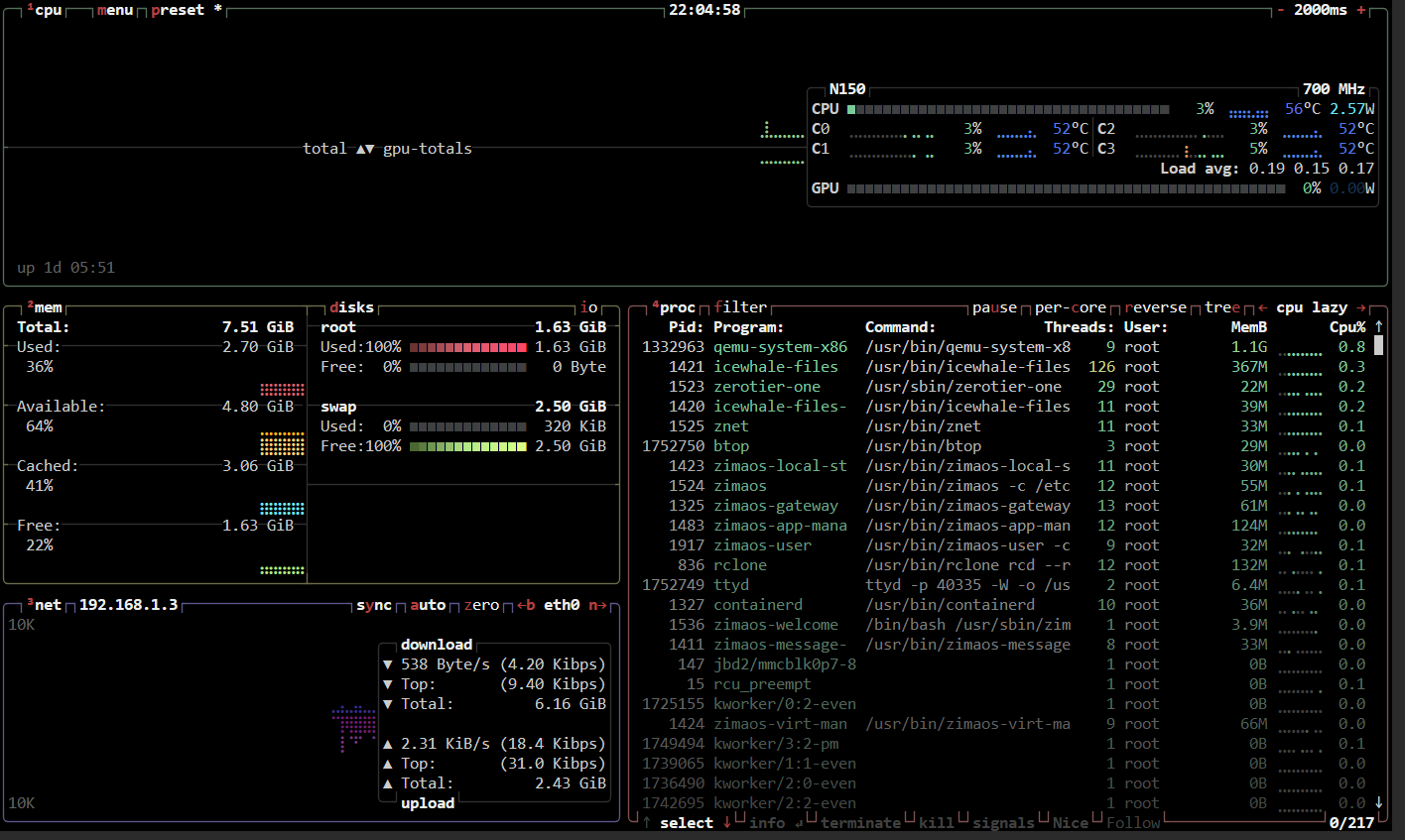
Anyway, as a newbie I discovered that if you click on the little arrow in the top-right corner of the widget, and then on the icon with the three stacked bars, it opens the page http://ip_zimaboard:40335/ with all the system information. In the top-right box I can see all the temperatures. If your Zimaboard doesn’t correctly read the sensors of your processor, you’ll probably find them all set to zero, but it’s an attempt that costs you very little to try.