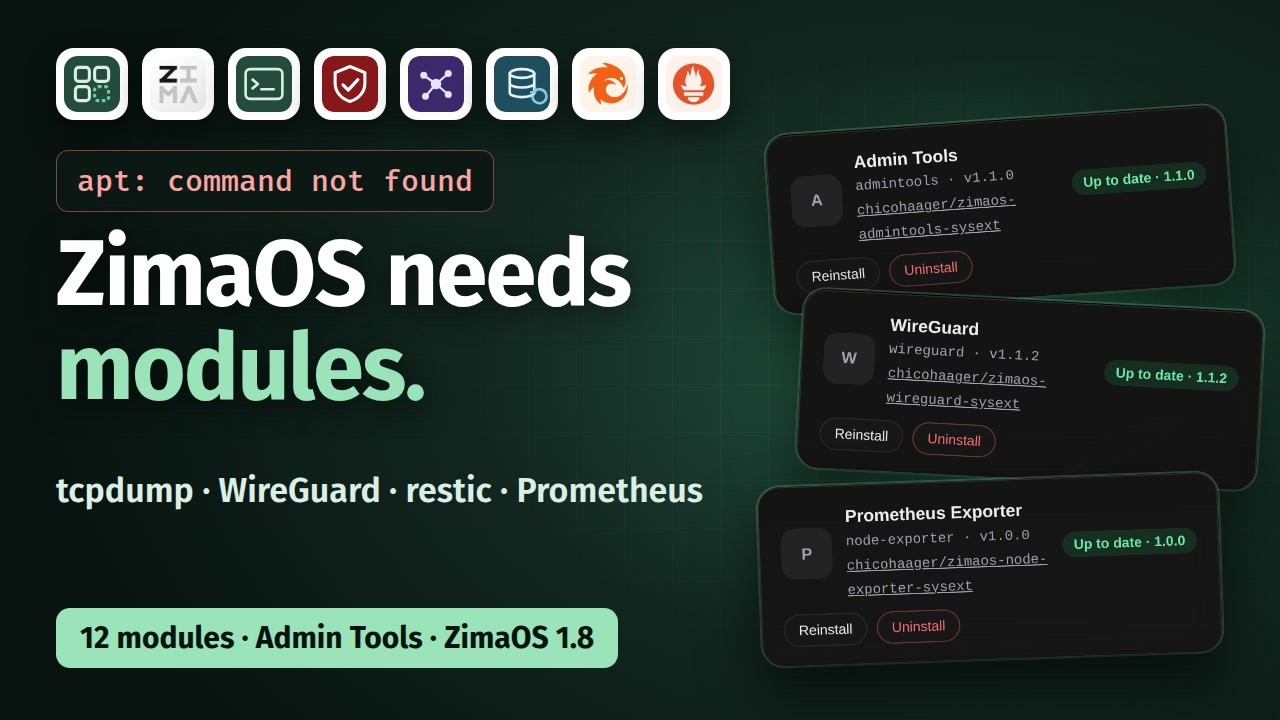
ZimaOS has no package manager, and its system folder is read-only. Module Manager installs tools the way ZimaOS ships PeerDrop, ZVM and Files itself: as system extensions that run on the host and are gone again when you remove them — your data under /DATA stays.
In 7:48 minutes:
• what a system extension is, and why it beats a container for anything that touches the host
• the catalog of 12 modules — WireGuard, Nebula, restic, Pangolin, Prometheus Exporter and more — and what happens when you click Install
• Admin Tools: 14 commands ZimaOS doesn’t have, from tcpdump to a ping that works
Tested on a ZimaBoard 2 with ZimaOS 1.8.0 (amd64).
This is seriously cool work, @Lintux! You’ve put a lot of thought into both the tools and the walkthrough, making host-level customization more approachable for ZimaOS users. Thanks for building this and sharing your testing with the community!
Thank you, @777-Spider, that means a lot coming from the IceWhale team!
The idea was to make host-level additions safe to try: each module is a system extension you can remove again, and the Module Manager refuses an image that would replace files ZimaOS already ships.
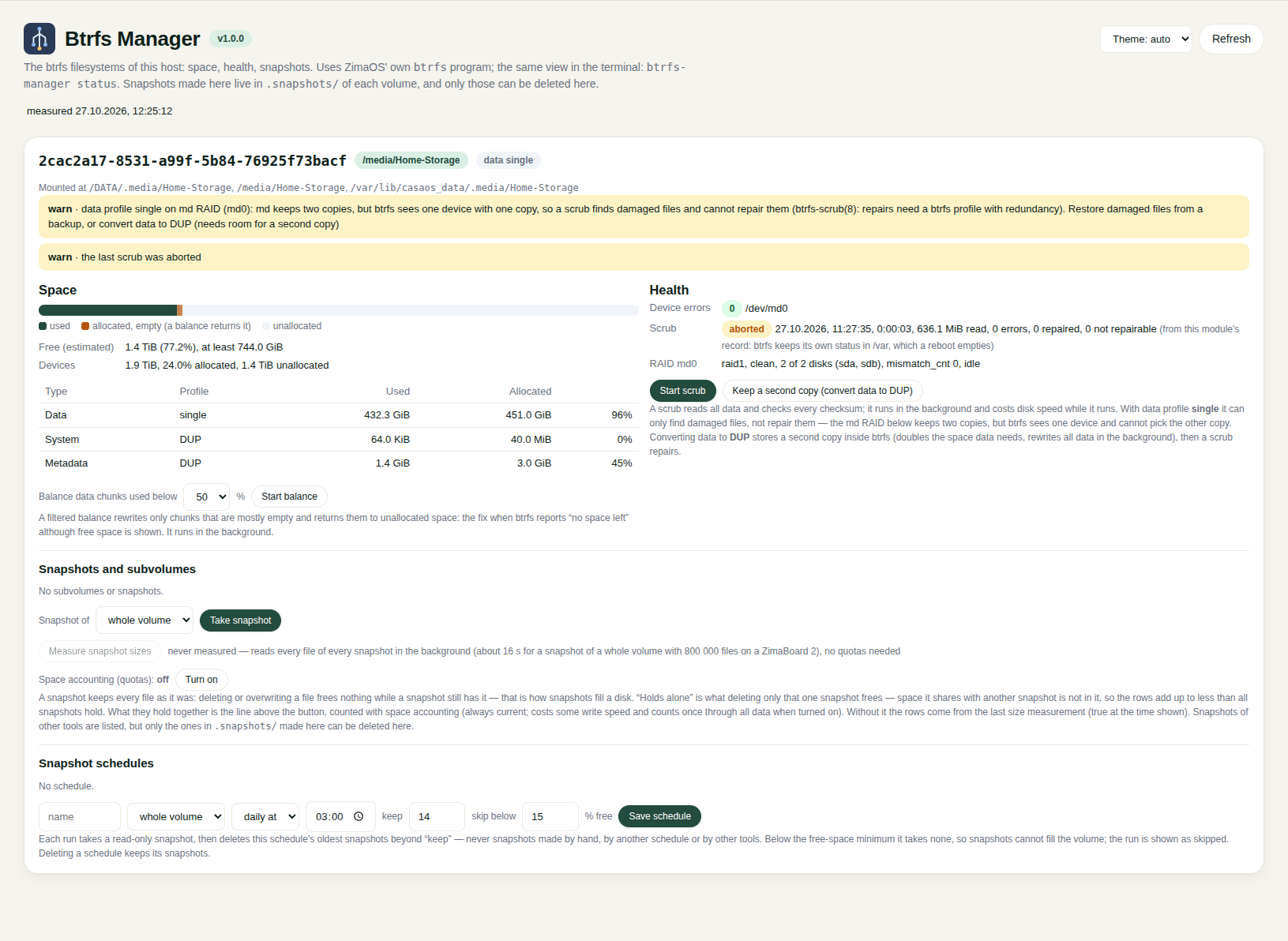
Next up is a new module, Btrfs Manager UI. ZimaOS already has the btrfs command, so the module adds a dashboard tile on top of it:
how full each volume is and why, with a filtered balance for “no space left” while free space is still shown
scrub, device errors and the md RAID below btrfs, plus the list of damaged files to restore from a backup
snapshots with what each one holds, and schedules that keep the newest N and skip a snapshot when free space runs low
One thing I learned while testing: on a mdadm RAID, ZimaOS puts btrfs with a single data copy on top. A scrub there finds damaged files but cannot repair them, so the tile names those files and offers to keep a second copy (DUP) inside btrfs.
It is still in testing on my own box and not released yet. I will post it here once it is.
If anyone runs into something on their own hardware, or misses a tool on the host, please post it here. That feedback decides what I build next.
I tested Module Manager on my test machine yesterday. Really great once again.
In addition, this module allows you to install the many system applications that you have proposed and more to update them in one click.
We are in the spirit of ZimaOS: installing complex modules in one click. Easy for beginners.
For my use of ZimaOS in production, I actually have a functionality request. On the other hand, I don’t know if it is feasible on your own equipment?
This concerns the UPS (Peanut) functionality now native to ZimaOS. When there is a power outage, the server turns off cleanly, no problem. However, the server cannot automatically turn back on when power returns. My motherboard has the functionality to turn back on after a power outage but not to turn back on a machine that has been closed properly.
When I’m away, I currently have to choose between preserving my hard drives in the event of a power outage or so that the server can restart on its own.
I have no idea if this action is achievable solely by the software action of the system or if it is necessary to intervene on the hardware.
Thank you again for your modules and applications.
@Lintux Another missing feature request on ZimaOS that I already made a long time ago.
It is a built-in text editor. A feature that is often integrated into commercial NAS OS.
On CasaOS, you can modify text files and save them. On ZimaOS, you can only view and download them but not modify them directly (except in SMB).
Personally, I frequently use the text editor to modify my application files like CMS (WordPress, Motomo etc.) or dashboard like Homepage etc.
SMB’s use of the client machine’s text editor is not always practical and not fast with Terminal either.
@morgyann Greetings, perhaps for text documents to relate from my own experience that I found useful and accommodate to my work; on the OS is directly using nano on bash, from the config tab accessing the web terminal. It depends on preferences ofc.
I have already referred to the terminal with nano. But opening the terminal just to often modify files like homepage is not really practical.
We must not forget that ZimaOS is also intended for beginners. If you tell them to go to the directory, then to the file and open it with nano… simple for you or me, very difficult when you’re starting out.
 You’ve put a lot of thought into both the tools and the walkthrough, making host-level customization more approachable for ZimaOS users. Thanks for building this and sharing your testing with the community!