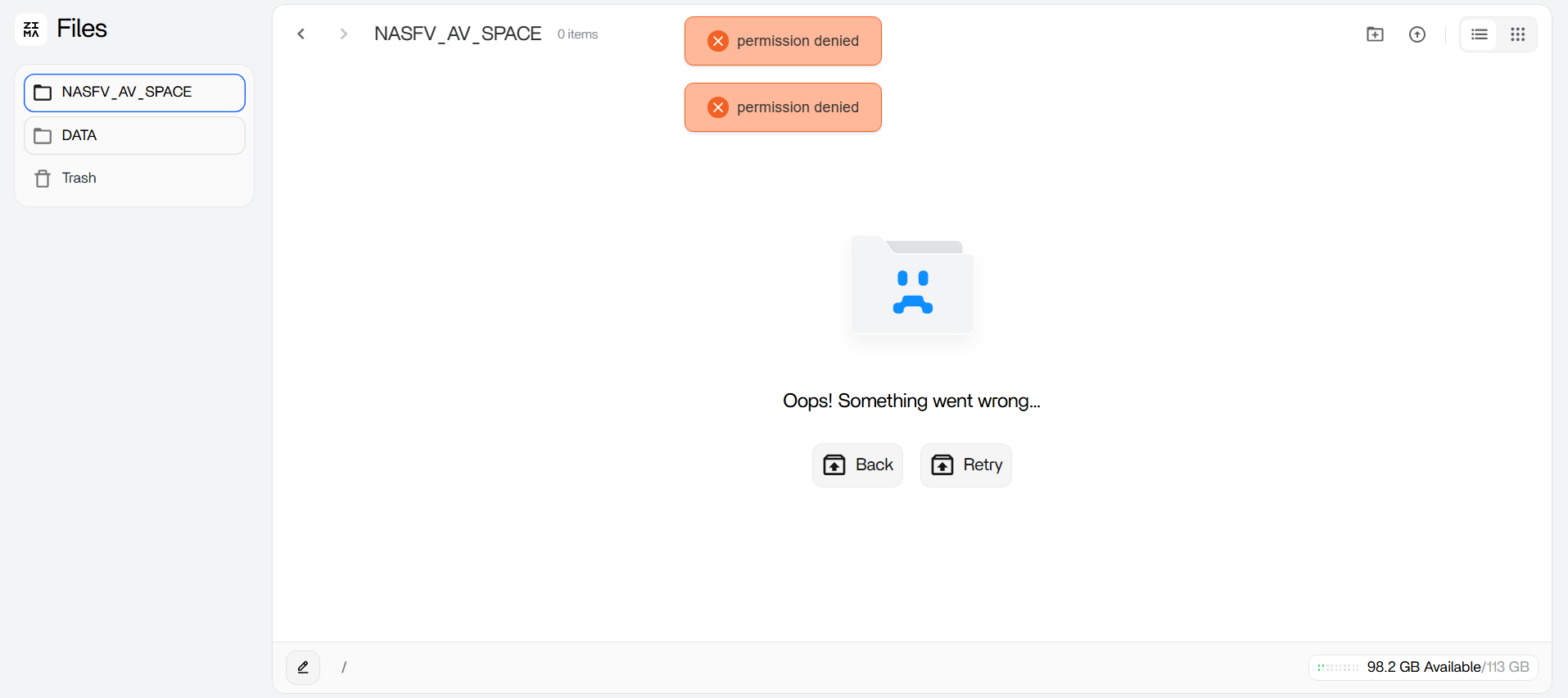
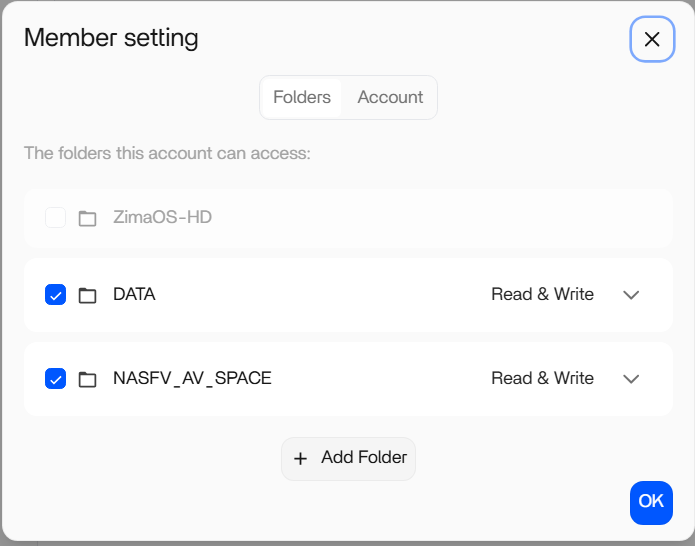
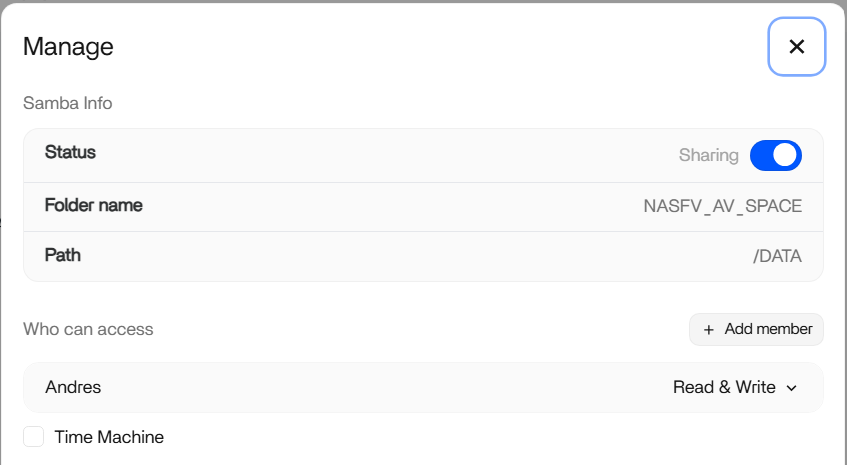
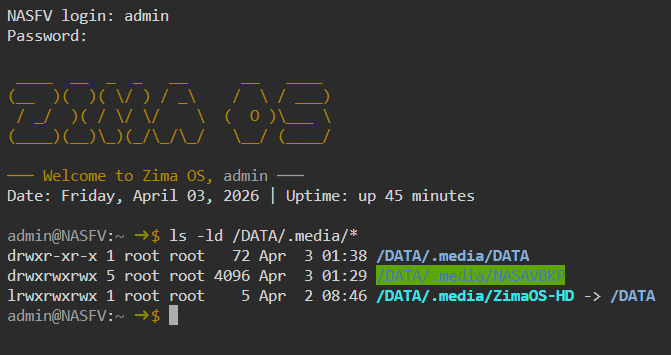
Yeah nah, you definitely don’t need to change your SSD or go buy a bigger one, that’s not the issue here.
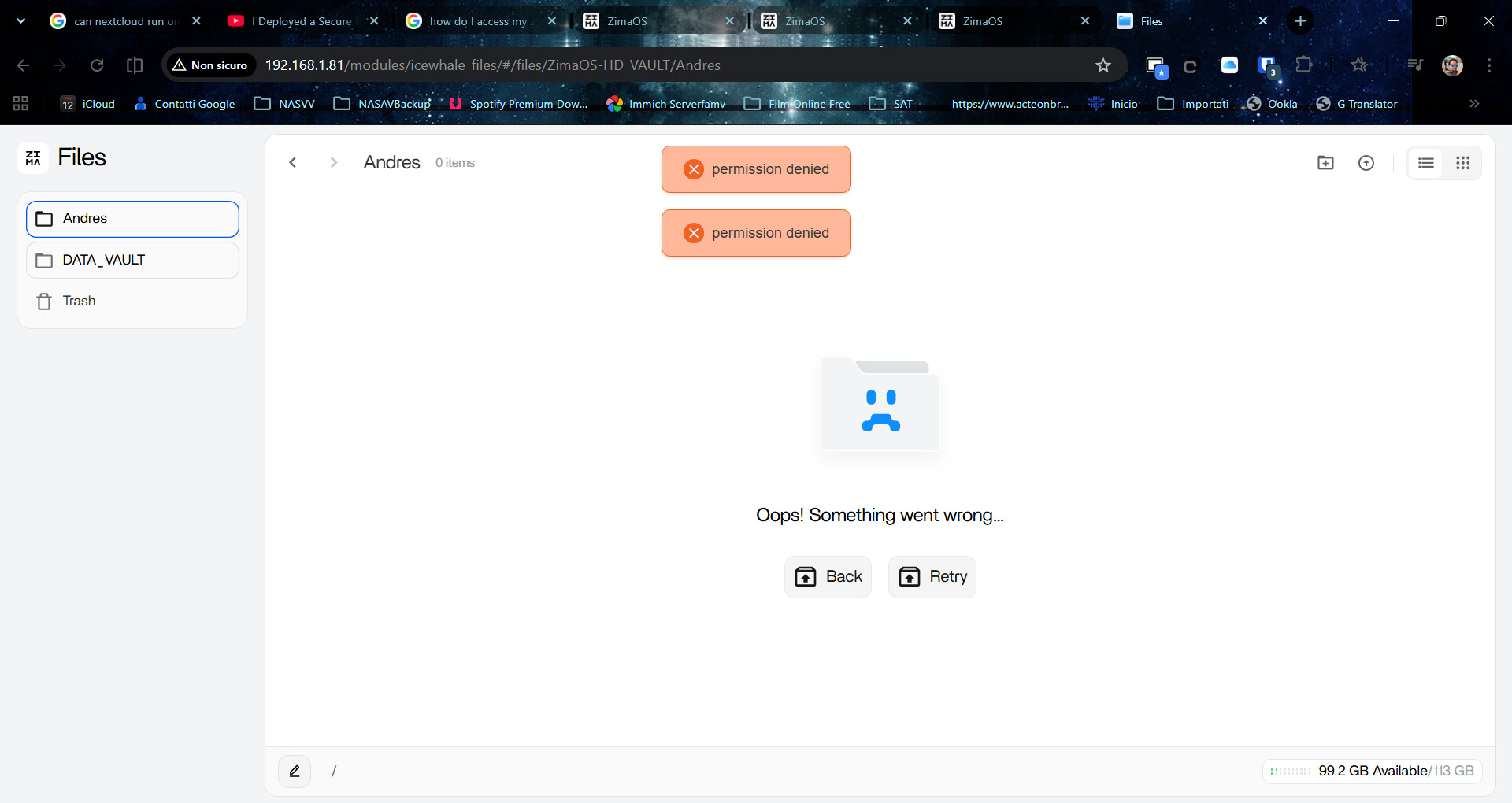
On ZimaOS the OS itself is tiny. A 128GB drive is more than enough. If you’re sitting at ~96GB used with nothing installed, that’s not “normal usage”, it usually means something ended up writing to the wrong place.
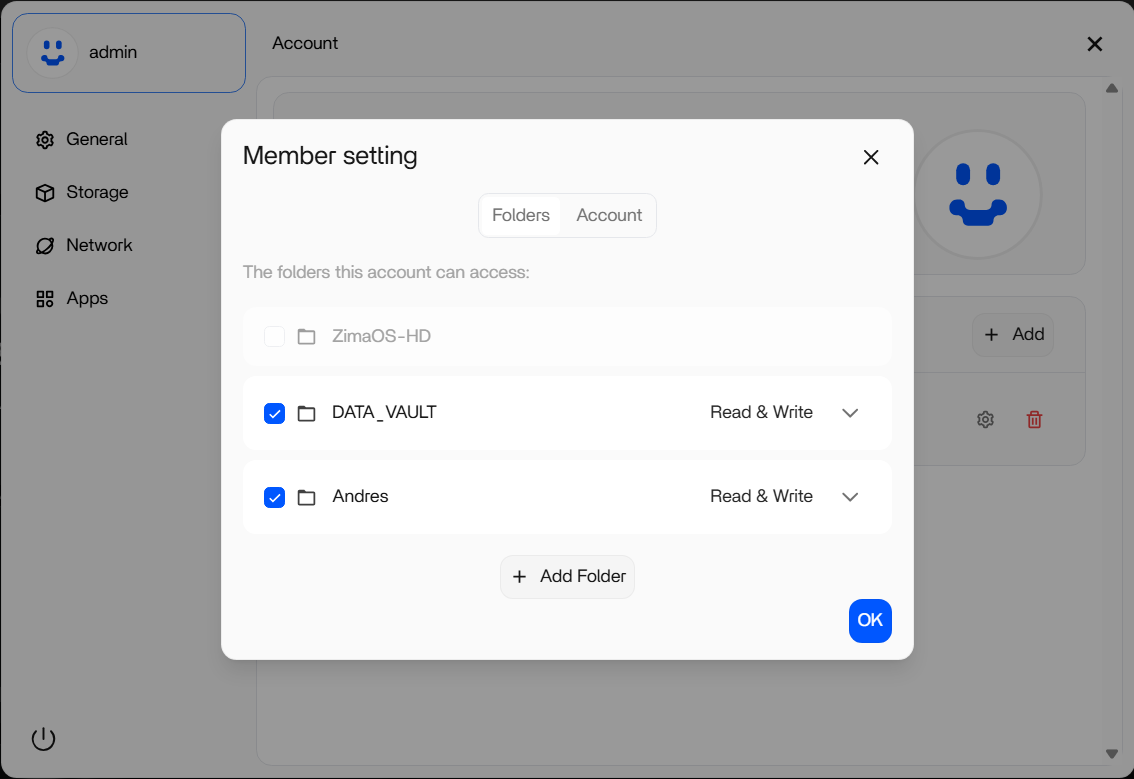
What likely happened during your migration is some data or temporary files went onto the system disk instead of the DATA_VAULT, which fills it up pretty quickly.
So it’s not about reverting paths or starting again, it’s more about checking what’s actually using the space.
I’d look at it like this:
- your RAID setup is fine
- your custom paths are fine
- the only real issue is where data is being written
Common causes are:
- app data not mapped to
/DATA/AppData
- downloads / temp files landing on
/ instead of your array
- leftover files from the migration
So yeah, no need to upgrade the SSD — plenty of people run ZimaOS on 32–64GB even.
If you want, I can help you quickly check what’s eating that space and move it safely to your DATA_VAULT.
Have a quick look at what’s actually using space on the system disk, because 96GB used on a fresh install isn’t normal.
Run these one by one:
df -h
This shows overall disk usage so we can confirm what’s full.
du -h --max-depth=1 / | sort -hr | head -20
This shows which top-level folders are using the most space.
du -h --max-depth=1 /DATA | sort -hr
This checks if anything accidentally ended up in /DATA vs elsewhere.
What we’re looking for is something big sitting in places like:
/var/root/tmp- or even
/DATA but on the wrong disk
Once we see that, it’s very easy to fix properly.