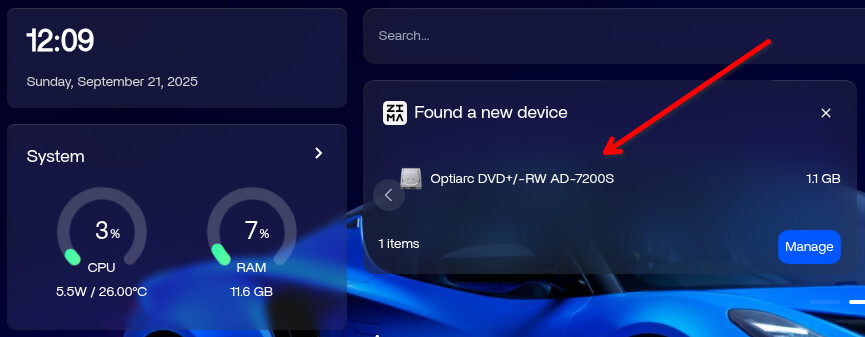
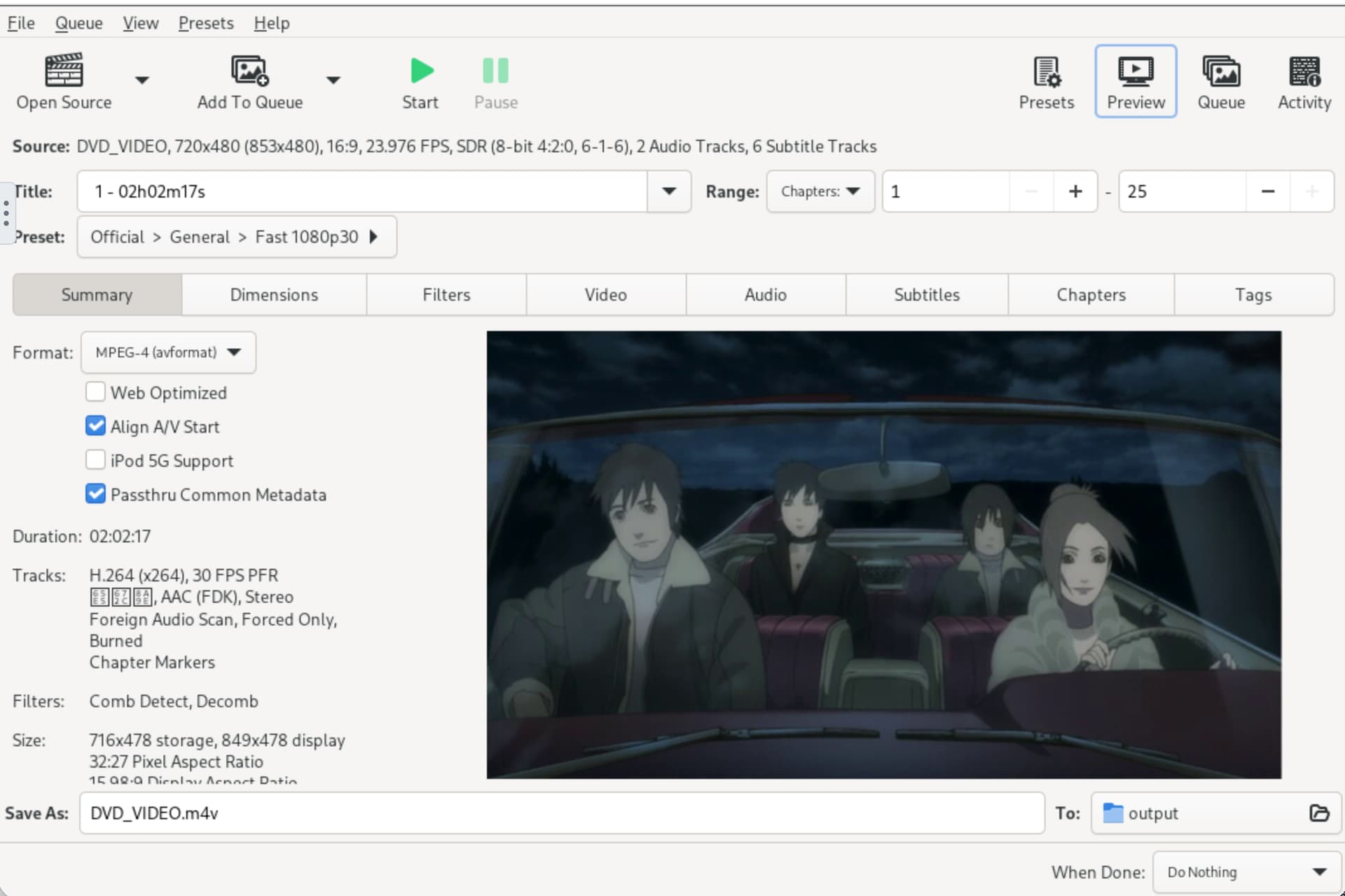
I am trying to use Handbrake on my ZimaOS instance and that has been installed. When I attempt to find the source within Handbrake, it cannot find the internal SATA DVD within my server.
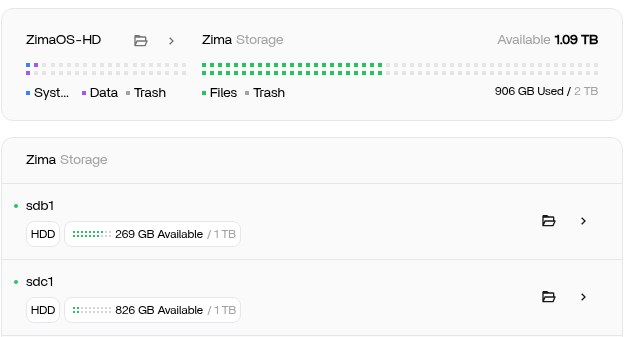
I see that the other internal SATA HDDs are mounted in three locations but that is going a bit beyond my expertise.
Not sure where this DVD drive needs to be mounted in order for ZimaOS to recognize it.
Which Handbrake container should I use from the AppStore? There are two.
Are there container settings I can use to specify the device /dev/sr0?
INFORMATION —
ZimaOS v1.4.4-1
CPU
Intel(R) Core™ i5-2500K CPU @ 3.30GHz
4 Cores3.40 GHz4 Threads
RAM
4 RAM 12 GB total
1333 MHzDDR3
GPU
Advanced Micro Devices, Inc. [AMD/ATI] Caicos [Radeon HD 6450/7450/8450 / R5 230 OEM]
I had tried this before but was not aware the /dev/cdrom was a default that Handbrake could use. So, I followed your instructions and did not get much further.
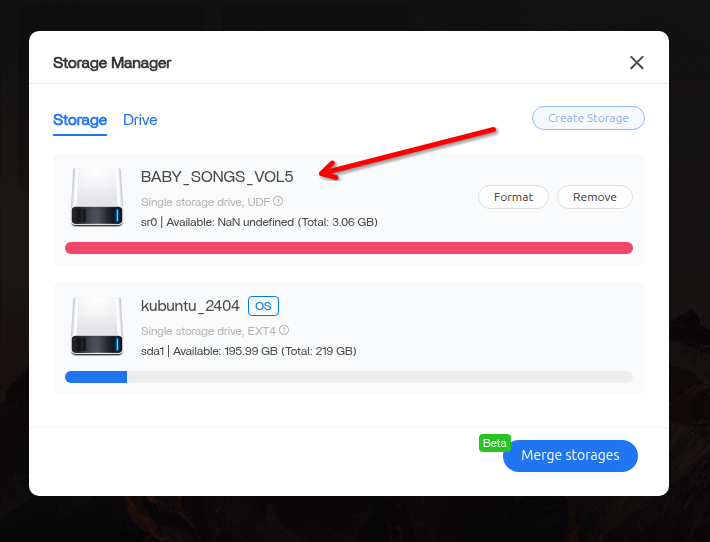
Interestingly I started up another server with a DVD writer and running CasaOS v0.4.15. There I got the CasaOS application finding the device properly - Storage Manager > Drive tab
Yes, it is a Baby Songs DVD with John Lithgow. It had John Ritter on it as a minor role. We were pretty sad when we saw him on it.
Handbrake as an outright application on the CasaOS server is working. I’ll try to get Handbrake in a docker container on that to see what happens there.
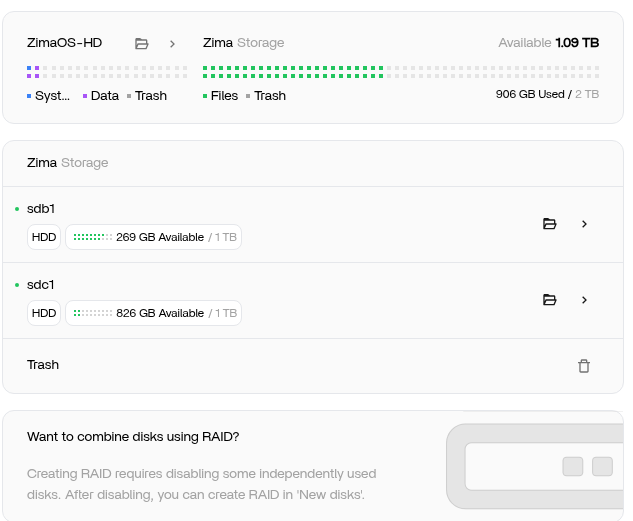
Also found that where I see the other devices that ZimaOS has mounted, the DVD does not appear
Very good to know. Permissions and group/user ownership to be the same as other mounts?
Are there plans to include automatic mounting for optical drives in the future? Lots of us have legal DVD, BluRay that we want to rip. Some of these I have purchased three times (VHS, DVD, Digital).
Best use case would be to do this on a dedicated machine, I suppose.
It is recommended to use root to mount, and other mounts also use root.
There are no plans to automatically mount the optical drive device yet, but I will pass it on to our product manager to plan for future storage setups.
Tried mounting manually but that did not work. I get a mount error usually signifying it’s not a data disk in the drive:
Can’t open blockdev
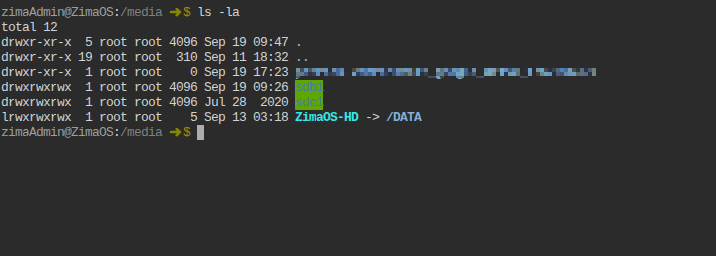
I do also note that 1) the normal /etc/fstab does not have the mounts your would expect for sdb1 and sdc1 and 2) that the other other volumes have more than one mount point, e.g.
sdb 8:16 0 931.5G 0 disk
└─sdb1 8:17 0 931.5G 0 part /var/lib/casaos_data/.media/sdb1 /DATA/.media/sdb1 /media/sdb1
So. I don’t really want to go in and bend and twist the Zima solution and really should just wait for this to become part of a proper release from you folks.
I did now just notice this as I went back into my ZimaOS dashboard. But when I select ‘Manage’ the resulting storage management screen does not show the drive. And ‘Files’ does not recognize the DVD drive either.
Might be a day or two to put it back in. It was something about a Block ID? I’ll get back to you soon. Is there a log I can look at via the console, I can see a few directories in the /var/log.
I found the problem, the kernel lacks support for the DVD disc file system, making it impossible to mount, and we will update it in the next version.
I’ve verified it in the test version of the build.
Hey - I see v1.5.0 is out and see that there is a paid version that goes to support your efforts. I’ll pitch in so that ZimaOS can continue to grow. It’s truly an amazing bit of software. Really great for people that know a bit about all of this but want an easier way to manage it.
I am looking to create a mobile solution and purchasing a ZimaBlade. Want to see if it can run off a pure sine wave inverter with minimal power draw on batteries. A work/entertain from anywhere solution.
Again, thanks for your efforts and look forward to getting really stuck into this.