Hello everyone. I looked through the board and didn’t see this specific as to how it affected my setup. I am very “green” when it comes to ZimaOS and this type of OS management to begin with so please be patient with me. If you post steps on what to check, please be descriptive and post commands line prompts as I don’t really have a good grasp on command line prompts at this time. That being said, here is my issue:
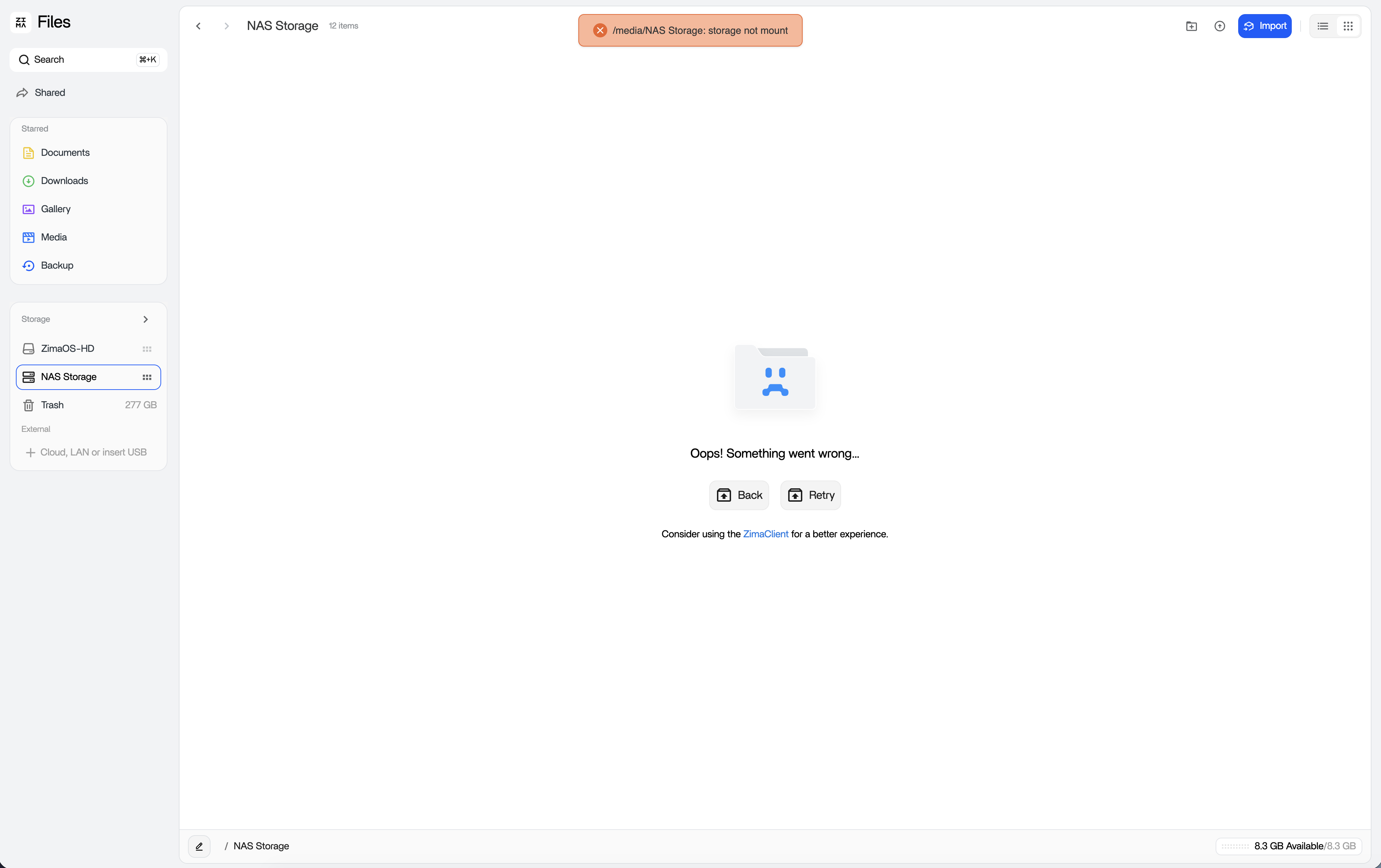
I created a RAID5 NAS setup with my ZimaBlade2 and a 4 disk setup of 4TB WD-Red Hard drives. I spent several days moving data over to the hard drives and had approximately 4TB of data filled. When I connected to the ZimaBlade this morning to migrate more files to the newly created NAS, all my files were missing and when I select the NAS I receive the following error message: /media/NAS storage: Storage not mount.
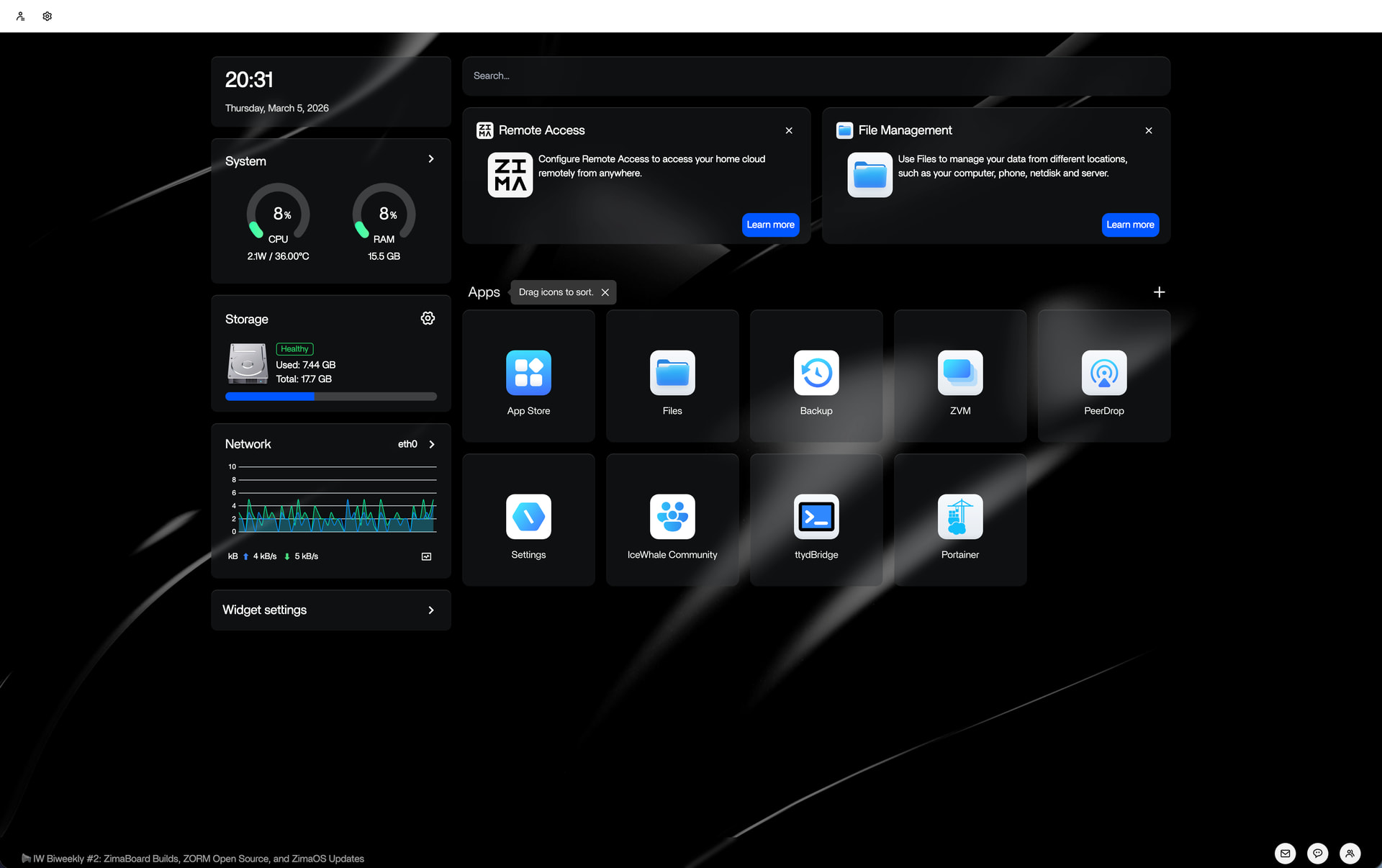
Here is my Zima Desktop
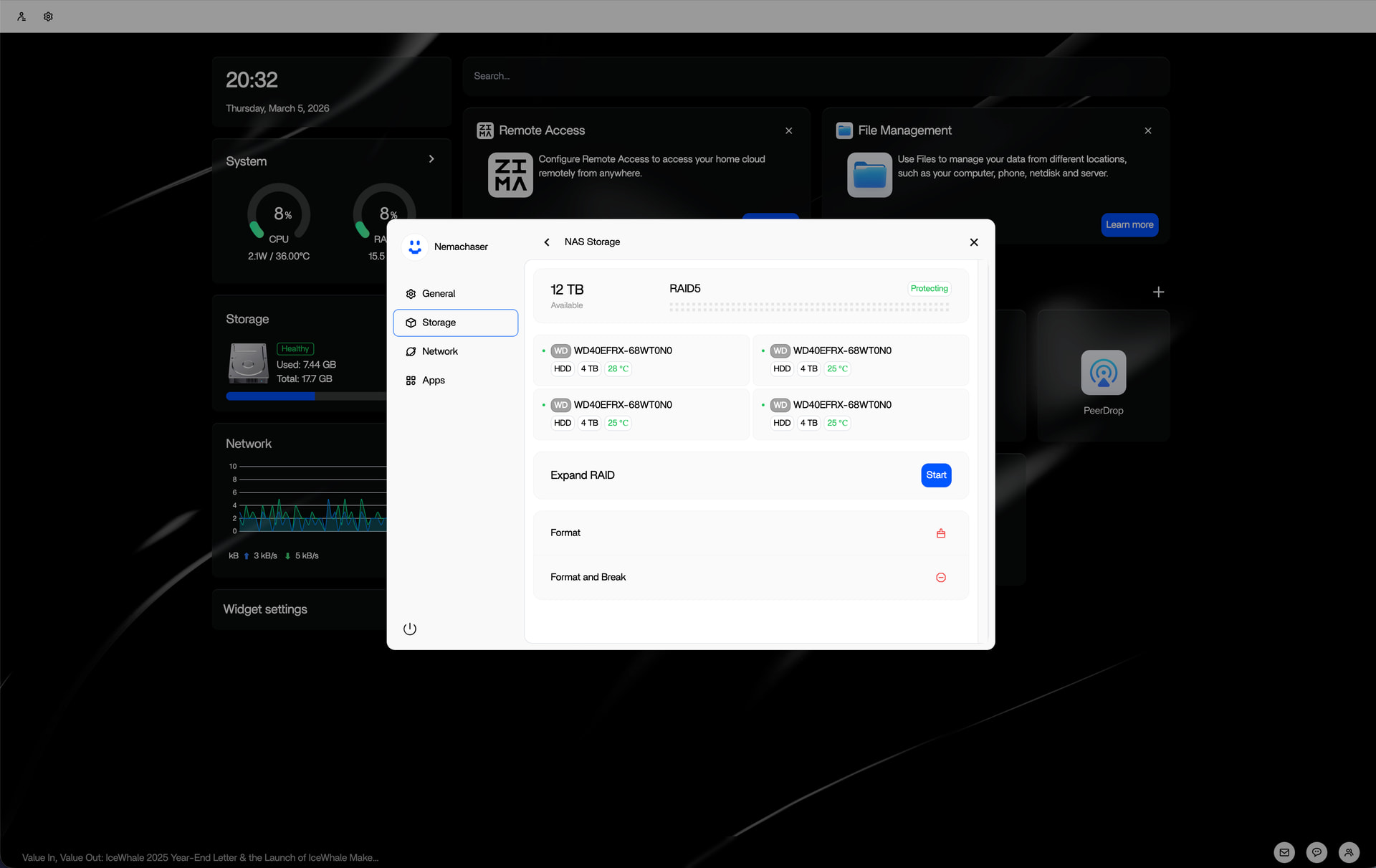
Here is the storage setup with the RAID5 being visible.
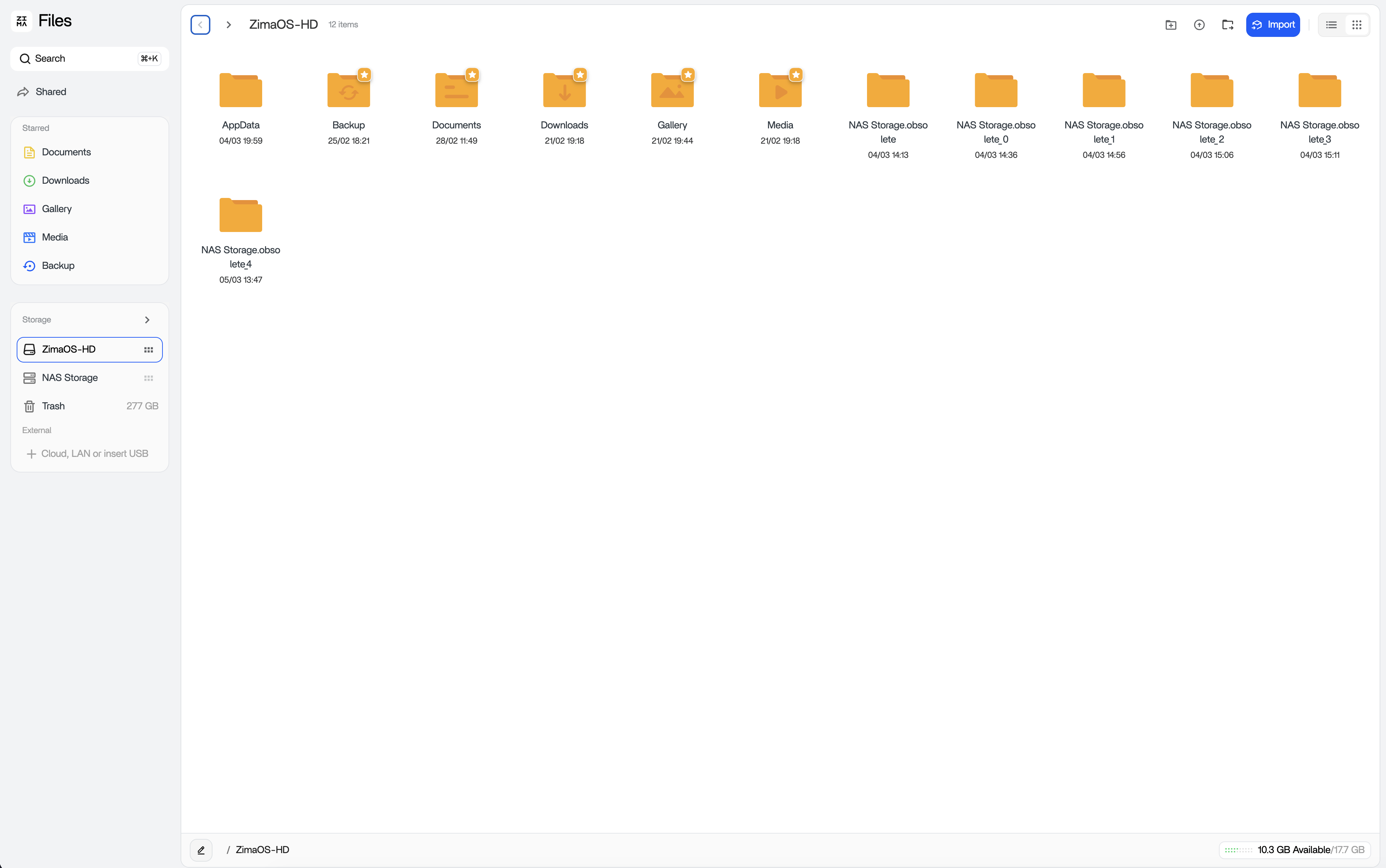
Here is the opened files folder. I noticed the multiple NAS Storage folder obsolete folders that appeared on the ZimaOS-HD drive. I am not sure how they got there.
This is the NAS Storage folder view when I open it up. This used to be filled with multiple file folders and my RAW photo files as well as my Edited files.
I would really appreciate it if anyone can help me figure out how to recover my files. I have obviously stopped moving any data to the NAS until I can figure this out.