To get a better grip on my raid’s I have upgrade to 1.6, but il looks like I have lost my plus license.
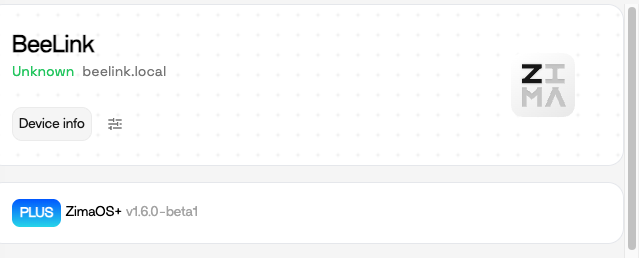
The issue was that I was redirected to the purchase page, instead getting a plus conformation when pressing the plus button. This is being solved.
I also had plus on a second machine. On that device it looks like I have really lost plus.
Not strictly neccesary to have plus on that machine, but would appreciate getting it back
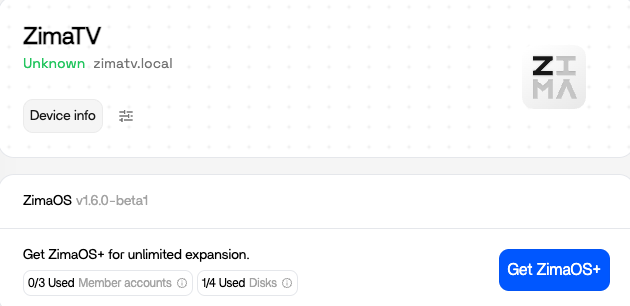
Same her my Device ID has changed after Update. Is there a solution to get back ZimaOS+
For me this was fixed after updating to 1.6.0 Beta 2
Also lost my Plus because the device ID changed after upgrading to 16.2 beta.
The only changes were that I removed two SSD I needed for an other computer.
I contacted the support last weel, so far no answer.
TIA for letting me know how to redeem the ZimaOS+ on my NAS.
Hi,
We’ve identified one possible cause, and we’d really appreciate your help verifying it.
Please make sure the version shown is 1.6.0-beta2.
After that, please run:
deviceid -v
and send us the output of that command.
Thank you again for your help and support — we really appreciate it.
Best,
Vicky
Hi, We’ve identified one possible cause, and we’d really appreciate your help verifying it.
Please make sure the version shown is 1.6.0-beta2.
After that, please run:
deviceid -v
and send us the output of that command.
Thank you again for your help and support — we really appreciate it.
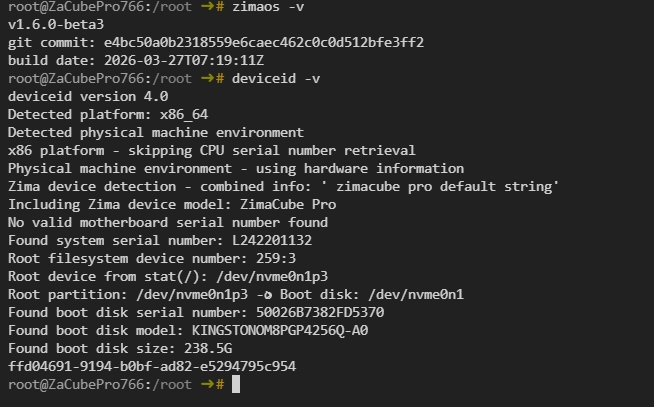
img_v3_0210i_e316ce65-8a25-4e4f-916a-841af47e4cdg654×407 96.6 KB
Best,
Vicky
Hi, We’ve identified one possible cause, and we’d really appreciate your help verifying it.
Please make sure the version shown is 1.6.0-beta2.
After that, please run:
deviceid -v
and send us the output of that command.
Thank you again for your help and support — we really appreciate it.
img_v3_0210i_e316ce65-8a25-4e4f-916a-841af47e4cdg654×407 96.6 KB
Best,
Vicky
Hi, here are the credentials you asked :
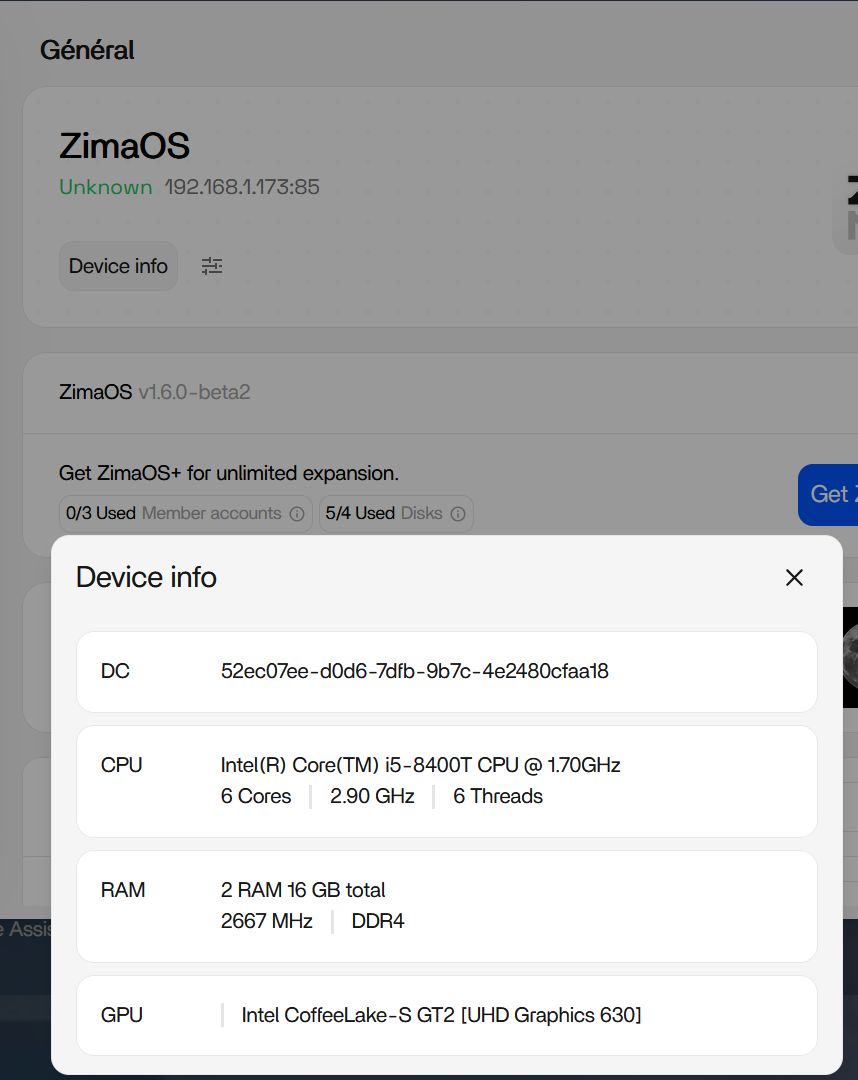
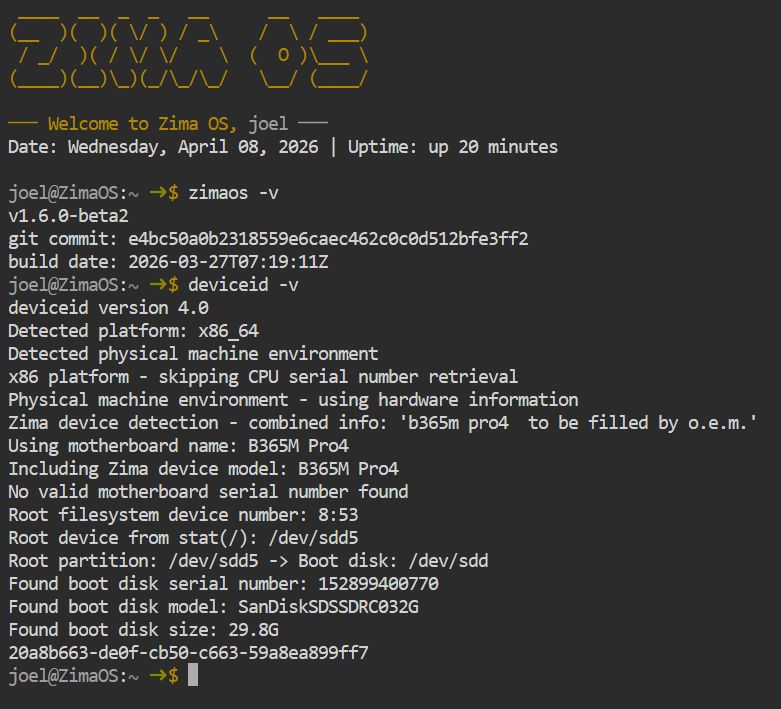
You can see that the ID device are not the same. Like I said in my first message, the only changes I did was to remove two SSD, the MB, the memory, the CPU and the other disk are the same when I bought the Plus token.
Hope it will help to find the problem, as it seems I’m not the only one.
We have an internal beta version (beta5) that fixes this problem. Would you mind helping us test it? I’d really appreciate your feedback!
Here are the steps to upgrade to beta5 (please run these in your terminal/command line):
```
```
Then restart your ZimaOS device.
Hi,
Installed (very long time of installation btw) and redeem my Plus token.
Thanks for everything.
1 Like
Hello,
I am sorry, but because of an other issue, I have already updated my NAS to beta3 and now beta5.
Kr
Holger
1 Like
Good day, I have run into the same problem, I purchased zimaos+ was working wel, my raid and system crashed. Had to use a new NVME for boot, installed new os with USB. after restart I tried my code but it says its already in use or something like that. After searching the forum I updated to the 1.60 beta 5, still no go. Can I get my lifetime key/os back ? Its still the same system but with a different bootdrive.
I’m using / was using ZimaOs+ on ugreen DXP8800 plus.
Hello, because you changed your system disk, the Plus information is now linked to the system disk information. Therefore, upgrading to beta 5 will not work.
Please provide a screenshot of your order and a brief description of the problem to community@icewhale.org, and we will assist you.
perdi o plus após atualizar para versão 1.6.1
há algo que possa fazer?
Please contact community@icewhale.org