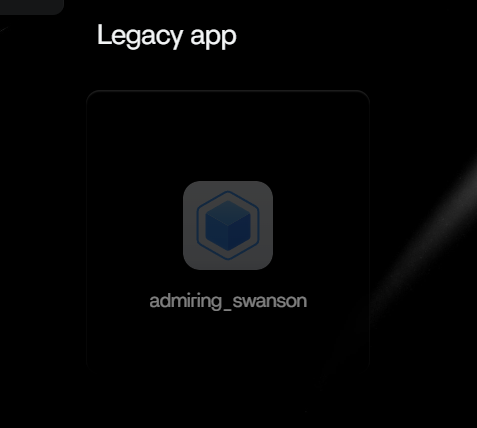
I am a brand new user to ZimaOS and have just been getting my NAS set up with HDDs/mapped to my PC and transferring files. I’ve yet to install ANY apps either from the app store or through terminal yet, when I logged into my dashboard this morning, there was a legacy app (admiring_swanson). Any one have any idea what this is and how it got onto my dashboard. Google was absolutely no help.
Run docker ps -a
Please take a screenshot.
Screenshot of docker ps -a

Screenshot of it on dashboard
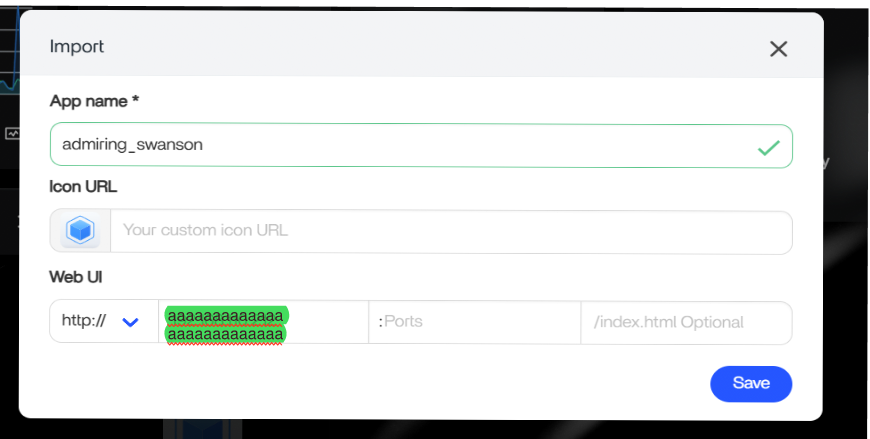
Screenshot of its “import” options (which I am NOT going to do since I have no idea how it got onto my dashboard or what it is)
1 Like
Hi, ComposeToolbox is a self-hostable web application that allows users to edit, validate, and get suggestions for your docker-compose.yml files.
admiring_swanson is just a random but unique name given to the Docker container.
Refer to bluegoosemedia/composetoolbox: Open source and self hostable docker compose editor and configuration tool for more details.
You can use the following commands to stop and remove the container.
docker stop CONTAINER_ID
docker rm CONTATINER_ID
Not sure why you have this app installed, as you say you have not installed any apps.
Best Regards,
Gavin Baker.
I installed the Compose Toolbox AFTER i posted this comment about the Legacy app just randomly showing up on my dashboard. I want the Compose toolbox. What I don’t want on my dashboard is the Legacy app that just “showed up” and that I haven’t installed/imported into my dashboard. I would like to know how to get rid of it.
1 Like
Maybe the hello-world Container is a test one to see if Docker is installed correctly. Have you tied removing it with the commands in my last email with the appropriate ContainerID?
Just ran the remove commands this morning. That fixed it. THANKS!!