I’m setting up zimaos for the first time. Yesterday I installed Jellyfin and I can’t make it visible in my home network. Nmap can’t see port 8096 and my ISP support (which was realy helpful) says it’s all fine on their end. Pihole managed to use por 53 by itself just fine.
I’ve been tinkering with settings, but can’t find the problem. I can access if from the OS dashboard through a browser, but can’t see the server on the Jellyfin app on my phone or TV.
With Jellyfin from app store the default install is port 8097. host :8097 container :8096.
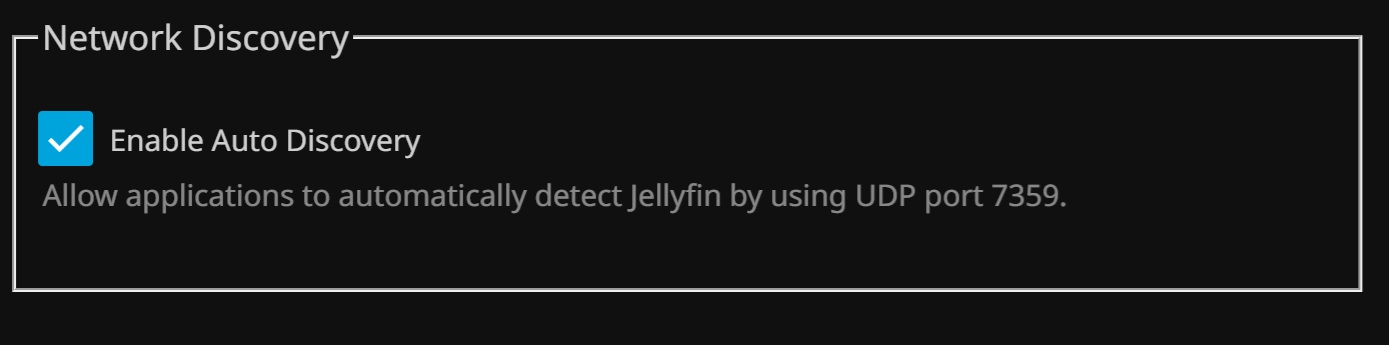
Should be able to access on 8097. can be confusing following the instructions in jellyfin since it says to access on 8096. the OS dashboard will be taking the browser to 8097. also by default port 7359 for network auto discovery is set to TCP in the docker settings but Jellyfin says should be UDP.