Hello,
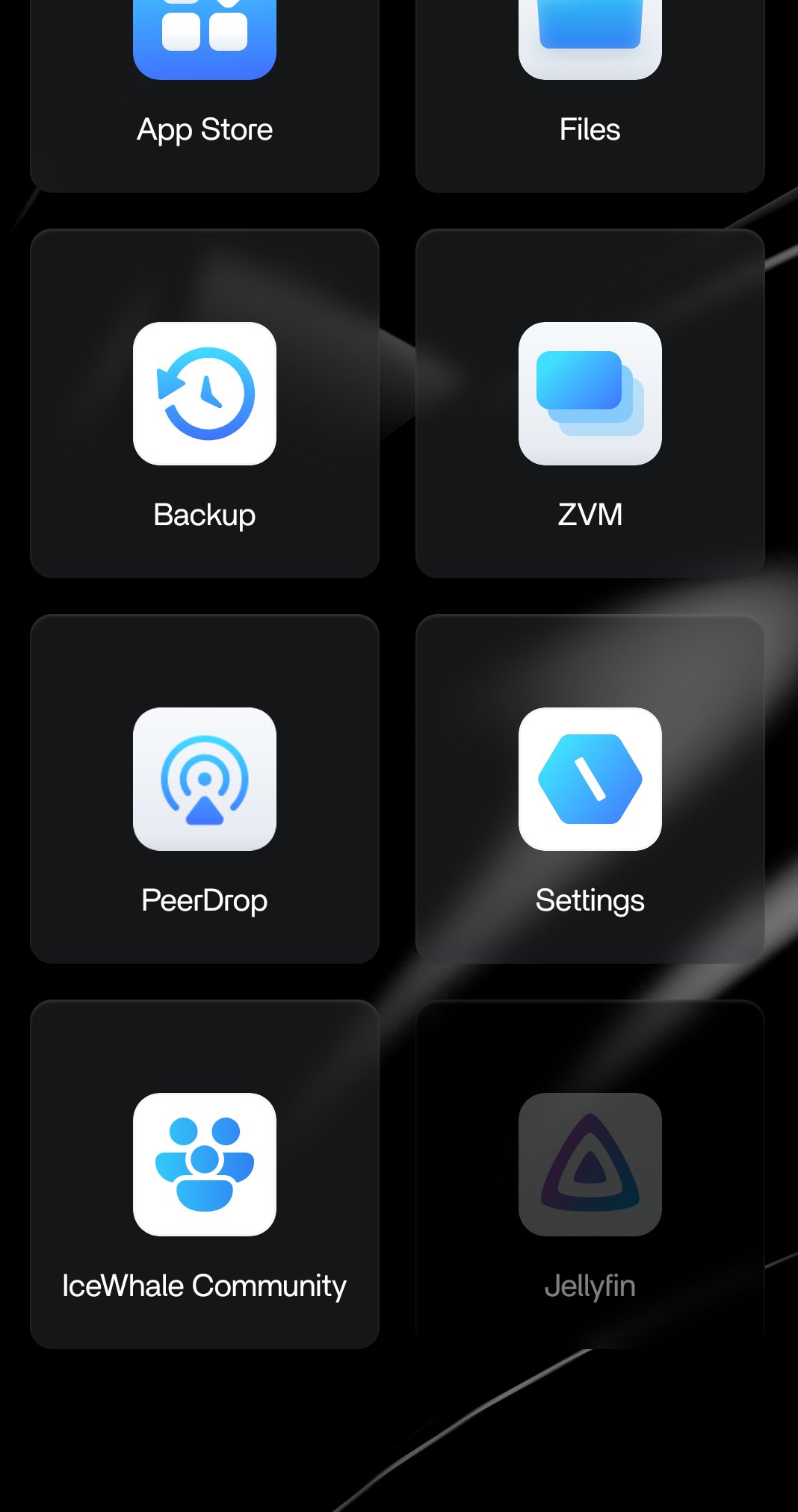
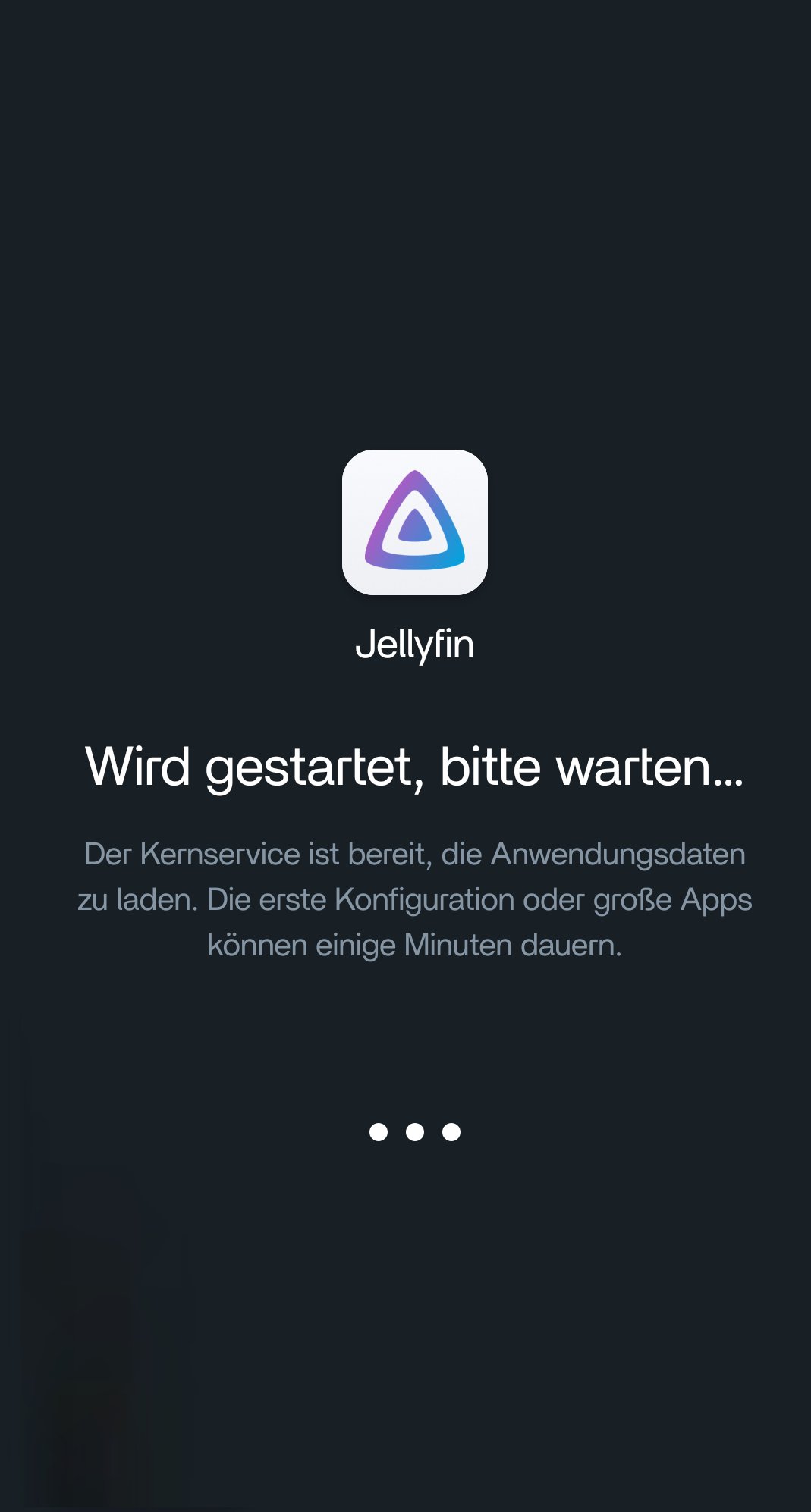
I’ve noticed that Jellyfin doesn’t start automatically when I boot ZimaOS. The icon is dimmed in the app drawer. When I try to launch the app, I first get a message saying it’s starting. A little later, the app actually starts. But to get the Jellyfin server running, I always have to start it manually this way. Does anyone have a solution for this?
I’m using OS version 1.6.1
Thanks in advance for your help.
Yeah I’ve seen this a bit on 1.6.1, usually not Jellyfin itself, just the container not coming up cleanly at boot.
The fact it starts fine when you click it is a good sign. It basically means everything works, it’s just missing that auto-start moment.
Most common cause is timing, especially if your media is on a mounted drive. Zima boots, Docker tries to start Jellyfin, but the storage isn’t ready yet, so it fails quietly and sits dimmed. When you launch it manually later, everything’s already mounted so it works.
Just need to confirm what it’s doing right after a reboot (whether it’s stopped or failed), then you can decide if it’s a restart policy thing or a mount timing issue
I took another close look at it. After a restart, I am seeing the same behavior.
However, I also had this problem in the previous version, 1.5.4.
That’s actually a really helpful detail.
If it was happening on 1.5.4 as well, then it’s probably not a 1.6.x bug, more likely just how the container is starting on your setup.
Given what you described, I’d still lean toward a timing issue. Jellyfin is trying to start during boot, but something it depends on (usually storage) isn’t ready yet, so it doesn’t fully come up. Then when you click it later, everything’s available and it starts fine.
If your media/config is on a mounted drive (USB, HDD, NVMe outside /DATA), that fits this exactly.
So the key question is:
are your Jellyfin folders on /media/... or external storage?
If yes, that pretty much explains it — and you’re not doing anything wrong, it’s just the startup order.
If not, then it’s more likely the container’s auto-start/restart setting not sticking properly, which we can check next.
1 Like
There are a total of 5 internal hard drives on which the media files are stored.
All Jellyfin libraries are mounted under `/media/DRIVE/LIBRARY`.
ZimaOS and all user data are stored on an NVMe drive.
The strange thing is that absolutely nothing was changed on the system during the time this problem occurred. However, there is another issue with the system.
From time to time, the entire system crashes.
It then becomes impossible to access it over the network.
If you turn on the system’s monitor, the screen remains black.
Therefore, the question is whether a fresh installation might help.
I would also like to know if there is a way to preserve the Jellyfin database.
That extra detail helps a lot. The Jellyfin startup issue and the occasional full system lockups may actually be related.
Since all your libraries are under /media/..., Jellyfin depends on those drives being mounted and ready during boot. If one drive responds slowly or briefly drops out, Jellyfin can fail to start automatically even though it works later when launched manually.
But the bigger concern here is the full system crash with black screen and no network access. That points more toward a lower-level issue:
- storage instability
- SATA/controller problems
- filesystem issues
- power/thermal problems
- or a kernel lockup
A fresh install might clean up software-side issues, but if the crashes continue afterward, then it’s likely hardware or storage related rather than Jellyfin itself.
And yes, you can absolutely preserve your Jellyfin database before reinstalling. The important part is backing up the Jellyfin config/data folder, because that contains:
- library database
- watched history
- users
- metadata
- settings
As long as you keep that folder, you can usually reinstall Jellyfin and continue where you left off without rebuilding everything.
I have a similar problem. I am new to zima os, I was trying out casa os first when I stumble up on zima os and wanted to try it. I tried zima os on a old mb and cpu just to get a feeling for it. When I decided to install it on a amd am4 mb with zen 3 3700x cpu. the thing is I was a little bit lazy and didn’t move the hdd right away from the old case to the new case where the new mb was resided. And now I moved everything over and my jellyfin won’t start. It worked perfectly before I moved my hdd:s.. The jellyfin tries to startup and when I clicked on to open the jellyfin webui it gets dimmed. I had this problem before and I tried to uninstall the app and reinstall it but it doesn’t help. The only thing is to make a clean install of zima os, why? I don’t know. If anyone has a suggestion or solution. I would very much appreciate it