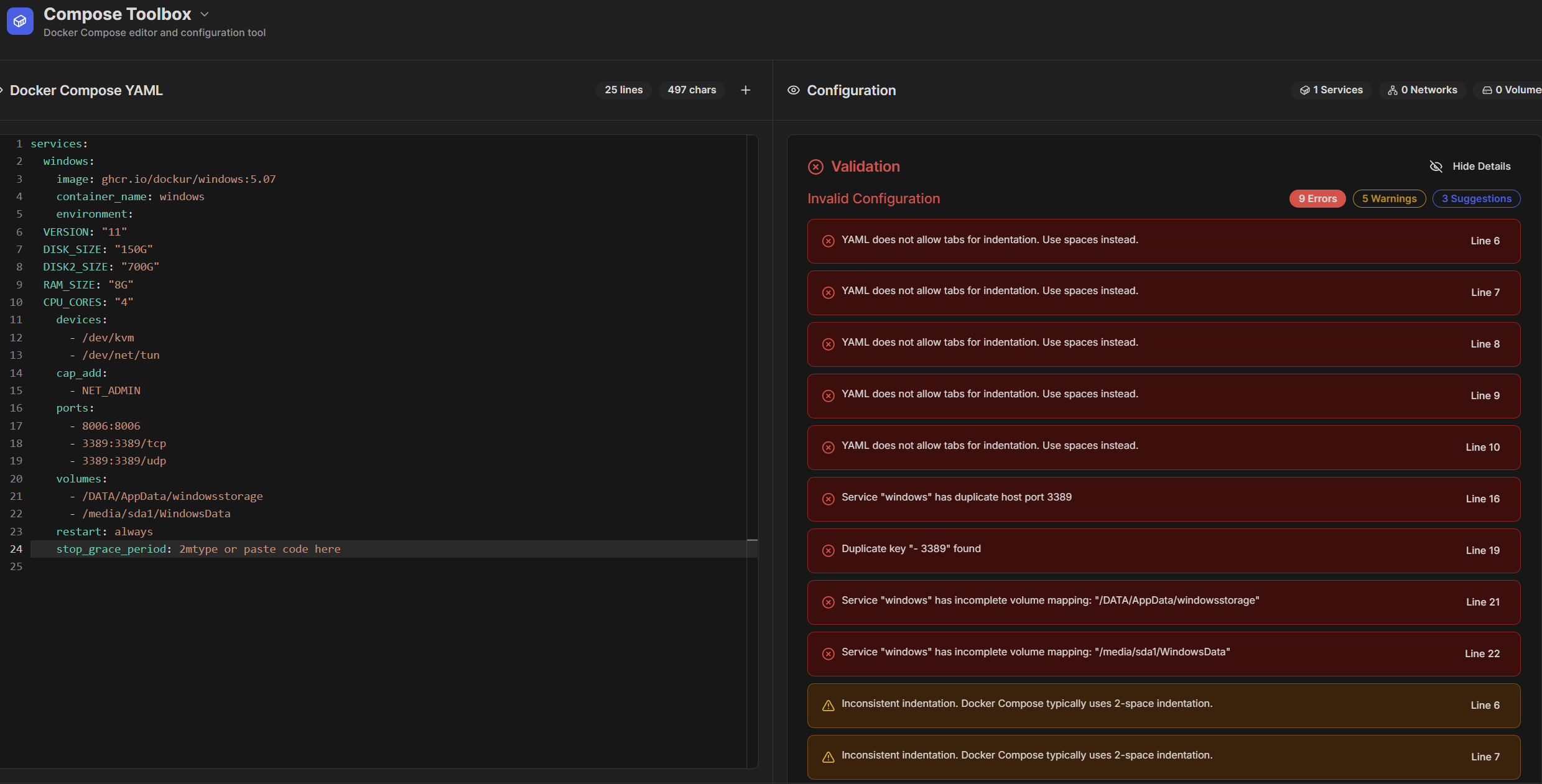
When you paste your Compose file into Compose Toolbox, it automatically checks if your Docker Compose syntax is valid before importing it. In your case, it’s flagging a few issues, mainly that the YAML is using tabs instead of spaces for indentation (YAML only accepts spaces).
You’ll also want to fix the duplicate port mapping for 3389, and make sure your volume paths are complete and properly formatted. Once you correct those, the validation on the right side should turn green, and you’ll be able to submit the compose successfully.
It’s a handy feature actually saves a lot of time chasing errors after deployment.
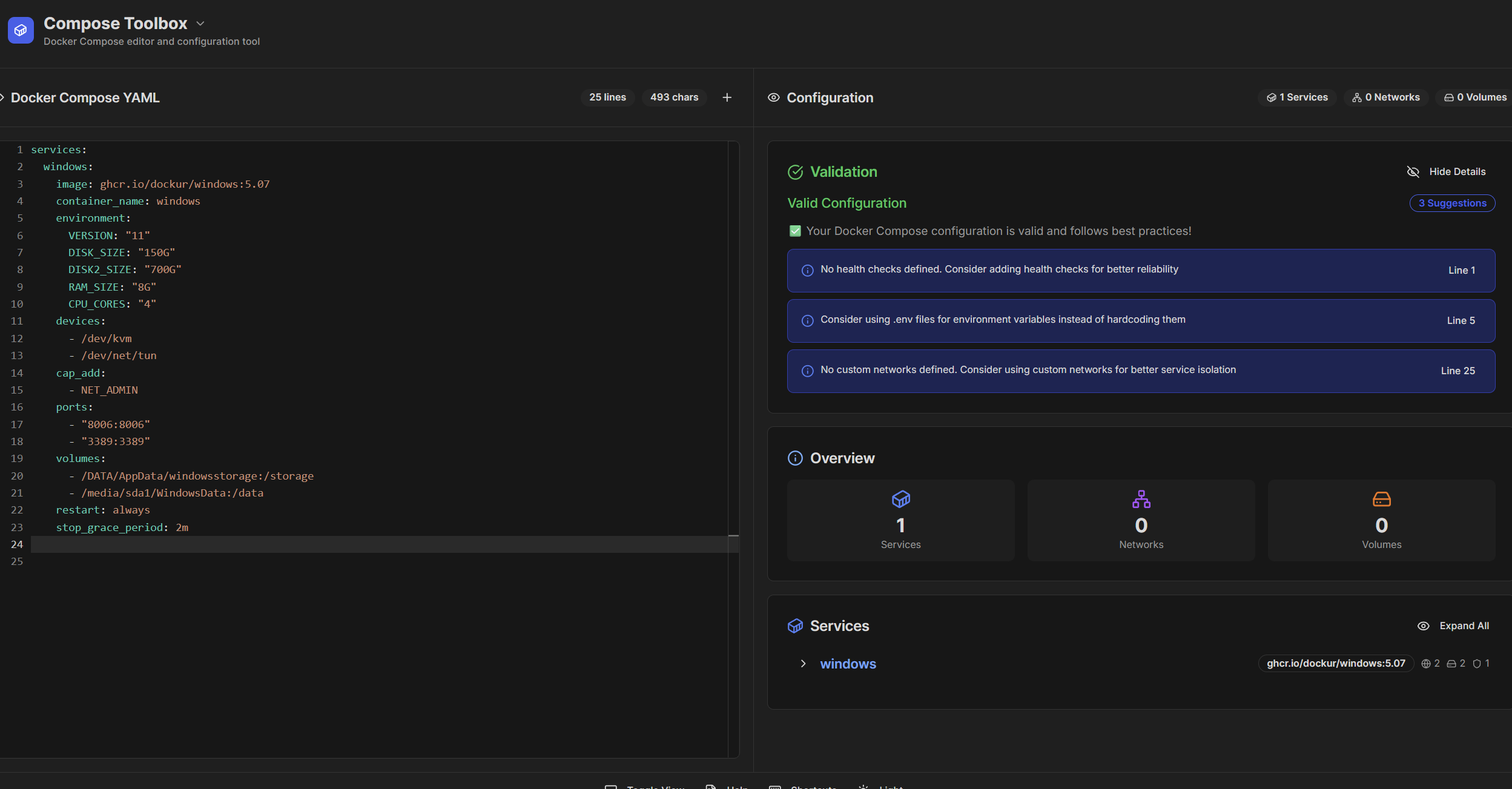
The Fix
- Replaced all tabs → 2 spaces
- Removed duplicate port
3389entries - Completed volume mappings with proper container destinations
- Fixed the
stop_grace_periodline