Disabling IPv6 didn’t help either 
Since you’re using a Deco mesh and UPnP is already enabled, this is most likely a visibility issue rather than a ZimaOS fault. Deco systems often filter multicast traffic that iOS relies on for automatic discovery, even when Android or other devices work fine.
To confirm, please share your basic network layout — just how each device connects:
ISP Modem → Deco Main Unit → Switch (if any) → ZimaOS Server
Wi-Fi → Deco Node → Phone
Also, could you check whether AP Isolation or Client Isolation are enabled in the Deco app?
Once we see your setup, we can tell whether mDNS discovery from ZimaOS is being filtered inside the mesh.
First of all, I’d like to emphasize again that the server cannot be found not only on iOS but also on Android. So, there’s no need to focus specifically on iOS.
My connection: Deco main unit (there is no modem in front) → 2.5Gb Ethernet → Beelink ME Mini PC (ZimaOS)
Deco Main Unit → Wi-Fi → iOS, Android phones, and other wireless devices.
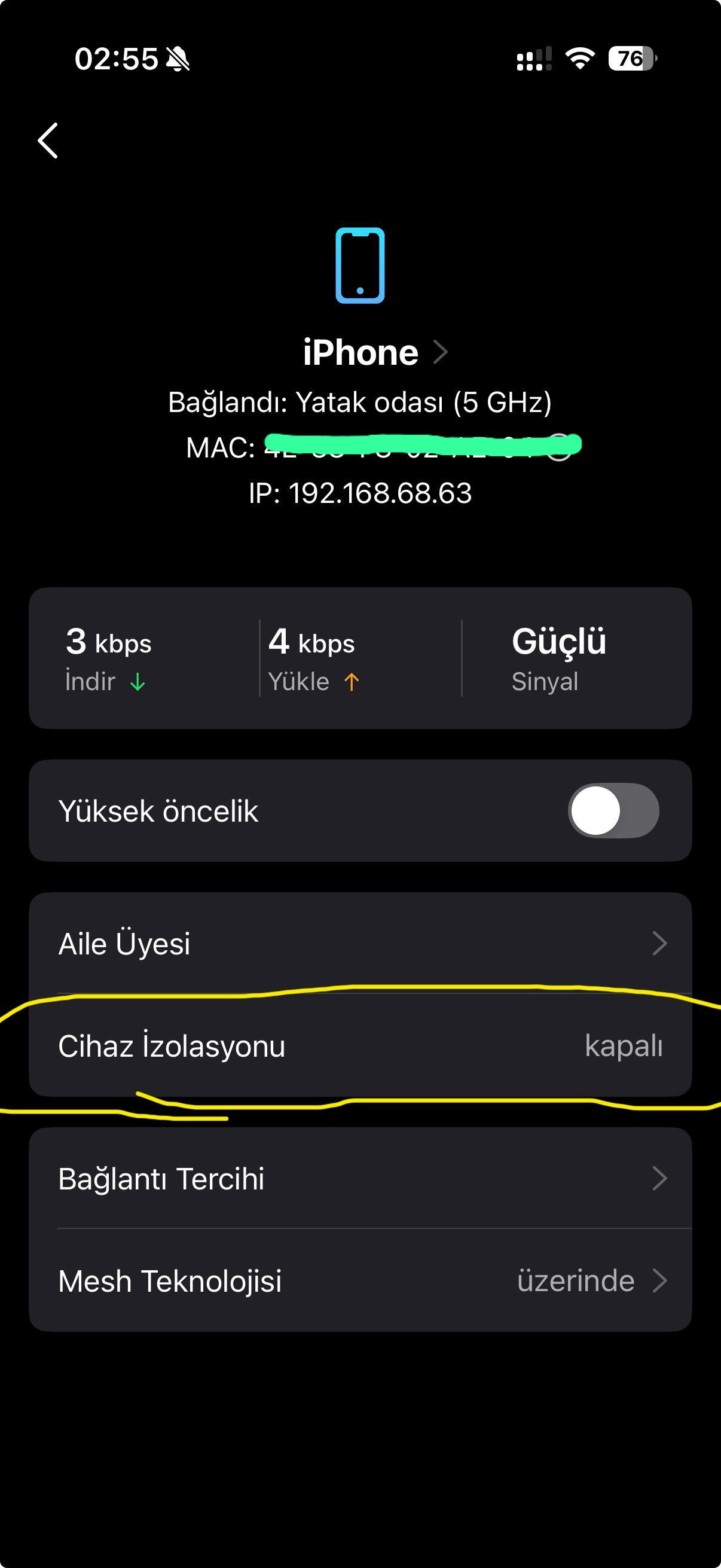
As I mentioned before, there is no isolation enabled. In the Deco app, there’s only one isolation-related setting, and it’s turned off. You can find a screenshot attached. My system language is Turkish, but I’m sure you’ll understand it when you see it 
I’ve tried many applications, software, and operating systems so far, and I’ve never encountered a situation where a client couldn’t find the device. I still don’t believe the problem is caused by my home network.
Thanks, Santhora, that’s very helpful.
Since isolation is off and both iOS and Android can’t detect the server, it likely isn’t your network. ZimaOS uses the Avahi (mDNS) service for discovery, and in some setups it can broadcast inside a virtual bridge instead of the main LAN when Docker is active.
That would explain why other apps discover correctly while the Zima client doesn’t. You’ve ruled out the network side well, this gives the team a clear direction to check how discovery behaves on bridged interfaces like yours.
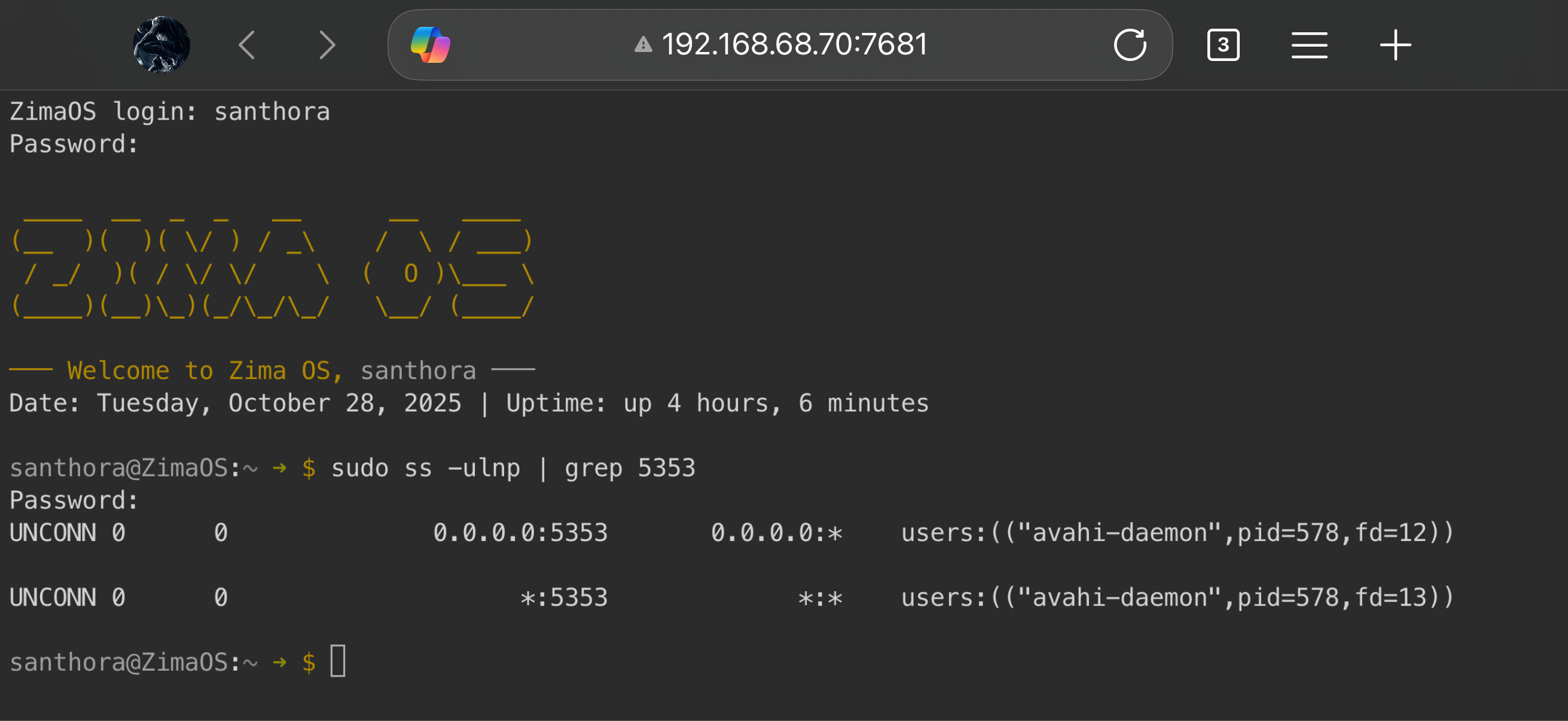
If you’re comfortable checking, please run the following on your ZimaOS terminal and share the results here:
sudo ss -ulnp | grep 5353
This simply lists which interfaces Avahi is listening on — it doesn’t make any changes.
It’ll help confirm whether discovery packets are being broadcast correctly on your main network interface.
Mesh systems and mDNS can occasionally conflict, since mDNS relies on multicast traffic that some mesh setups filter between nodes. When this happens, discovery features may fail even though normal connectivity works.
In some Deco models, mDNS isn’t fully forwarded between nodes by default.
If possible, try connecting your phone to the same Deco unit where your ZimaOS server is wired, then reopen the Zima Client.
If the server appears, it confirms the mesh is filtering multicast discovery.
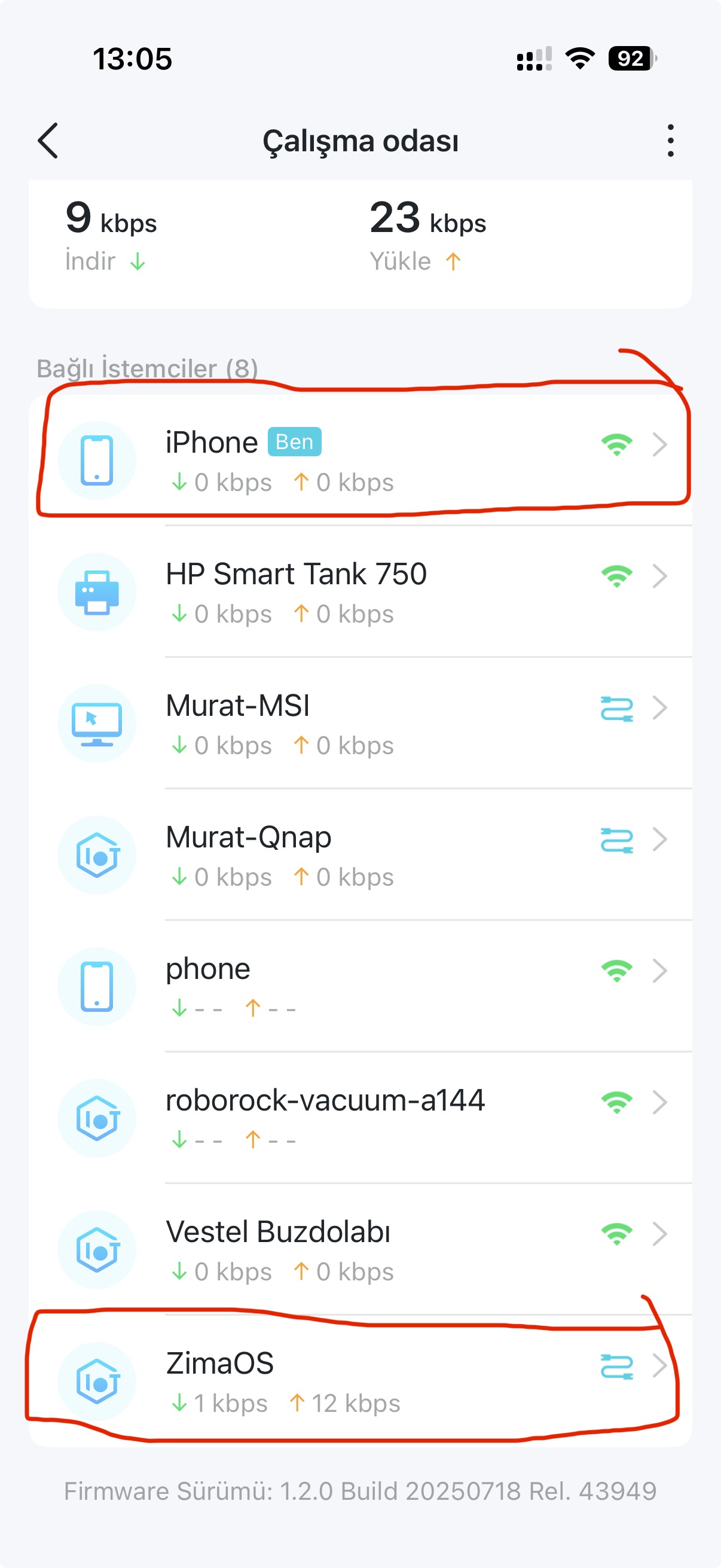
As you can see from the attached files, both devices are connected to the same unit, and the result is still the same
Today, I will connect the Mini PC to a different network that is not using Deco, and I will also install ZimaOS on a laptop to test it on my own network. This way, we can eliminate some of the doubts
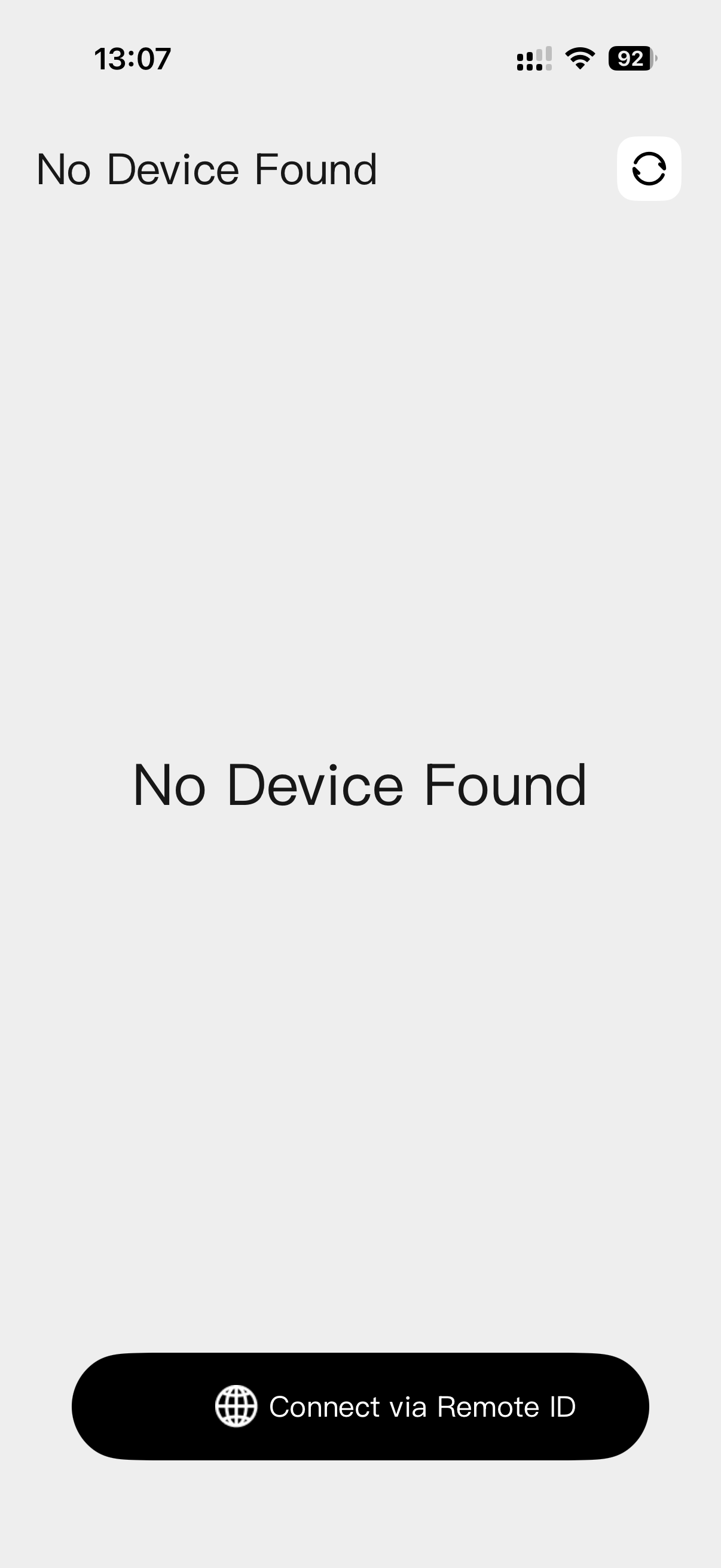
You’re right. I switched to the ZTE modem provided by my ISP — which I hadn’t been using — and tested it, and the Zima Client immediately found the server. You can see it in the attachment.
Thanks to everyone for their support. My Deco network, the usual suspect, has now basically confessed. 
Is there really no way to fix the mDNS issue?
Because I have a very good and powerful mesh system, and I really don’t want to replace it right now.
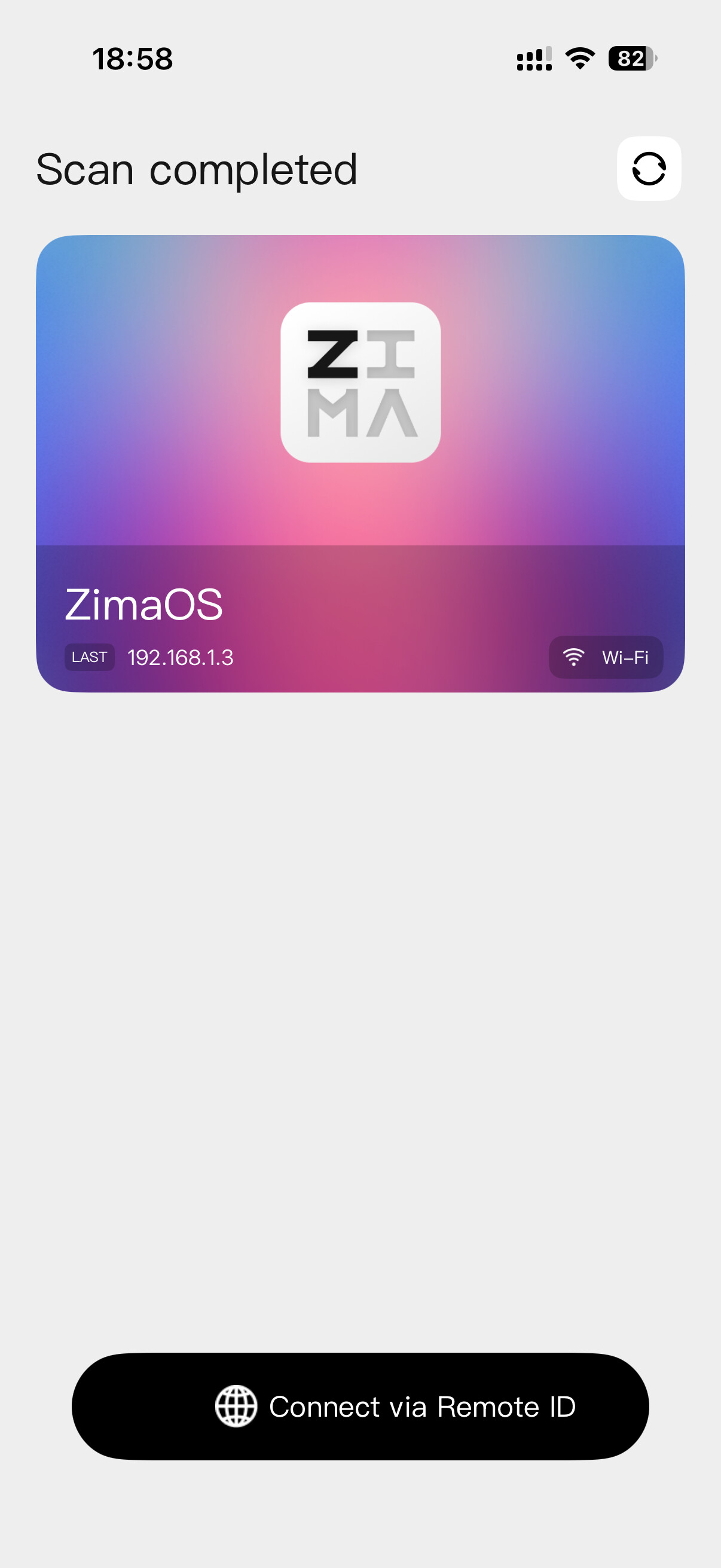
we told you so 
anyway, great that its visible now!
The server will remain invisible to me because I’ve gone back to the source of the problem — the Deco network Isn’t there any way to fix this?
sudo nano /etc/avahi/avahi-daemon.conf
search for this and insert a „yes“:
[reflector]
enable-reflector=yes
save + exit
then restart service:
sudo systemctl restart avahi-daemon
Device findable now?
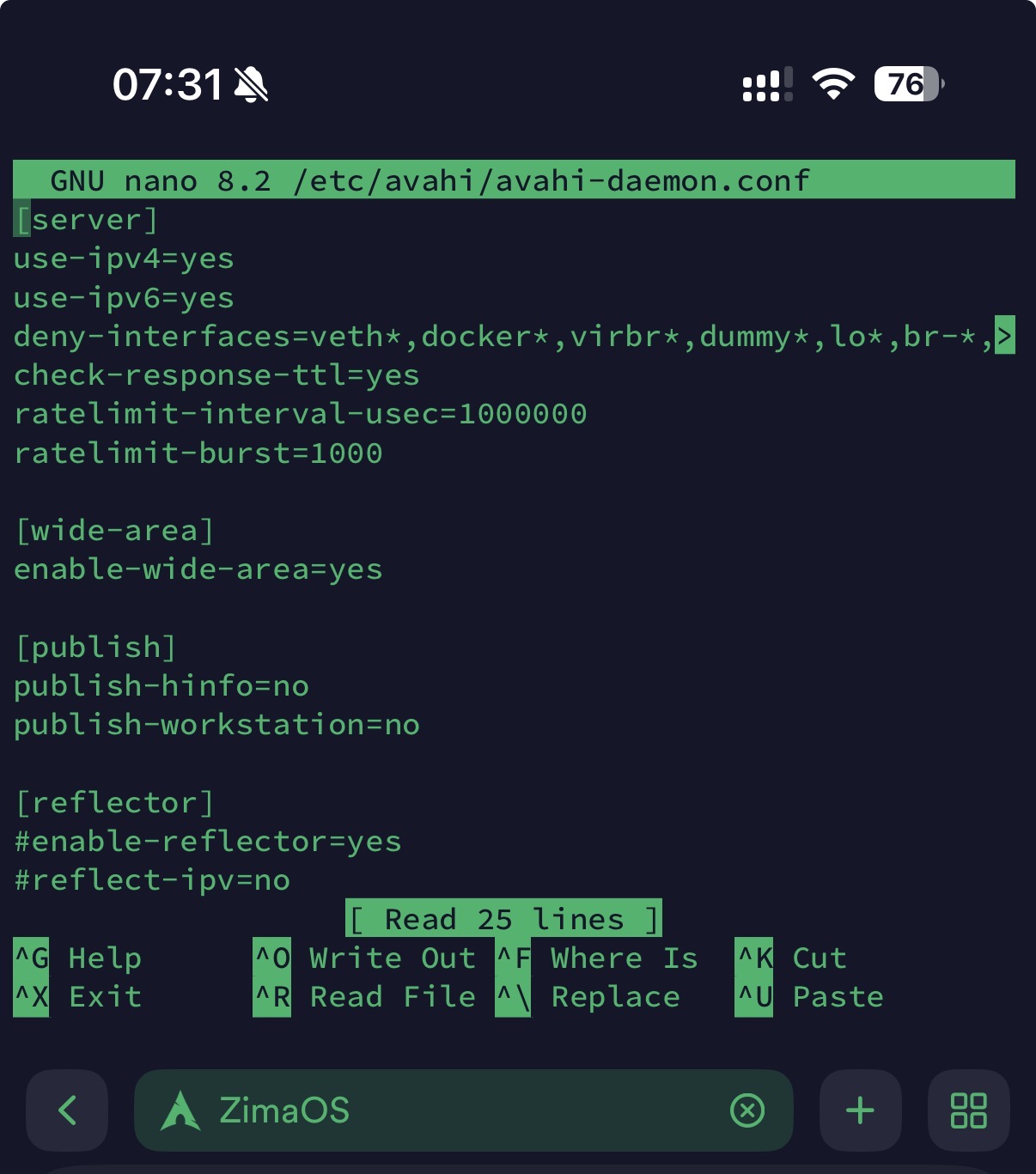
remove the „#“ and then try again.
Yes, revert the code in case its not working.
This didn’t work either. Could you add a feature that lets the server be discovered by local IP in addition to mDNS? It’s obvious that as ZimaOS becomes more widespread, others will run into this problem. After all, even if it’s one of the most up-to-date systems, there will be users like me whose systems don’t support mDNS.
Personally, i like the idea. You should open up Feature Request thread.
Since the server is detected immediately when connected through the ISP router, ZimaOS and Avahi appear to be functioning normally. This indicates the issue is related to how the Deco mesh handles local discovery traffic (mDNS).
On Deco systems, automatic discovery often only works when both the phone and the ZimaOS device are connected to the same Deco unit.
A practical step to try:
Connect your phone and ZimaOS to the same Deco node and test discovery again.
If that is not convenient, using Remote ID is a reliable alternative.
Adjusting Avahi on ZimaOS is unlikely to help here, as the limitation appears to be within the Deco handling of multicast.
Reference:
Thank you for your support but we had already tested on the same Deco unit, but it didn’t work — I think you might have forgotten.
Please consider adding the option to connect via the classic local IP address as well.
I’ll also submit this as a feature request.
Thanks for confirming, and you’re right, you already tested on the same Deco unit.
Since auto-discovery still fails there, this strongly suggests the issue is with how Deco handles multicast, rather than ZimaOS.
At this point, it would be worth checking with TP-Link support to see if they can advise on enabling or improving mDNS/Bonjour forwarding on your model.
Remote ID will continue to work in the meantime.
There are no settings related to mDNS in the Deco software, and I don’t think there will be any in the future either. In fact, I even doubt that TP-Link representatives know what mDNS is
That’s why I don’t want to bother dealing with them.