Hi everyone, I'm Lauren. It's great to connect with you all again. First, a heartfelt thank you for your incredible support for ZimaBoard 2; we have now started shipping.
Over the past few months, we've been closely following every comment and suggestion from the community regarding our OS and hardware. This invaluable feedback has been crucial in guiding our development. Today, I want to dive deep into our newly upgraded ZimaOS.
We never wanted to be just another "alternative"—that brings nothing meaningful to the world. Many of our team members are power NAS users themselves, from designers to tech geeks. We've been constantly asking ourselves: what is our dream NAS OS? How can it better serve our homes and daily lives?
After years of iteration, ZimaOS 1.5 is our answer for now.
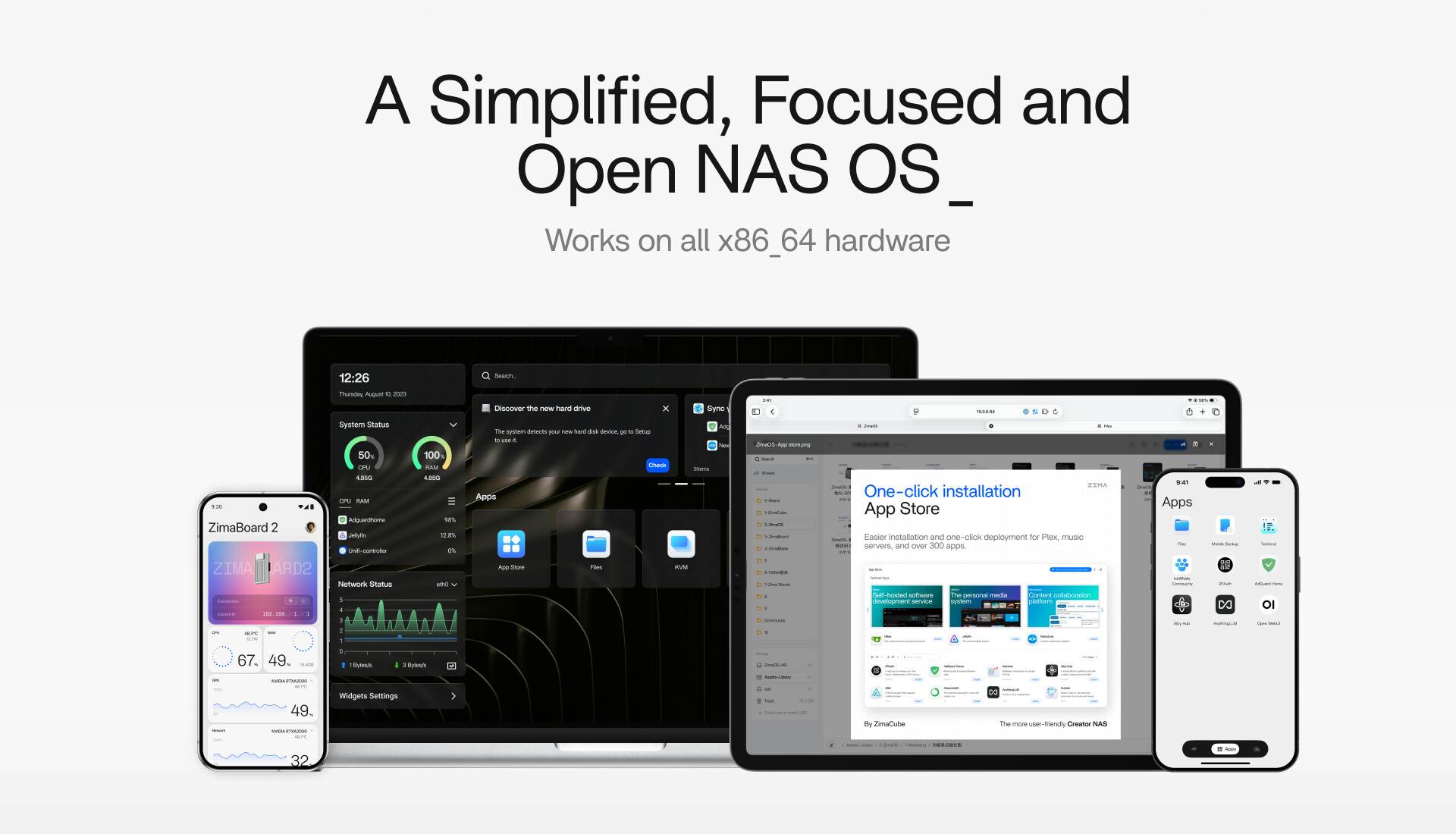
It should be a simplified system—no need to understand complex settings or read through lengthy manuals.
It must be secure, stable, and reliable, with excellent performance.
And most importantly, it should be truly open—when your imagination runs wild, the App Store and the community are there to fully support you.
This is the core philosophy behind ZimaOS.
Simplified - More Than Just Ease of Use
What does "simplified" really mean? Fewer features? Fewer steps? For us, simplicity means a unified design language. Your dashboard opens directly to your app list, with all functions visible at a glance, and widgets display key information precisely where you need it.
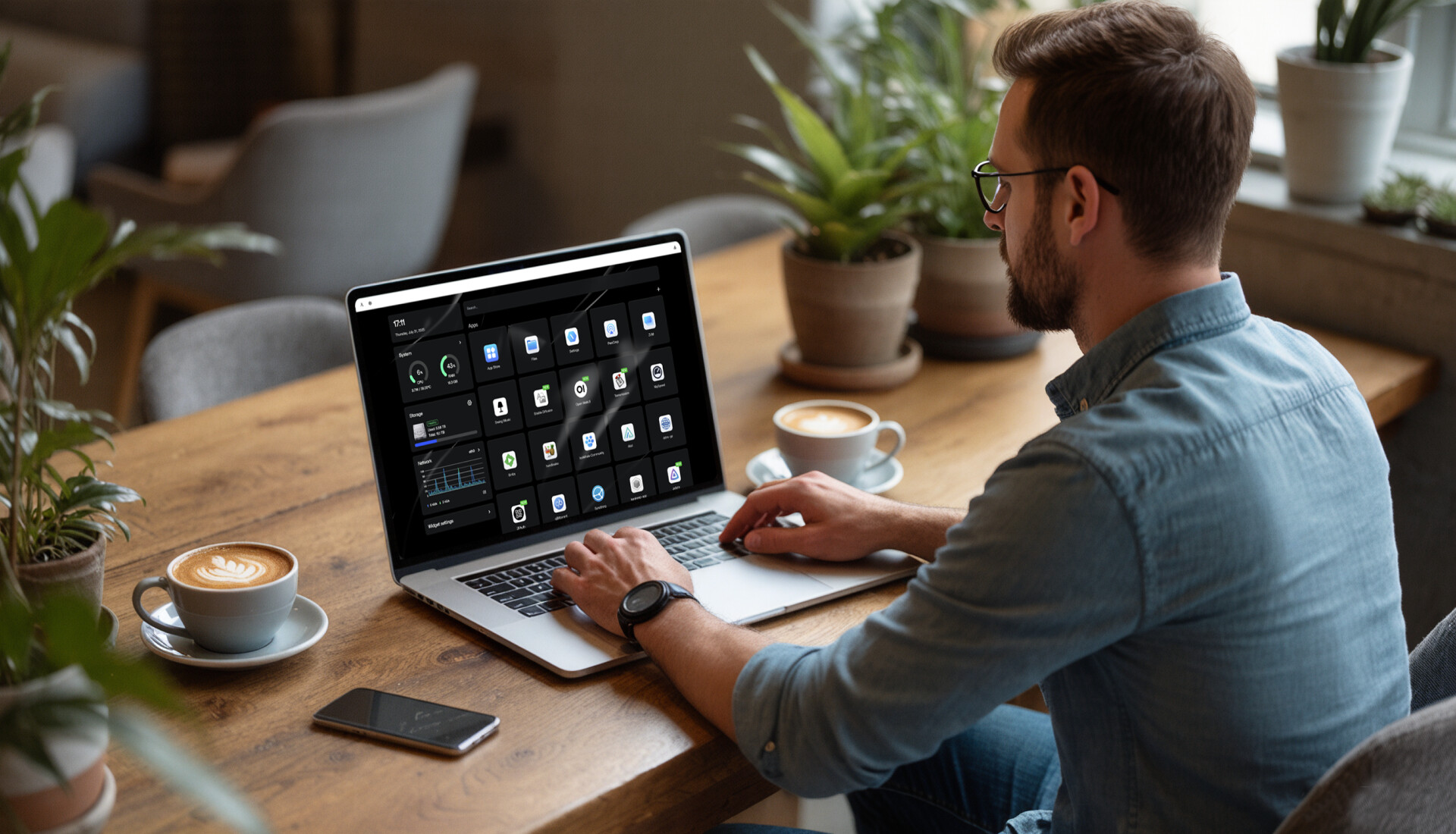
Storage management is intuitive and natural. Creating a storage array takes just a few simple steps: plug in the drives, click, click, and click again—and you're done. At the same time, you can still dive deep into every detail.
Our ZimaOS Files app has been thoroughly optimized, delivering significant performance boosts in file transfers, previews, video playback, and document handling. More importantly, it brings all your storage together: local drives, LAN shares, and even cloud services like Google Drive and Dropbox. You can even set up automatic file migrations between different cloud storage services, completely eliminating tedious manual work.
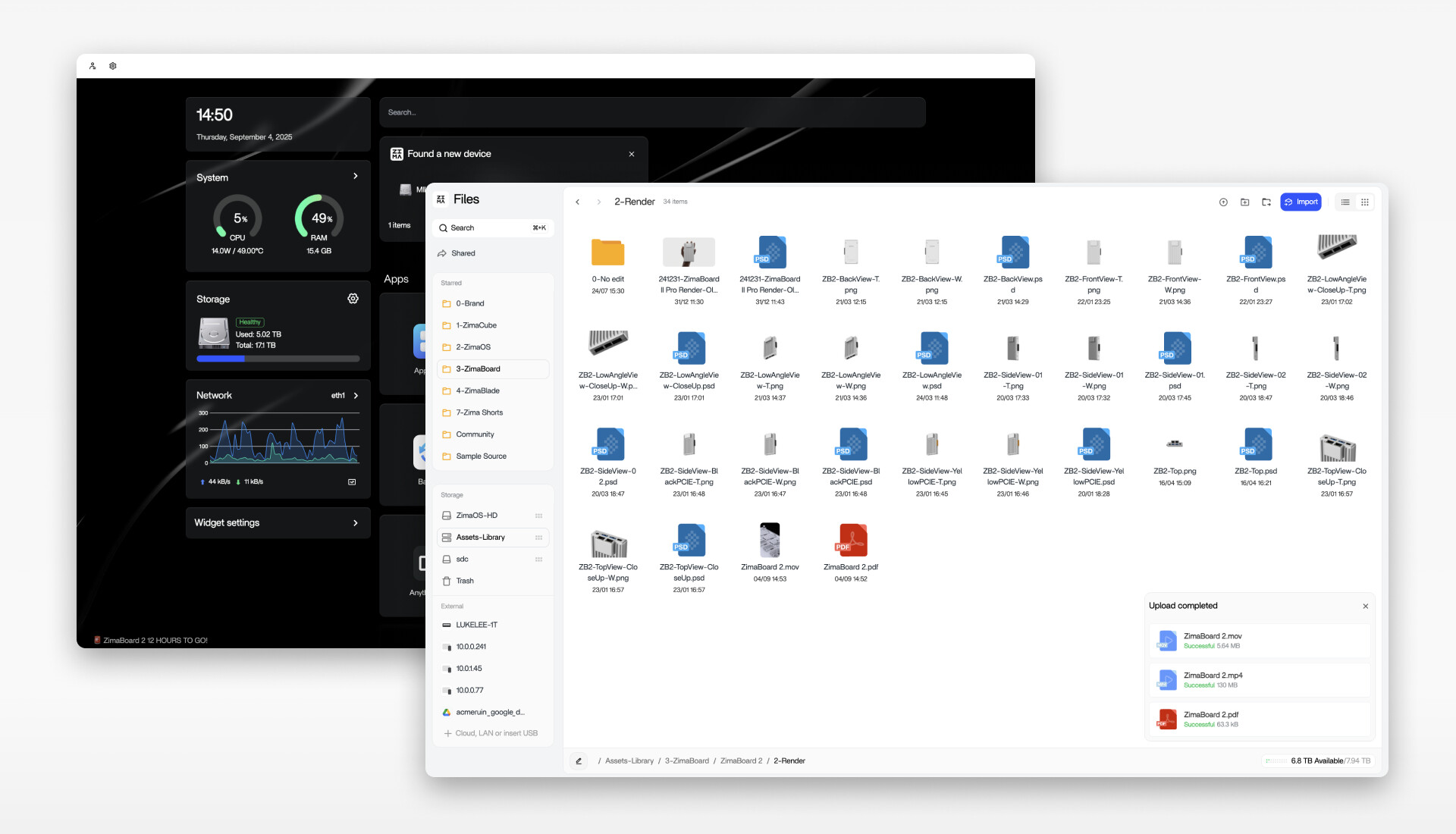
This all revolves around one core idea: letting you do less, while the system does more.
Focused - Not About Cutting Features
With our data scattered across phones, computers, and multiple cloud services, we need a system that truly focuses on data management, bringing everything together in one place. "Focused" doesn't mean piling on features; it means meeting your diverse needs through clear and thoughtful abstraction.
Take backups, for example. You no longer need multiple apps or have to worry about caches or technical jargon. In ZimaOS, all your devices, local storage, and cloud services can be automatically synced with a single tool.
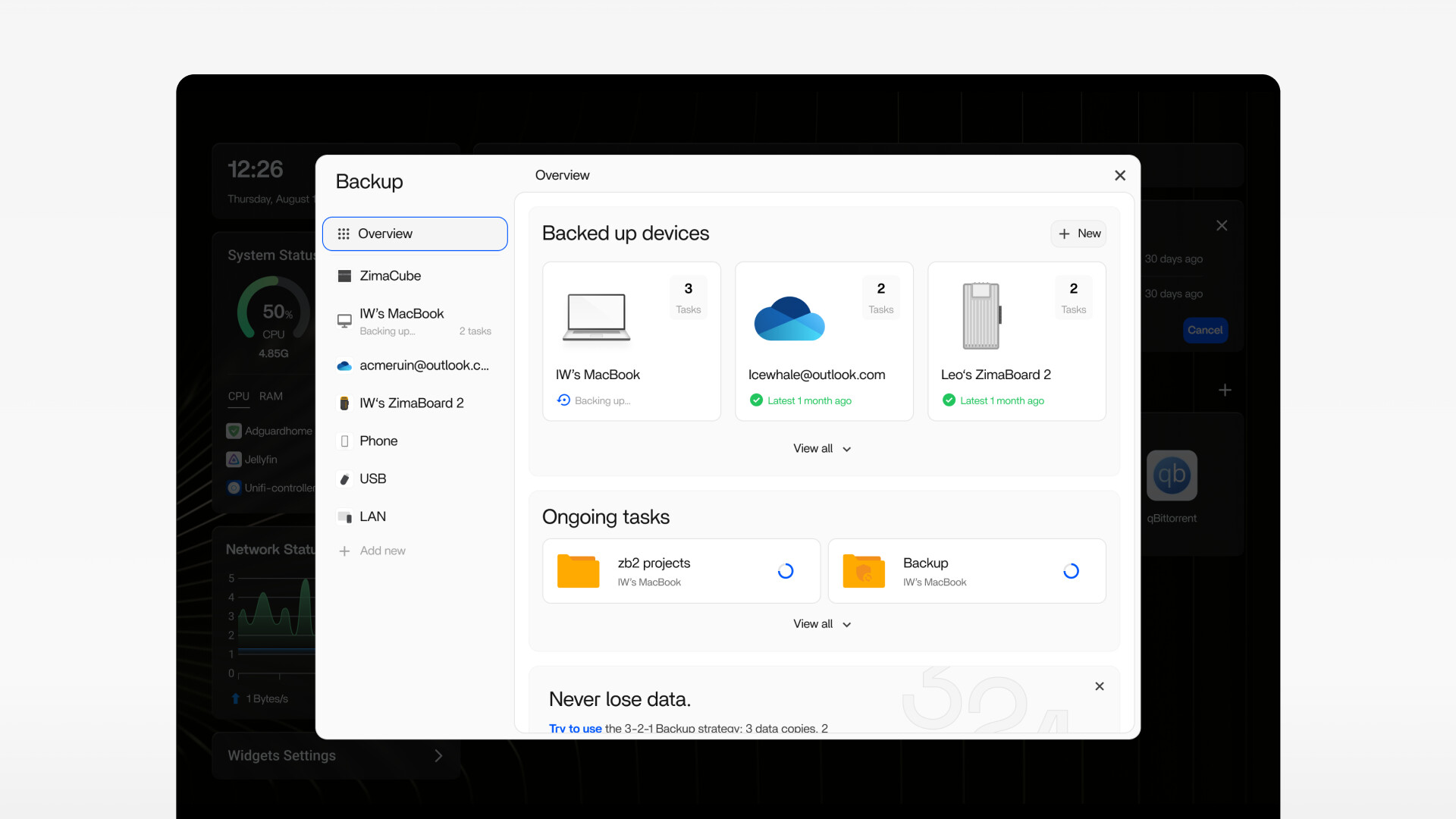
The design logic is incredibly simple: define the source and the destination. From your laptop to your NAS, from your NAS to a remote device—every operation is managed within one unified interface.
With the ZimaClient mobile app (now available for iOS and Android), you can securely access all your services and data remotely, with all transfers based on peer-to-peer direct connection technology. Whether you're using an iPhone, Android, Mac, or Windows device, you'll get the same seamless experience.
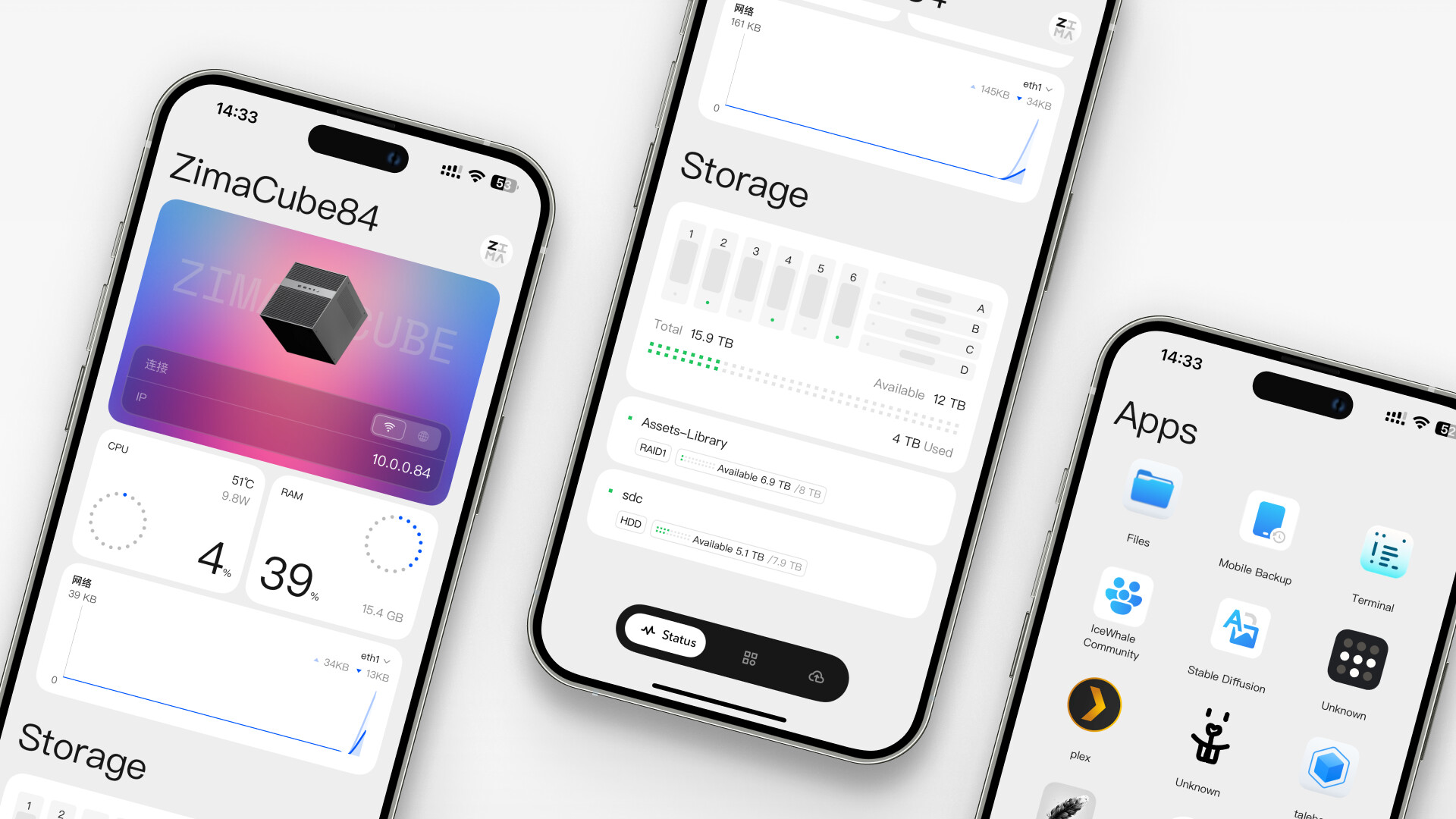
This allows you and your team to focus on what truly matters: creation and delivering value.
Open is a Choice
"Open" has been our guiding principle since day one at IceWhale; it's the choice we've made to grow alongside our community over the past few years.
On the hardware level, ZimaOS is compatible with all x86-64 hardware. Whether it’s a self-built server, a Zima device, or your favorite mini-PC, ZimaOS runs perfectly. We've also established a driver feedback and upgrade system to support expansion hardware like GPUs and LSA cards, continuously broadening our compatibility.
On the development level, we carry forward the open-source spirit of CasaOS. Every new release is shaped by the collective wisdom of the community. We continuously gather feedback through platforms like Discord, our forums, and YouTube. Many features—such as DLNA, virtual machines, and SSL support—originated directly from community suggestions.
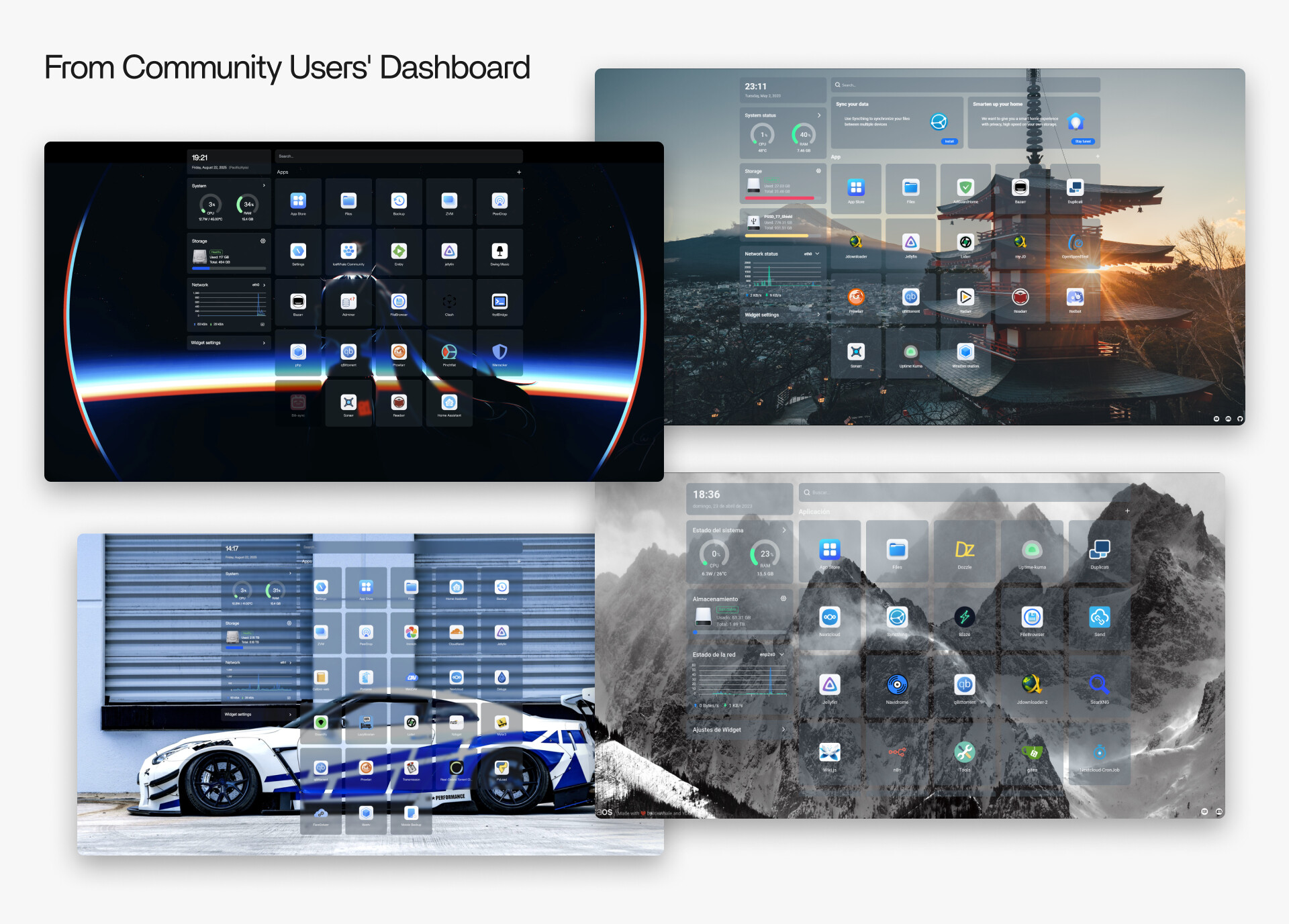
On the application level, our App Store is built by the community. It currently features over 800 applications, covering everything from media centers, game servers, and smart home tools to network management and private knowledge bases—and it’s still growing.
This is how we understand and practice "openness."
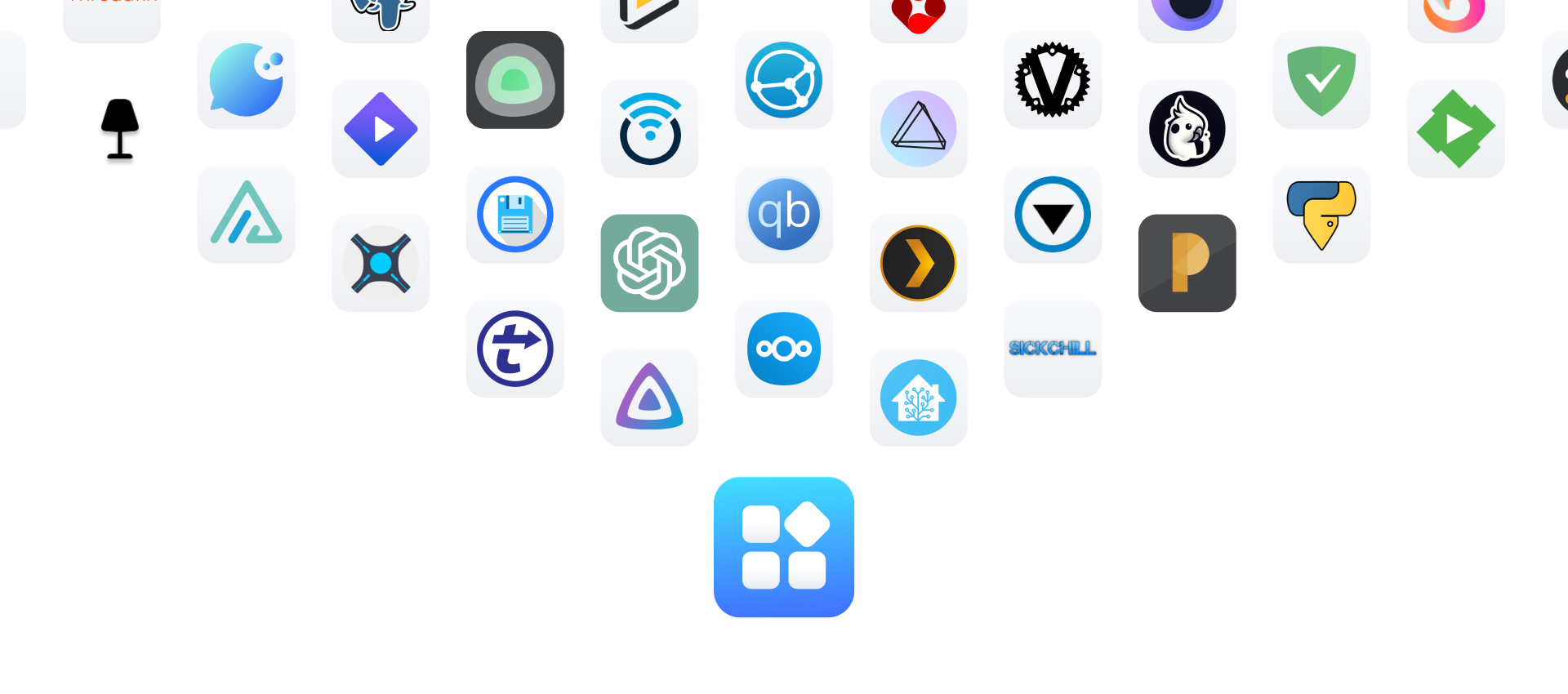
We Sincerely Invite You to Join the ZimaOS Community and Drive the Next Decade of Personal Computing
At its core, a NAS is a private and secure digital space. With ZimaOS, account sovereignty remains firmly in your hands. Your identity is generated entirely locally—no email or phone number is required, and it can run completely offline.
Our privacy promise and design principle is simple: we collect no user data. Since version 0.1, we have adhered to a foundational principle of no tracking and no telemetry. ZimaOS is all about integration—integrating into your life, your creative work, your personal memory management, and the way you build your smart home assistant.
We invite you to download and try ZimaOS 1.5. We look forward to hearing your valuable feedback in the comments. Thank you!
Lauren

