Could you please provide info on how you got the NIC drivers to install? I’ve tried both the complete package and the Windows server 2022 package (as is the installed OS), both fail
For Windows users, you can download the NIC drivers here:
Useful steps for installing intel NIC driver for ZimaBoard 2:
- On another computer with internet access, download the required network driver.
- Copy the driver files to a USB drive.
- Transfer the USB drive to your ZimaBoard and install the driver.
Hello,
thank you for the reply.
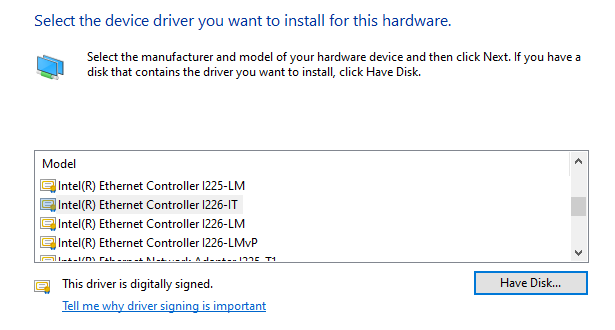
Unfortunately, I have already tried this driver package, along with the ‘all’ package and the package for the relevant OS (in this case, Server 2022). I have attempted this installation across 2 ZimaBoard2 devices on Server 2022 and Server 2025, neither of which accepts any of the driver installers, nor can you manually select the I226-V driver to install.
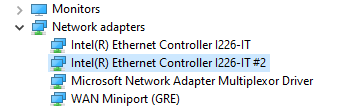
I have managed to temporarily gain connectivity by forcibly disabling driver signature enforcement and installing the I226-IT driver, but this is a stop-gap as that isn’t the correct adapter type.
And you have also tried this link?
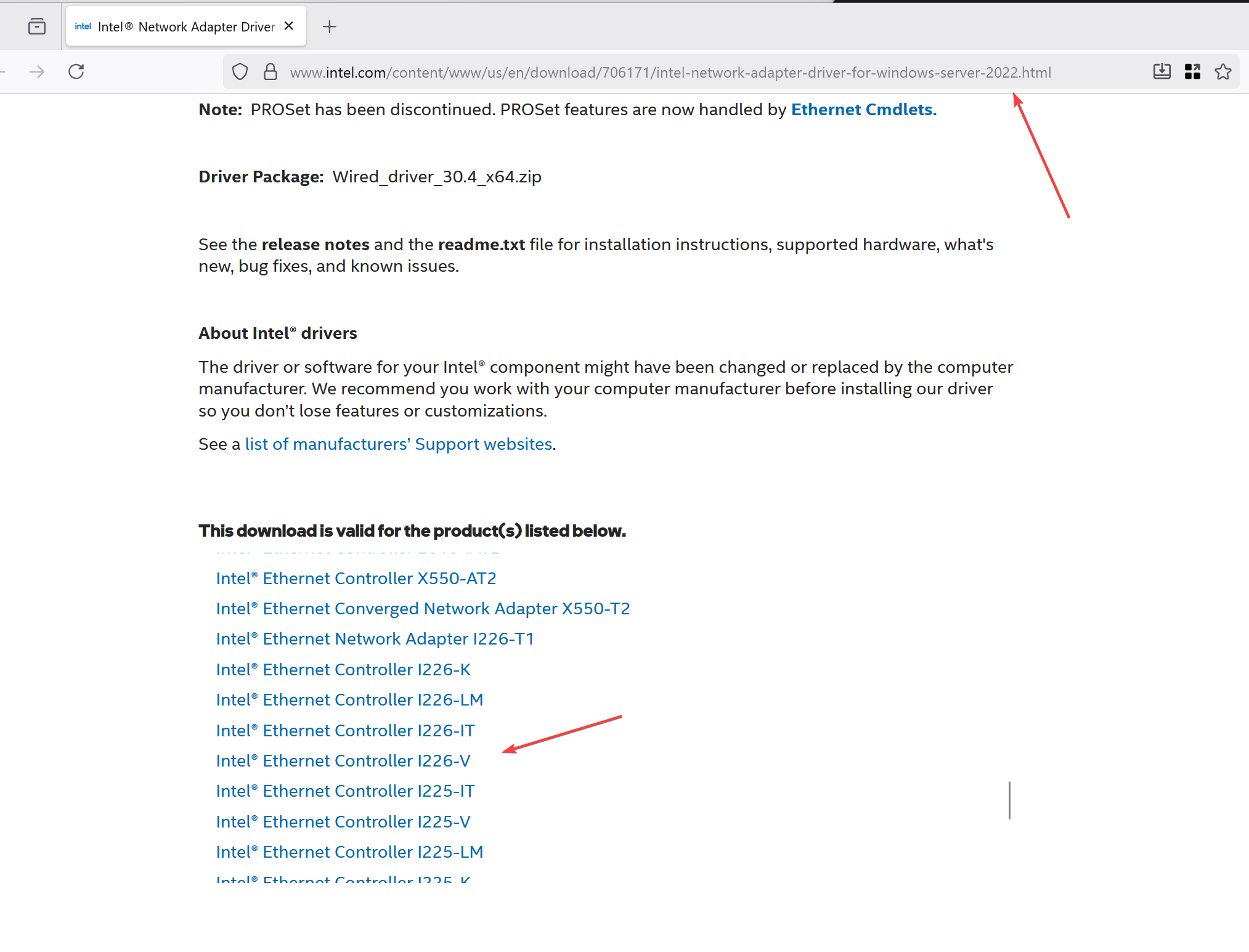
According to the URL:https://www.intel.com/content/www/us/en/download/706171/intel-network-adapter-driver-for-windows-server-2022.html, it is included.
Would you tell us where you get the Windows image and record the whole of your operation process? Including:
- the get/installation of the OS image
- the download/installation of the driver
This can help our engineer locate the issue.
The images come from an official Microsoft source and are unedited.
eMMC is disabled in BIOS to prevent accidental overwrite, SSD is connected via included SATA cable. Secure Boot is enabled. No other BIOS options changed other than correcting the time/date.
Ventoy is used to boot the ISO from USB and follow the standard OS installation process.
Intel driver packages were obtained from the official Intel links, same as shown above in your own screenshots/links, unzipped and copied to the ZimaBoard2 SSD via USB.
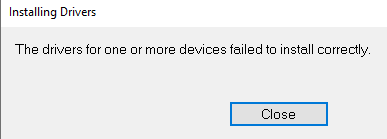
Running the included installer gives the error as shown in previous screenshots and when using the Update Driver → Choose Driver process in Device Manager, the I226-V is not shown for those adapters, despite their inclusion. This same behaviour is observed via the built-in driver set of Windows and if I select the ‘Have Disk’ option and load the .inf file from the driver package in the WS2022 folder of the unzipped Intel pack.
Would you please try to both run the .exe file and load the .ini file?
Hello, thank you. Unfortunately the result is the same, the driver for the I226-V does not load
Okay, we’d like to help you resolve this issue. If it’s convenient, could you record a video of your driver installation? A video showing the hardware environment would also be helpful. Upload it here so our engineers can review any potential issues.
Could you please elaborate on what you mean by a video of the hardware environment?
Thanks
You can refer to this method to install it:
2 Likes
We want to see what hardware environment you are connected to, such as switches, and the working environment of the hardware, such as the cooling environment, etc. It may sound irrelevant, but sometimes it can be helpful. The installation process screen record is most helpful.
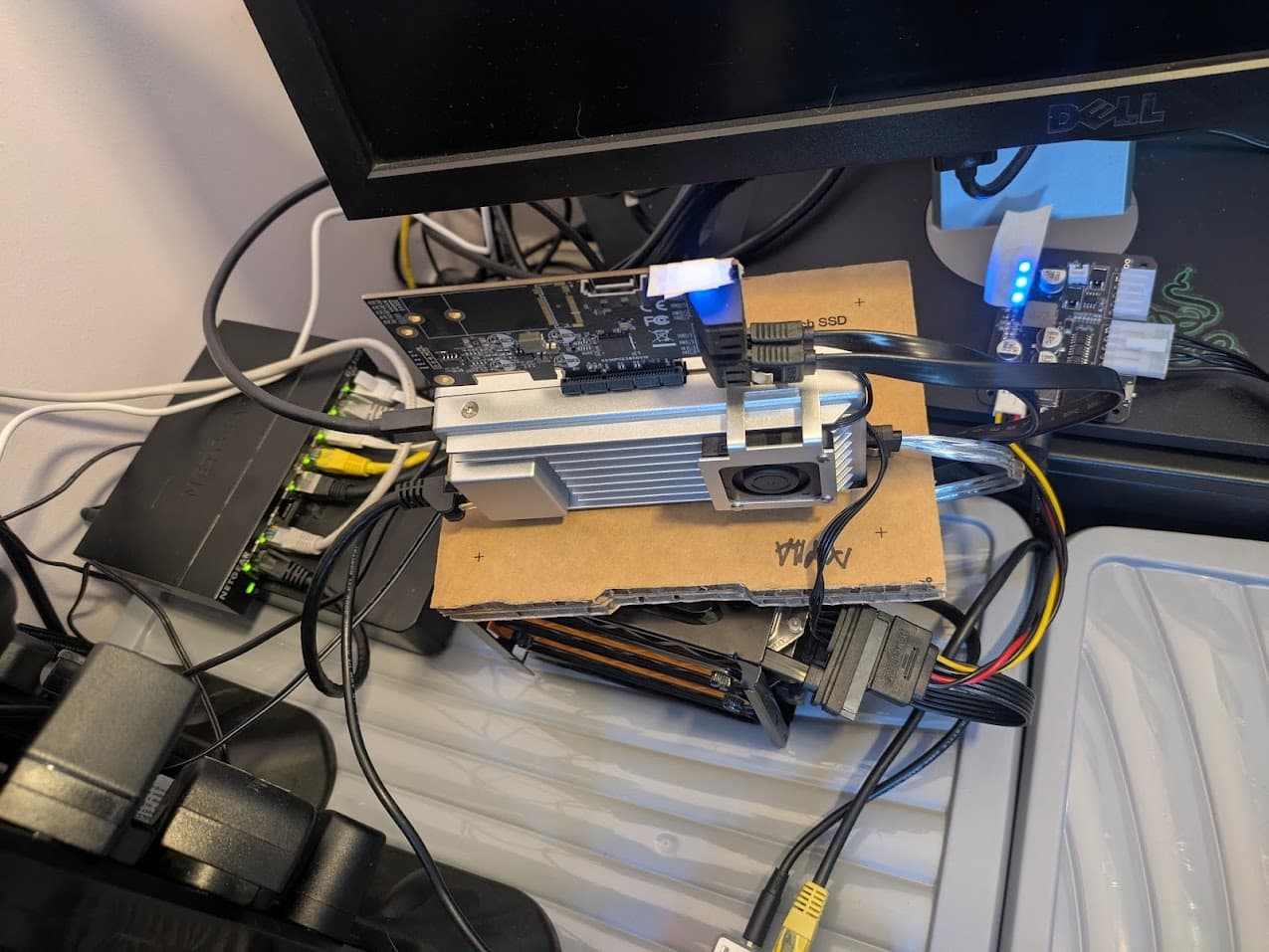
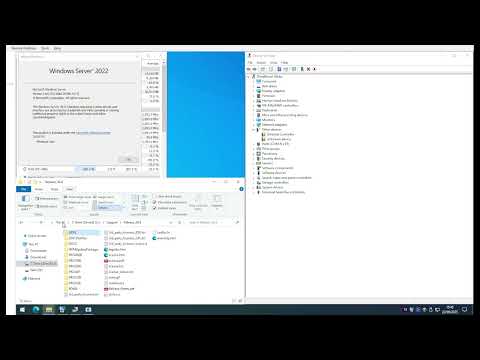
Hi, to help you, I also downloaded this driver package from this URL. I get a different folder structure from yours. It is like this:
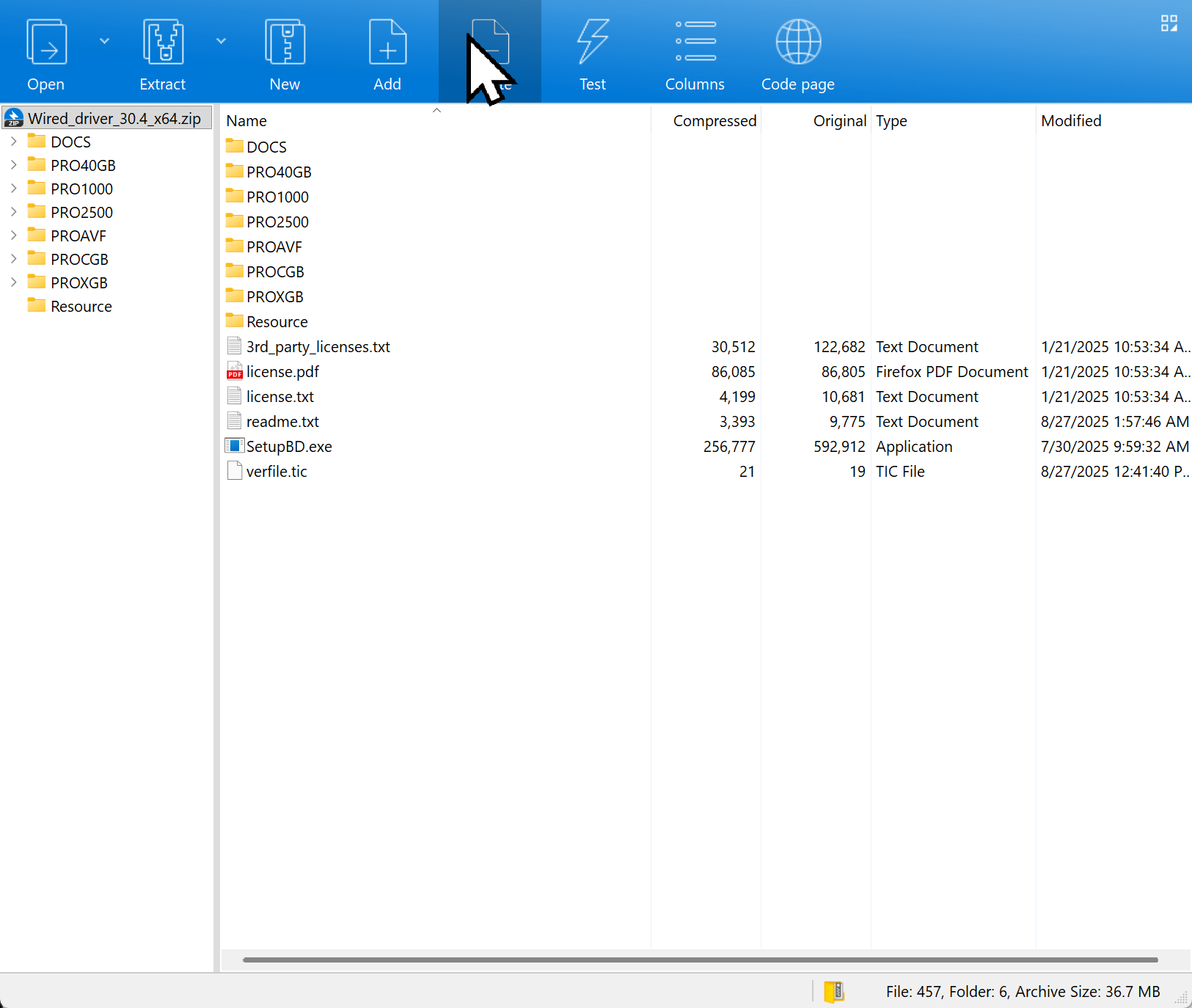
After the uncompression, the structure should persist. It is different from your video’s. So, you may need to download it again from the URL I mentioned.
After that, uncompress and do not modify/move any files, and then, click the .exe file located in the top level to install. Or try Jerry’s way.
Remember to take a screen record also this time. Look forward to your feedback.
Hi,
Thanks, I have tried that driver package before also, same results.
I missed Jerry’s post earlier, my mistake, this confirms that the -V variant is not officially supported on Server 2022. Their bypass method (editing the bcd record) is blocked by Secure Boot policy. I’ll need to disable secure boot to investigate further.
I’ll report back in a couple days when I’m able to test it.
1 Like
I followed the process described on the webpage Jerry was kind enough to link for us. It worked flawlessly on first try. I am running Windows Server 2022 myself.
1 Like