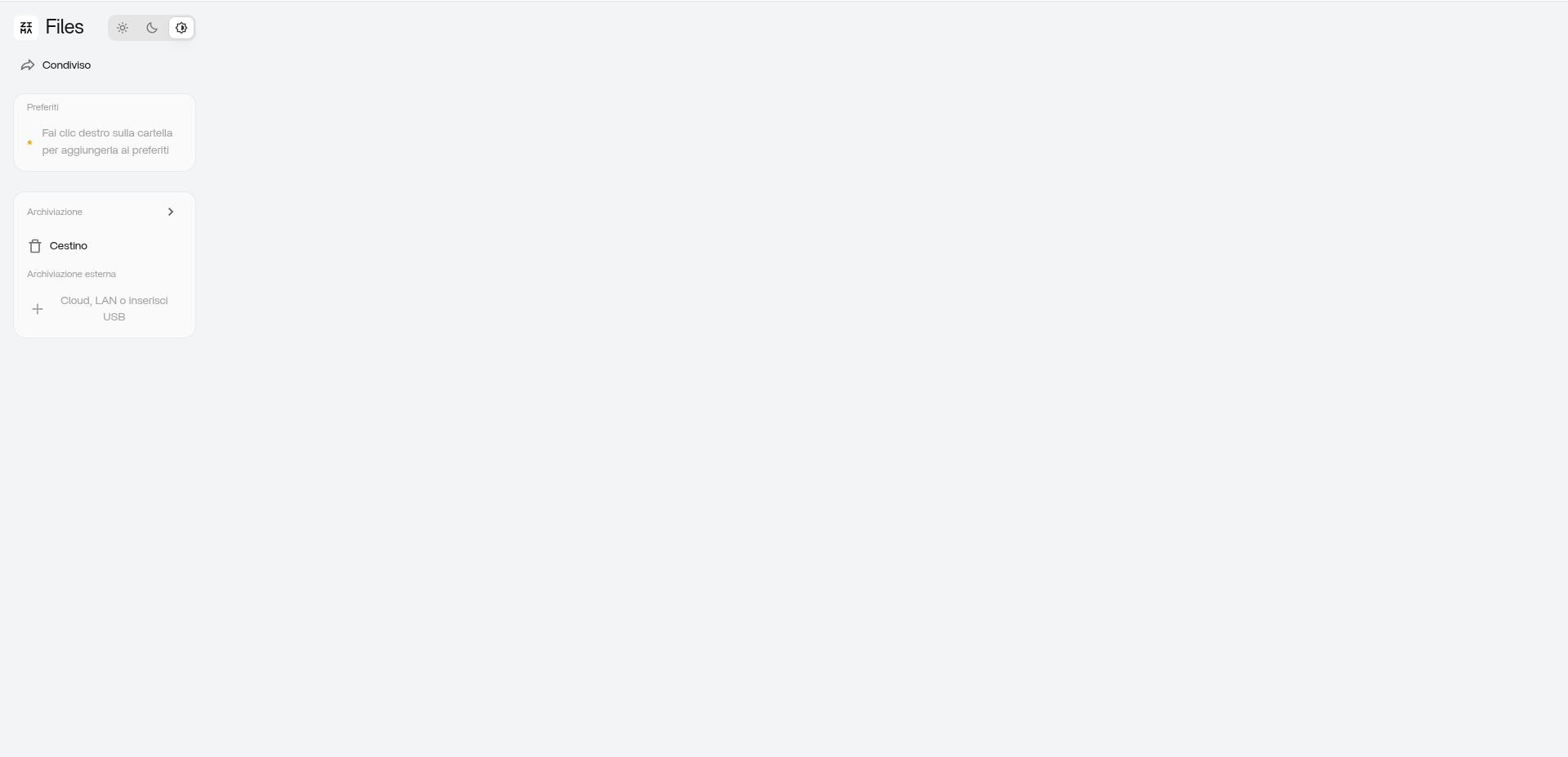
Hi everyone, I upgraded to version 1.7.0, when I try to use the zimaOS file manager it tells me an error loading and doesn’t show anything.
On top of that, the system crashes after a certain period of time and I’m forced to reboot.
Please tell me which commands I need to run for the logs I need to attach to you (I can connect via ssh) and what to do.
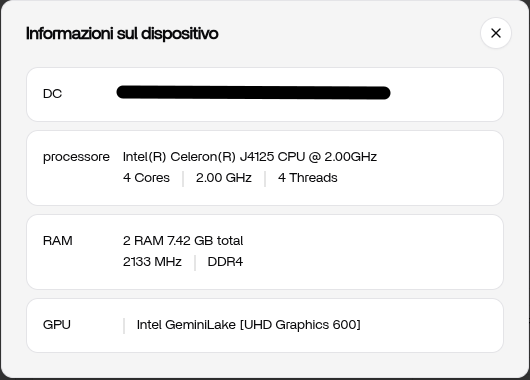
I attach screenshots on my hardware
Matteo@ZimaOS:~ ➜ $ df -h
Filesystem Size Used Avail Use% Mounted on
/dev/root 1.7G 1.7G 0 100% /
devtmpfs 3.8G 0 3.8G 0% /dev
/dev/sda7 85M 295K 78M 1% /mnt/overlay
overlayfs 85M 295K 78M 1% /etc
tmpfs 3.8G 0 3.8G 0% /dev/shm
tmpfs 1.5G 5.2M 1.5G 1% /run
tmpfs 3.8G 0 3.8G 0% /tmp
tmpfs 3.8G 2.4M 3.8G 1% /var
tmpfs 1.0M 0 1.0M 0% /run/credentials/systemd-journald.service
/dev/sda1 32M 780K 32M 3% /mnt/boot
/dev/sda8 98G 63G 36G 64% /DATA
tmpfs 1.0M 0 1.0M 0% /run/credentials/systemd-networkd.service
/dev/md0 1.4T 645G 753G 47% /media/archivio_Casa_Brocca
sysext 3.8G 12K 3.8G 1% /usr