Hi everyone, I’d appreciate your help with this issue
Description
I have a backup of “casaos” and I would like to transfer every container and files to the new server running zimaOS. It should be noted that I can no longer access the server with “casaos” because the hard drive just died.
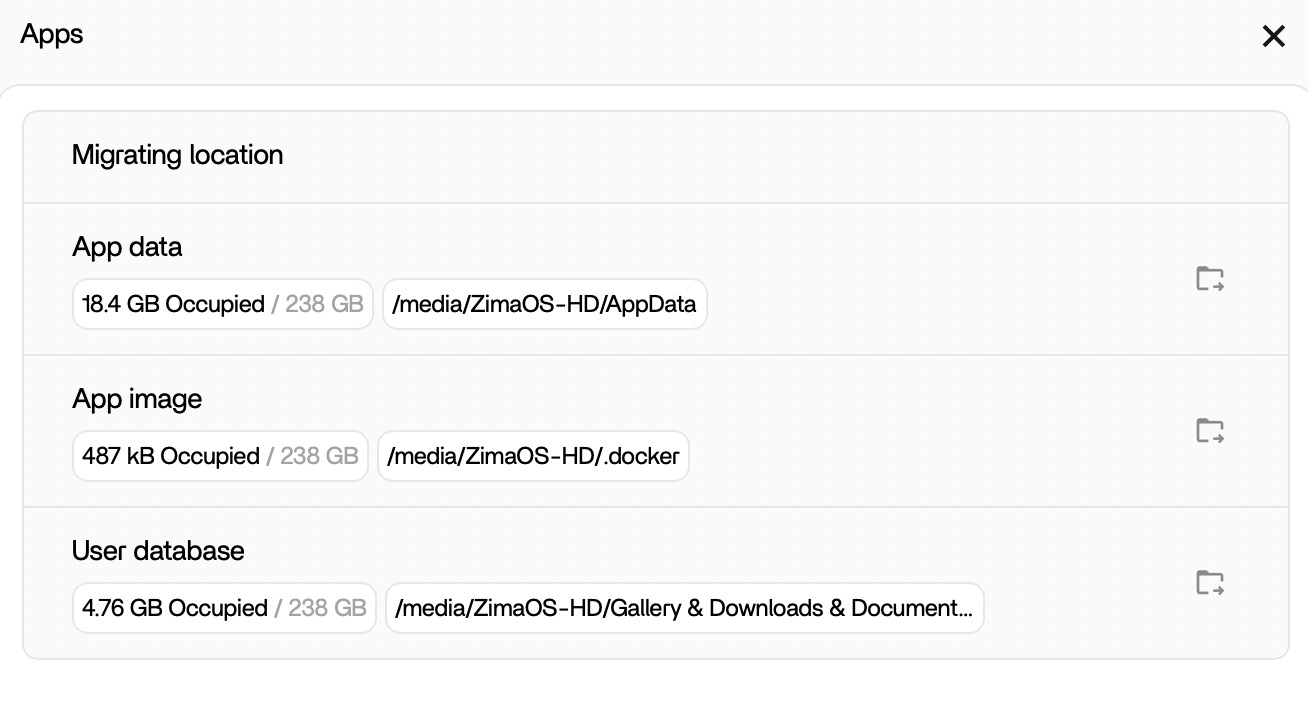
I understand that I should migrate the container images to that “.docker” folder, but it is not accessible from the migration menu.
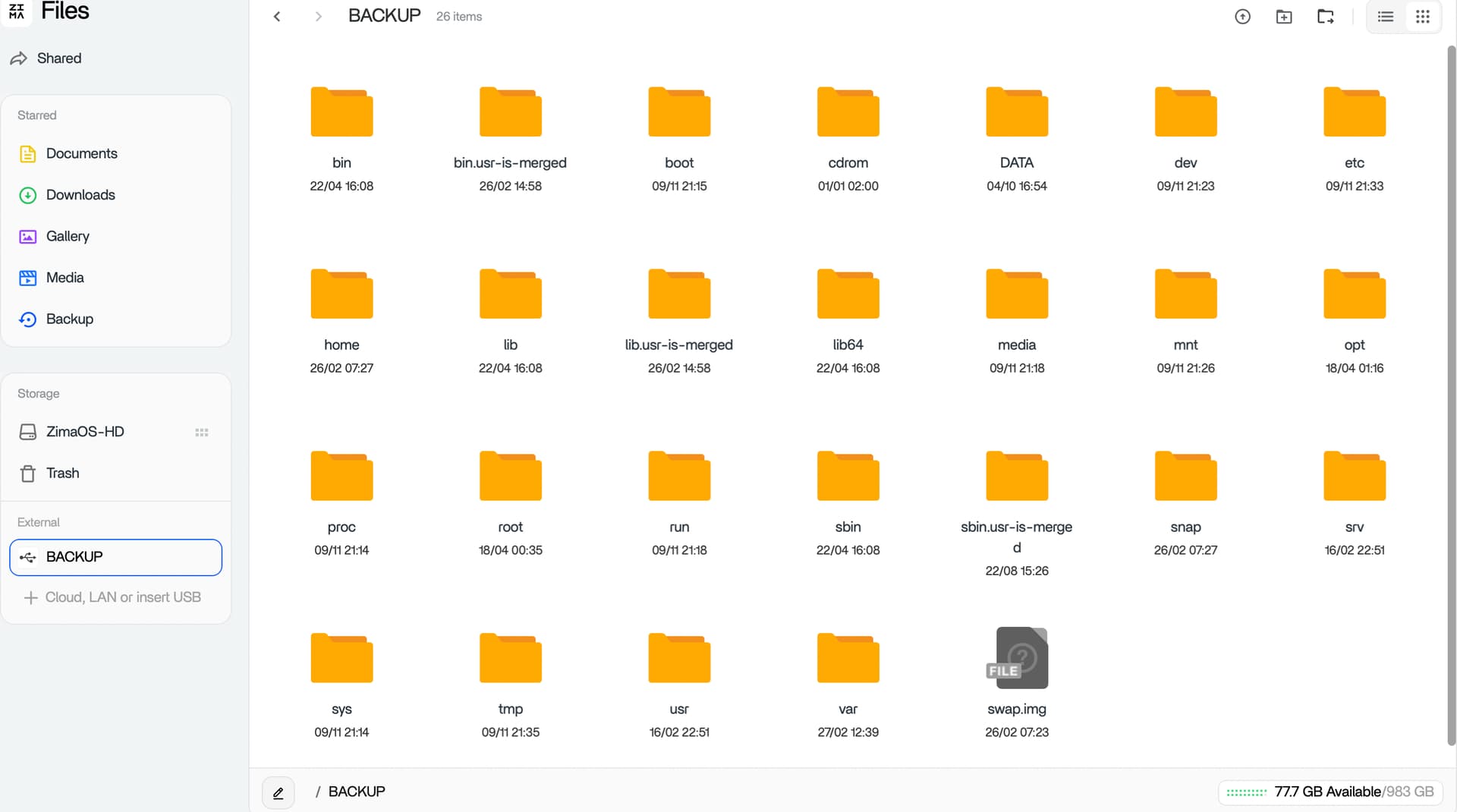
This is what the entire backup looks like. I’m just moving what I have in DATA/AppData because I’m sure there’s still some migration of containers, databases, and other configurations that have been made. I’d like to migrate everything and then eventually delete what I don’t care about. How could I do this, I couldn’t find this anywhere.
The main purpose of the “Migrating location” you see is to migrate Docker and other data directories to storage outside the system disk, likely to address the increasing pressure on system disk capacity.
If your CasaOS can still boot, there is indeed a good tool that can help you with the migration.
The current situation is that
you have already exported the Docker-related files to a USB drive. So how do you import them into ZimaOS?
I have ideas:
0. CasaOS is no longer bootable, and the CTOZ tool cannot run.
Analyzing the CTOZ tool implementation in the above article, since it is open source: GitHub - LinkLeong/ctoz
Analyzing the ZimaOS directory structure and then using a large model to determine the correct directory.
You should be able to access files via CLI with root privilege terminal (sudo -i) and copy anything to those folders through SCP or SFTP.
I haven’t quite been through that exact experience, but you might be well better off just pulling new images and just making sure that the volume mapping stays true to your backup folder naming as that’s, in theory, the biggest selling point of docker: to rebuild your apps without having the re-do all the hashing, UUID’s and organic code derived out of the system.
TLDR you might run into hash folder naming issues if just trying to copy those folders and files to your new system, create new one containers by pulling brand-new images and port your backed up AppData folder equivalent data through compose file.
These days I’ve tried several options. The manual one with creating a new “container” and then stopping it immediately after installation and moving all the files from beckup to appdata. It works for some applications, some don’t. The second option was to take my SSD that cracked to “repair” so I could start again. Well, I managed to have access to the host and tried the transfer exactly as in the article. But that transfer with “ctoz” is useless because although the connection is tested, it doesn’t make any transfer and even more so in the offline version it only exports a small archive with the nextcloud application and that’s it. With the first option I managed to transfer my data from several applications but the only one that has problems with this approach is Nextcloud. That one doesn’t work at all unless I install it from scratch, configure it from its interactive menu and then copy the files but even so it still doesn’t see all the files because it’s a different user.
Edit: I saw something on youtube that there is a data migration option in the nextcloud account settings. I will try this. Thanks for the support. The topic can be closed.