I use this code to run Tailscale
name: tailscale
services:
  tailscale:
    cap_add:
      - NET_ADMIN
      - NET_RAW
    container_name: tailscale
    environment:
      - TS_AUTHKEY=tskey-auth-kNL***
      - TS_HOSTNAME=zimaos
      - TS_ROUTES=
      - TS_STATE_DIR=/var/lib/tailscale
    image: tailscale/tailscale:v1.84.3
    labels:
      icon: https://cdn.jsdelivr.net/gh/IceWhaleTech/CasaOS-AppStore@main/Apps/Tailscale/icon.png
    restart: unless-stopped
    volumes:
      - /DATA/AppData/tailscale:/var/lib/tailscale
      - /dev/net/tun:/dev/net/tun
    network_mode: host
    privileged: false
But every time I reboot my OS or change settings in app, it creates new machine in Tailsalce admin panel. Is there a way to lock this container to always create the same machine in Tailscale admin panel?
Happens when Tailscale can’t reuse its machine key—usually because the container isn’t actually persisting /var/lib/tailscale (or it’s owned by the wrong user), or because it re-auths each boot.
Make sure the state folder exists and is root-owned
mkdir -p /DATA/AppData/tailscale/state
chown -R 0:0 /DATA/AppData/tailscale
chmod -R 700 /DATA/AppData/tailscale
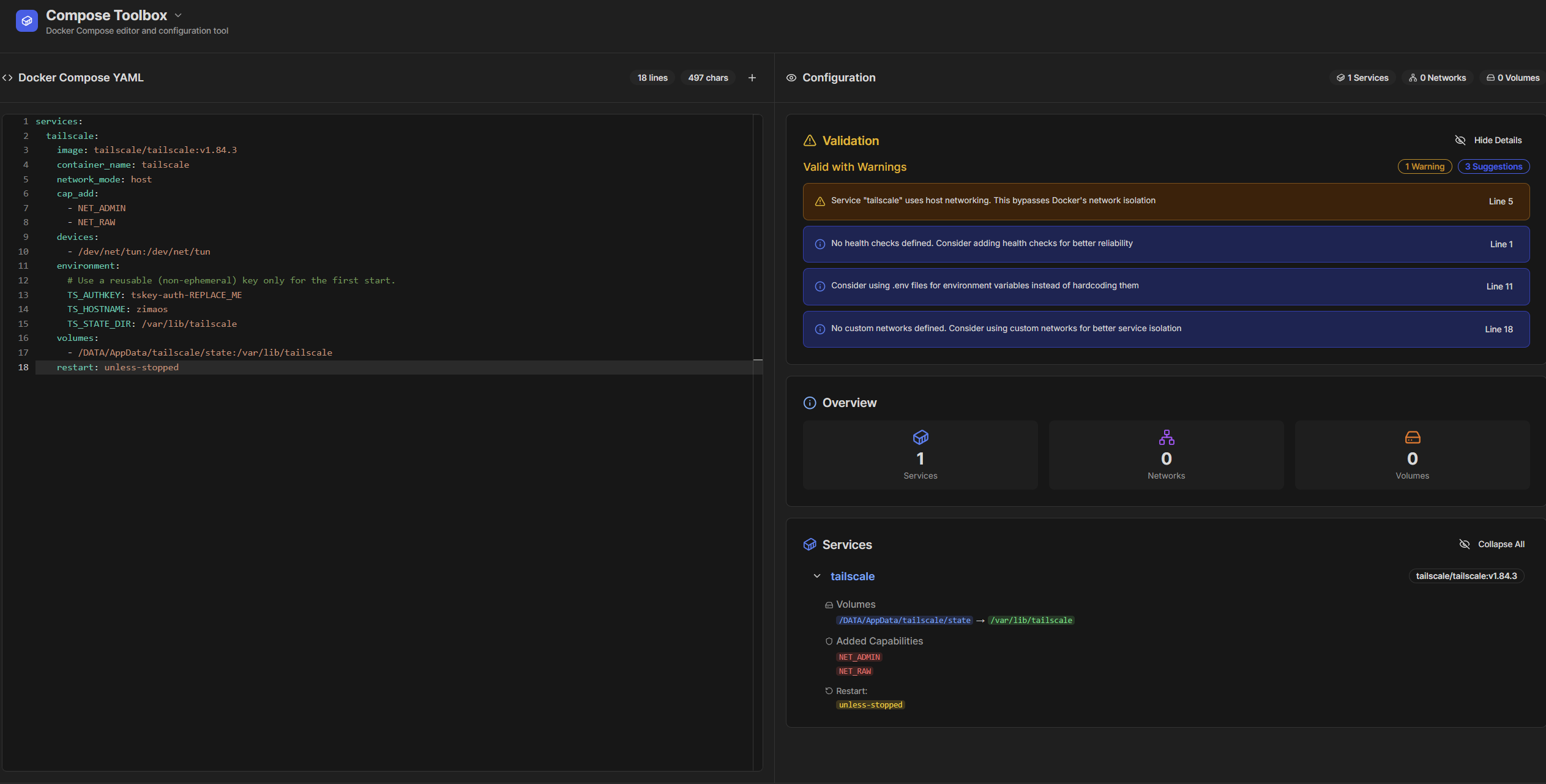
Use this Compose (persistent state, stable hostname; no extra privileges)
services:
tailscale:
image: tailscale/tailscale:v1.84.3
container_name: tailscale
network_mode: host
cap_add:
- NET_ADMIN
- NET_RAW
devices:
- /dev/net/tun:/dev/net/tun
environment:
# Use a reusable (non-ephemeral) key only for the first start.
TS_AUTHKEY: tskey-auth-REPLACE_ME
TS_HOSTNAME: zimaos
TS_STATE_DIR: /var/lib/tailscale
volumes:
- /DATA/AppData/tailscale/state:/var/lib/tailscale
restart: unless-stopped
Deploy. After it shows in the Tailscale admin, remove the TS_AUTHKEY line in the editor and redeploy so it reuses the same machine ID forever.
For me everything was done already, I just had to delete auth key environment variable. Looks like now it persist machine name.
Thank you.