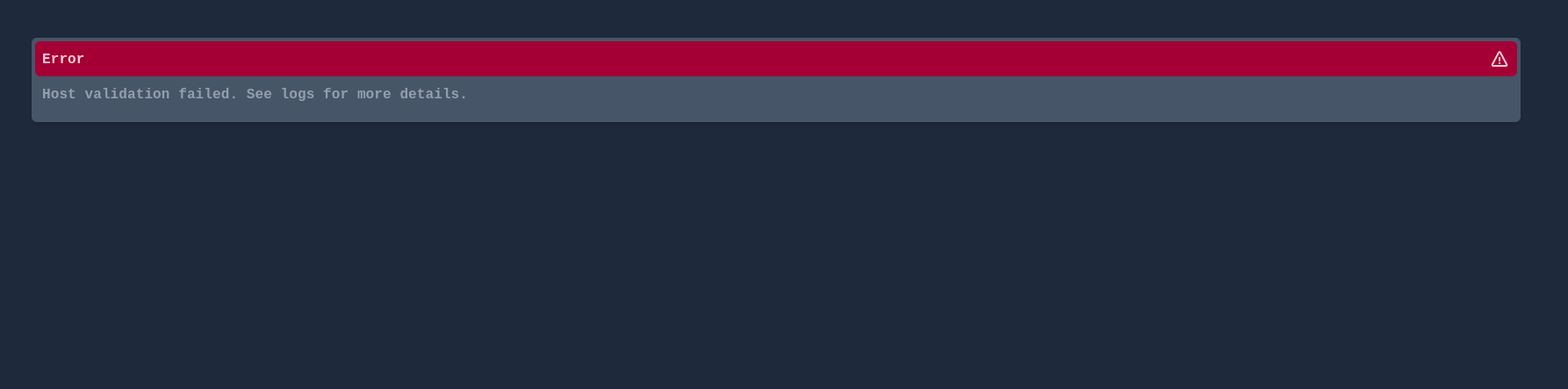
Homepage installed, but will not allow the Homepage site to come up. It shows the following instead.
I have tried to login with http://192.168.xxx.xxx:3000/ but it goes to the above screen. Any thoughts on how to get to the Homepage site.
Thanks
-SF-
Yeah, that usually happens when Homepage rejects the host/IP being used to access it.
A few people have hit this after updates or when running behind reverse proxies / custom ports.
First thing I’d check is whether the container is actually healthy and listening correctly on port 3000, then look at the Homepage container logs because they normally tell you exactly which host failed validation.
Something like this from the terminal would help:
docker ps | grep homepage
and then:
docker logs homepage --tail 50
A common cause is also the HOMEPAGE_ALLOWED_HOSTS setting missing or being too strict in the container environment/config.
Would be good to see the logs before changing anything though, especially on ZimaOS 1.6.x where networking and app behaviour has been a bit inconsistent lately.