I am a Synology DS user and have Synology Drive software installed on my Windows 11 workstation. Synology utilizes 175MB of RAM. It works well and provides granular options to backup and Sync.
I purchased ZimaOS lifetime license and installed the ZIMA client on my Windows 11 only to discover that the Zima client consumes 765MBof RAM. That is 4x more. Zima client has limited configuration compared to Synology Drive so why does such a limited client software consume 4x the RAM?
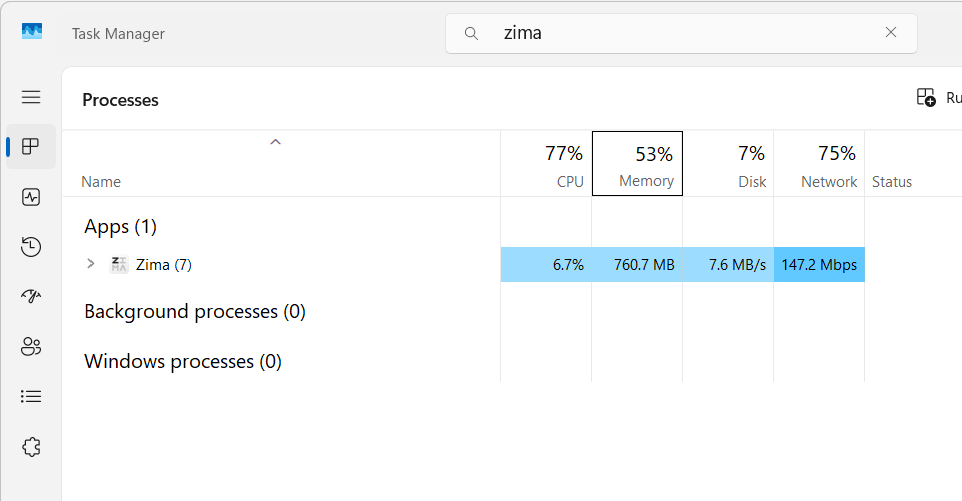
Why not just get more RAM for Windows? I doubt there will be an answer to your question here. This is ZimaOS, not Synology DSM - which is what I am also replacing with ZimaOS.
DSM is great, but their hardware is limited and is lacking behind. With ZimaOS, you can install Nextcloud and see how their client software compares.
Thank you for the useless response.
My question did NOT ask how to manage the RAM in my system; it’s why a piece of software with basic features consumes so much RAM.
Let’s see if anyone can submit a more useful answer to such an important question here…
No need to be snarky about it.
Just delete your useless post and move backward with your life.
Is a serious question to the developers of ZimaOS.
There are only half a dozen NAS OS on the market, and with the Exodus of Synology users, Zima OS should improve their offering to appeal to paying customers. With Microsoft increasing the amount of RAM the Windows OS utilizes and 8GB/16GB of RAM being the most common choice for less simple minded users (to which Zima is projecting) it would be wise of Zima to understand their target audience…
I am new here, but I am going to see if I can block account like you, so I do not have to waste my time with commonsense responses.
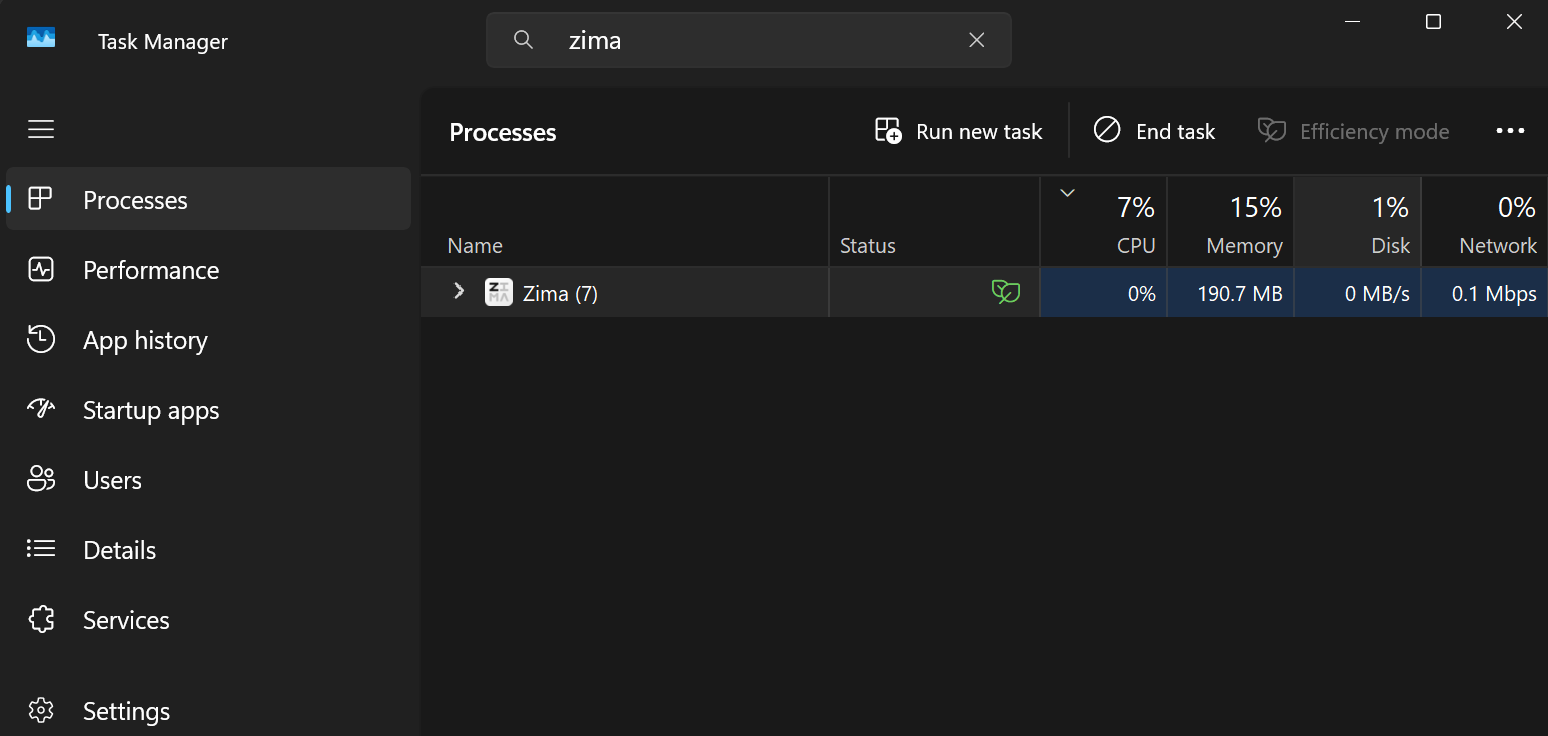
Thank you for posting this.
Before offering any advice, it would be helpful if you could provide your client version and ZimaOS version.
1 Like