Will I receive any communication or option in the settings to upgrade to plus 1.5?
Had ZimaOS on an old pc converted to a server since February.
According to the FAQ, you get the Plus when you upgrade to 1.5. And this benefit is valid until 06-30, 2026.
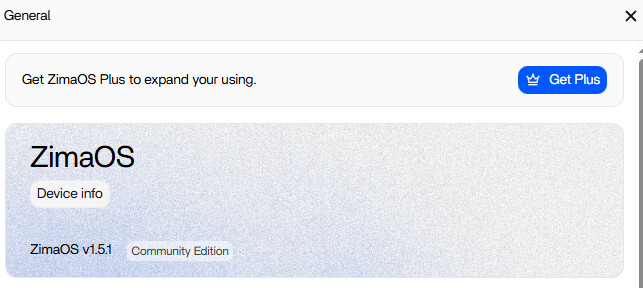
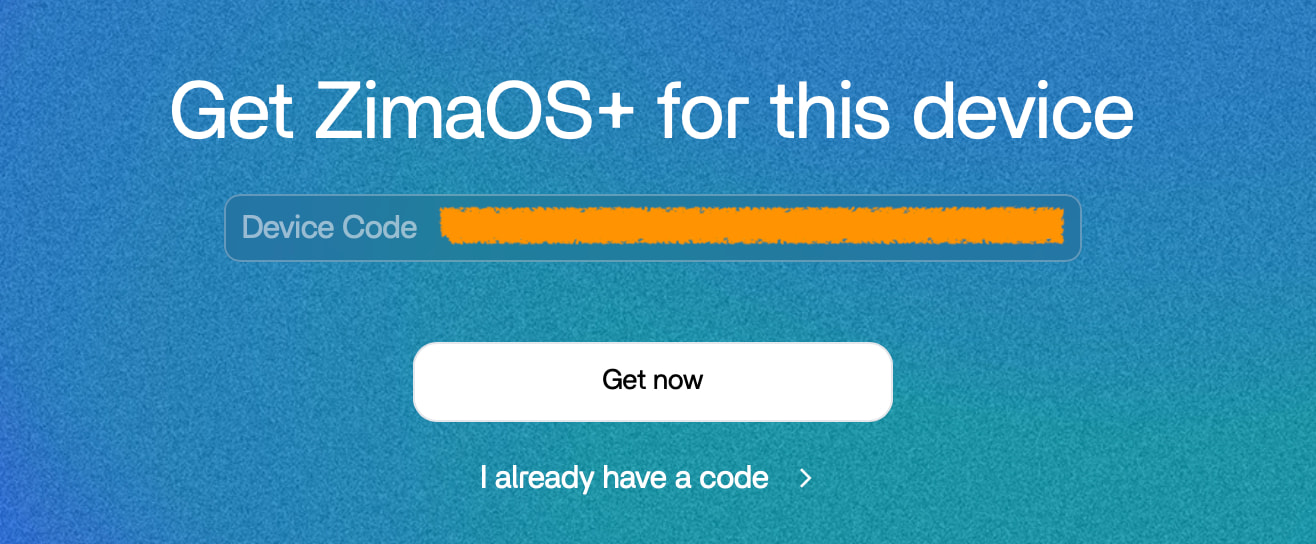
Mine now has a button “Get +” on the settings screen, if I click that it is looking for a code.
Not sure what to do from here 
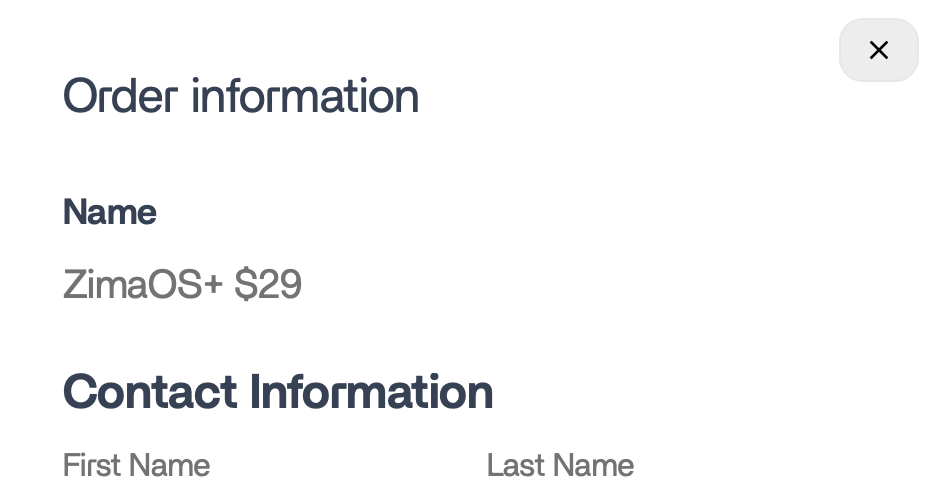
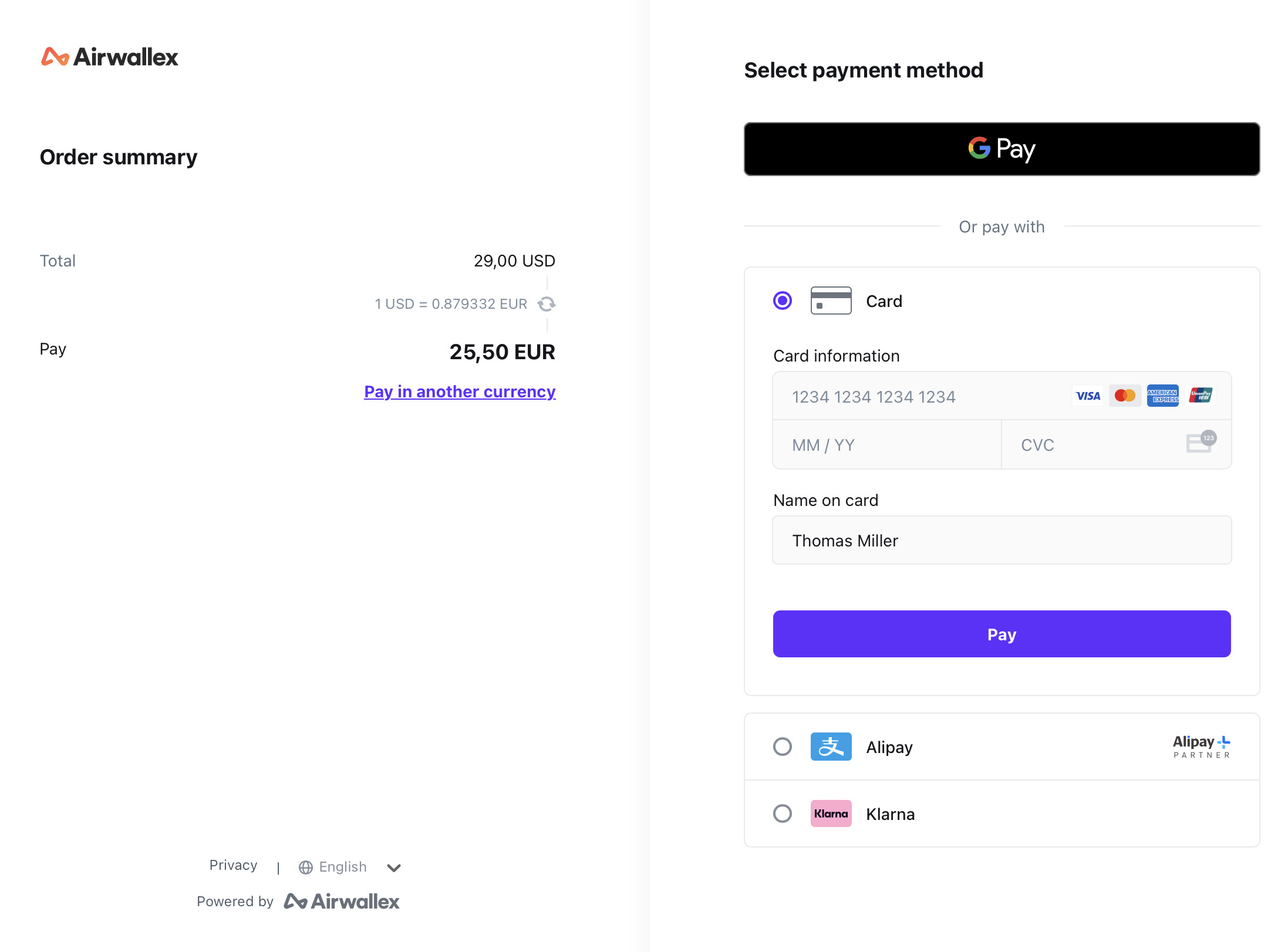
Simlar issue. The automatic update finally came up and it updated to 1.5, but when I click on the upgrade to plus option it just brings me to a Webpage that gives me the option to pay $29.
I have received no code either nor am I sure if Ice Whale even has my contact information.
Looks like we are kind of stuck…and the company is on holiday for a few more days.
Hi!
I have the same bahaviour here..i started my journey with the 1.2.0 OS release and went through every major release to 1.5.0 that is running into my nas now.
Anyway let me thank you all at Icewhale for this awesome OS that you provided to the community for free.
Reviving this thread with another inquiry because I have still not seen an applicable response on any Icewhale or zimaos forum for those of us that upgraded from 1.4 to 1.5, but the version still shows as ‘Community Edition’ instead of Plus.
Any luck anyone?
You could try connecting your NAS to your phone hotspot. A friend of mine has done that with a WiFi-to-USB-adapter, because either he had harden his network too stiff or his ISP had some issues „reaching out to china“.
Sending their support team an email would likely be the way to go here.
I had the problem after updating from 1.4.4 to 1.5, that I still was on Community Edition.
Solution: Deactivating AdGuard Home + Restart of ZimaOS → Plus Edition
After this I activated my AdGuard again and everything works fine.
It worked also for me!
Thanks a lot!
what did you do to get plus?
Hi!
I disabled AdGuard and then rebooted the machine. Actually then i put zimaos out of dhcp and i did assign it an external dns to avoid any fileter that could compromise updates or functioning.
I don’t have Adguard installed and still the same issue. Did you click to “Get Plus” or it was already showing “Plus Edition” after disabling Adguard?
Any other DNS filtering/settings active? piHole? NextDNS etc?
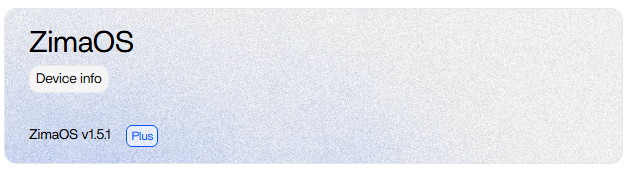

@777-Spider
I’m also not getting an option to upgrade to the Plus plan as well. 
I’ve just upgrade my install of ZimaOS from version 1.4.4 to v1.5.4. Unfortunately, I’m unable to register for the free upgrade to the Plus plan.
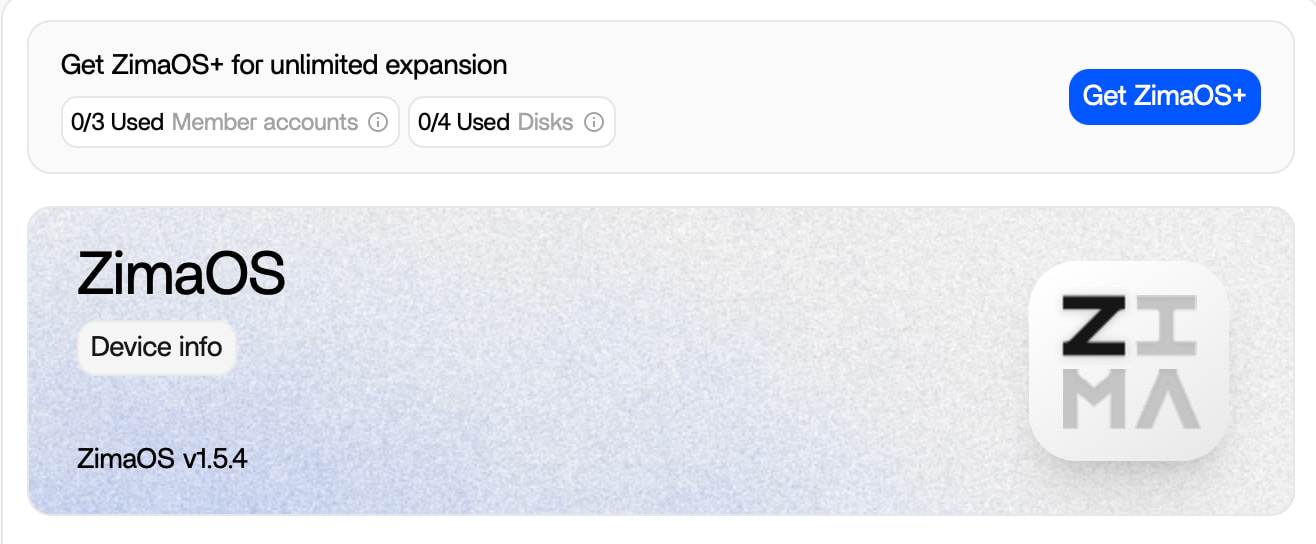
When I hit the “Get ZimaOS+”-button in the settings menu, it takes me to zimaspace.com and offers me a Plus license for $29 instead.
Please contact us community@icewhale.org, we will help you.