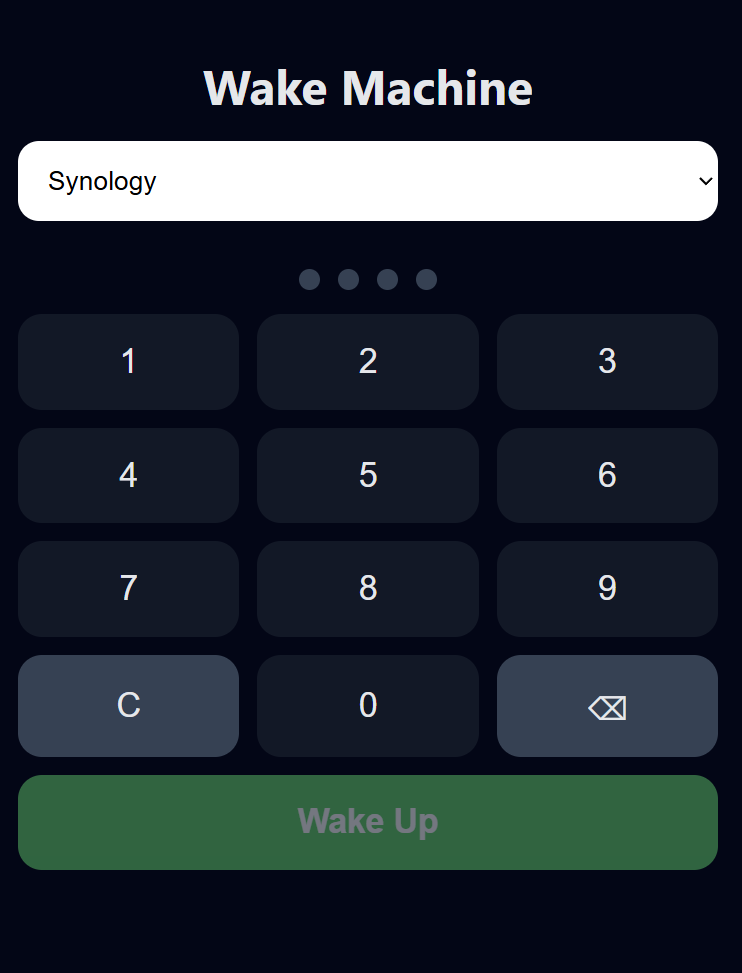
Managed to add simple WAKE ON LAN app. Save below as gptwol.yaml file and import in ZimaOS
name: gptwol
services:
  gptwol:
    cpu_shares: 90
    command: []
    container_name: gptwol
    deploy:
      resources:
        limits:
          memory: 16543301632
        reservations:
          devices: []
    environment:
      - ARP_INTERFACE=eth0
      - ENABLE_LOGIN=true
      - PASSWORD=casaos
      - PORT=99
      - TZ=Europe/London
      - USERNAME=casaos
    image: misterbabou/gptwol:latest
    labels:
      icon: https://play-lh.googleusercontent.com/yYHLSt76-hjJ4YOeN8oFbh5eLzT0_xKlwxOOXkXe7F0aTBVpOE7m03Z6Gs3-rdnebZM=w480-h960-rw
    restart: unless-stopped
    volumes:
      - type: bind
        source: /media/ZimaOS-HD/AppData/wol/db
        target: /app/db
      - type: bind
        source: /media/ZimaOS-HD/AppData/wol/cron
        target: /etc/cron.d
    ports: []
    devices: []
    cap_add: []
    network_mode: host
    privileged: false
x-casaos:
  author: self
  category: self
  hostname: ""
  icon: https://play-lh.googleusercontent.com/yYHLSt76-hjJ4YOeN8oFbh5eLzT0_xKlwxOOXkXe7F0aTBVpOE7m03Z6Gs3-rdnebZM=w480-h960-rw
  index: /
  is_uncontrolled: false
  port_map: "99"
  scheme: http
  store_app_id: gptwol
  title:
    custom: Wake On Lan
    en_us: gptwol