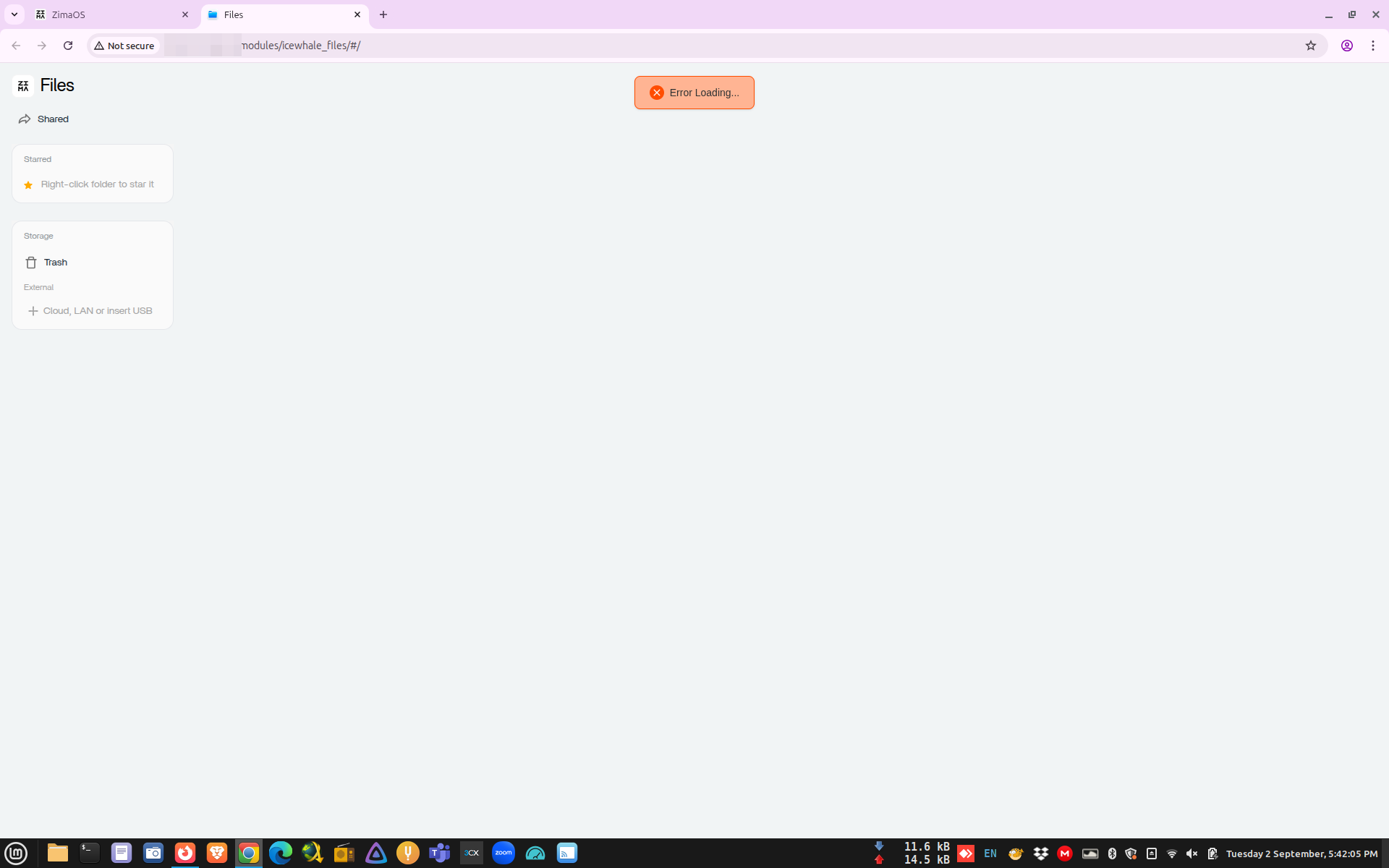
Files browser has a loading error after updating to ZimaOS v1.4.4-beta1 (this only affect if you try to browse files via tailscaled IP)

Hi,

I encountered file browser loading problem.

This occurs only if you try to do it via tailscaled ip. However when you try it in local network it works without any issue. I tried using different web browsers (Firefox, Google Chrome) and the same error is happening.

Hope this will be fixed in 1.4.4 main update.

Device info:
CPU
Intel(R) Celeron(R) CPU N3450 @ 1.10GHz
4 Cores1.10 GHz4 Threads

RAM
4 RAM 8 GB total
1600 MHzLPDDR4

GPU
Intel Corporation HD Graphics 500 (rev 0b)

OS: ZimaOS v1.4.4-beta1

Hi, thanks for your info. May I know your detailed tailscale configuration? And have you tested the built-in remote function located in the settings panel? Look forward to your feedback.
Tailscale.txt (56.4 KB)
Hi, I have uploaded exported configuration of my current tailscale installation in above text file (I removed TS_AUTHKEY).

I am yet to test built in remote function and I will let you know my experience.

After I upgraded to v1.4.4 from beta the issue is no longer there. I think it is fixed with v1.4.4

1 Like

Hi,

Yesterday I’m install ZimaOSv1.5.4 and the problem still present. Somebody know how we can solve?. Thanks

I answer myself. Reinstall OS work without problem. Hopefully I’m in the first stage of the implementation.

Regards,