File App not working v1.54

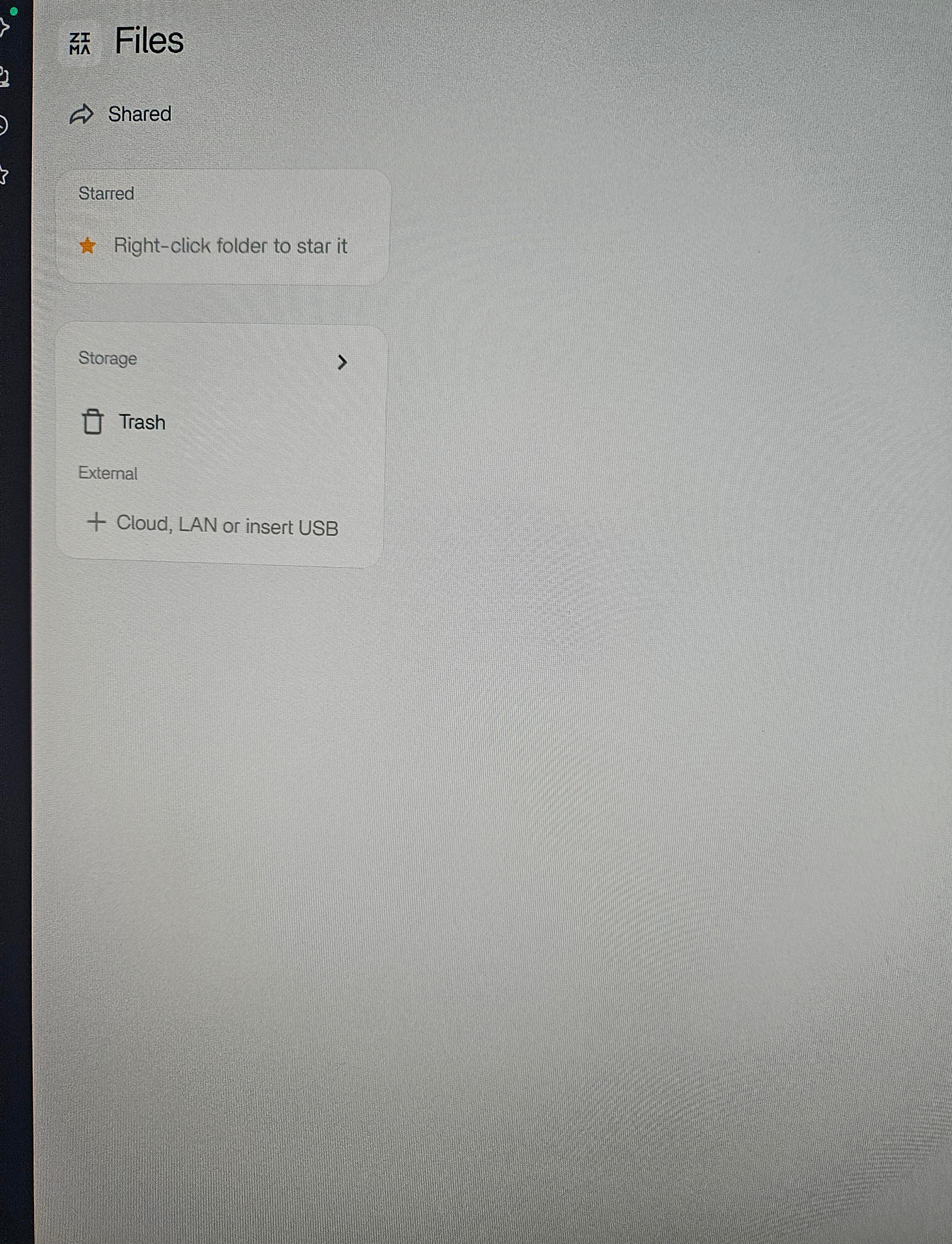
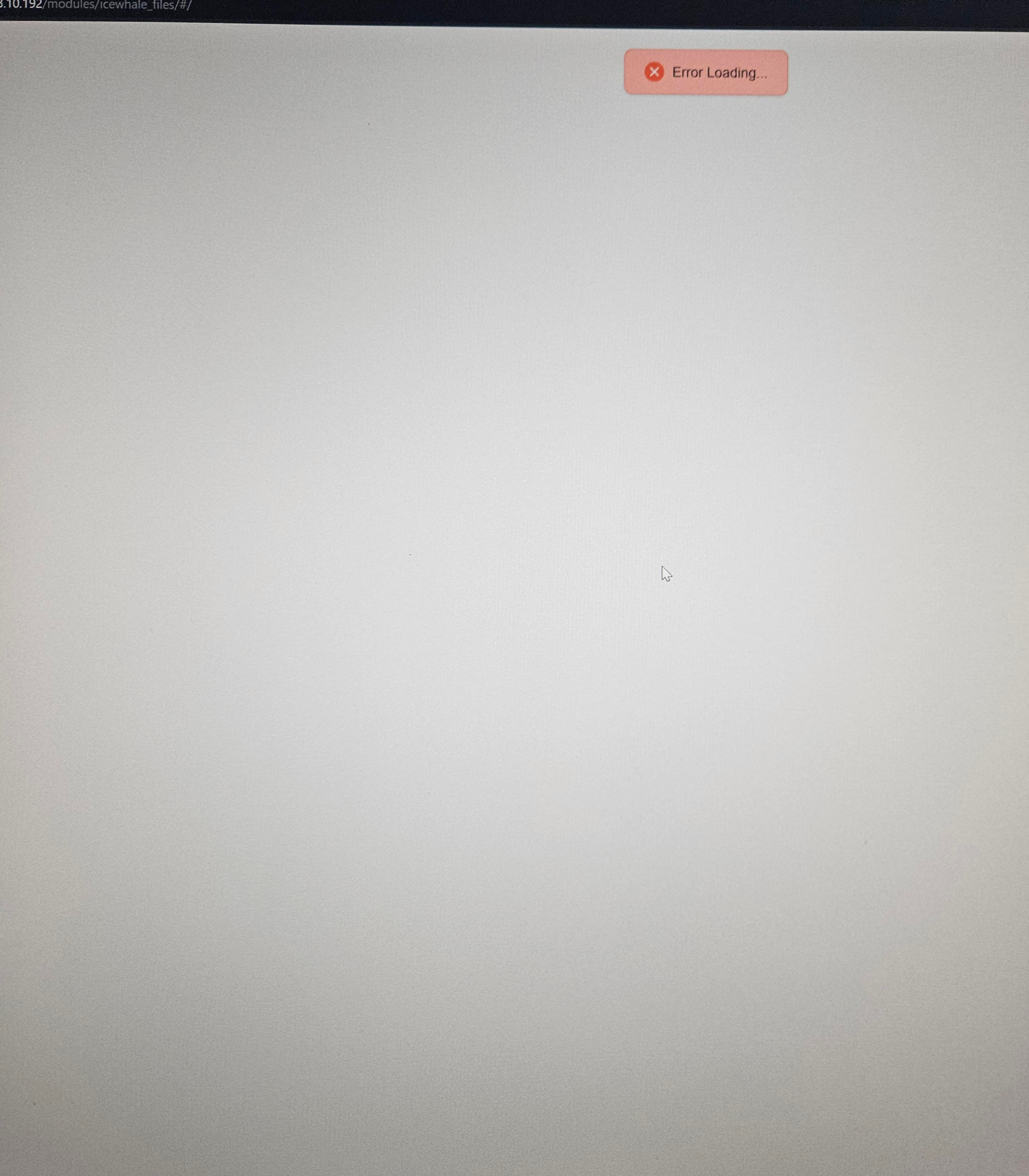
After updating to latest version file app started having issues transferring files over 200gb. I would have to restart the server for file access to be restored. Sometimes I could do more data than 200 gb if I transferred smaller file sizes. In an attempt to fix the problem I reset my server. This not only did not fix the problem but now I can cannot view my drives from the file app at all. I get an error loading message at the top of the app. I am able to see the drives in the drive settings and I am able to view the drive folders but I am unable to access the data to transfer it so I can attempt to reformat the drives.

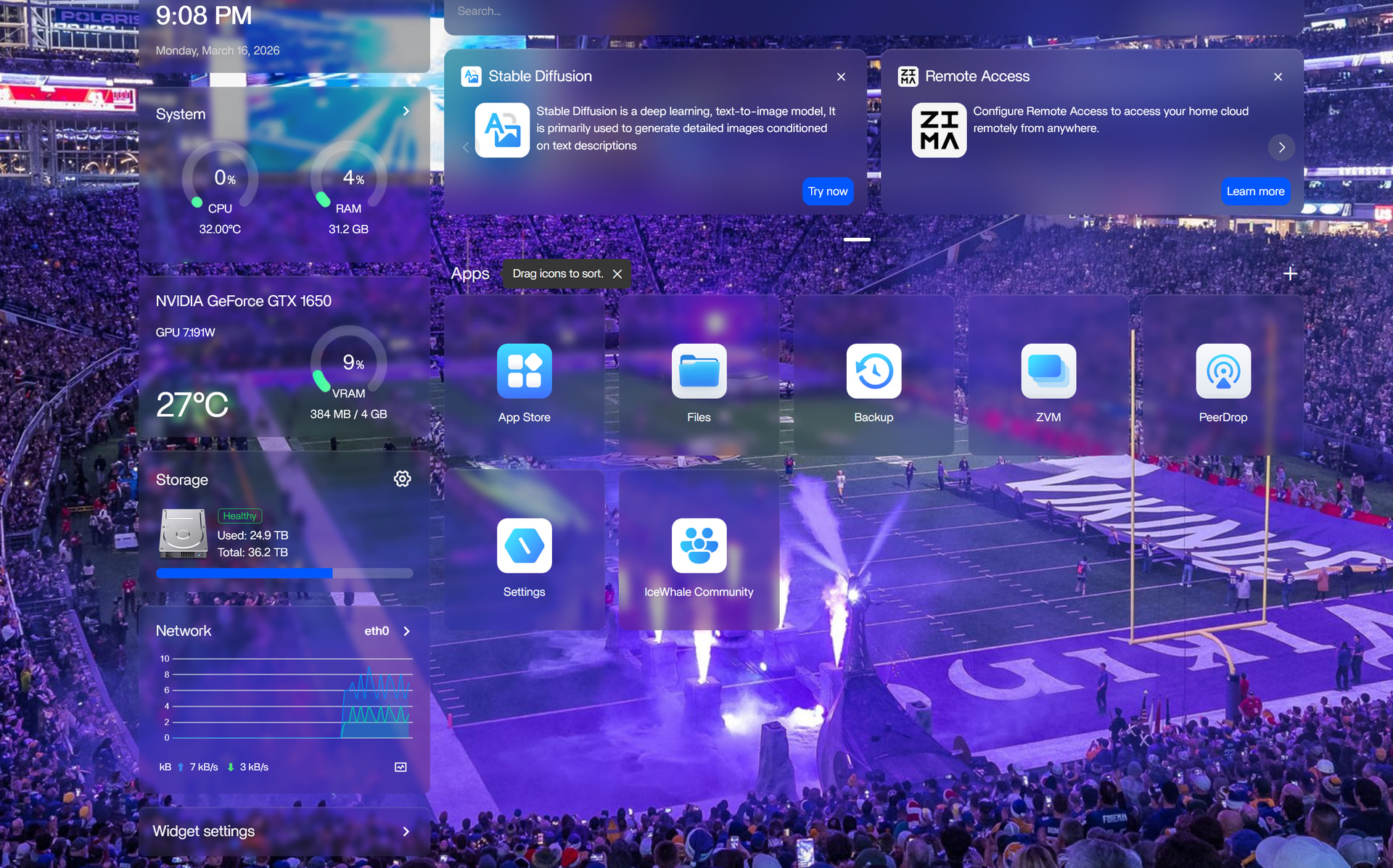
PC specs

Ryzen 5950 32 gb Ram GTX 1650

2 14tb segate drives

1 8gb segate drive

To help diagnose the issue, could you please share:

• Screenshot of the error message shown in the File App
File App logs
• Output of:

lsblk

This will help confirm whether the drives are still mounted correctly and why the File App cannot display them.

not sure how to get the other two items you mentioned. I know you can get logs by clicking on the three dots but that option is not available for the files app.

From your screenshots, the drives are detected in Storage, but the File App is not loading them, which points to a File App issue rather than a disk issue.

To confirm the system still sees your drives, please run this:

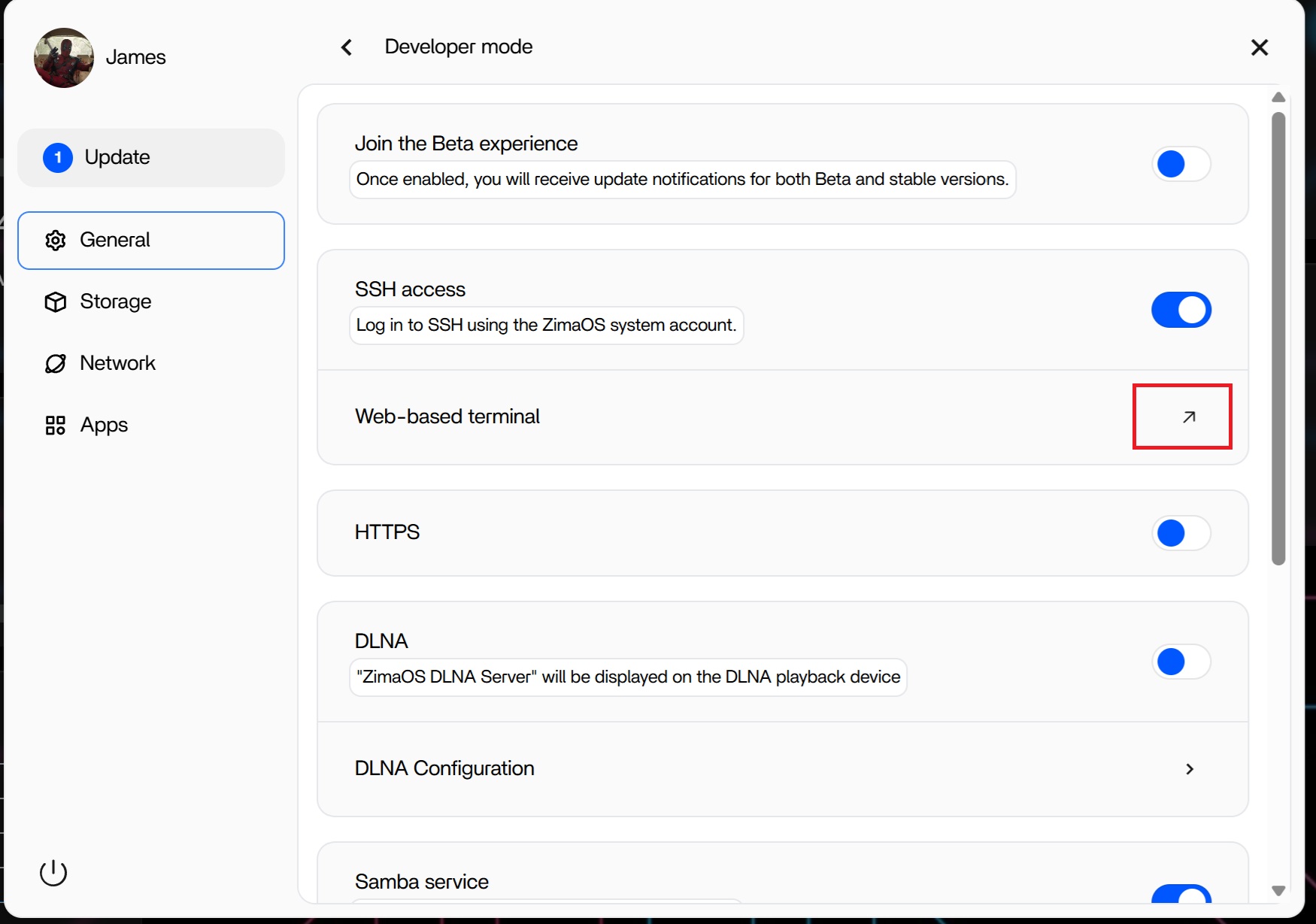
  1. Open Terminal from the ZimaOS dashboard
  2. Run:
lsblk
  1. Copy and paste the output here

Also please share the File App logs if possible.

If the drives appear in lsblk, then the issue is isolated to the File App service not loading the mounts correctly.
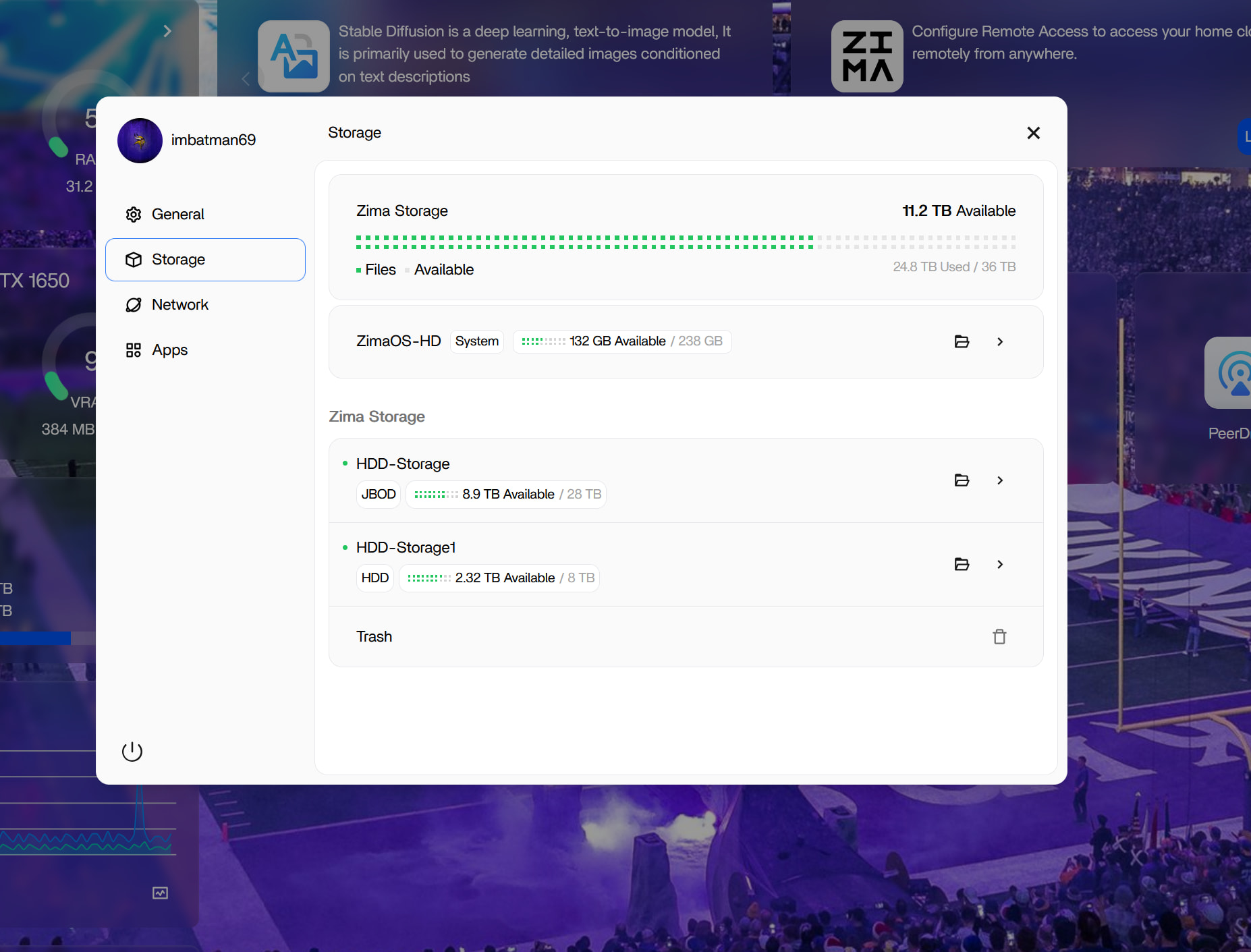
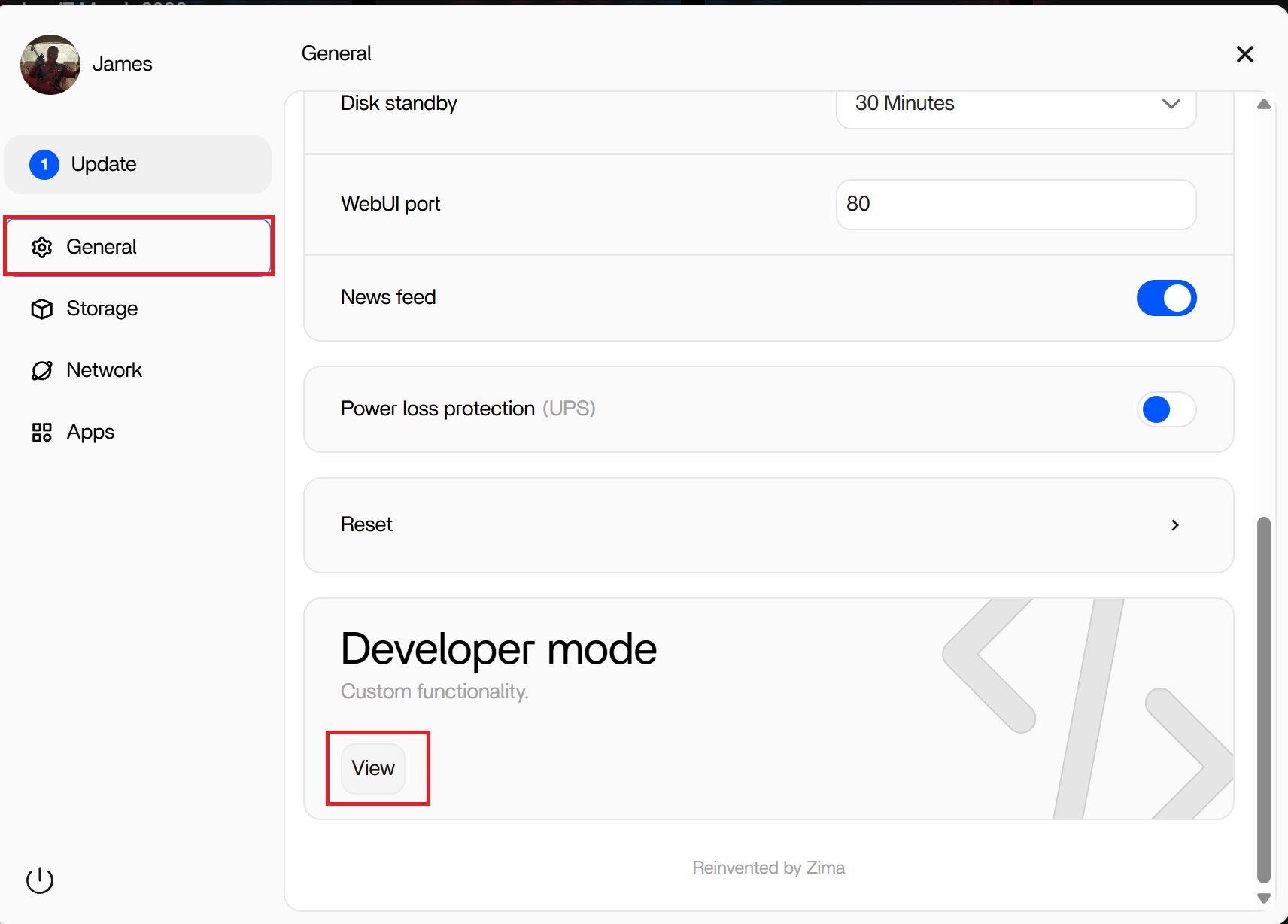
you can enable terminal in the settings this way Imbatman.

Here is the drive info:

NAME MAJ:MIN RM SIZE RO TYPE MOUNTPOINTS
loop0 7:0 0 208K 1 loop
loop1 7:1 0 4.5M 1 loop
loop2 7:2 0 1.1M 1 loop
loop3 7:3 0 4.5M 1 loop
loop4 7:4 0 1.1M 1 loop
loop5 7:5 0 208K 1 loop
sda 8:0 0 12.7T 0 disk /dev/jbod0
/var/lib/casaos_data/.media/HDD-Storage
/DATA/.media/HDD-Storage
/media/HDD-Storage
sdb 8:16 0 7.3T 0 disk /var/lib/casaos_data/.media/HDD-Storage1
/DATA/.media/HDD-Storage1
/media/HDD-Storage1
sdd 8:48 0 12.7T 0 disk
sde 8:64 0 238.5G 0 disk
├─sde1 8:65 0 32M 0 part /mnt/boot
├─sde2 8:66 0 24M 0 part
├─sde3 8:67 0 6G 0 part /
├─sde4 8:68 0 24M 0 part
├─sde5 8:69 0 6G 0 part
├─sde6 8:70 0 8M 0 part
├─sde7 8:71 0 96M 0 part /var/lib/rauc
│ /var/lib/zerotier-one
│ /mnt/overlay
└─sde8 8:72 0 226.3G 0 part /var/log
/var/lib/libvirt
/var/lib/icewhale
/var/lib/extensions
/var/lib/docker
/var/lib/casaos
/var/lib/bluetooth
/opt
/media
/DATA
/var/lib/casaos_data
nbd0 43:0 0 0B 0 disk
nbd1 43:32 0 0B 0 disk
nbd2 43:64 0 0B 0 disk
nbd3 43:96 0 0B 0 disk
nbd4 43:128 0 0B 0 disk
nbd5 43:160 0 0B 0 disk
nbd6 43:192 0 0B 0 disk
nbd7 43:224 0 0B 0 disk
zram0 252:0 0 0B 0 disk
zram1 252:1 0 0B 0 disk
zram2 252:2 0 0B 0 disk
nbd8 43:256 0 0B 0 disk
nbd9 43:288 0 0B 0 disk
nbd10 43:320 0 0B 0 disk
nbd11 43:352 0 0B 0 disk
nbd12 43:384 0 0B 0 disk
nbd13 43:416 0 0B 0 disk
nbd14 43:448 0 0B 0 disk
nbd15 43:480 0 0B 0 disk

Hi, thanks for sharing, this helps a lot.

Your output shows the drives (sda, sdb) are mounted correctly and accessible at the system level, so the disks and data are fine.

This confirms the issue is with the File App not loading or binding to the mounted paths after the update/reset.

At this point I would suggest:

• Restart or reinstall the File App from the App Store
• If that doesn’t fix it, this is likely a v1.5.4 File App bug/regression

As a temporary workaround, you can still access your data via:

• SMB / network share
• Terminal (/DATA/.media/... paths)

If you can, also share File App logs so the devs can confirm and patch it.