Hi team, is the development team currently working on adding support for previewing STL and 3MF files directly in the ZimaOS web file manager? If not, is this something that could be considered for a future update? I’ve got a large collection of 3D printing files and would like to be able to preview my models directly in the ZimaOS web interface without having to download them first. With 3D printing becoming increasingly popular, I believe this feature would be beneficial to many ZimaOS users, particularly those using their NAS to store and manage 3D printing projects. I’d be interested to hear whether this feature is already being considered or might be possible in the future. Thanks for your time and for your continued development of ZimaOS.
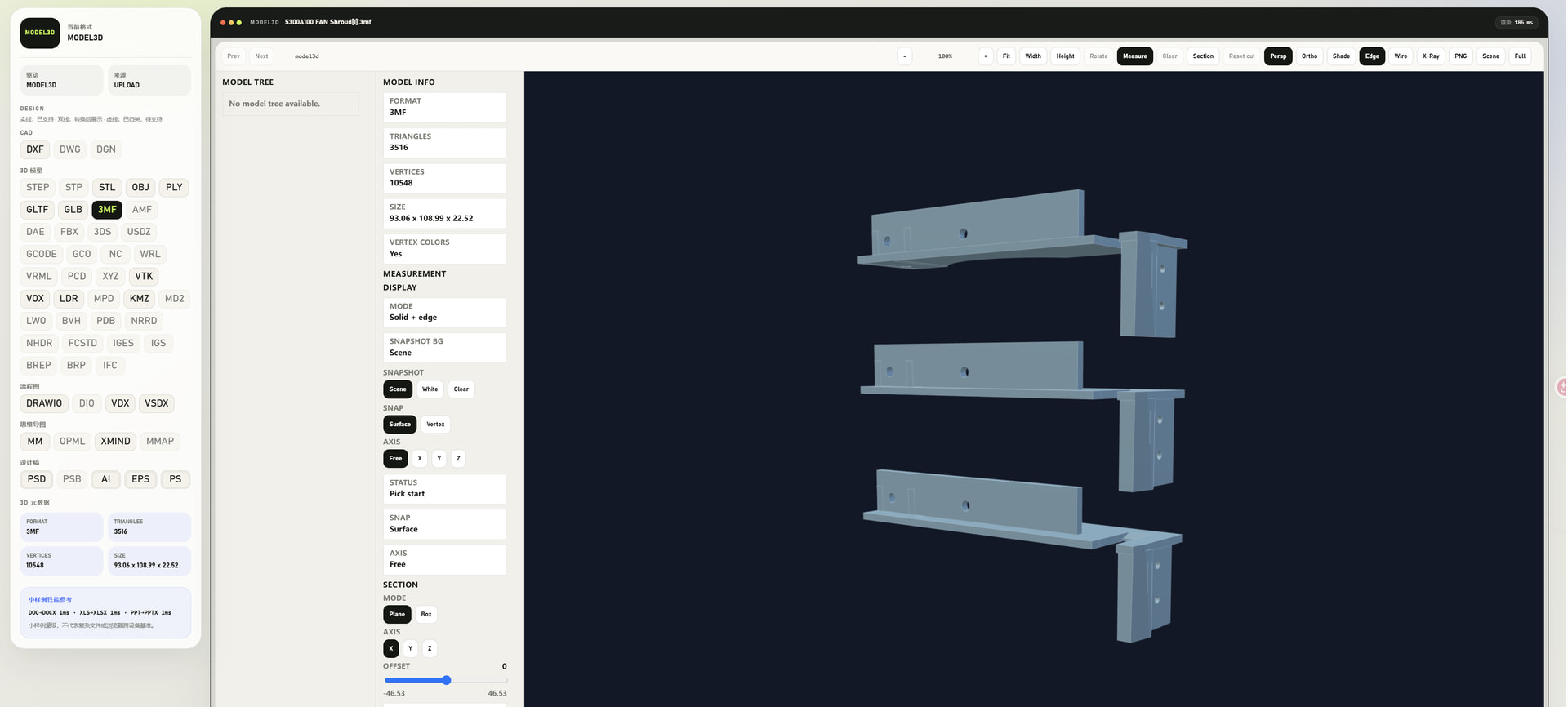
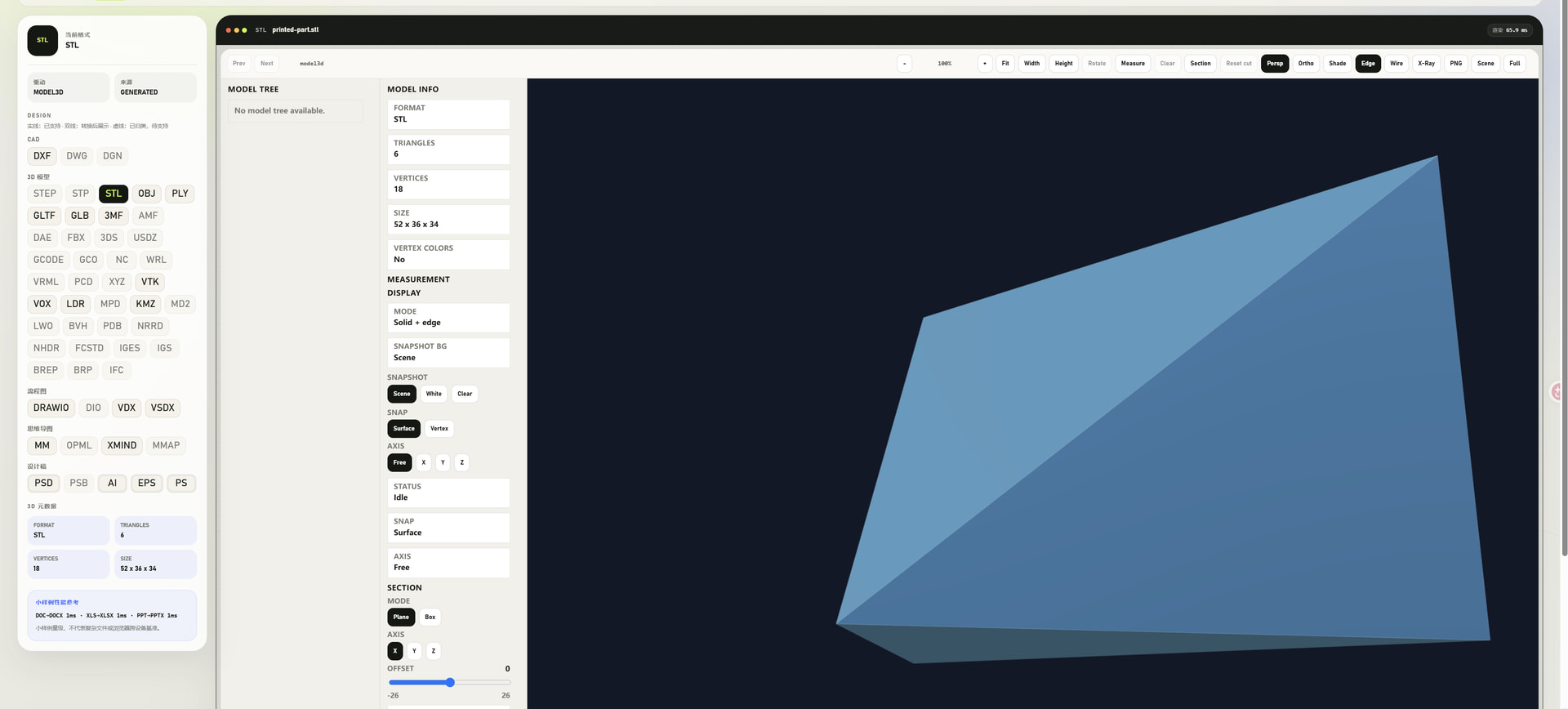
Thanks for the quick reply! Really great to hear the ZimaOS team is already moving forward with this. I’m personally excited to see STL and 3MF previews being implemented, and I’m looking forward to trying it out once it’s released. A very happy user here — keep up the fantastic work!
That is awesome! I cant wait to try it out. I too have a large collection of 3D models for 3D printing.
hi when do you expect it to be available? And what’s the name of the app, thanks
It’s called FiLens, and it already supports STL and 3MF previews! You can try the demo here, including opening your own model files:
We’re planning to integrate it directly into the ZimaOS file manager in a future update. We’ll share the release timeline once it’s confirmed. Stay tuned, and we’d love to hear how it works with your models! 
For those who are into having a 3mf/stl viewer, this system for managing and searching your owned 3d models is awesome.. I’ve been using it for some time on my zima os server GitHub - TechJeeper/Printventory · GitHub sample yaml for mine below Would be great if someone would add it to one of the app stores for it.
networks:
  default:
    name: printventory-server_default
services:
  printventory-server:
    command: []
    container_name: printventory-server
    cpu_shares: 90
    deploy:
      resources:
        limits:
          cpus: "1.00"
          memory: 2.53GB
        reservations:
          cpus: "0.00"
          memory: 256MB
    environment:
      DCONF_DISABLE: "1"
      DISPLAY: "99"
      GIO_USE_VFS: local
      GIO_USE_VOLUME_MONITOR: unix
      PUPPETEER_EXECUTABLE_PATH: /usr/bin/chromium
      PUPPETEER_SKIP_CHROMIUM_DOWNLOAD: "true"
    hostname: printventory-server
    image: printventory/printventory:latest
    labels:
      icon: https://github.com/TechJeeper/Printventory/blob/main/logo.png
    network_mode: bridge
    ports:
      - protocol: tcp
        published: "5000"
        target: 5000
    restart: always
    volumes:
      - source: /media/ZimaOS-HD/AppData/printinventory
        target: /root/.config/printventory
        type: bind
      - source: /media/4tbssd1/3DStuff
        target: /mnt/models
        type: bind
      - source: /media/ZimaOS-HD/AppData/printinventory/printventory.db
        target: /app/printventory.db
        type: bind
x-casaos:
  author: self
  category: self
  hostname: 192.168.1.10
  icon: https://github.com/TechJeeper/Printventory/blob/main/logo.png
  index: /
  is_uncontrolled: false
  main: printventory-server
  port_map: "5000"
  scheme: http
  store_app_id: printventory-server
  title:
    custom: printventory-server
    en_us: printventory-server