I recently changed my ISP, after changing them I installed a fresh ZimaOS on my server. I can ping google and other sites from the web terminal, even install apps from the appstore (the images download fine). This means at least ZimaOS is getting connected to the internet properly, but no apps can access the internet. Like I can’t use qbittorrent to download anything, Jellyfin can’t pull any metadata from the internet for the media in the library.
As its a fresh install, its unlikely to be a firewall issue, but I checked every rule and everything seems fine to me. I’ve no idea whats wrong. Any suggestions are very helpful.
Edit: The containers seem to be able to access the internet through the remote access option of the Zima Client android app. I was not able to set up a new Jellyfin account through local host, but was able to do so throught the Zima Client.
Since network connectivity varies from region to region and from ISP to ISP, you may be able to test network connectivity using some tools.
For example, the Chrome browser in the BigBear store can be used to perform this type of test intuitively. (The ZimaOS supports installing Docker apps from third-party stores. It also supports manual installation of apps from yaml file/CLI.)
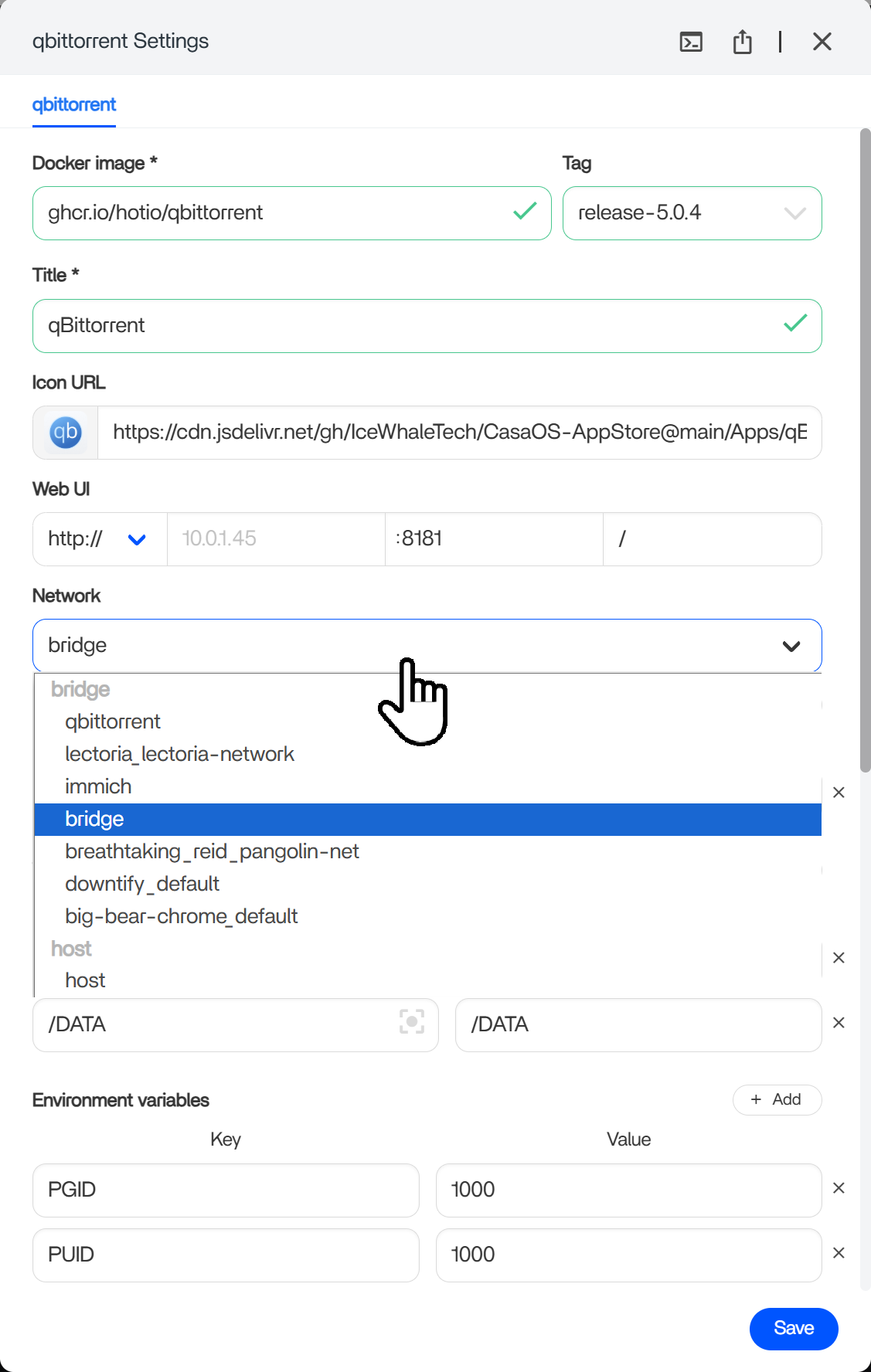
At the same time, network modes such as Host are also options worth trying.
Before setting it to host, make sure to note down the container port while in bridge mode. That will be the port you need to use. For jellyfin, that’s 8096. So your new url is [ip-address]:8096
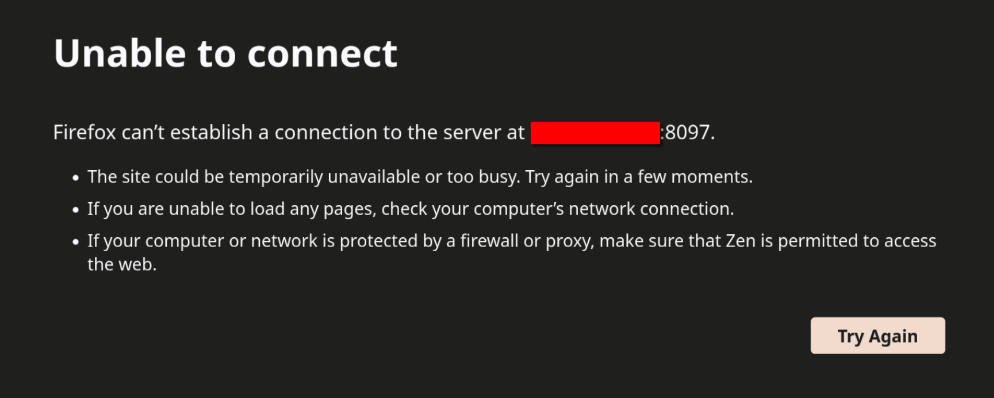
I think that’s what it was! It looks like even after swapping the port to 8096 and setting it to host, the link from the dashboard was still pointing to <ip-address>:8097. Navigating directly to <ip-address>:8096 worked!
It seems like I’m able to access it, but the media files are unable to be identified.
[2026-01-05 17:48:53.555 -06:00] [ERR] [31] MediaBrowser.Providers.Manager.ProviderManager: Provider "The Open Movie Database" failed to retrieve search results
System.Net.Http.HttpRequestException: No route to host (www.omdbapi.com:443)
 ---> System.Net.Sockets.SocketException (113): No route to host
I keep getting this error log every time I try to identify something and no results show up. When I turn off my VPN I can get images, but selecting the image and saving the selection errors out again in the same way as before.
See if IP utils are on there and you can use tracert to the site it’s trying to reach. That can tell you where traffic is stopping. If it doesn’t have that, you might be able to install them.
FROM ubuntu:22.04 Or Debian

RUN apt-get update && \
    apt-get install -y iputils-ping traceroute && \
    rm -rf /var/lib/apt/lists/*
Or
FROM alpine:3.19

RUN apk add --no-cache iputils traceroute
Then you can do a tracert to that site, and you can figure out where it is getting blocked
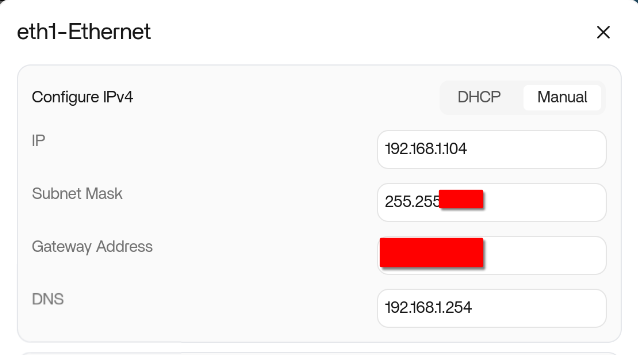
That could be vpn related, but no typically that would not be your public IP. That looks like DHCP is handing out a bad gateway if it is saying your gateway is your public IP address. As for where I was talking about is under App Settings.
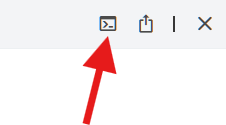
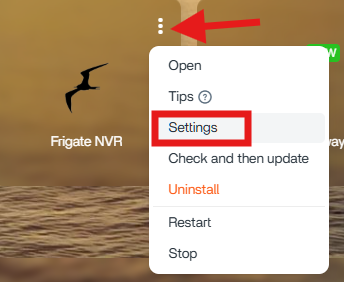
From the main dashboard, find the app, click the 3 dots, then settings
From there you can go to the top where my last screenshot showed where the docker terminal would be at.
As for your gateway IP, you should do all troubleshooting first with the vpn off, not on.
It looks like you set your IP static? The gateway should be your internal IP for your router typically. In your case it is likely 192.168.1.1 or if your DNS is your router, then 192.168.1.254
But yes, that could easily be the issue completely.
I believe I’ve solved it with your help. It’s a combination of the Gateway address being incorrect as well as my ISP (AT&T) preferring IPv6 and the Jellyfin container only allowing IPv4.
After additionally enabling IPv6 alongside IPv4 in the Jellyfin admin (Dashboard > Networking), it seems to be working now!