Dlna config 1.5.1 beta not responding after update from 1.5.0 was previously set to point to a spacific folder does not work anymore unable to set config turning dlna on and off doesnt help but server shows up in vlc app but no files
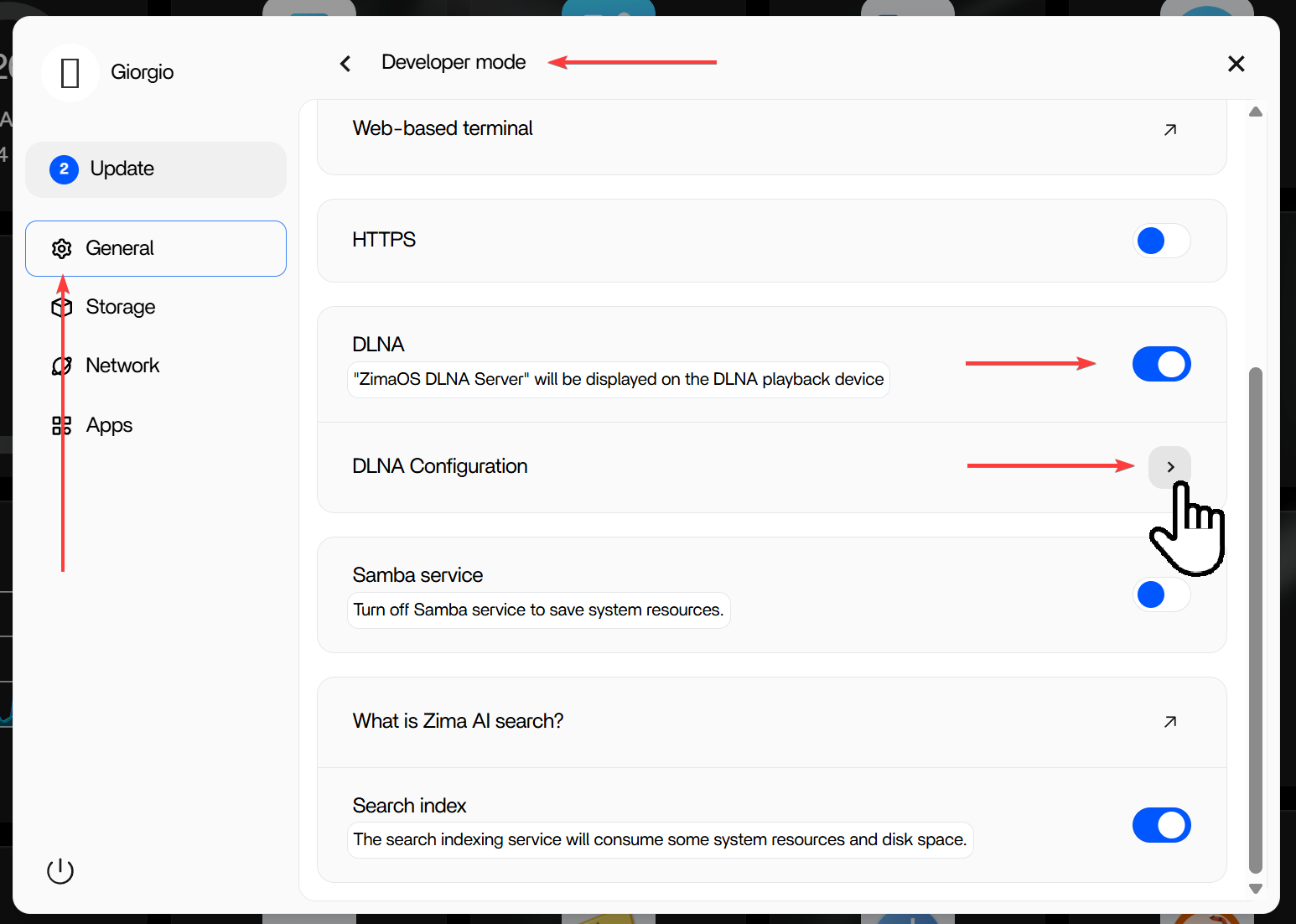
I have the same problem. I update to 1.5.1 and now cannot access to dlna config. Always waiting but don’t go in config window.
Hey, guys.
May I know your DLNA config in the ZimaOS settings panel?
And also, please share the way you test the usability of the DLNA service so that we can investigate.
For reference:
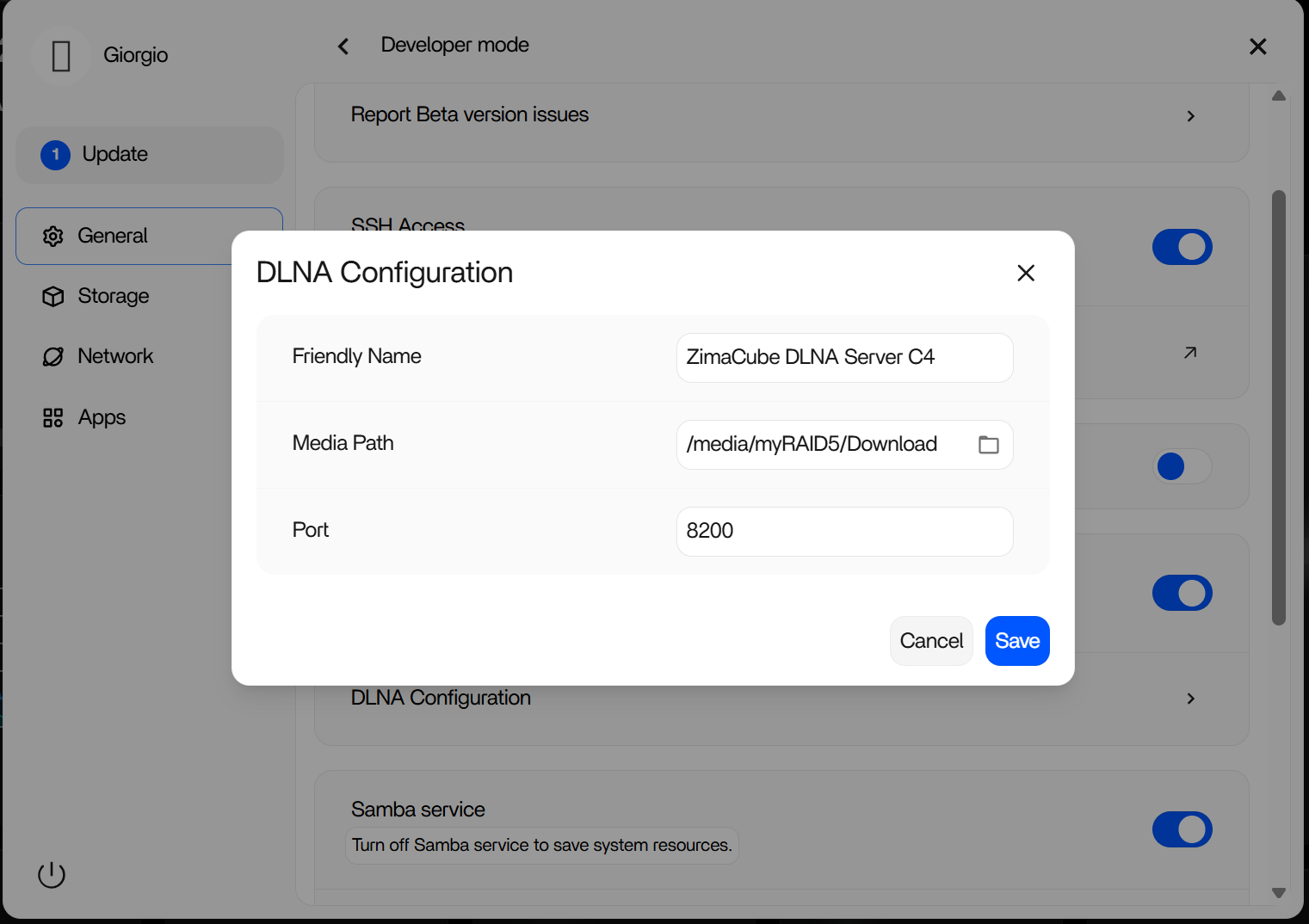
- I tested it, and the DLNA service in ZimaOS 1.5.1 works well with Windows Media Player Legacy on Windows 11.
- And this is my configuration:
I have the same issue. Update 1.5.0 to 1.5.1. DLNA Settings don’t work
Hello,
I already have the same issue, when I try to opten the configuration panel, nothing happen.
I check the configuration in the /mnt/overlay/upper_etc/minidlna.conf and all seems to be ok.
The Same file in /etc was corrupted.
I deleted the file /mnt/overlay/upper_etc/minidlna.conf , reboot the system . And everything works again
2 Likes
@mane @king786 @glexu @Ragnulf67
Hey guys. The settings UI doesn’t work? Could you please show us the screenshot of your DLNA settings?
According to some reports, it may be caused by the browser cache. Please see:
If so, would you please switch to a new browser/the browser’s incognito mode to test it again?
Look forward to your feedback.
I have tryed Incognito yesterday, don’t work. Cache ist removed - don’t work.
The problem is that the DLNA mode switch works, but when I try to access the DLNA settings, nothing happens—the button does not respond/three dots appear—but it does not enter the settings.
May I have your screen record? I can’t reproduce it. Thanks in advance.
I cant here videos upload. Here is it:
Never mind, I have downloaded it here.
And our engineer is looking at this.
Thx, im waitinf for a fix.
Is there any option to safe downgrade to ZIMAOS 1.5 ?
Yes, see this article:
Thank You!
1 Like
That Works! Tnank you!
1 Like
Hello.
Had the same problem after upgrading to 1.5.1. This worked for me.
update 1.5.2 broke it again the fix posted bt Ragnulf67 fixes it i think if you changed the folder settings it breaks in update some sort of conflict