Hi,
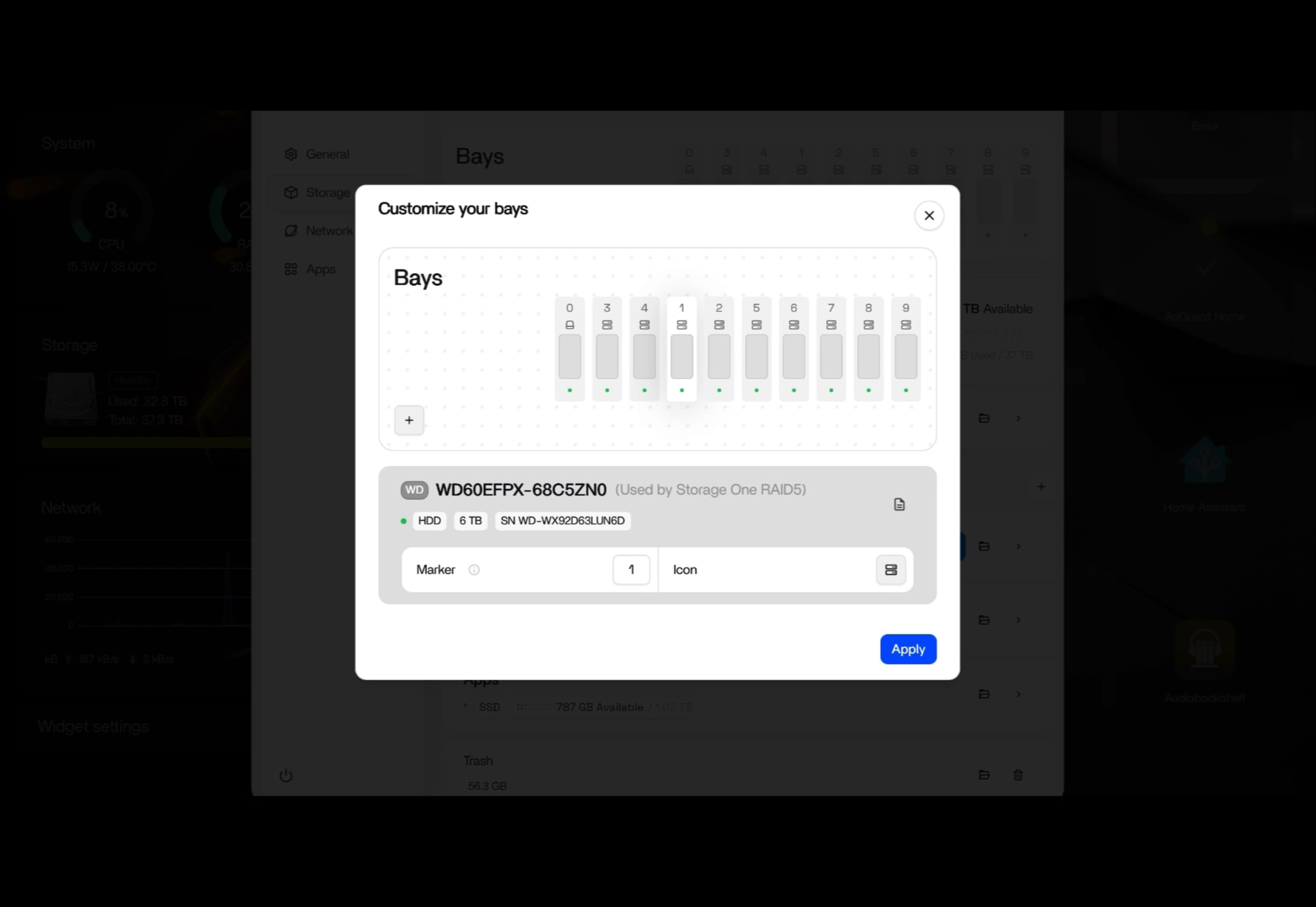
I’ve noticed that the “Customize your bays” feature behaves differently in ZimaOS 1.8 compared to version 1.6.
In ZimaOS 1.6, I was able to manually rearrange the disk bays using drag-and-drop to match the actual physical positions of my HDDs.
However, in ZimaOS 1.8, this functionality seems to be missing or broken. The disk bays are displayed in an incorrect order, and I can no longer drag and rearrange them.
The “Customize your bays” button is still available, but it doesn’t seem to provide the same functionality as before.
Is this an intentional change, a known bug, or has the customization method changed in version 1.8?
I’d really appreciate it if the original drag-and-drop functionality could be restored.
Thanks!