If you want to remove a storage device under “Zima Storage”, the settings offer two options with red buttons:
-
Format
-
Diasble
If you choose Disable, you are warned that the storage device will be formatted and disabled:
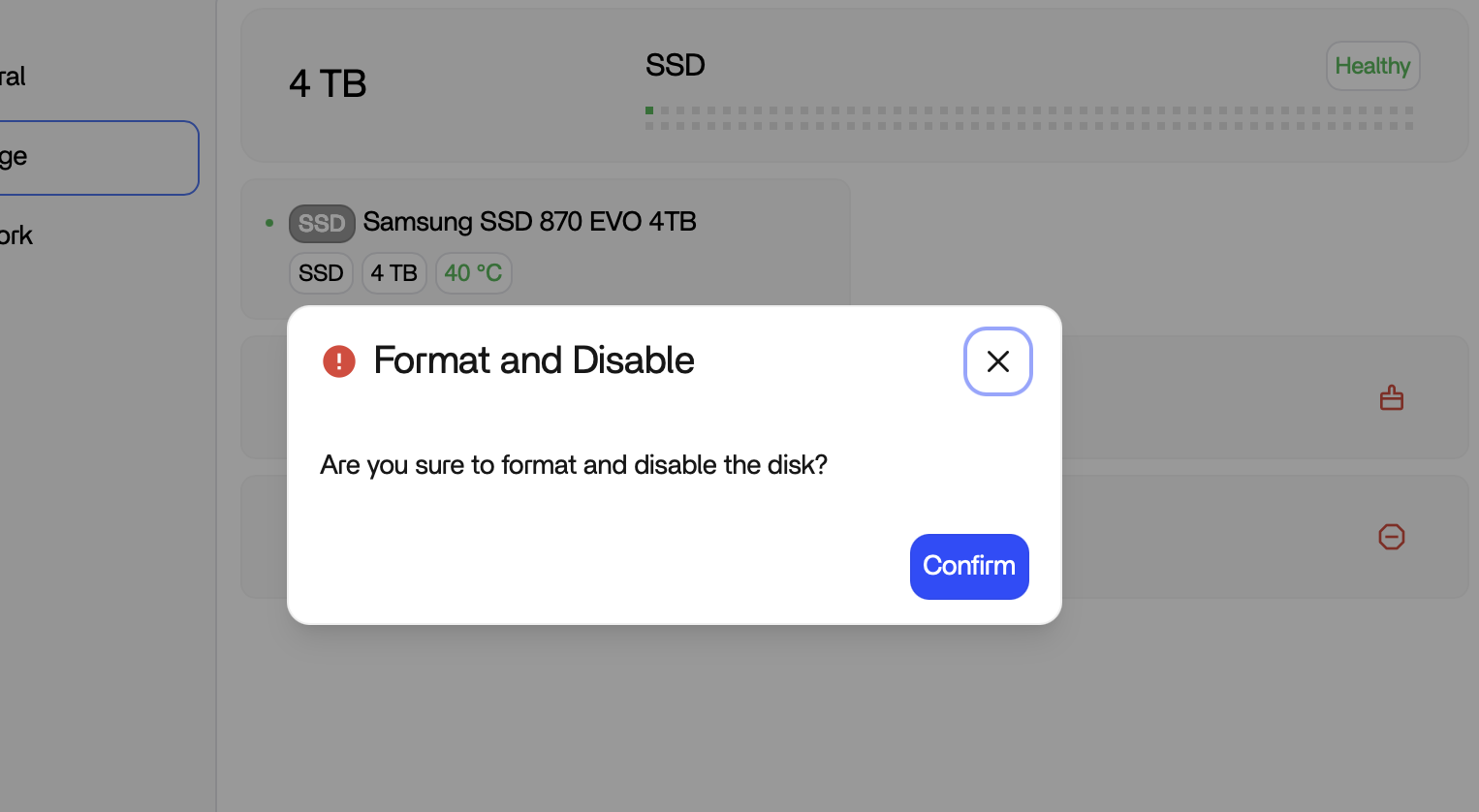
But formatting won’t happen eventually. After reconnecting the drive, all data is still present.
Please correct this cosmetic (and very confusing) error. In my opinion, the best solution would be to give the user a checkbox in the confirmation dialog to additionally format the drive (deactivated by default) — followed by an additional confirmation step. Essentially the same type of dialog used when moving the user database.
Steps to reproduce:
- Open Storage settings
- Add a storage
- Head over to Files app and create a folder on that storage
- Disable the storage
- Enable the storage again
Result: The test folder is still there.
Tested with ZimaOS 1.5.4