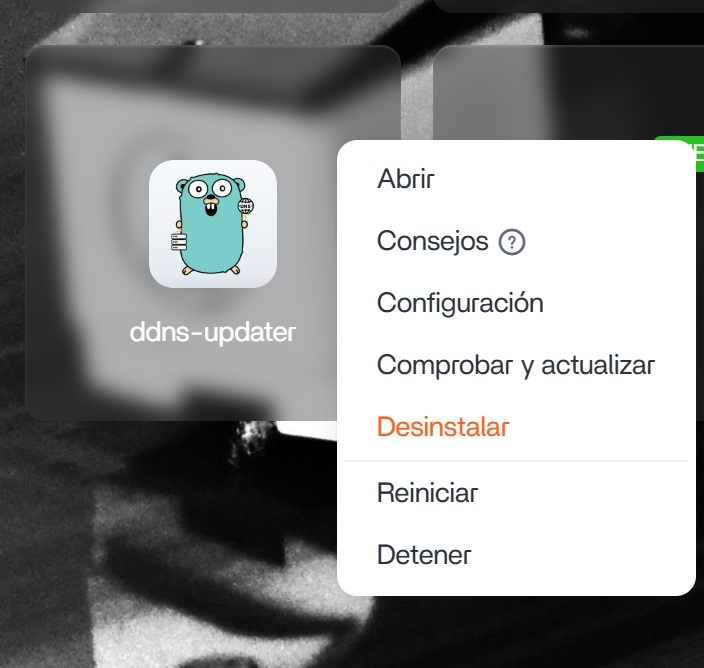
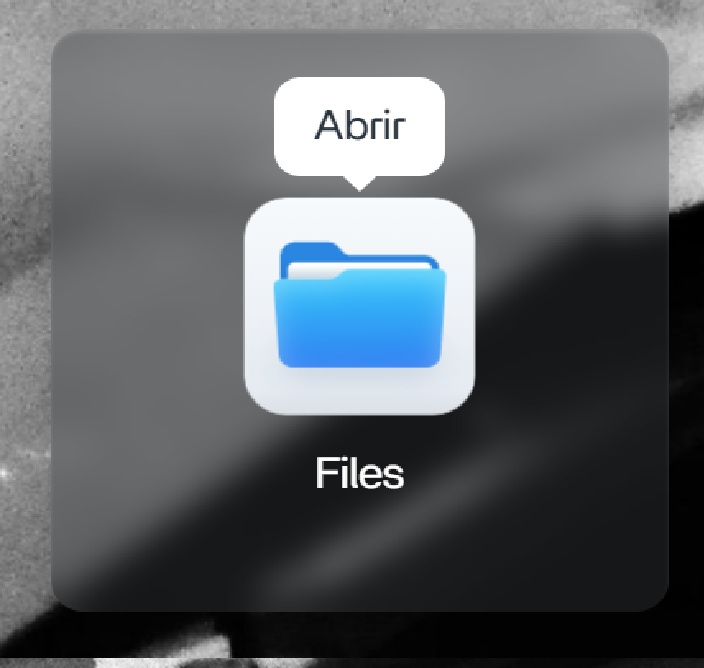
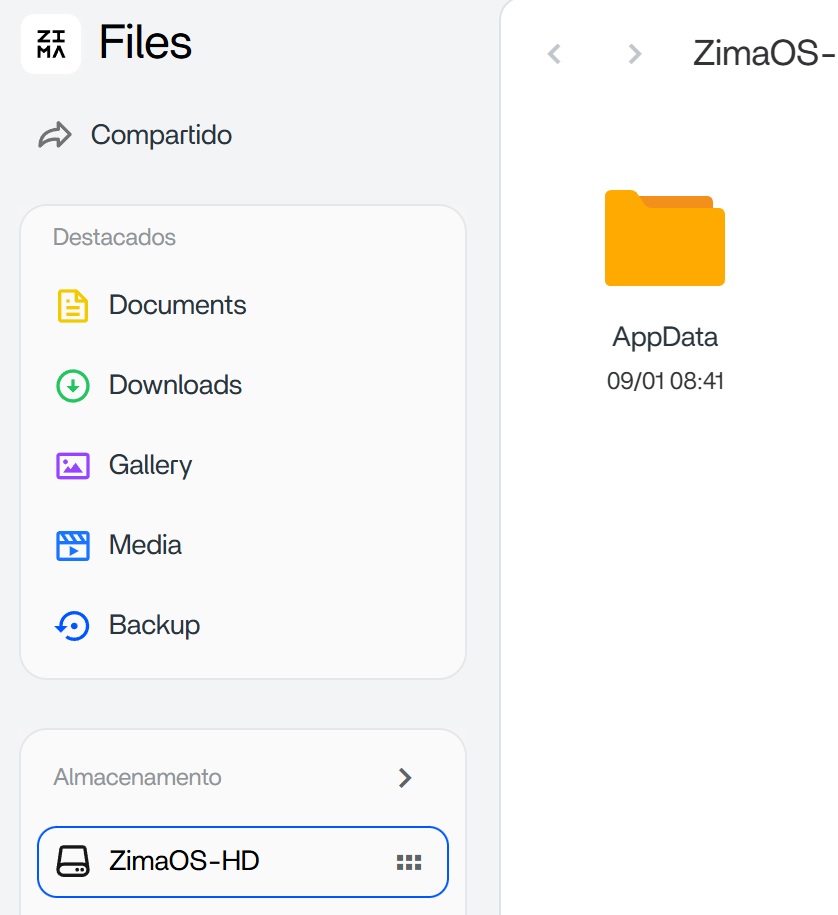
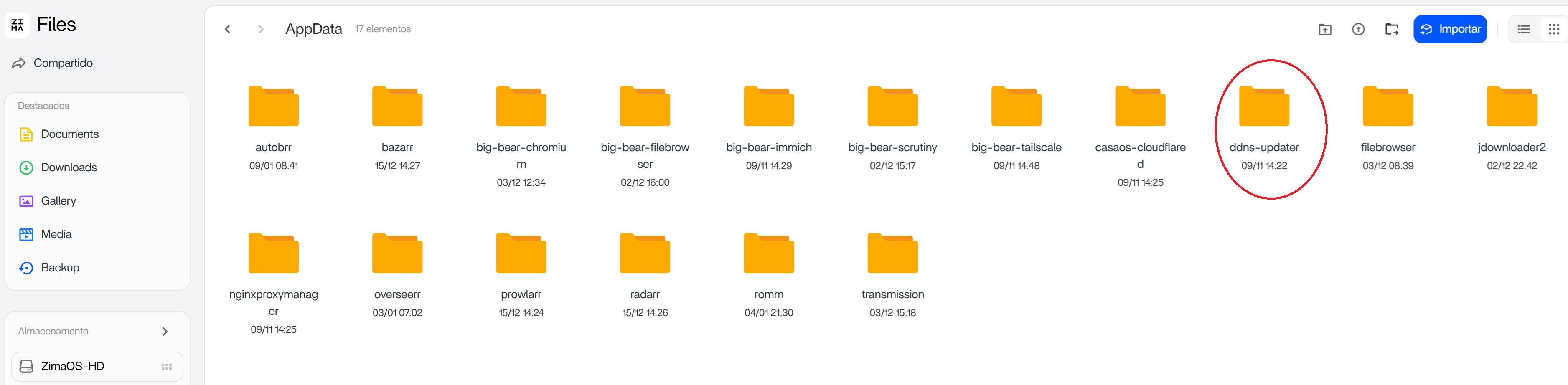
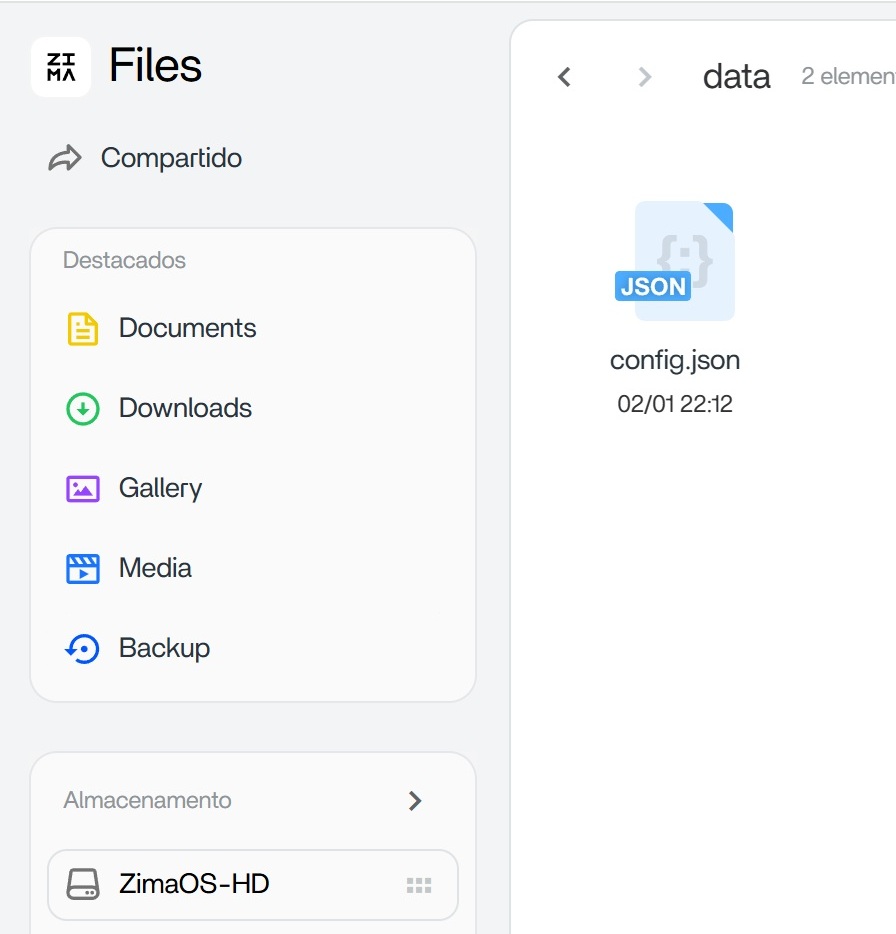
I’ll create a tutorial for you showing where it is and what you need to change. No problem, as long as you specify the domain, this script will work for you.
Sorry for the delay, I forgot to make the tutorial for you.
Here are the screenshots showing you where to go. In the last file you see, you need to extract it (it’s easier this way). Make a copy (just in case) and modify it with the script I gave you. Put it back in the folder, restart, and voila, it’s working!