Hi everyone,
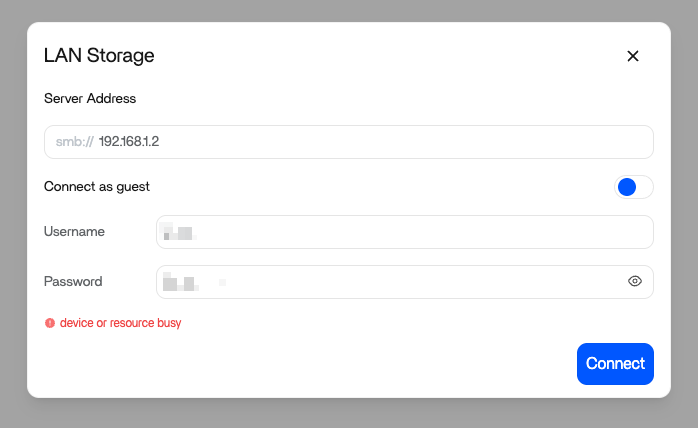
I just installed a fresh ZimaOS VM on proxmox, and have issue to connect to a local SMB shared folder from my NAS (192.168.1.2). When I tried to connect, the system prompts this error “device or resource busy” also confirmed that the credentials are correct and permission is well set. I tried to connect using my old ZimaOS instance (also on Proxmox) and was able to connect.
Inside Zima’s /media folder, there is a folder 192.168.1.2 with the public accessible folders. I tried to delete this folder (successfully) and reconnect but still got the same issue.
Please kindly advise!