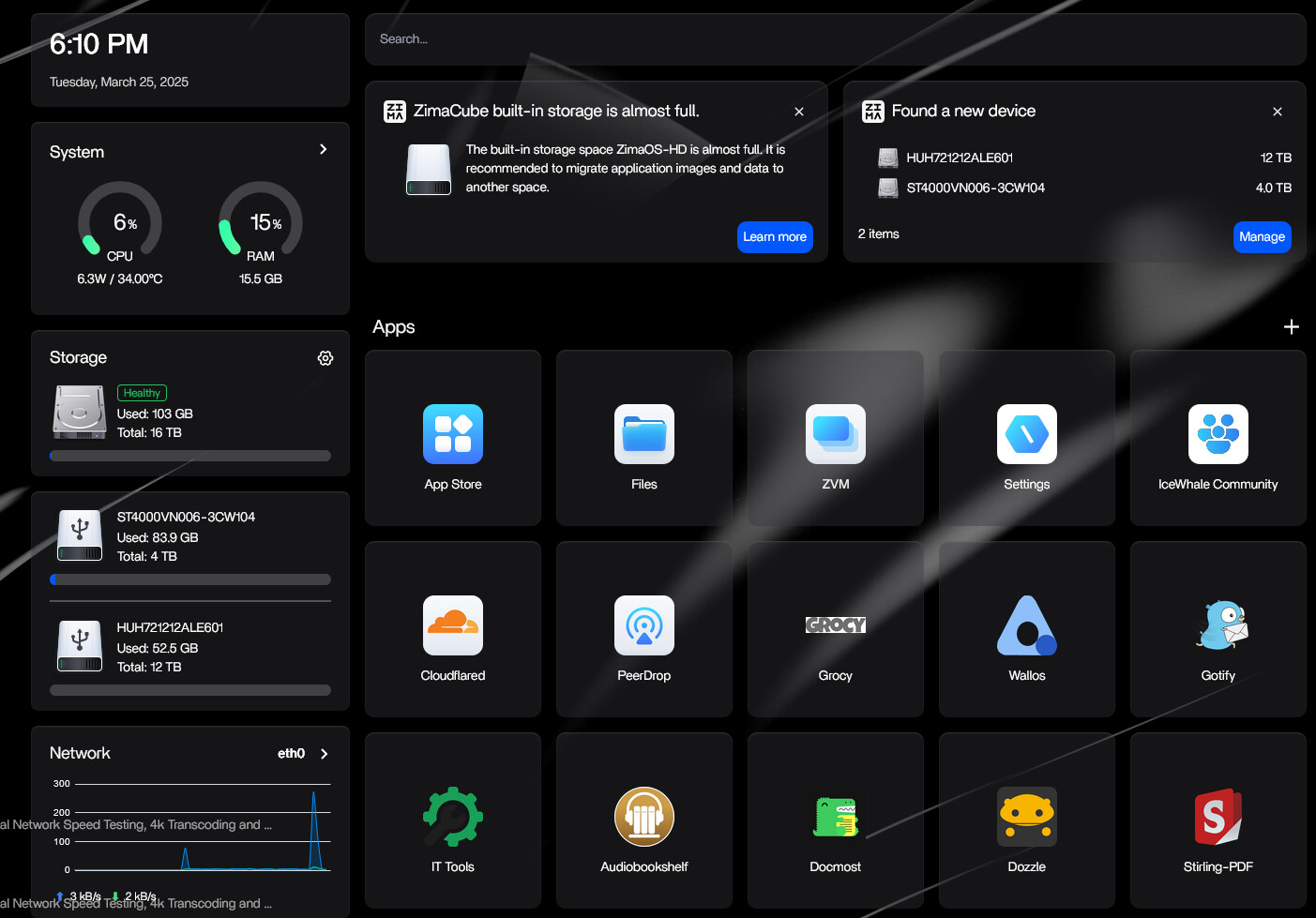
I have a USB external enclosure (cuz good luck finding eSATA enclosures) Connected to my Dell Optiplex 9020. As is shown, the system recognizes the 2 drives, added them to the total storage, shows all drives as near empty (left panel) but also says built-in storage is almost full.

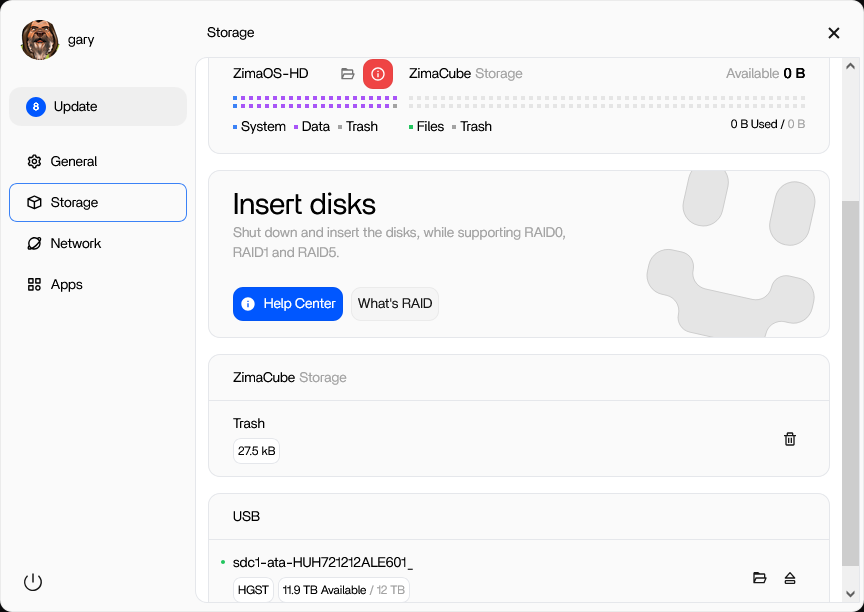
In the storage panel it only recognizes the 12T drive and doesn’t add it to storage.
Prior to adding the 4T drive in the enclosure the system would recognize the 12T and add it to storage, BUT it still claimed full storage. Are you saying @LinkLeong that it should seamlessly just continue writing into the availible usb storage? Cuz that is not what it is telling me.
Since installing Apps to the usb storage doesn’t seem to be an option can Symlinks be used for storage?