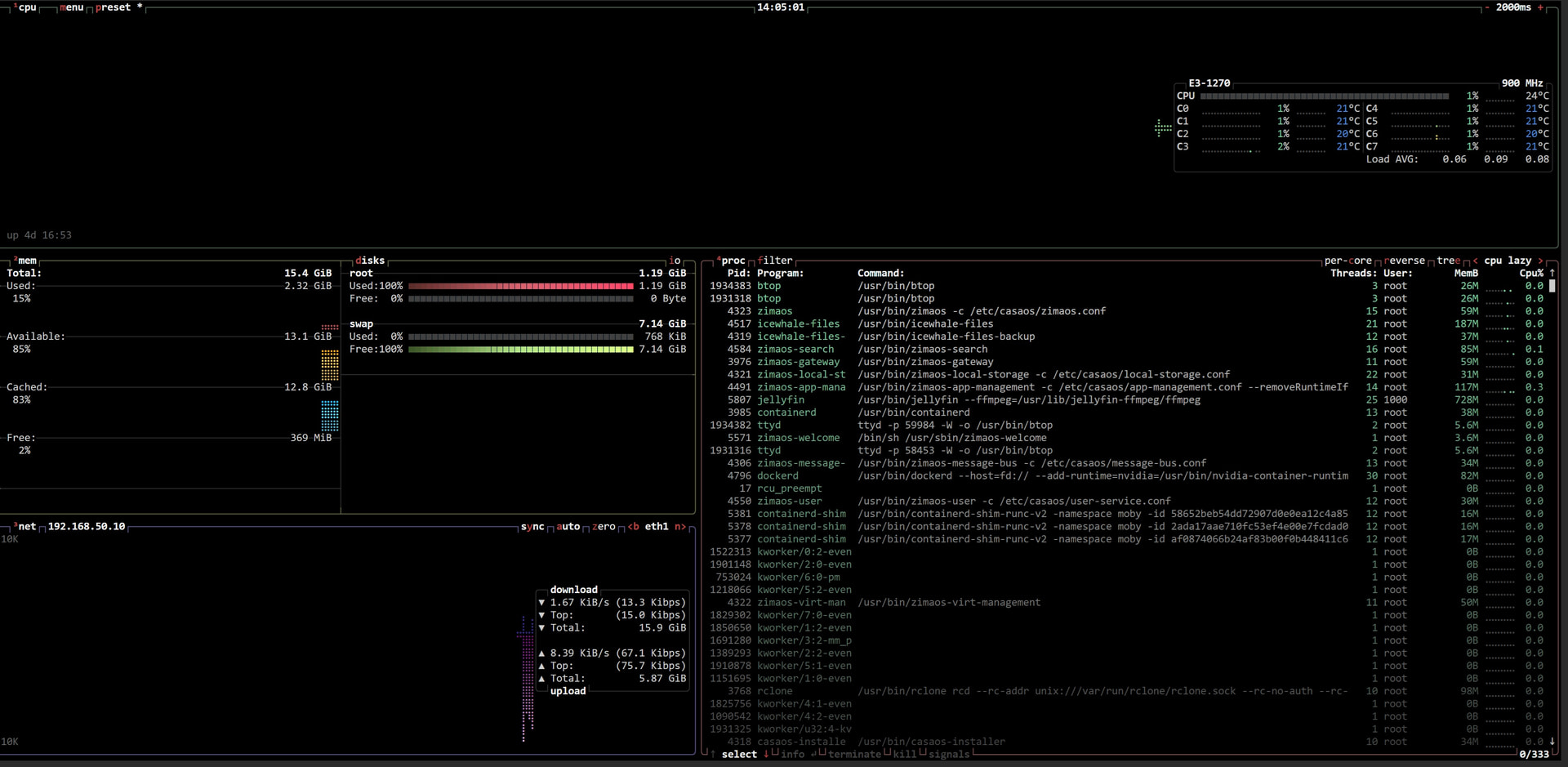
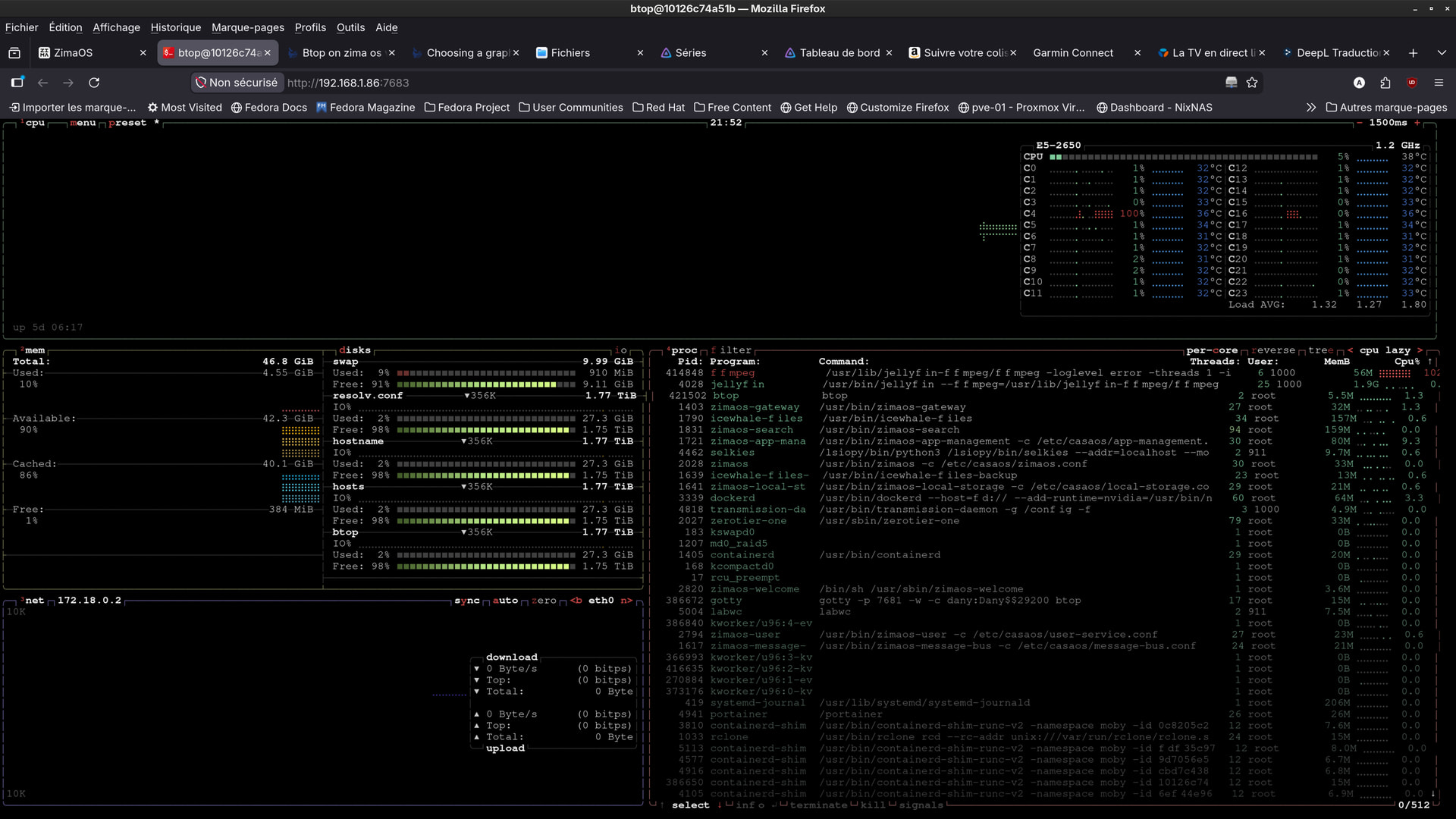
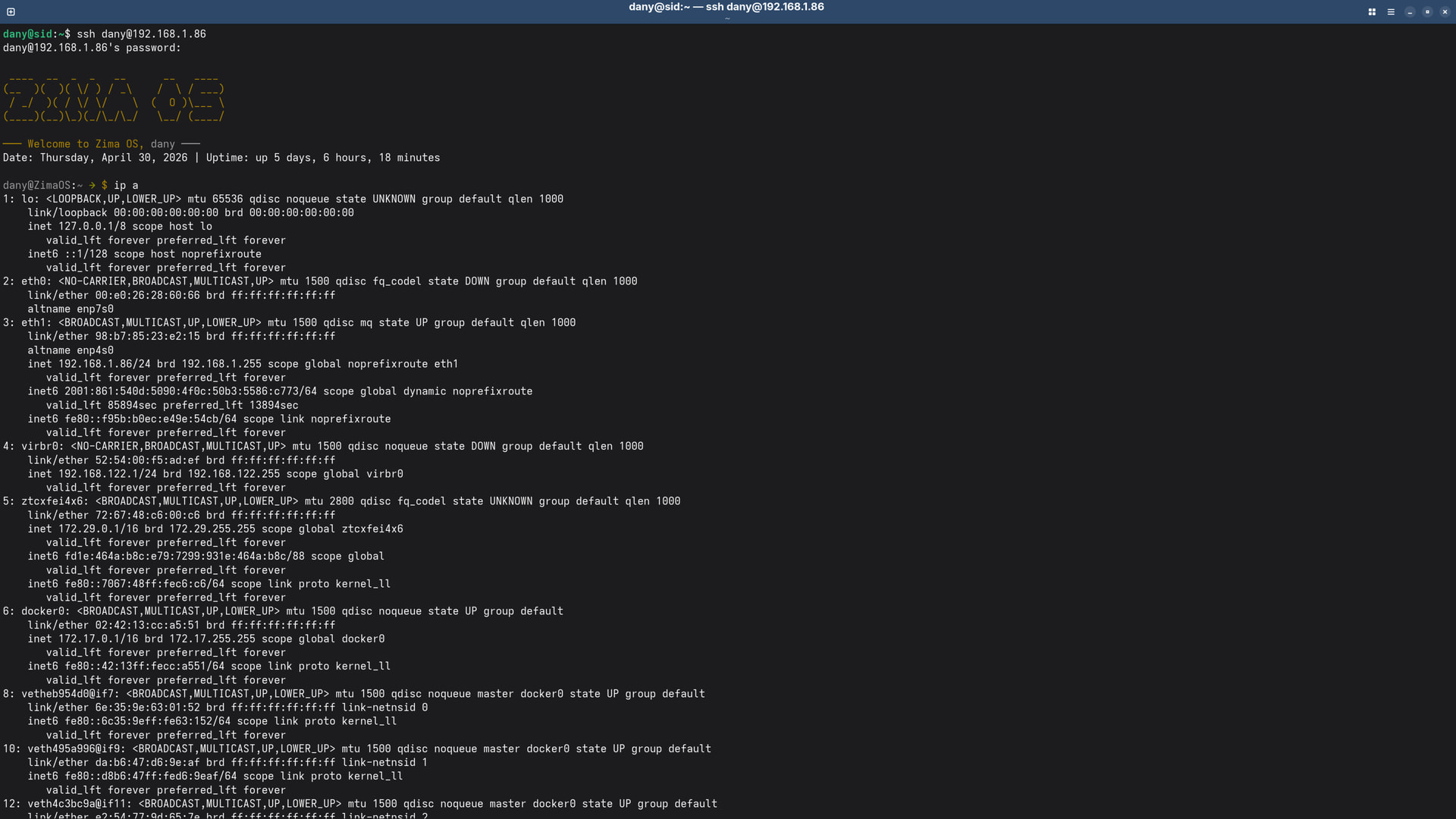
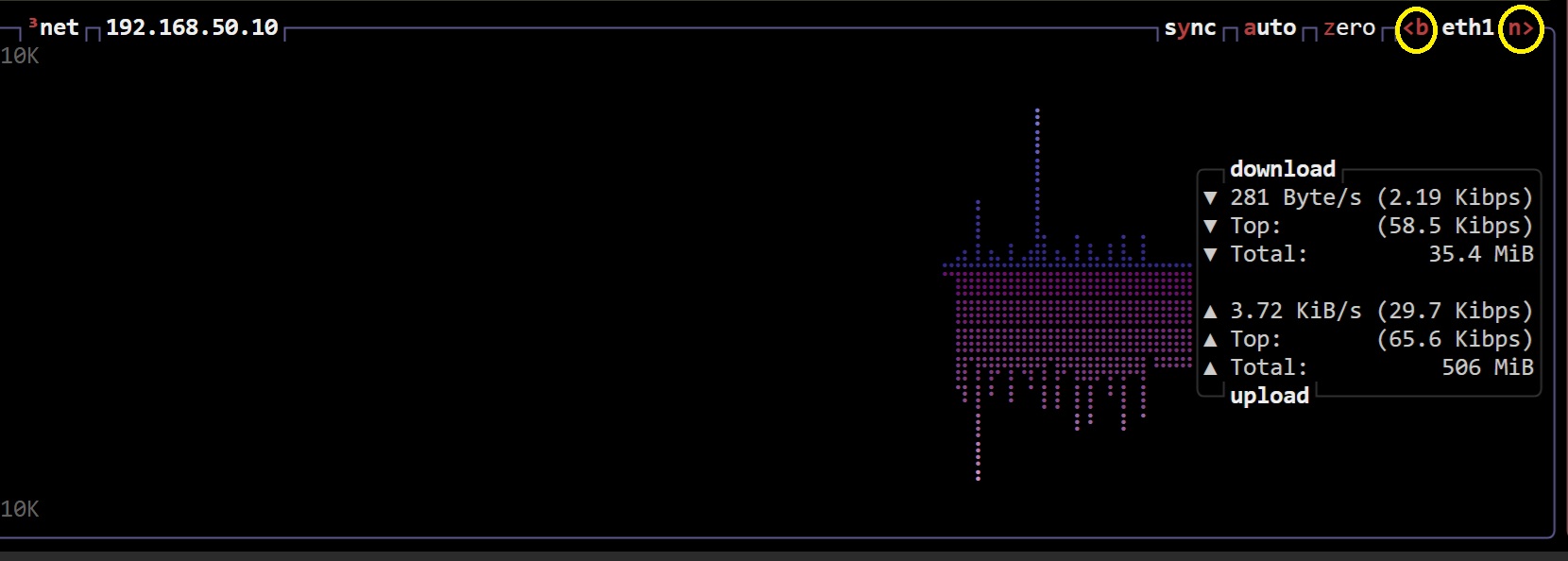
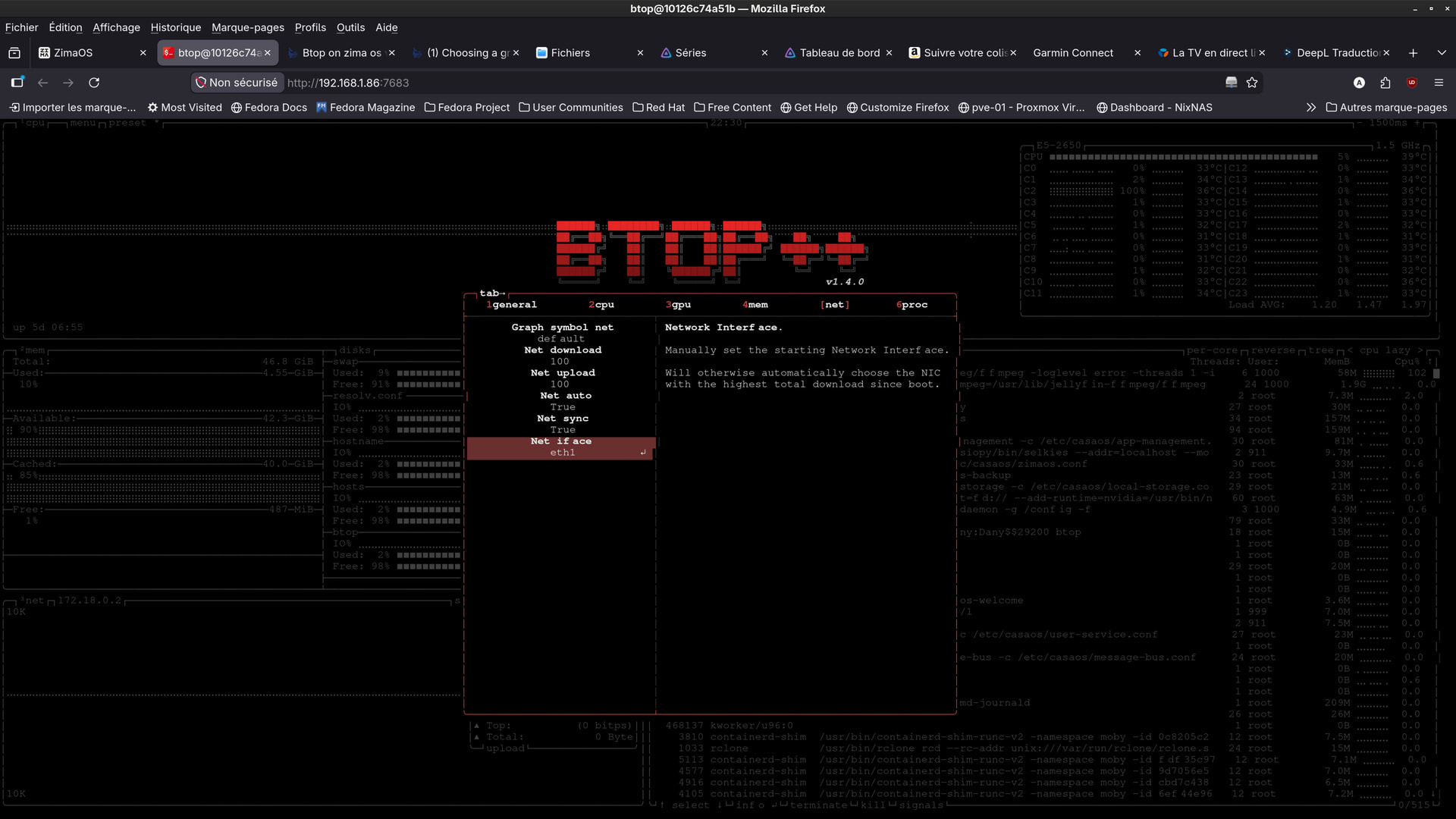
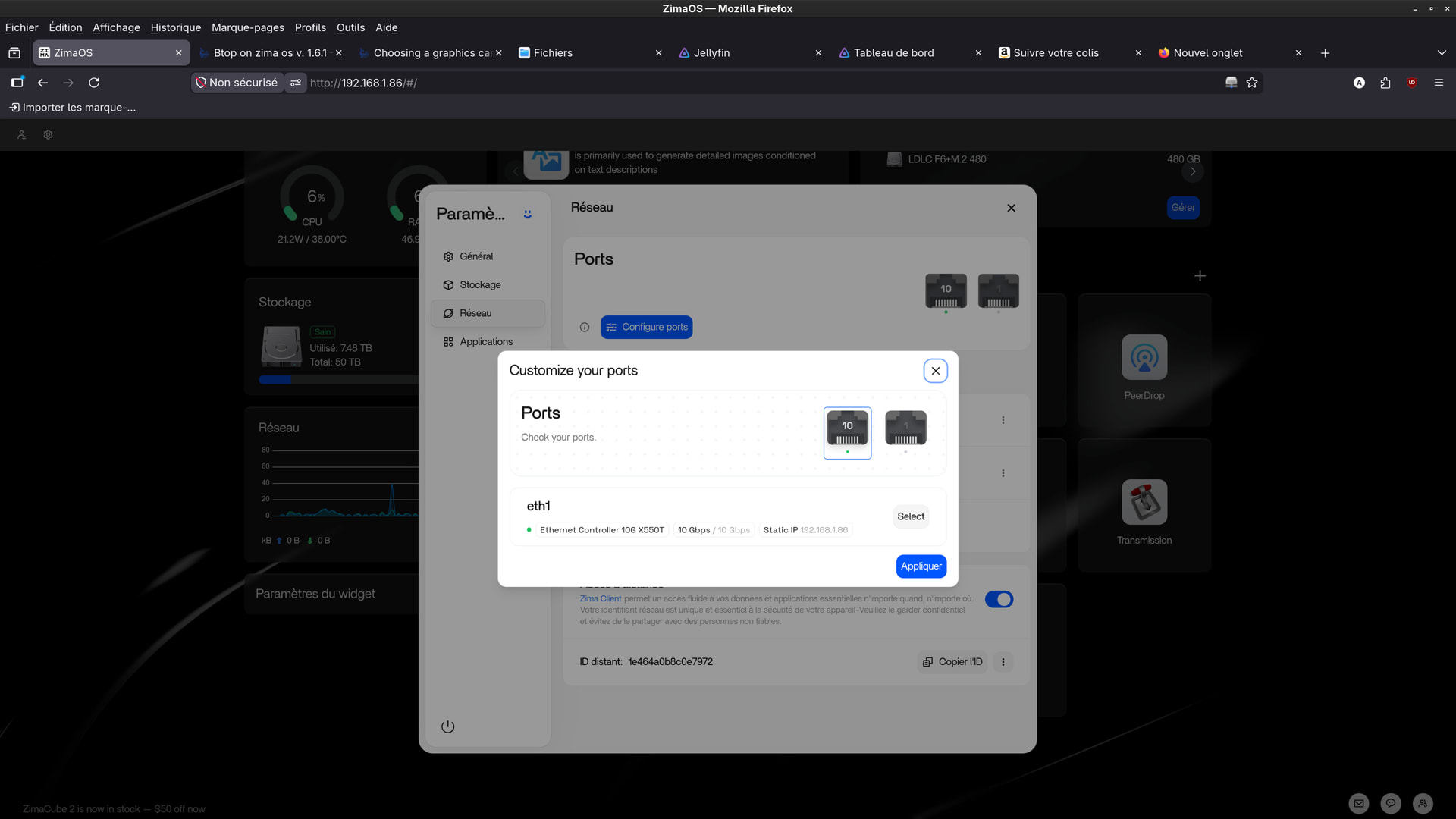
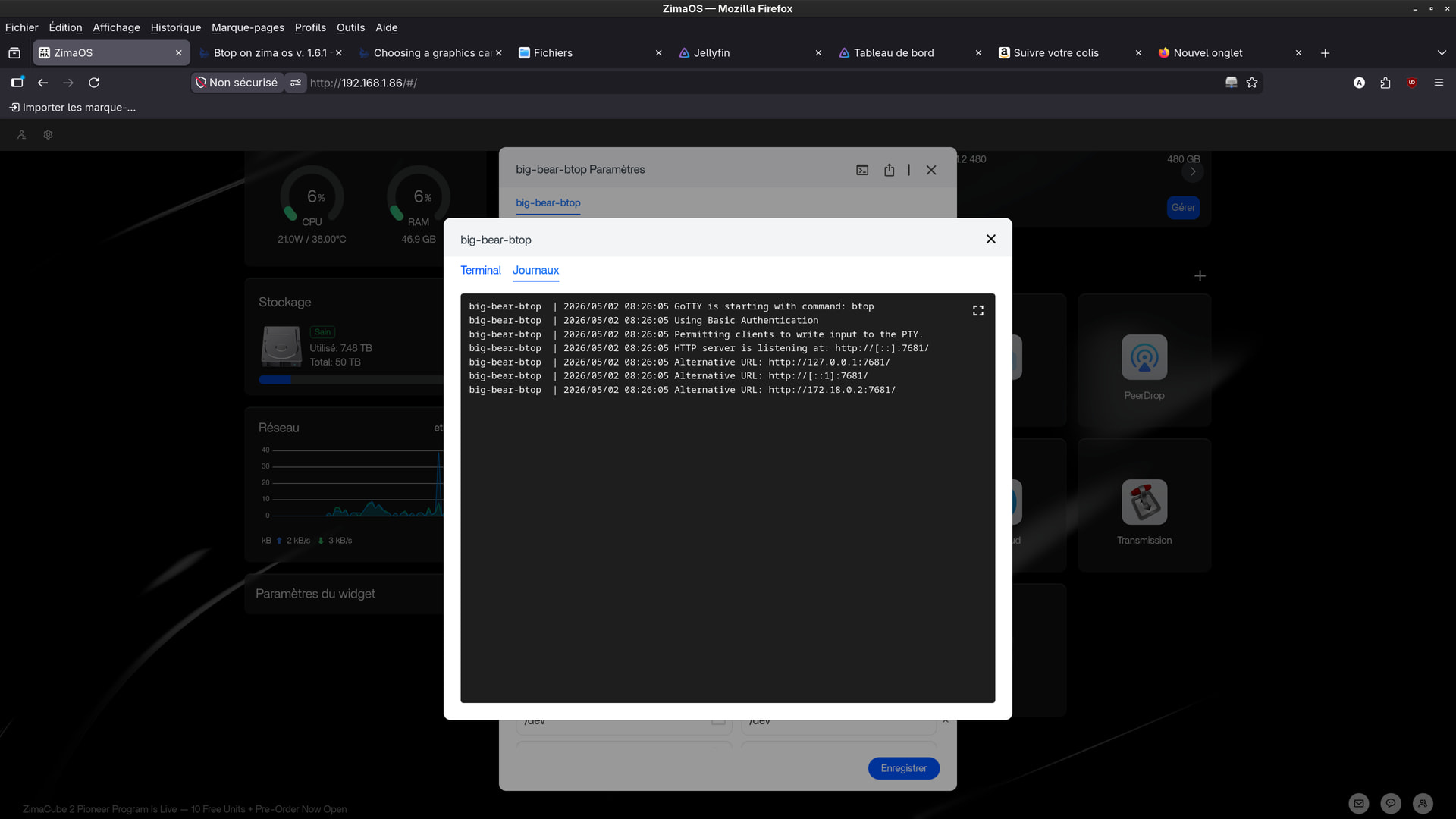
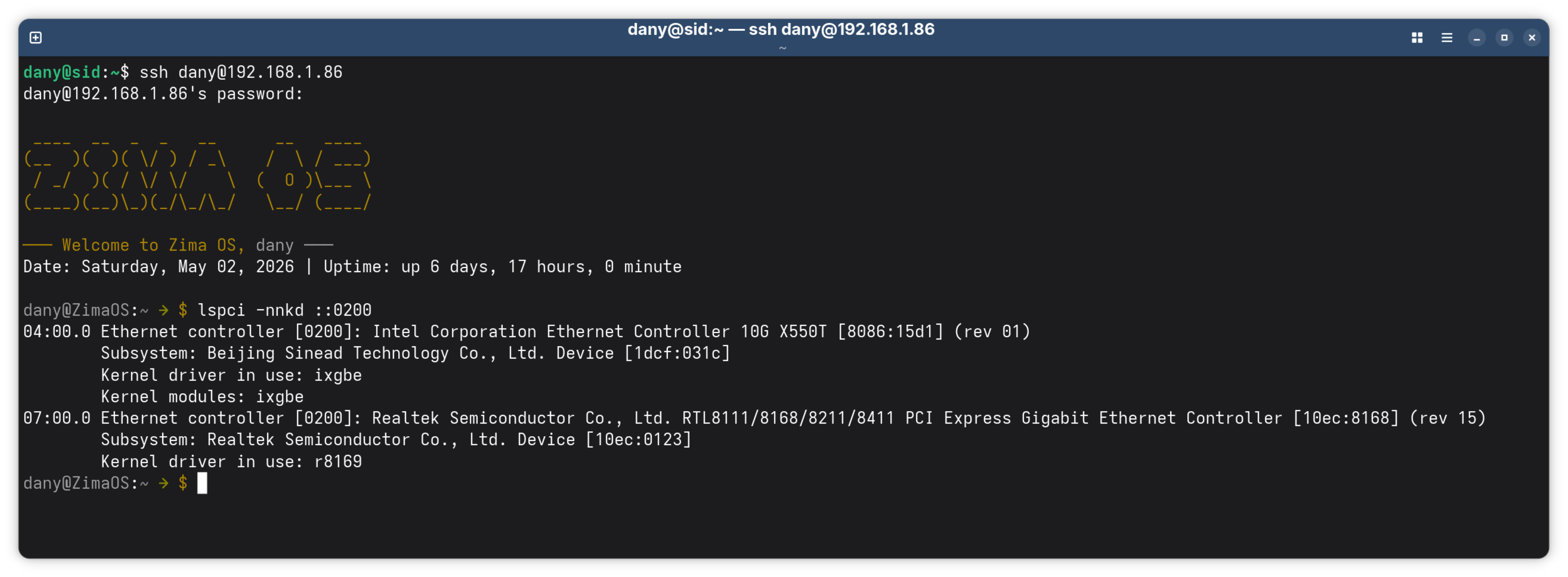
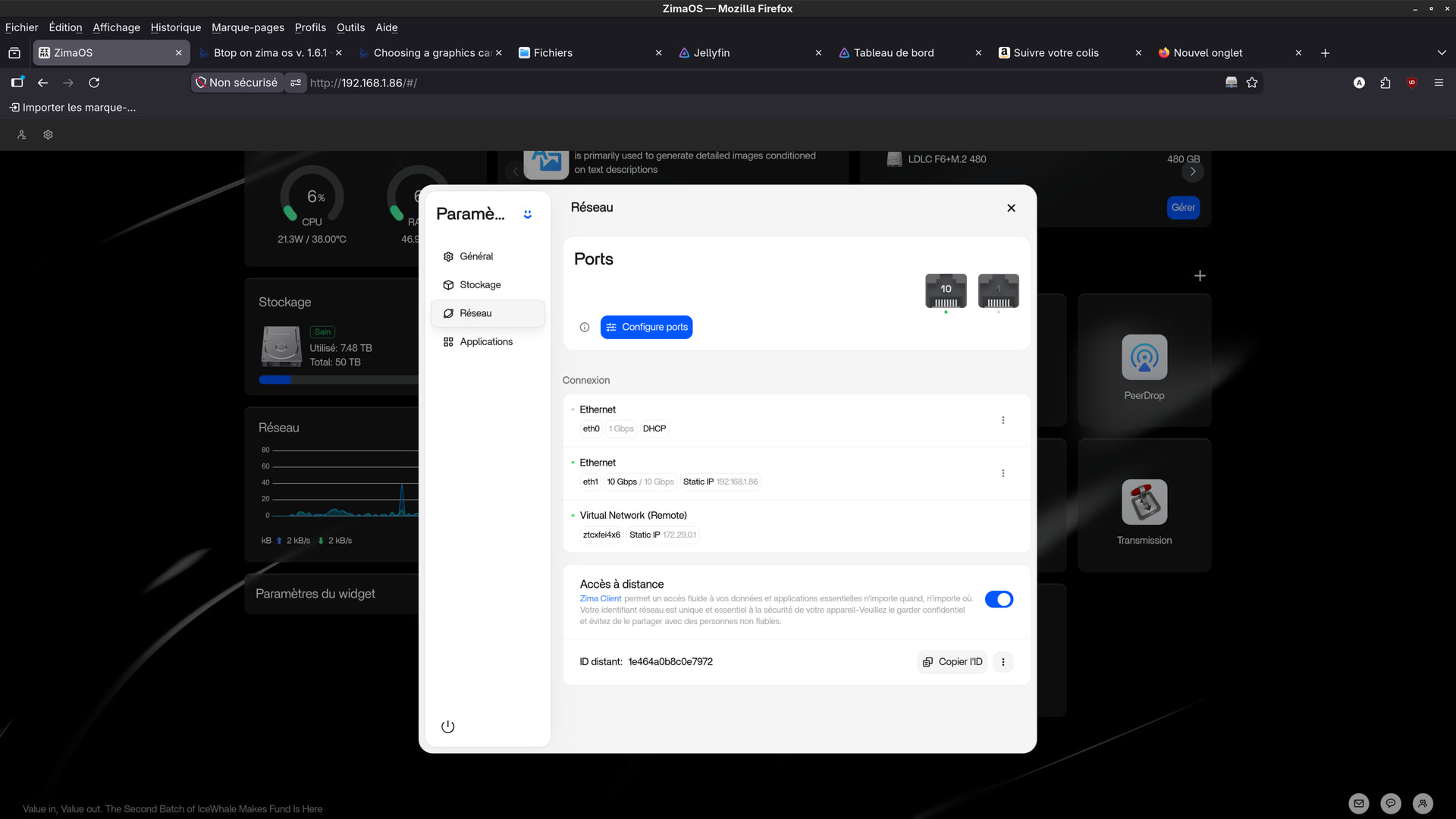
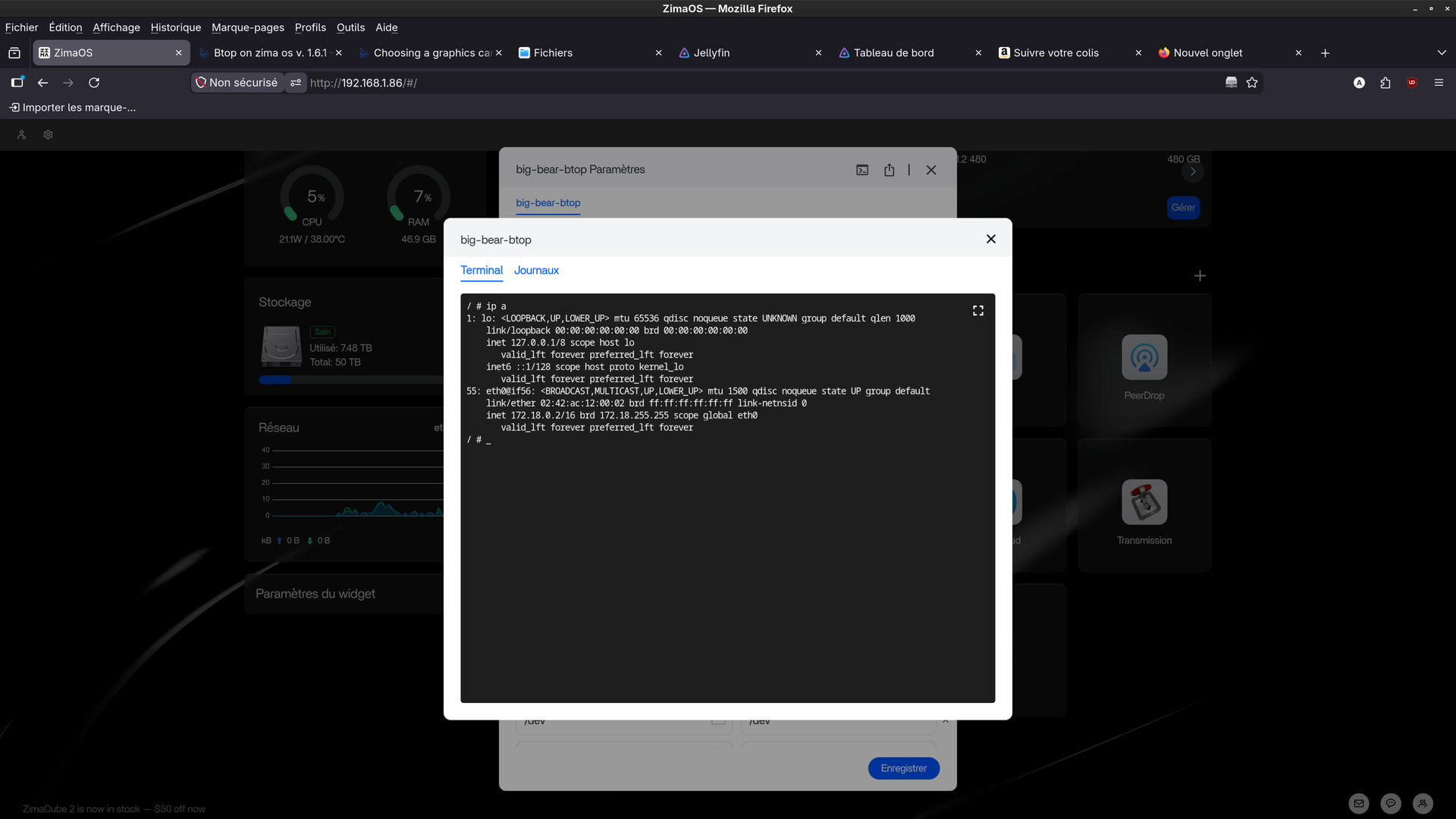
In fact, btop uses the motherboard’s default network card (eth0), but on my system, Zima uses the 10 Gb expansion card (eth1).
So far, I haven’t been able to configure btop to use eth1.
I think editing the configuration file isn’t enough.
But I don’t know how to do it.
If you have any ideas.
Thanks.
note :
excuse me , i had some difficulties to create this post .
it is possible you find 1 or 2 another similar posts .
you can delete the others i wrote about btop .
and use only this one .
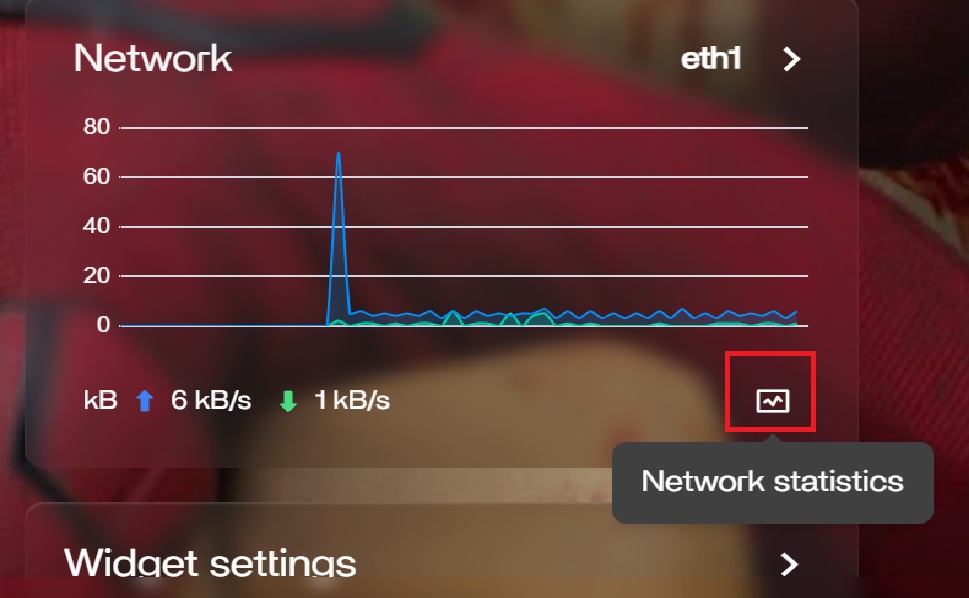
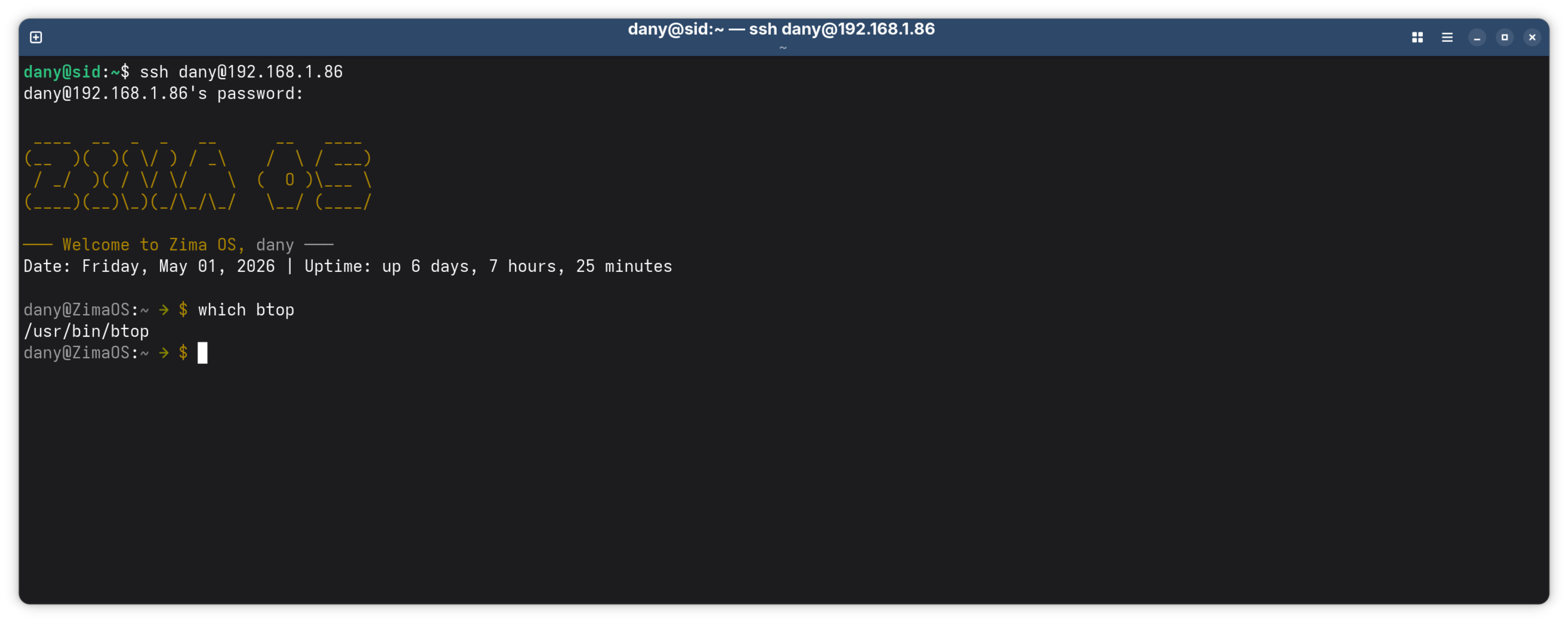
If you’re hoping btop will give you gpu resource monitor on the intel arc card it won’t Dany. Btop is also built into Zima no need to install. click on network statistics on the dashboard. until icewhale make a fix there isn’t an app that will display anything for the arc gpu.
Sorry to hear that Dany, perhaps it’s gotten corrupted from the other version when you where installing/uninstalling you could wait until another user gives you a bunch of commands to try in terminal or try a recovery.
I’m not well versed in linux. Icewhale work Monday to Friday and usually won’t be around to answer technical questions. at the weekend, another user like Gelbuilding might have some ideas for you to try in terminal ro hunt down the cause but quick and dirty a recovery or re-install might be quicker.
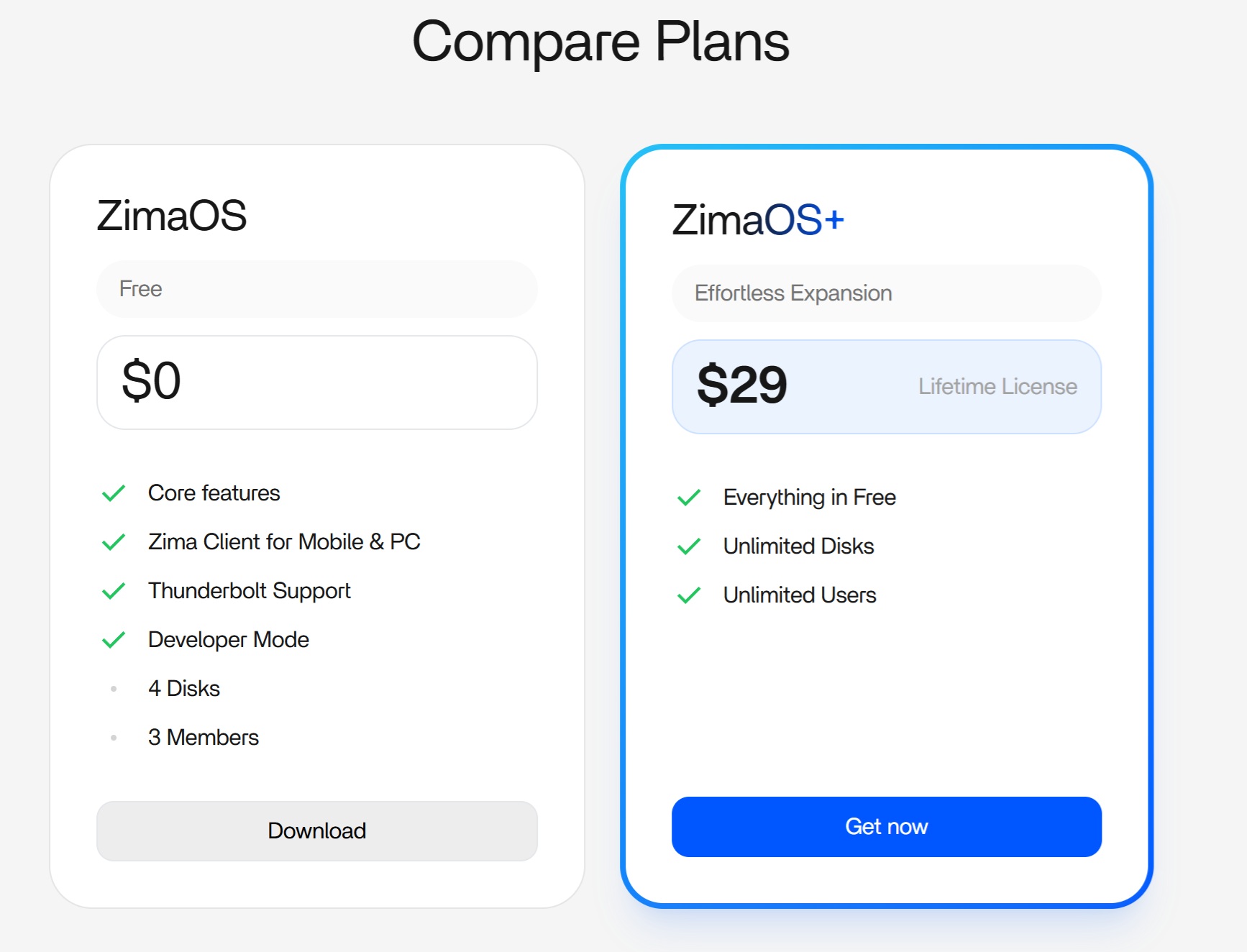
Another thing I should mention is if you are running zimaOS plus version currently and you install new hardware your device code will change which will revert zimaOS back to non plus version. If that happens email community@icewhale.org and let them know so they can give you a new zima plus code to reactivate plus version.
You won’t have to pay again for plus so you don’t have to be worried. The device ID gets generated by the hardware you have installed and upgrades like new graphics cards generates a different device ID and voids the zima os activation linked to the previous device ID. The team are helpful and will give you a new zima os licence code when you email them.
If you’re not using plus version there’s nothing you need to do. If you decide you want to use more than 4 disks and unlimited users then you can purchase zima plus from the zimaspace.com website.
Yeah this is one of those things that looks like a “btop problem” but it really isn’t.
From what you’re describing, nothing’s actually wrong on your side.
btop will only show what the system (or the container it’s running in) can see. So if you’re only getting lo and eth0, that just means there isn’t a second interface exposed there.
The reason James can see eth1 is almost certainly one of these:
his system actually has another interface (second NIC, bridge, VLAN, etc.)
or he’s running btop in a way that has fuller access to the host network (not restricted like the App Store container)
On ZimaOS especially, the App Store version runs in Docker, so it’s pretty common that you’ll only ever see eth0 unless extra network access is given.
Yes, my board has 3 ethernet. 2 in zima (eth0 & eth1) and one assigned to the boards management interface on another vlan. and I’m currently using the btop 1.4.0 built into zimaOS I can cycle through on btop to display lo > eth0 > eth1 > vrbr0 > docker0 > and a few veth.
He’s not doing anything special with btop at all, his system just has more interfaces available, so btop has more to cycle through.
From what he listed:
eth0, eth1 > physical NICs
vrbr0 >libvirt bridge (VM networking)
docker0 + veth* > Docker networking
So when he hits next/previous in btop, it just rotates through everything the system exposes.
In your case, if you’re only seeing:
lo
eth0
then that’s literally all that’s visible in your environment, which is completely normal if you’ve only got one active NIC and you’re not running extra networking like VMs or additional bridges.
On the “how do you enable more network access” question:
You don’t “enable it” inside btop.
Those interfaces only appear if they actually exist on the system and are visible where btop is running.
So:
Host btop > shows all host interfaces (if it’s working properly)
Docker btop > only shows what Docker exposes
The key takeaway here:
There’s no missing setting and nothing broken,
his system is just more complex (multiple NICs + bridges), so btop has more to show.
If your box only has one NIC and no extra bridges, then what you’re seeing is exactly what I’d expect.