The V2 rewrite is at alpha.4 and I’m looking for testers on distros and desktops I can’t cover myself.
 Release v2.0.0-alpha.4 — it does not connect on its own · chicohaager/zima-linux-client · GitHub
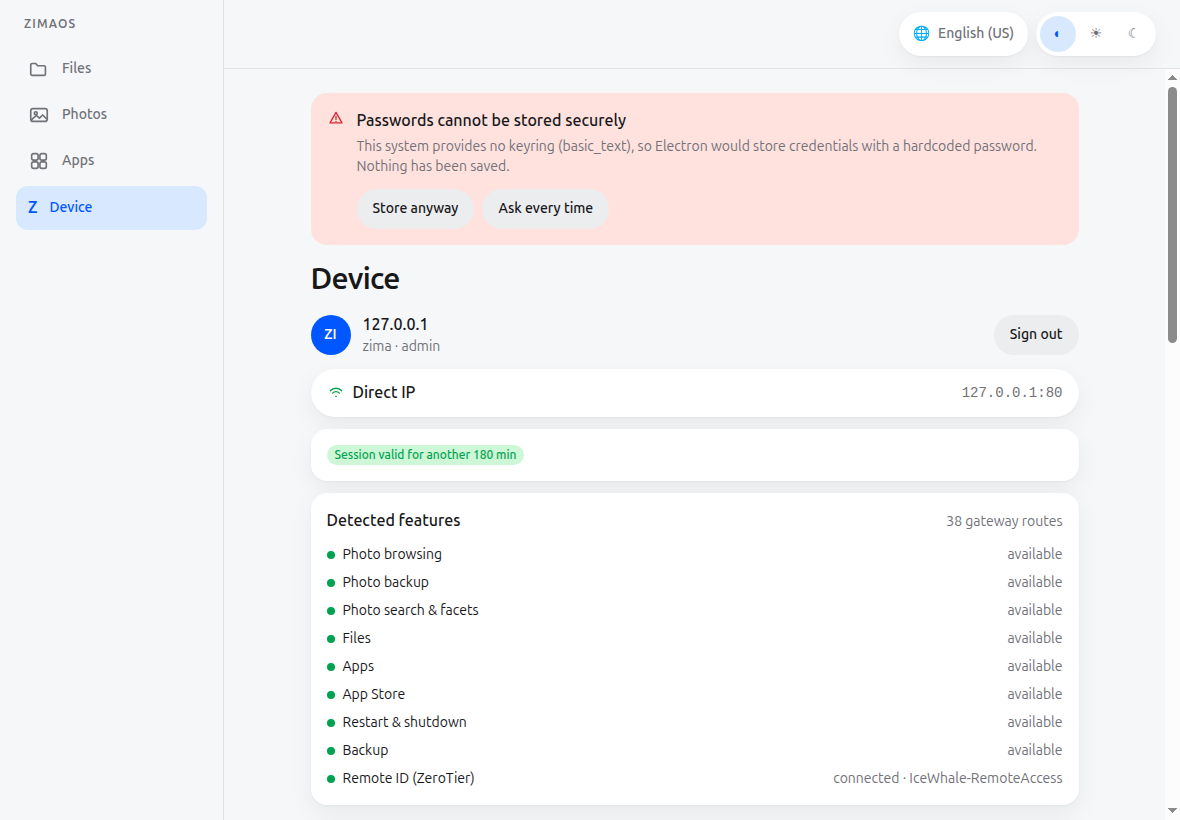
The headline change: the client no longer connects on its own. At start-up nothing reaches out — no session restore, no device list query, no tunnel. A saved device is reached when you press Connect, and not before. Which network you’re on is your decision, not the app’s — opening a ZeroTier road costs a join that can take over your DNS, and that shouldn’t happen unasked.
Pressing Connect on a saved device tries the stored token first, so no password prompt unless the secret is gone or no longer works.
You’re not tied to ZeroTier. ZeroTier ships bundled and works out of the box, but if you already run Tailscale, the client detects it and can use that path instead — both remote routes have been driven on a real desktop. Tailscale is only ever detected, never installed or operated by the client, so your tailnet stays yours. And a stored path isn’t trusted blindly any more: every path that needs no tunnel is probed in parallel and the fastest answer wins, so a Tailscale address that reports active; direct while quietly dropping requests no longer costs you the whole session.
Also in V2: a device found at an unstored LAN address is only ever offered (“Is this your device?”), never adopted; and error messages now carry their actual values instead of raw placeholders.
What’s actually been verified with this build: Zorin OS 18 on a real desktop — device list came up with no session, ZeroTier route connected, files/photos/apps working. The wider matrix (Ubuntu 22.04 + 24.04, Debian 12, Fedora 41, Arch, openSUSE Tumbleweed under Xvfb) last ran against an earlier payload — packaging unchanged since, app code not.
Packages: .deb / .rpm / .pacman / AppImage / tar.gz — x86_64 only, nothing signed. install.sh does checksum, install and a post-install check (--check, --repair, --uninstall). Note: the Remote-ID route needs CAP_NET_ADMIN, which only deb/rpm/pacman can grant — it won’t work from the AppImage.
Please report back which distro you tested on — distro + version, desktop environment, X11 or Wayland (echo $XDG_SESSION_TYPE), which route you used (LAN / ZeroTier / Tailscale), and whether it worked or not. Both outcomes are useful. If something breaks, send the full output of install.sh (it records the environment) plus ~/.config/zima-linux-client/logs/main.log. A start failure with no window and no message is the most valuable report of all.
Thanks! 
Holger - Lintuxer
