Hello,
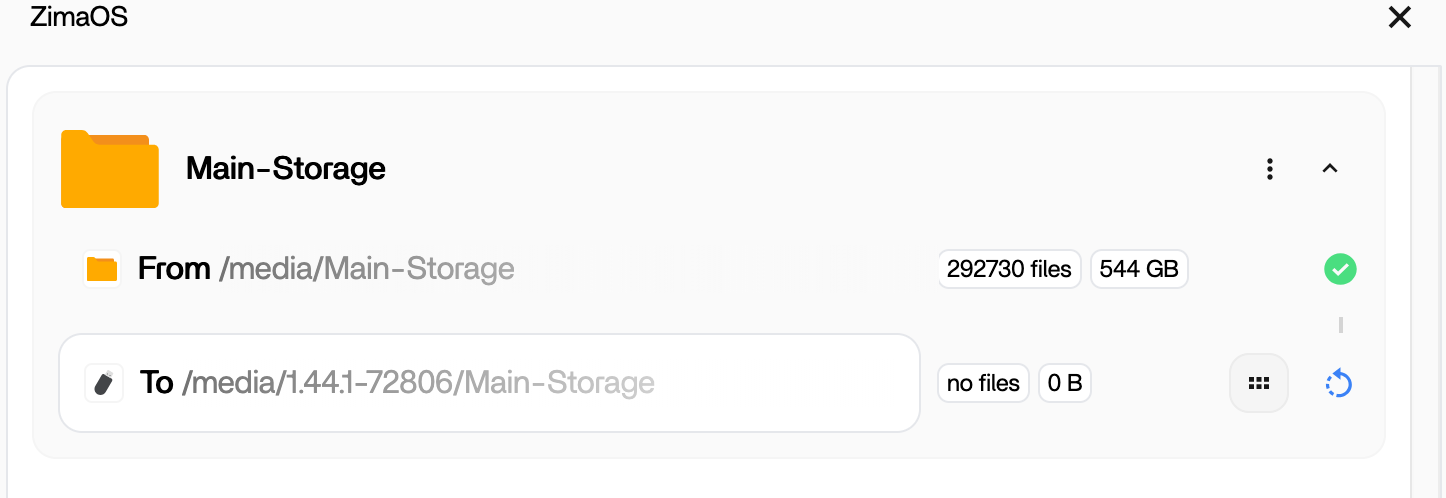
I have a USB hdd plugged into my NAS, it can be seen by ZimaOS and i have no issue browsing the contents via Files. I have used the inbuilt backup app to backup the contents of Main-Storage to the USB drive. As seen in the picture below.
I have since added a folder onto the Main-Storage area, but this has not synced over to the USB drive. And i made it 15 mins ago at least.
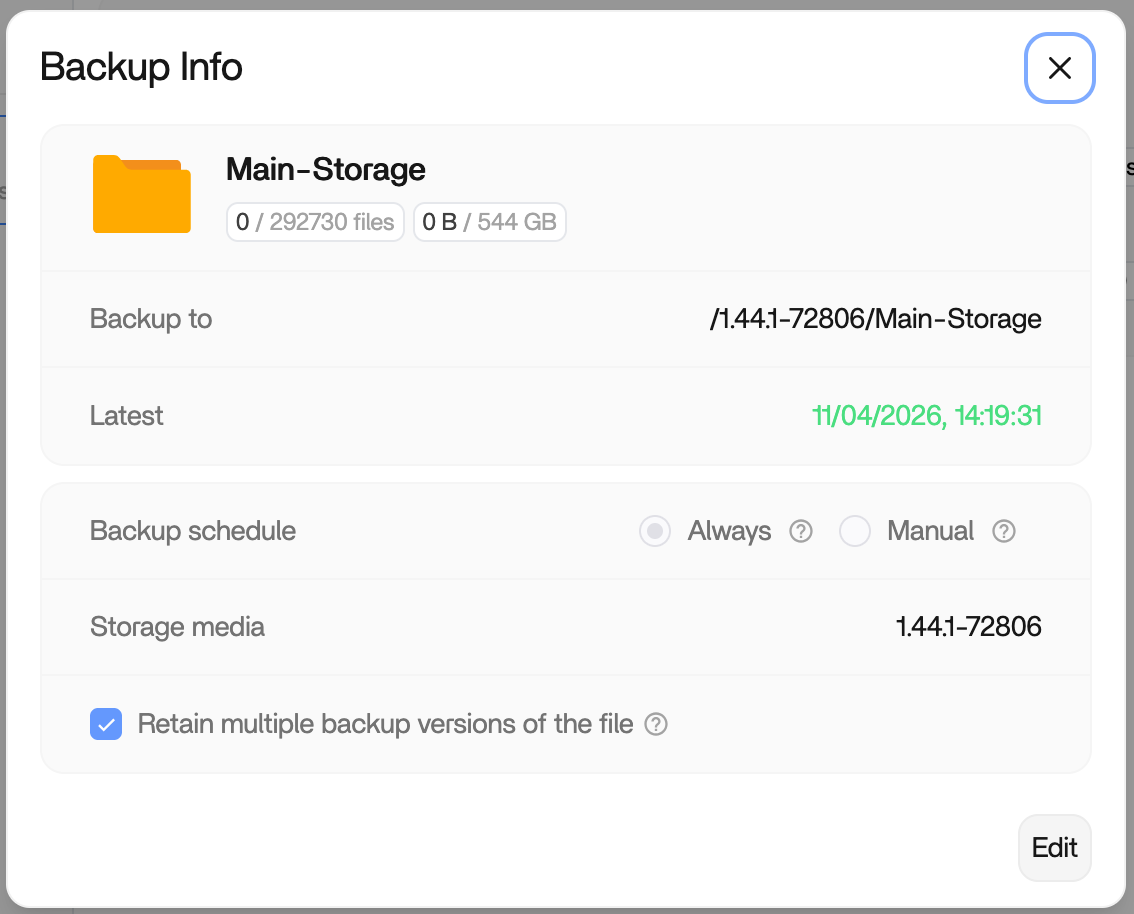
After looking at the settings for the backup as details below, it advises that this is a constant backup. Once a change is made on the NAS, it should back up to the USB Drive.
Is there something i have not configured correctly here, or are there some logs i can look at to dig a bit deeper as to whats going on??
Thanks
Following, I’m seeing the same behavior, Backup runs only once and doesn’t add any changes.
Are you choosing Main-Storage as the source of the backup? Then getting it to goto the USB drive. I have been able to get it working, by picking each folder i want to backup. This is not a great fix going forward, as i dont want to have to add every folder to the backup list.
Yes, I’m backing up Main-Storage to the USB drive. Like you, I would not like to choose individual folders.
I have since moved to individual folders, as its the only way i could get mine working. Its not ideal, but it works. And i dont add that many folders on the top level, that once its setup its a bother.
I am experiencing the same behaviour, which in my view is simply a bug that needs to be resolved sooner then later.