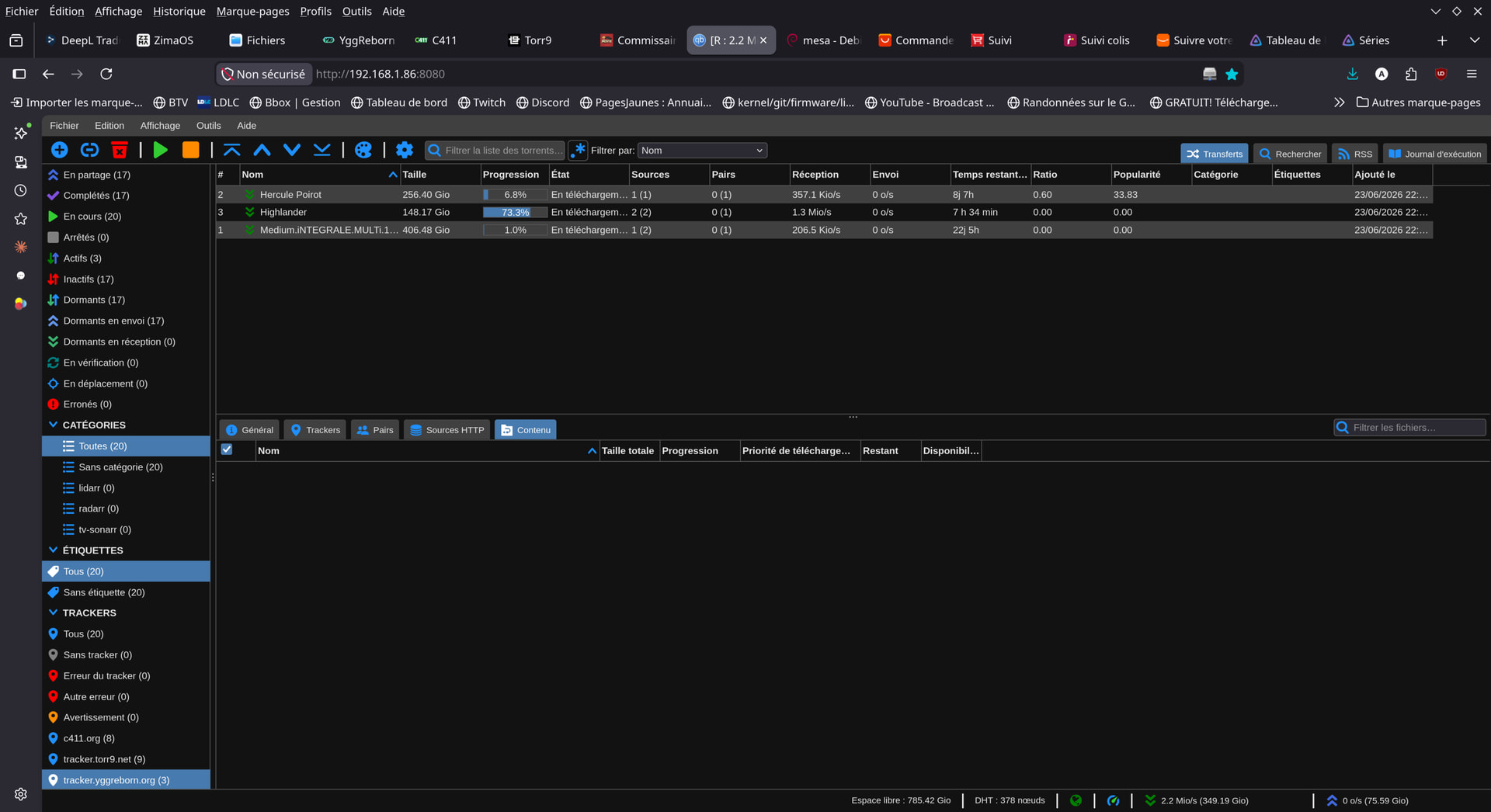
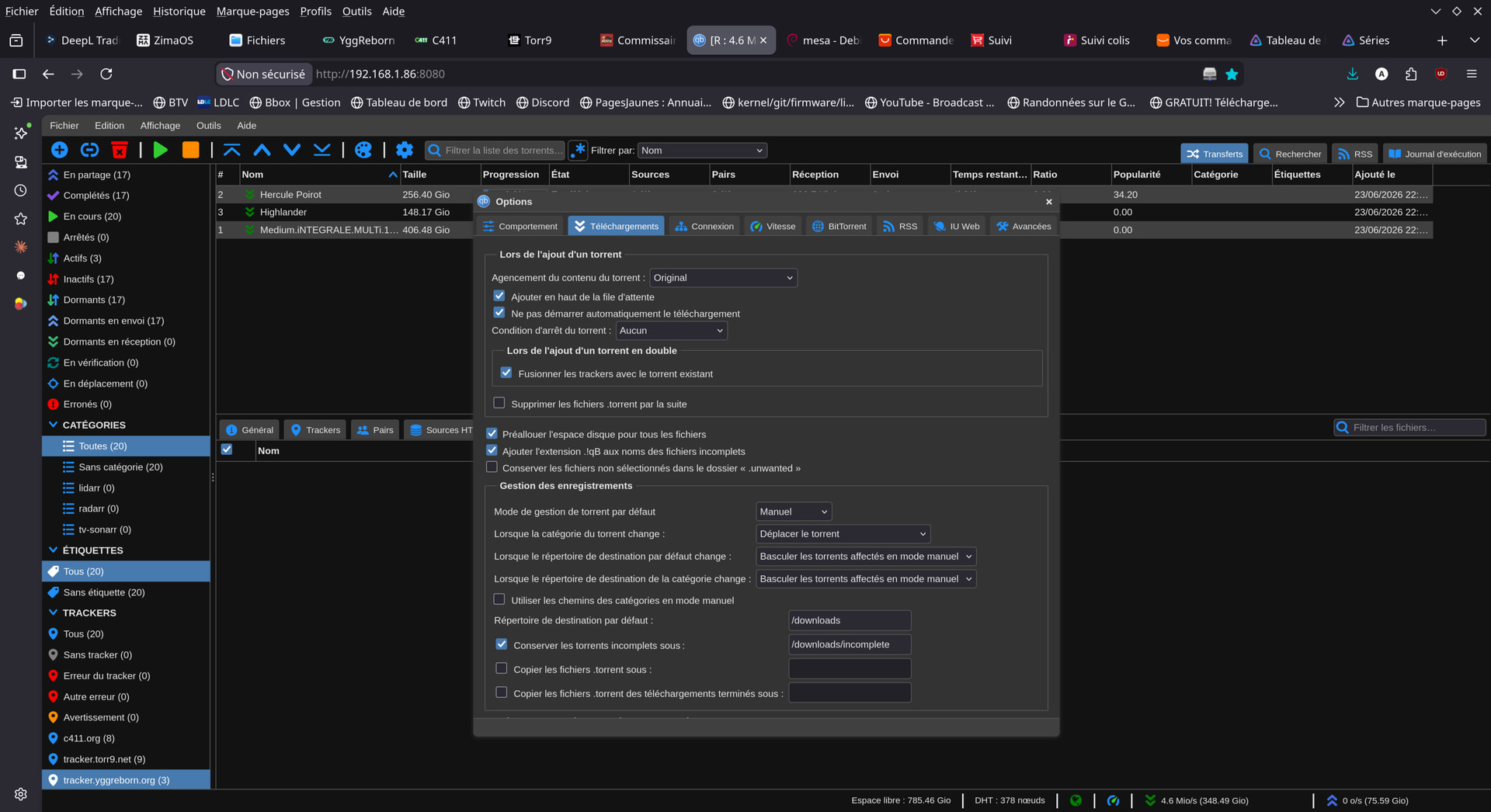
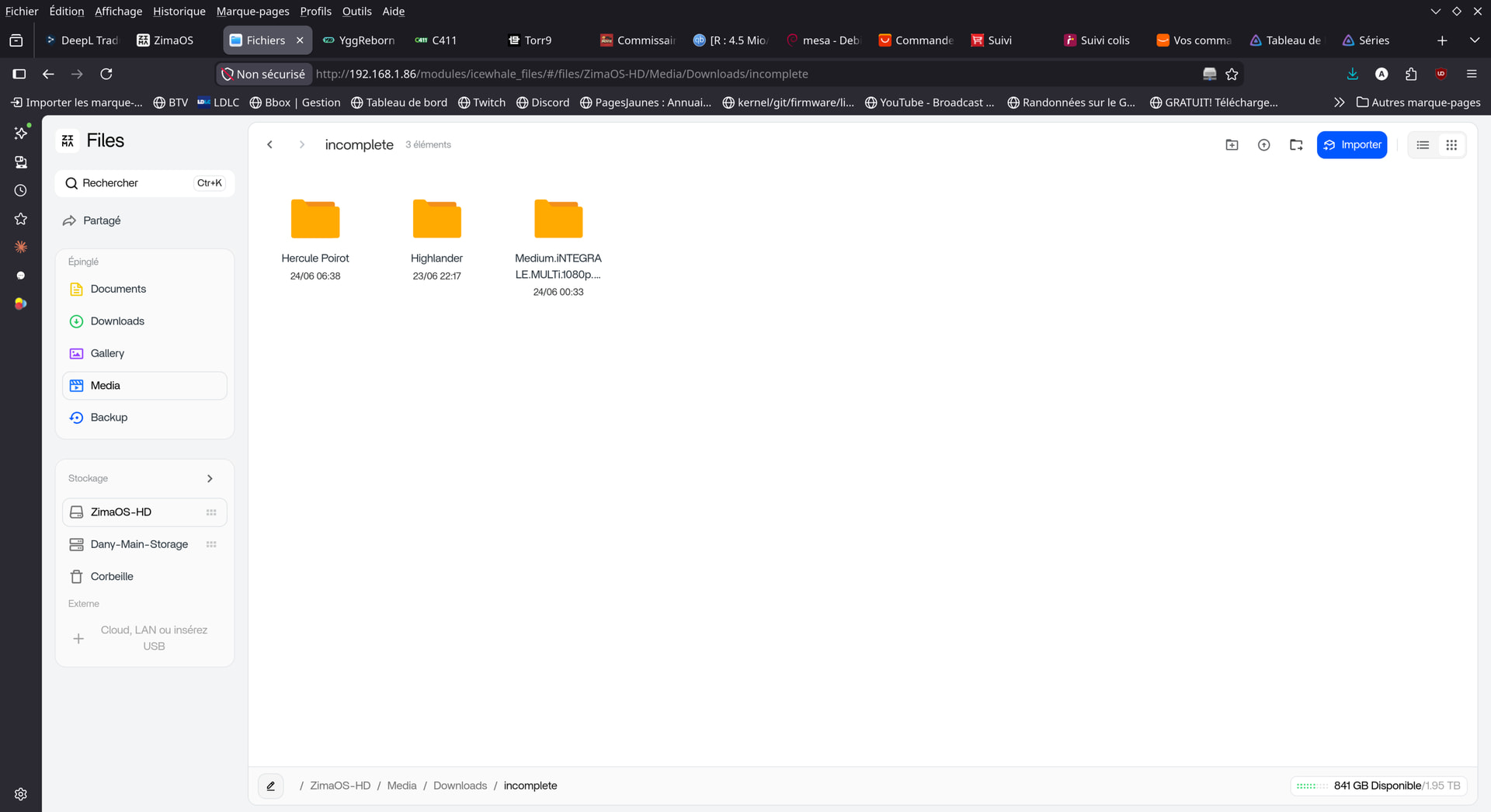
Pre-allocation is only needed when the filesystem cannot manage fragmented files… All modern filesystems do that gracefully and this option is unnecessary : therefore, the available space shown is the actual available space on your disk and, indeed, decreases as your downloads complete.
When you mark pre-allocate all files it is reserving the space in the disk for the complete download and shows less free space on the bottom right away instead of the free space getting less as you download.
I like this because I can directly see if it still fits on my disk and I will not run out of free space. But generally I try to plan my downloads this way to not fill the disk completely and leave approximately 30% of free space avalable for smoother operation and less fragmentation
Today it is very easy to understand that text. Just take the link and ask free ChatGPT to convert it to your preferred language or even give you comments about it so you could understand it better.