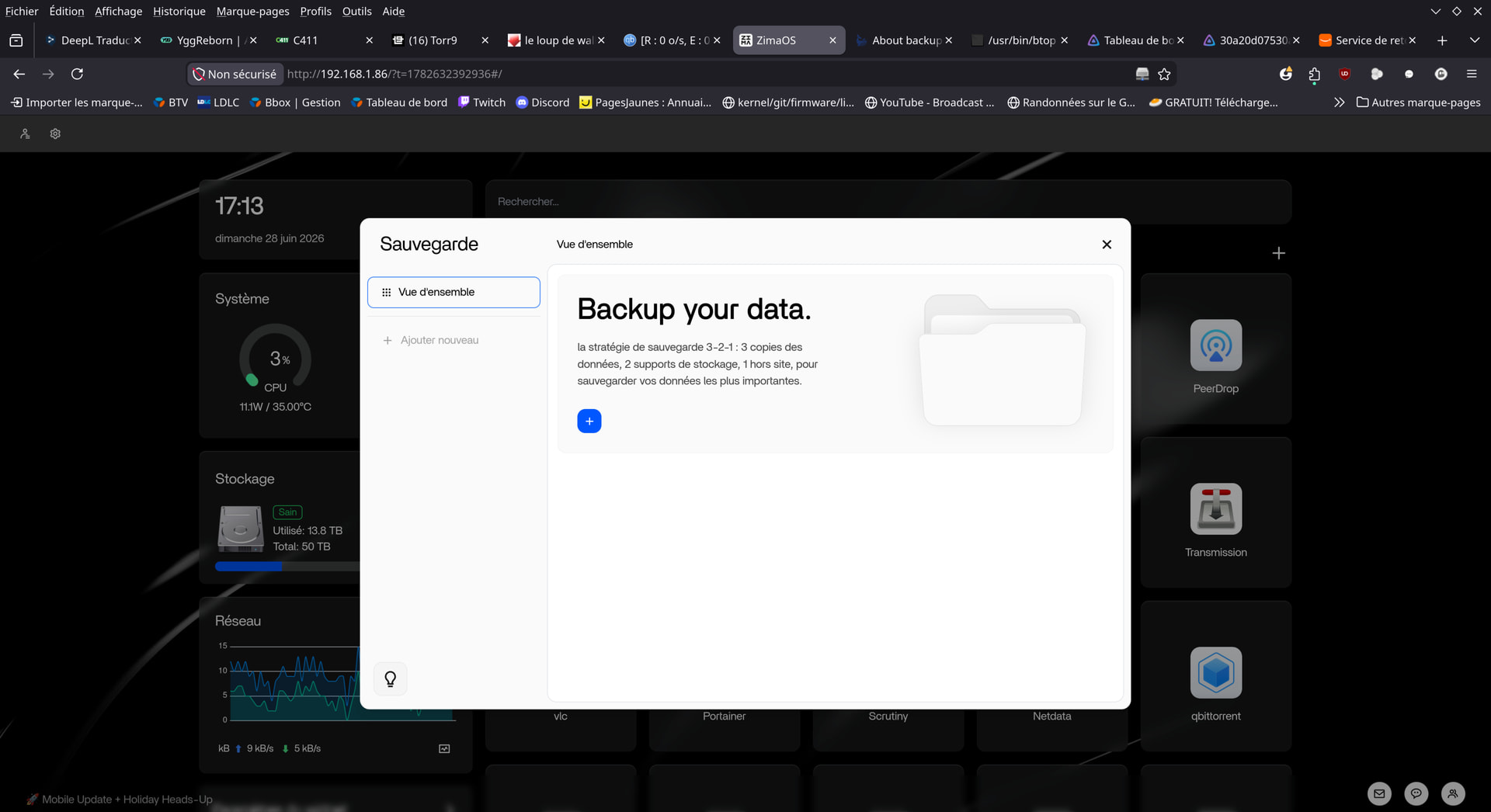
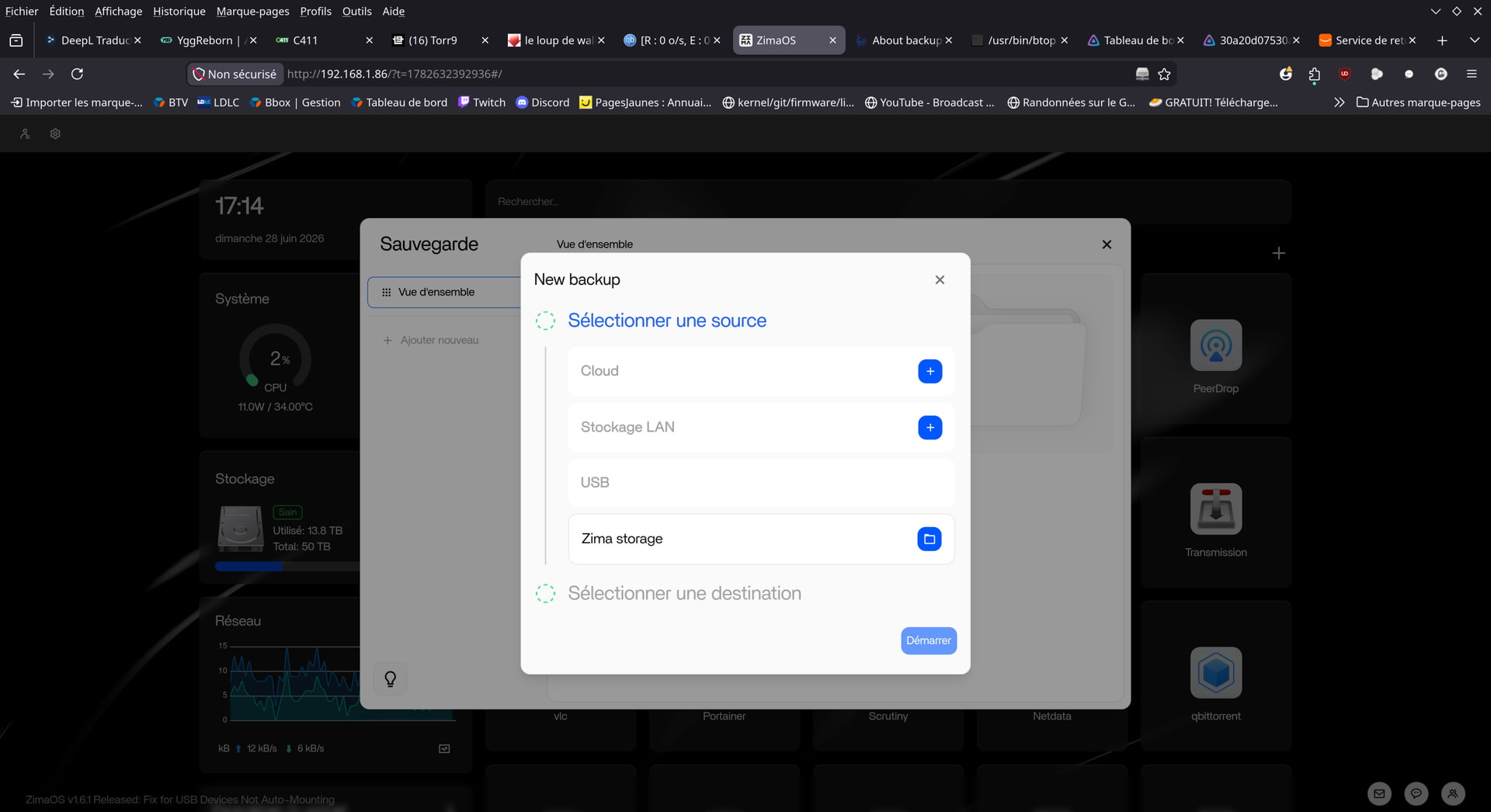
The simplest and cheapest option to begin with is using an external drive to save your most valuable files on a regular basis : meaning your data (files, photos…). This can be done manually or you can set up a cron job to do it for you, and you can also add the various apps settings yoiu’re using to this basic schedule : to be honest, backing up the entire system doesn’t really matter as it can always be reset or reinstalled on a new machine… But you will never ever be able to reshoot your holiday photos from last summer in Xalapa !!!
Next step could be to set yourself up a NAS to automate your backups : it’s not complicated and there are plenty of examples available on the interweb. Note that the Zimablade NAS kit is perfect for this kind of task (and Im’ not working for them ).
Add to this second (encrypted) backup, using a cloud account (free or paid depending on your storage needs) : Google Drive, OneDrive, Dropbox, Mega… Just choose your weapon
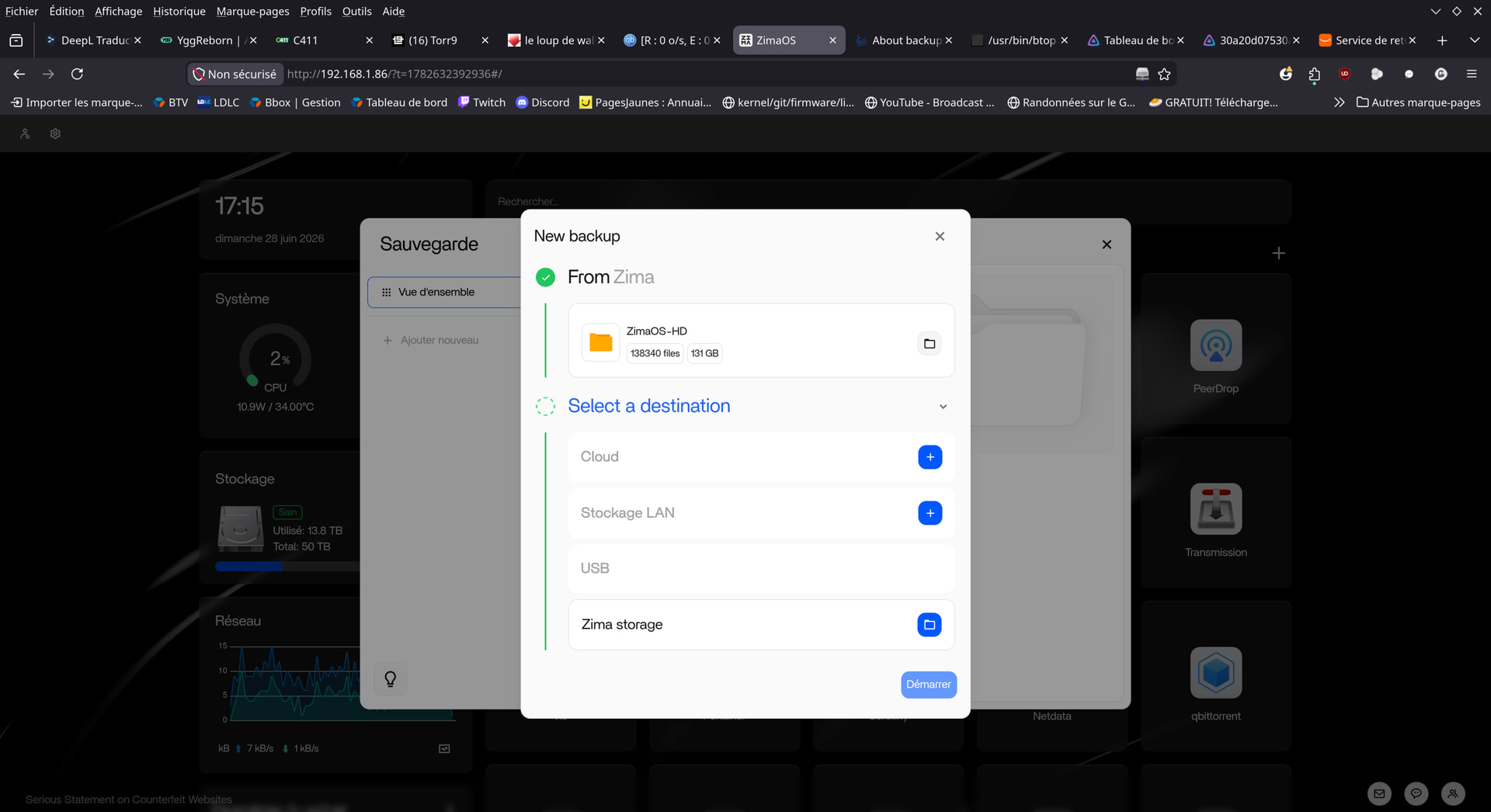
Can’t say what’s precisely being backed up (everything ?!) but here it says your backup size is 131 Go, so you can start with a backup onto an external hard drive and another onto a cloud account : free plans won’t be enough but pCloud or Internxt, to name a few, offer lifetime plans that are interesting.
 ).
).