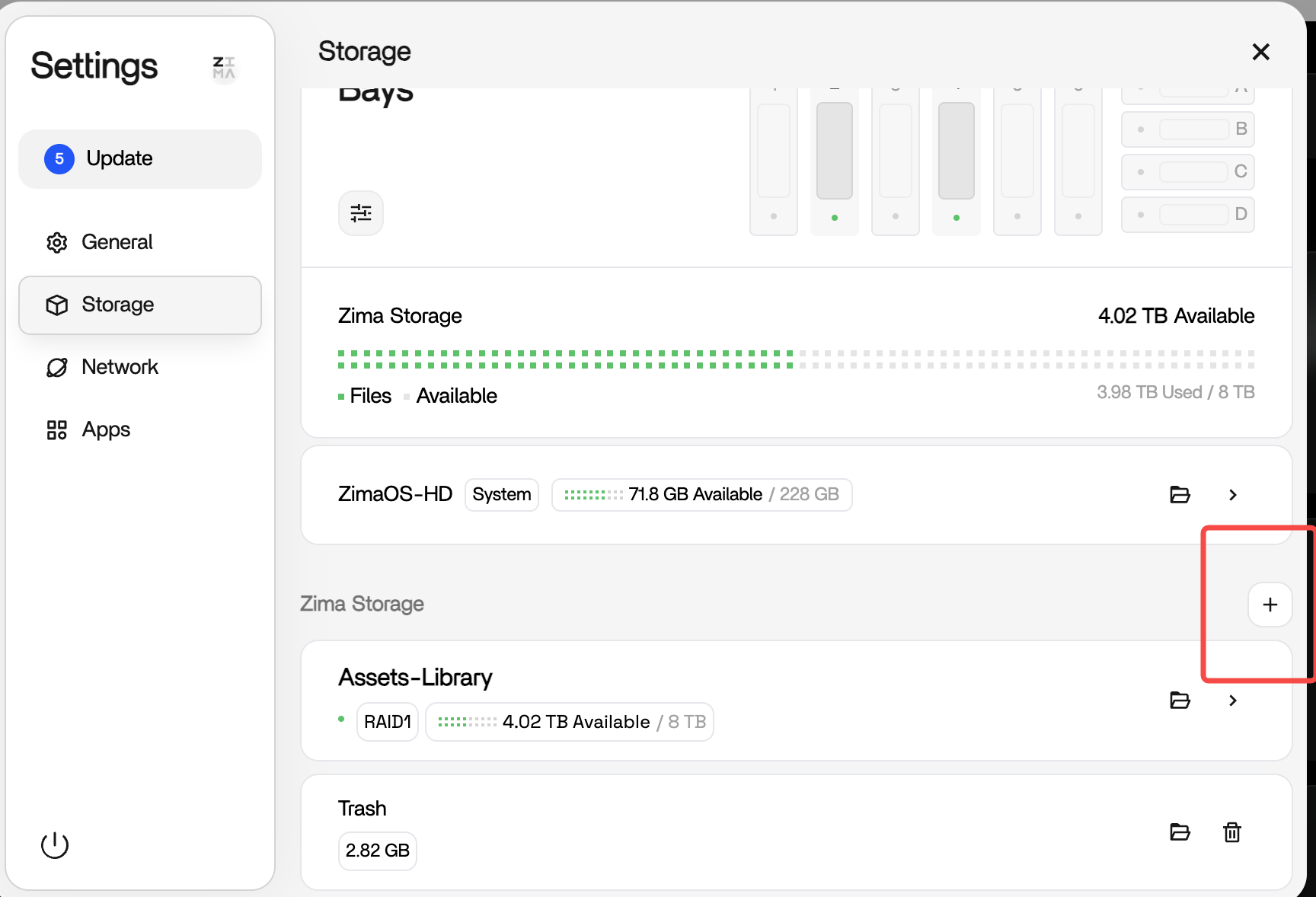
Yeah this lines up with what others are seeing and the main thing here is you’re on 1.6.0-beta1.
That’s a beta release, so issues like this can happen. It’s meant for testing and catching bugs, not something you’d rely on as a stable setup.
Your drives aren’t actually gone, the system still detects them (lsblk / lsusb). It’s just not mounting or re-attaching them properly after the update, so the UI makes it look like everything disappeared.
The key detail is what you already confirmed, boot back into 1.5.4 and everything works straight away. That tells us your data and hardware are fine, this is just a regression introduced in the beta.
So yeah, nothing you did wrong at all. This is exactly the kind of thing beta versions are meant to expose.
Best move is just stay on 1.5.4 for now if you need stability and wait for the next release where this gets fixed.
thank you i had actually figured out before you messaged me. i do not normally use a keyboard, mouse, or monitor on my server. Sadly i had loaned my last keyboard/mouse out so i had to move my keyboard and mouse from my pc over to do it. i connected my server to an extra monitor and had at it. what a pain. you finally get it up and it gives you like two seconds to make a choice. unlike yours mine was slot a ….. i must of went thru restarting etc a dozen times before i finally got it. Thankfully i have plex up again.