After update to 1.4.4.beta1 no folders to select in settings

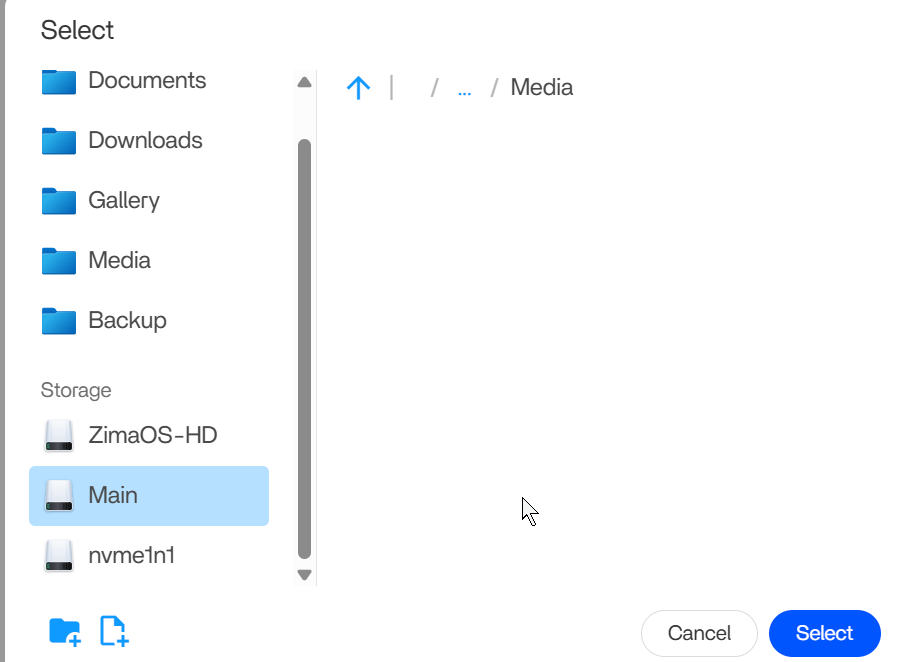
After I have updated recently, I now find myself in an situation in which I cannot select folders anymore in the settings form. When I click on the [*] button, the file system stays empty.

I can change the folder names by hand. But it is easier if you can select the correct folder. Is this a bug? Did I do something wrong?

Also 5 apps need to be (re)started by hand. After every reboot.

Can you tell me in what circumstances you can/cannot select a folder? Please give us context so that we can investigate.

And according to some reports, after you restart the machine and launch every app, restarting these apps again may make them start up automatically on the next machine reboot. Look forward to your test and reply.
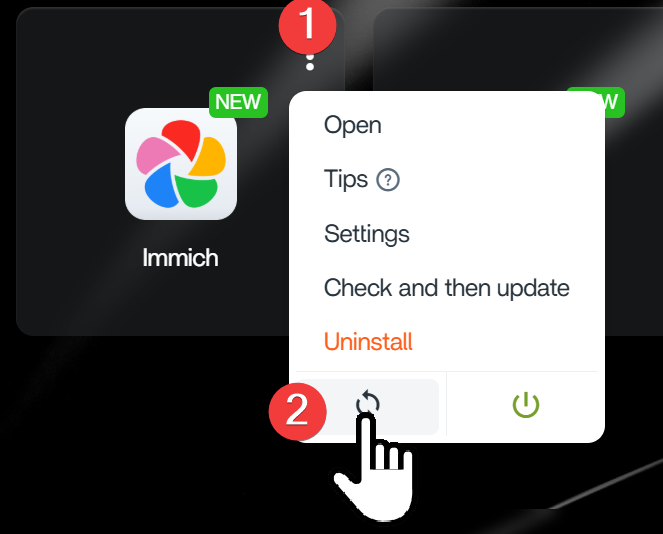
You can do it like this:

  1. In settings of an app, when you want to change a volume.
  2. I have tested this. Does not work unfortunately. What does work, is that I save the settings again. And restart the app.
  1. Folders will be listed in the Files App.

  2. Sorry for that, we will investigate it in this post. not automatically restarting.